The “Sweet Kicks!” badge in Sonic Ultimate Roleplay is tied to a single hidden object on the map. Find Modern Sonic’s red shoes, touch them, and the game hands you both the badge and the FrontiersSonic morph in one motion. There is no quest chain, no currency, and no timer involved. It comes down to reaching one platform.
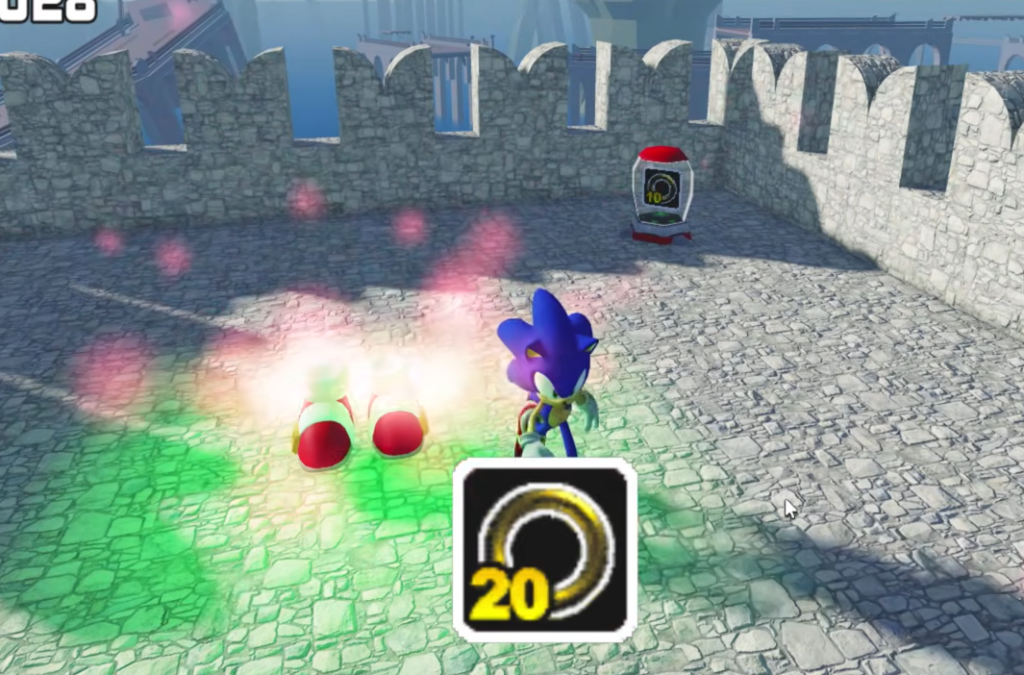
Quick answer: Parkour across the town rooftops and jump onto the top of the tall stone castle tower, then touch the glowing red shoes. The badge unlocks instantly and adds “FrontiersSonic” to your character menu.
Where the Sweet Kicks shoes are located
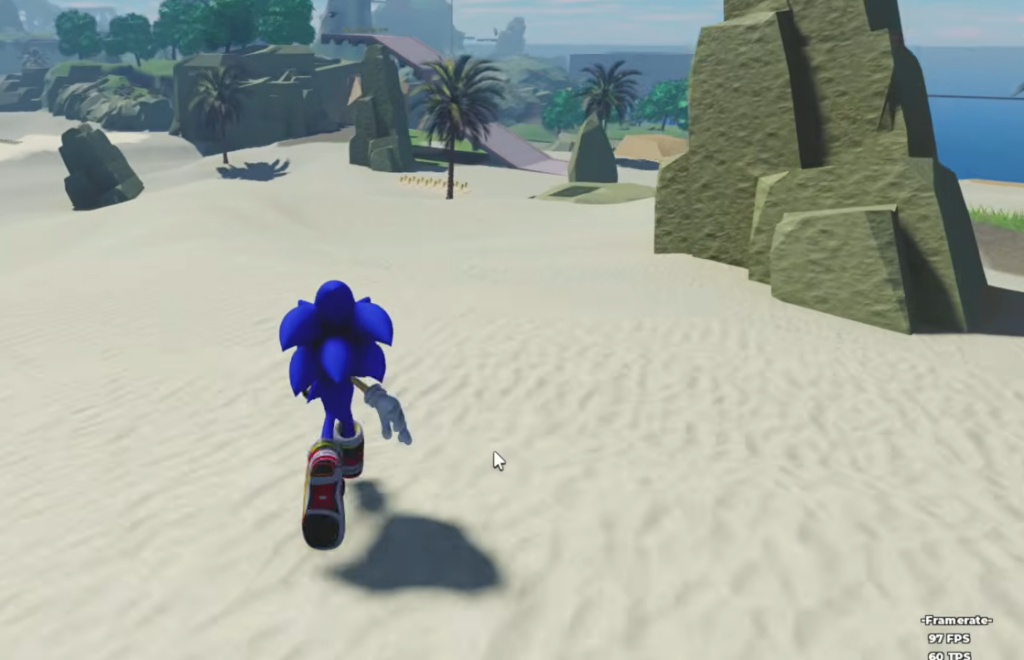
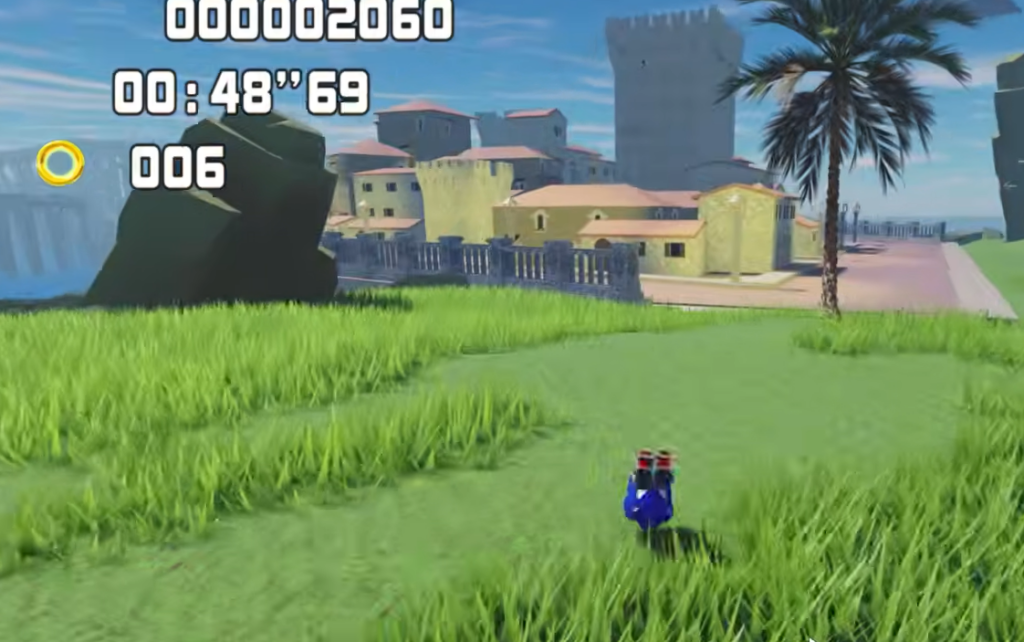
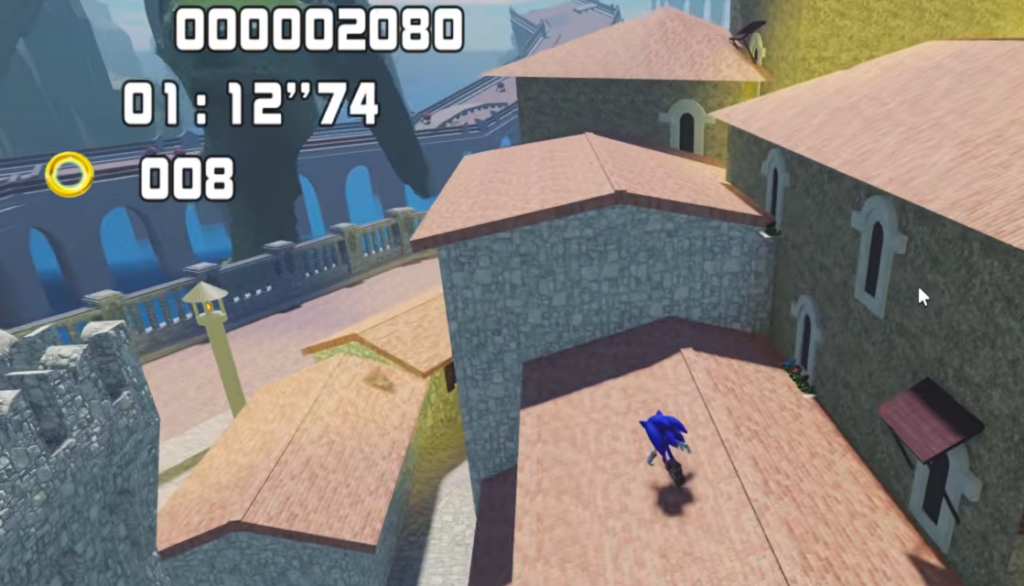
The red shoes sit on the top platform of a tall stone castle tower inside the Mediterranean-style town. To get there, you start on the sandy beach, move inland into the cobblestone town, then climb up to roof level and cross the rooftops toward the tower. A golden Super Sonic statue stands nearby as a visual landmark, so if you can see it, you are close to the correct jump.
The shoes glow, which makes them easy to spot once you are on the tower. The tricky part is the final leap. You jump from the highest rooftop to the tower platform, and missing that gap drops you back down to street level.
How to reach the shoes and claim the badge
How to know it worked
You get a clear on-screen confirmation. A “Badge Awarded” notification appears announcing that you won the “Sweet Kicks!” award, and your character briefly glows. That notification is your proof the badge registered.
Touching the shoes also unlocks the morph. Open the character selection menu and you will now see “FrontiersSonic” listed alongside options like SHADOW, SUPERSONIC, and DARK SONIC. Select it to switch into the Modern Sonic skin.
Common reasons the badge does not trigger
| Issue | Fix |
|---|---|
| You never touched the shoes | The badge only awards on direct contact with the glowing red shoes, not on reaching the tower. |
| You keep missing the final jump | Climb back to the highest rooftop and re-attempt the leap to the tower platform. |
| You fell off the rooftops | Return to the town stairs, climb back to roof level, and cross the rooftops again toward the tower. |
Once FrontiersSonic sits in your character menu, the morph stays available for that account, so you only need to make the rooftop climb one time. After that, switching to the Modern Sonic skin is a menu selection whenever you want it.