Sprunki RP 3D, which appears in the lobby as Sprunki Roleplay, has three Halloween morphs tied to secret badges: Oren Halloween, Durple Halloween, and Sky Halloween. None of them cost Robux. Each one is a small object hidden somewhere on the Normal World map. Walk up to it, interact with it, and the badge and morph unlock on the spot.
Quick answer: Enter the Normal World portal. Find Oren’s pumpkin head behind the building by the playground, Durple’s purple hat on the soccer pitch, and Sky’s bowler hat in the upstairs bathroom of the second house. Press E on each.
Halloween badge locations in Normal World
| Badge | Item to find | Area | Exact spot |
|---|---|---|---|
| Oren Halloween | Orange pumpkin head | Playground, near clock tower | Sand at the back corner of the brick building |
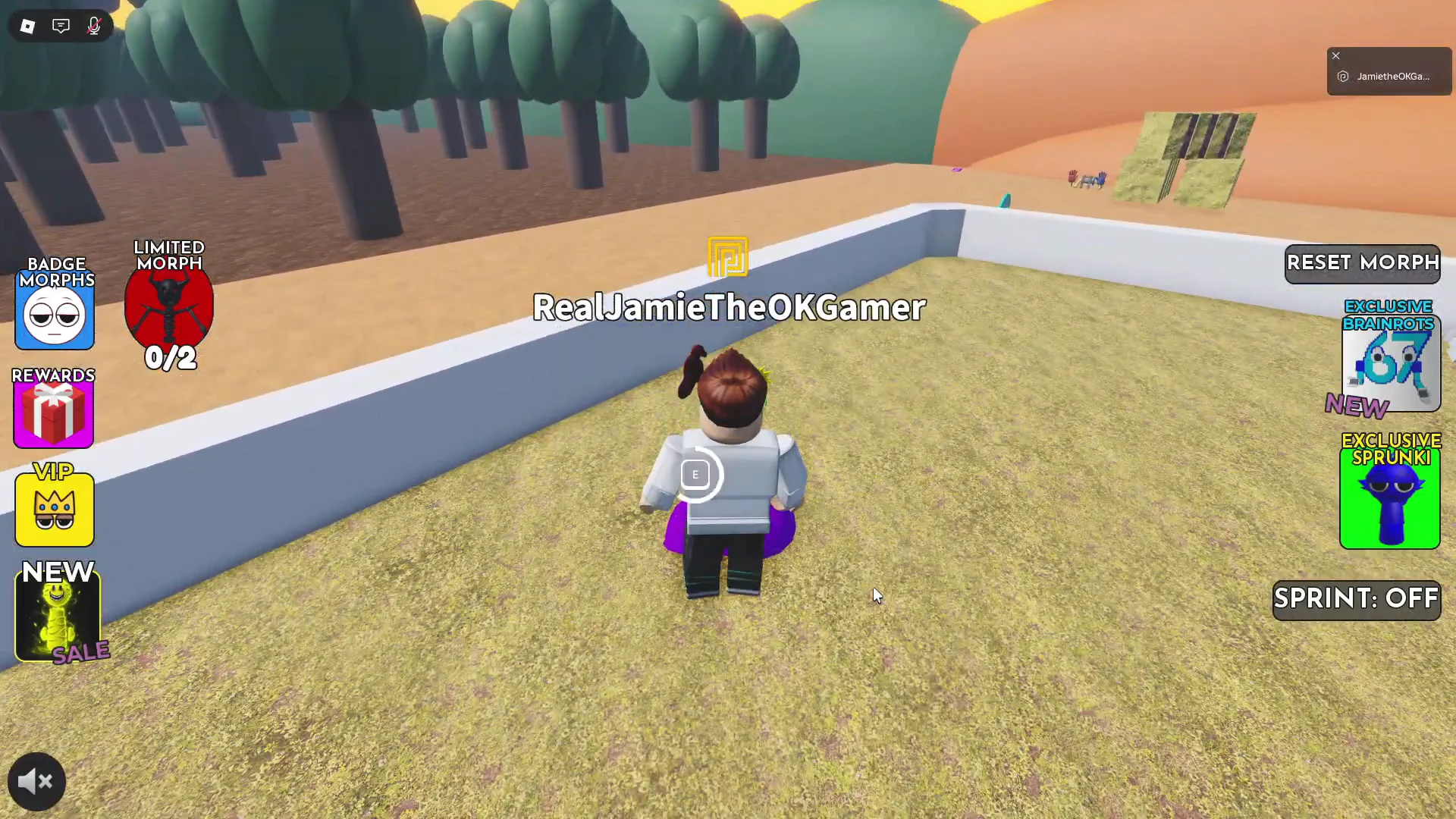
| Durple Halloween | Purple hat | Walled soccer pitch | On the grass against the outer white wall |
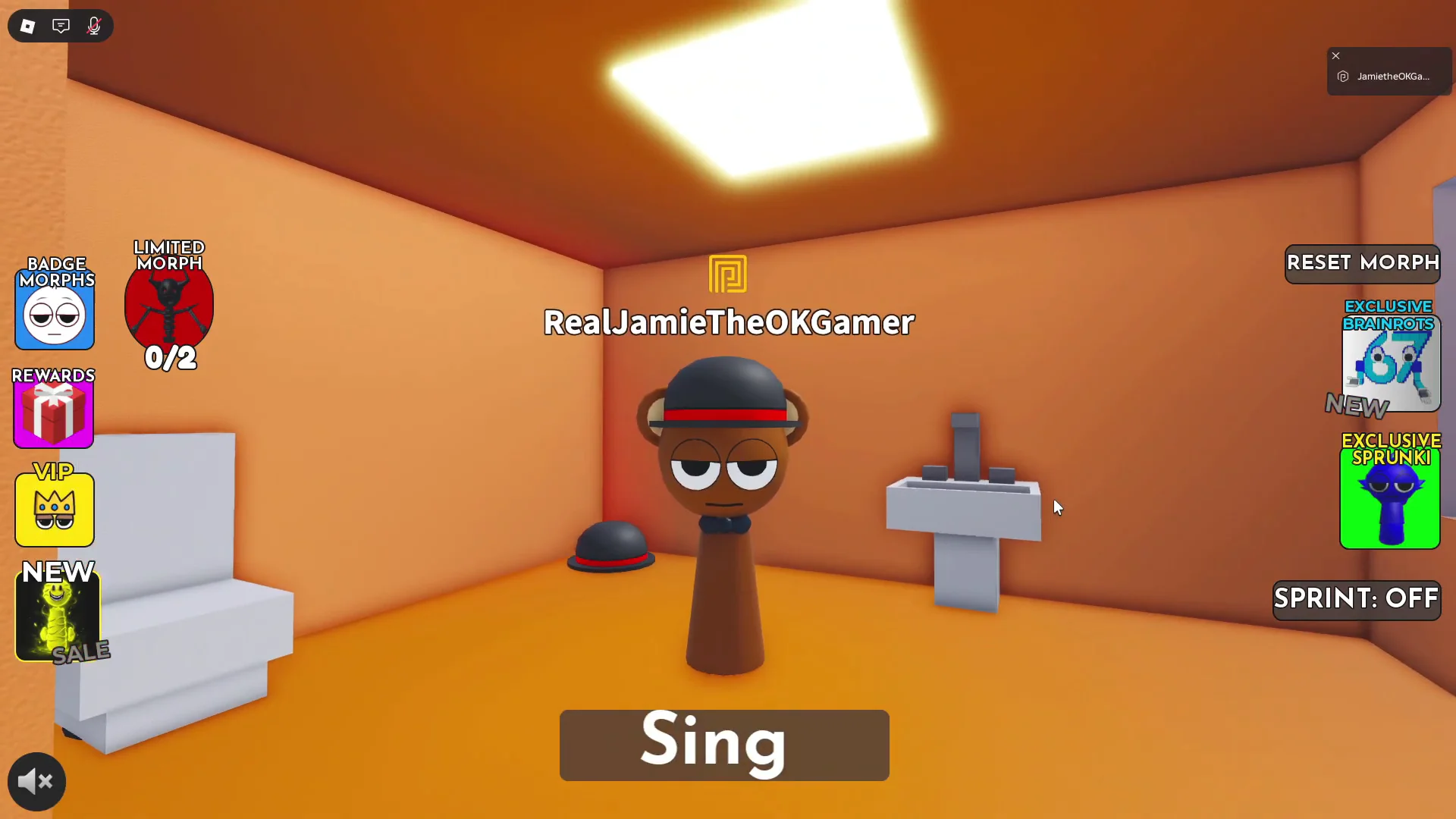
| Sky Halloween | Black bowler hat, red ribbon | Second two-story house | Upstairs bathroom, corner by the sink |
All three routes start in the same place. From the main lobby, go to the central portal on the red carpet labeled NORMAL WORLD. The other two lobby portals, DARK WORLD and PARASPRUNKI SAFE WORLD, do not lead to any of these badges. You can grab all three in one visit, or return to the lobby between pickups and walk through the portal again so you start each route from the spawn point.
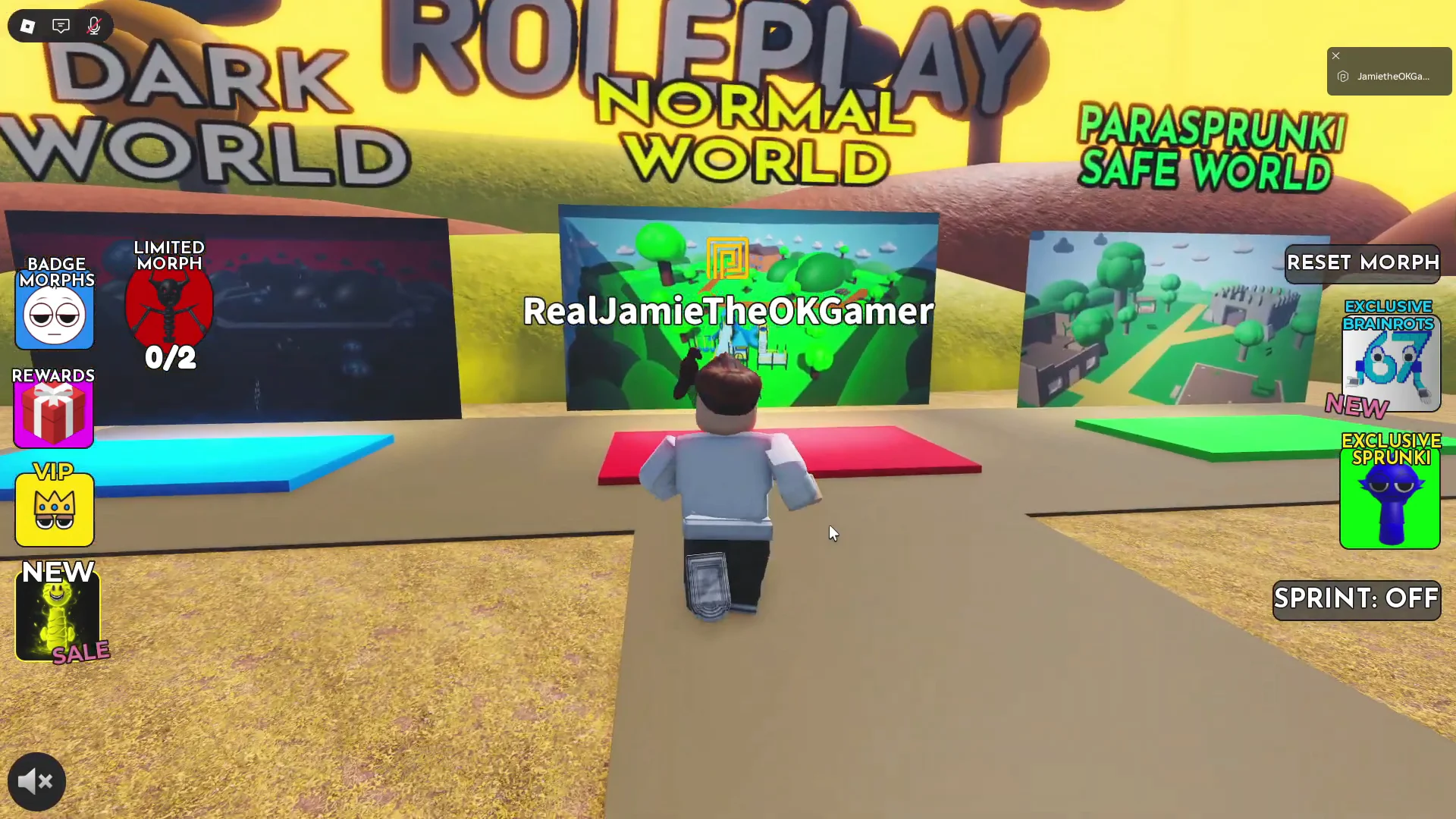
Some Sprunki RP 3D builds have a lobby with a Horror portal instead, and in those versions the Halloween morphs are hidden in different places. The routes below match the lobby with Dark World, Normal World, and Parasprunki Safe World portals.
Routes to each Halloween badge from the Normal World spawn
Oren Halloween: behind the brick building at the playground
[E] Interact prompt appears. The Oren Halloween badge and morph unlock right away.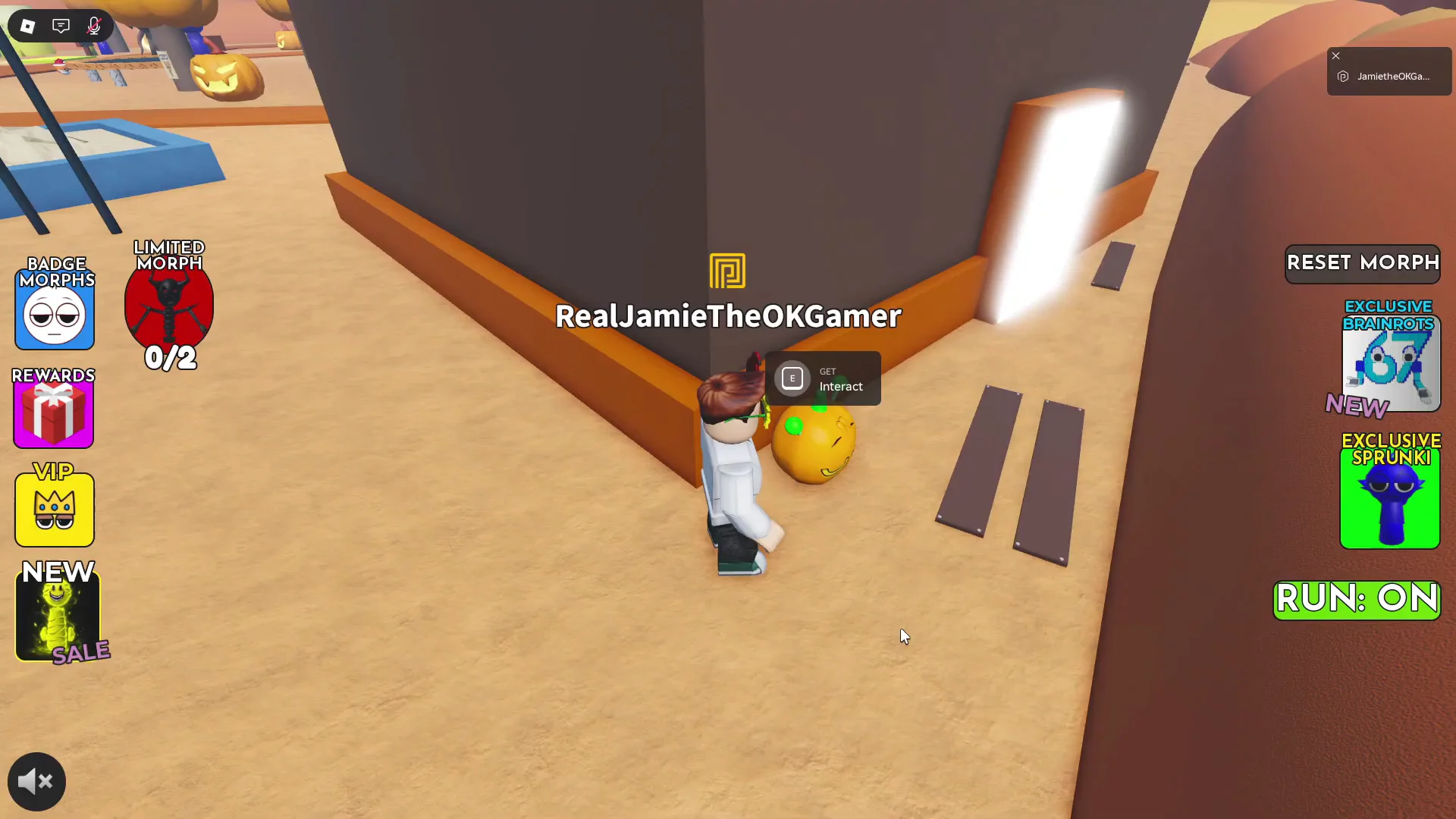
Durple Halloween: on the walled soccer pitch
Sky Halloween: upstairs bathroom of the second house
How to confirm each Halloween badge unlocked
A pickup that worked triggers Roblox’s standard badge notification in the bottom-right corner of the screen. There is no delay and no extra step to claim it. Each badge has its own message:
Badge Awarded! You won Oren Halloween!Badge Awarded! You won Durple Halloween!Badge Awarded! You won Sky Halloween!
The morph also becomes available to equip as soon as the badge pops. With a Halloween morph on, a Sing button appears. Pressing it plays that character’s own music loop and animation, and the button changes to Stop Sing while the track is playing. To go back to your normal Roblox avatar, use the RESET MORPH button in the top-right corner.