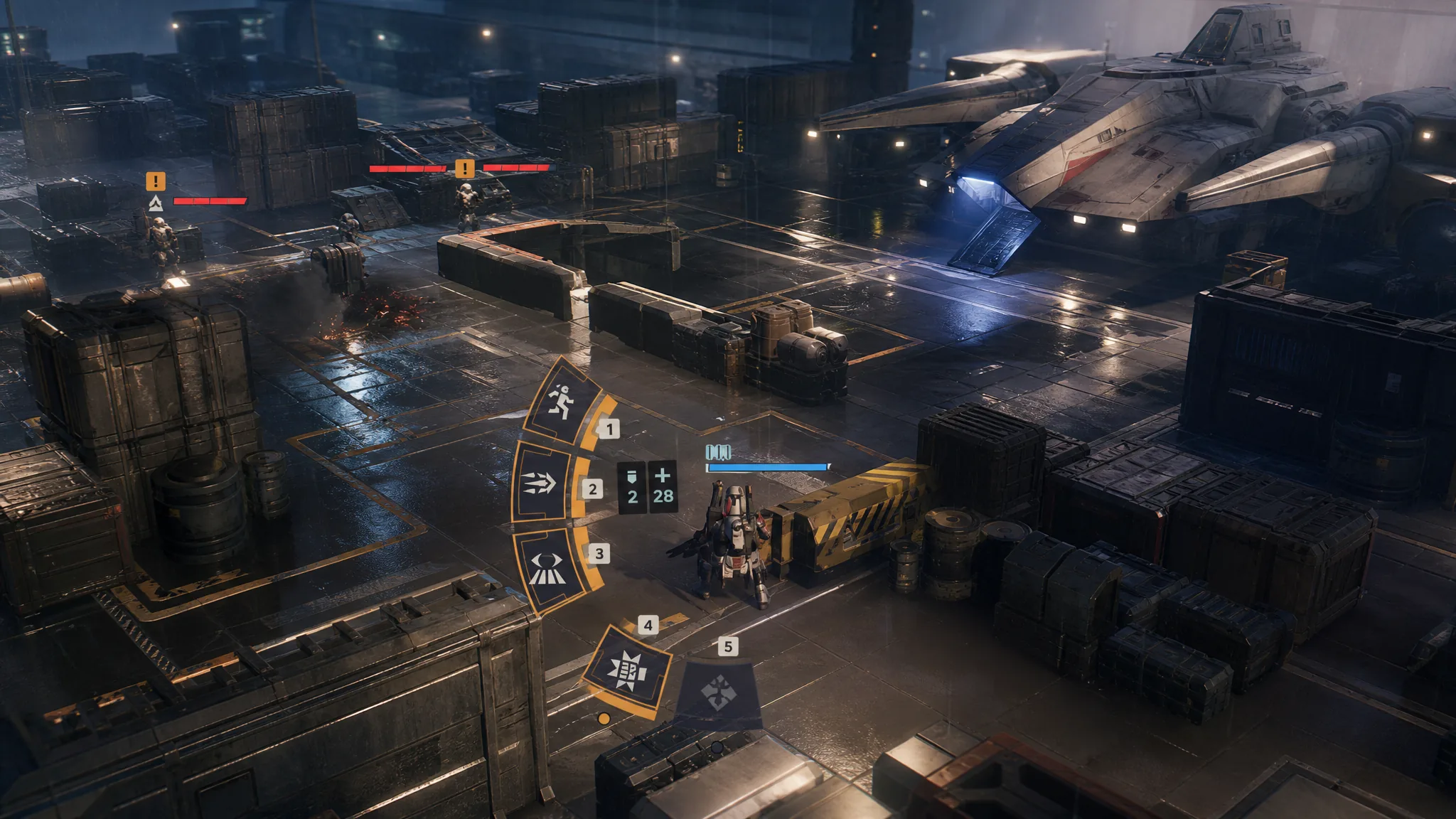
Rocket Strike is Trick’s special action in Star Wars Zero Company, and it turns a cluster of enemies into an easy clear. The move fires a rocket at a marked spot on the battlefield, damaging everything in the blast radius and destroying the cover those enemies were hiding behind.
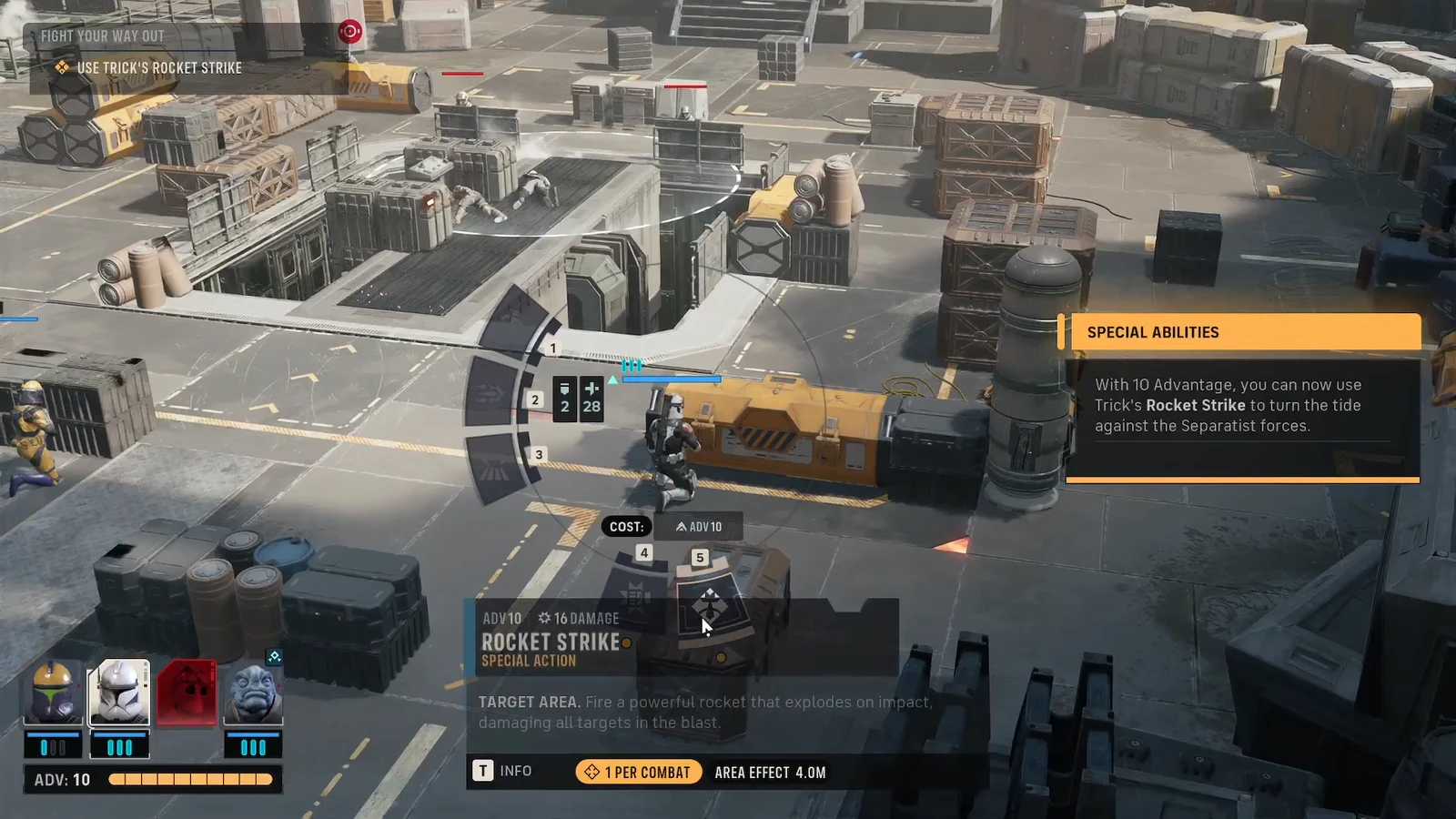
Quick answer: Select Trick, open his action wheel, choose Rocket Strike (costs 10 Advantage), place the red target circle over a group of enemies, and confirm to detonate.
What Rocket Strike costs and does
Rocket Strike runs on Advantage, not Action Points. Advantage is a squad resource you build by landing hits on enemies, and it caps at 10. Because the ability drains the full 10, you can realistically fire it once per fight unless you rebuild the meter back to maximum during a longer encounter.
The rocket hits everyone inside the target radius, not a single enemy. It also blows apart destructible cover, which strips the defensive bonus enemies rely on and exposes any survivors to follow-up fire from the rest of your squad.
| Detail | Value |
|---|---|
| Ability type | Special action |
| Cost | 10 Advantage |
| Action Point cost | None |
| Effect | Area damage, destroys cover |
| Fully upgraded bonus | Applies Vulnerable |
How to fire Trick’s Rocket Strike
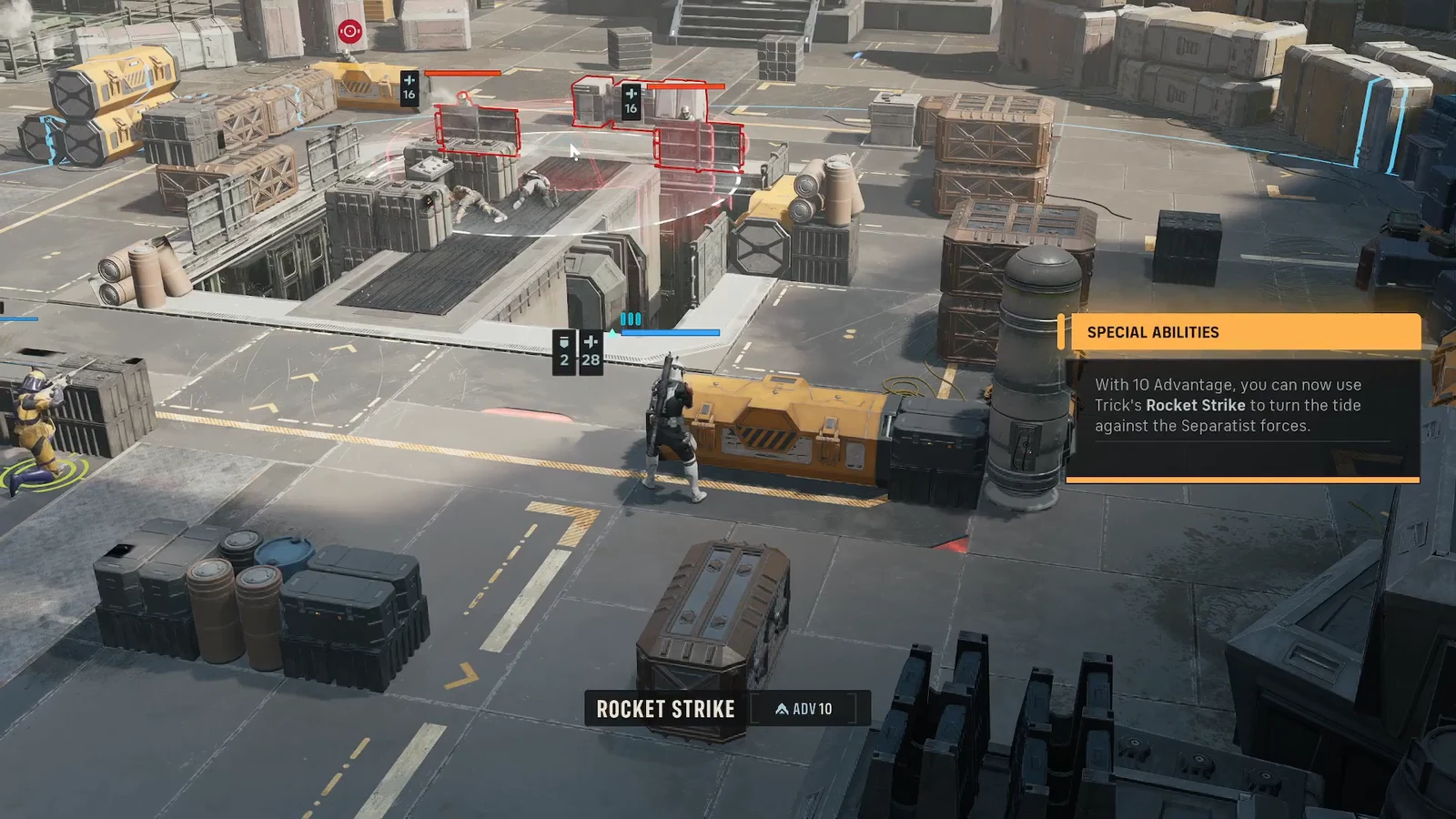
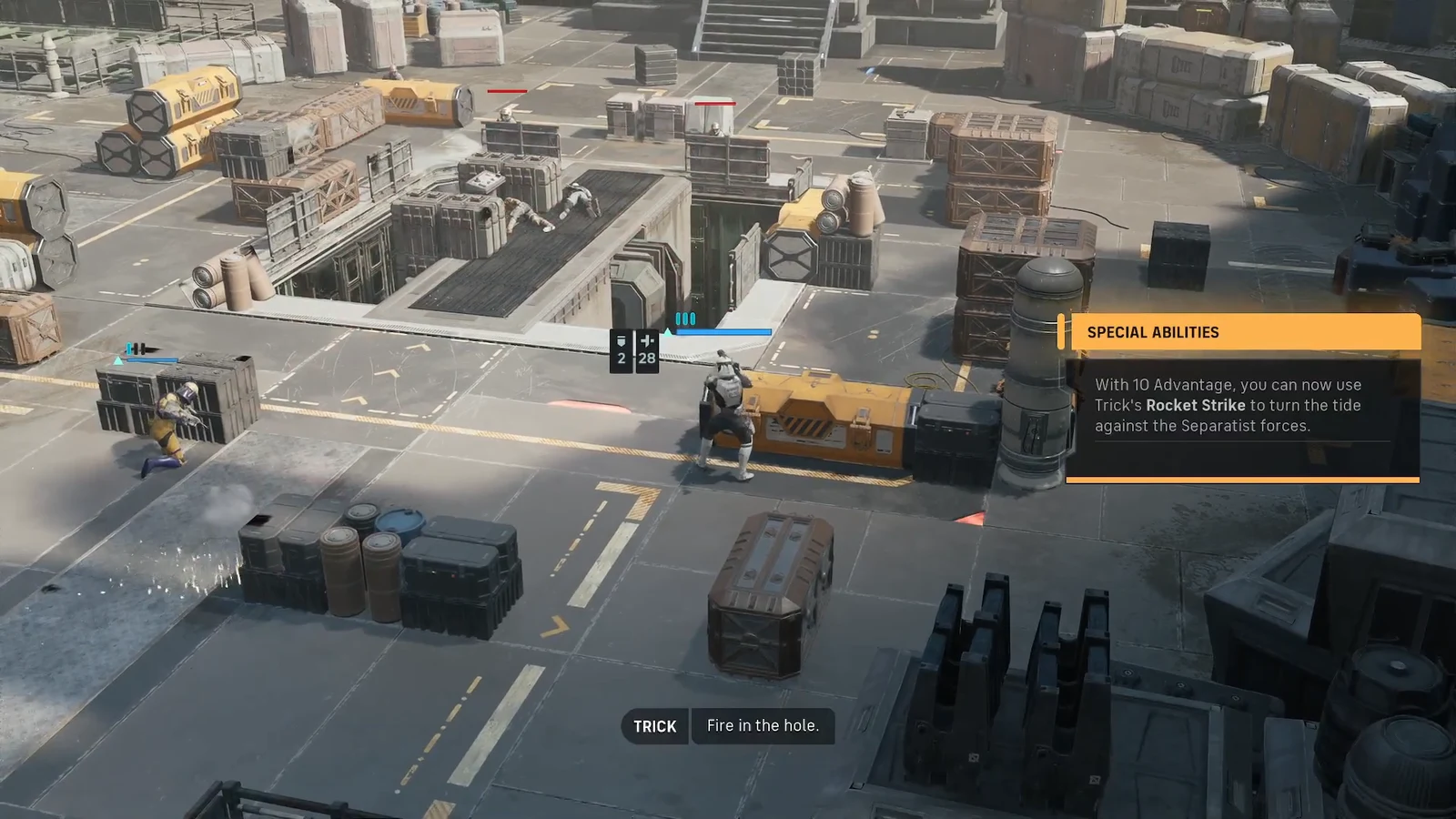
How to confirm the strike landed
When the rocket impacts, you will see damage numbers appear over every enemy inside the radius. In a typical hit it deals enough to defeat clustered targets outright, and grouped enemies caught in the blast can be wiped in a single cast. Any cover they were using also breaks apart on impact.
If nothing happens when you try to select the ability, the usual reason is Advantage. You need the full 10 to activate it, so a partially filled meter will leave Rocket Strike unavailable until you land more hits.
When Rocket Strike is worth the Advantage
Because it drains your entire Advantage pool, save Rocket Strike for the moment it pays off most. It is at its best against battle droids, which tend to advance in large numbers and pack tightly together, letting a single rocket damage the whole formation at once.
Fully upgrading the ability adds Vulnerable to the enemies caught in the blast, so anything that survives takes extra damage from your follow-up attacks. Since Advantage does not cost Action Points, you can also fire it after Trick has already moved or attacked in the same turn, which makes it a strong finisher when a group of enemies has closed in behind cover.