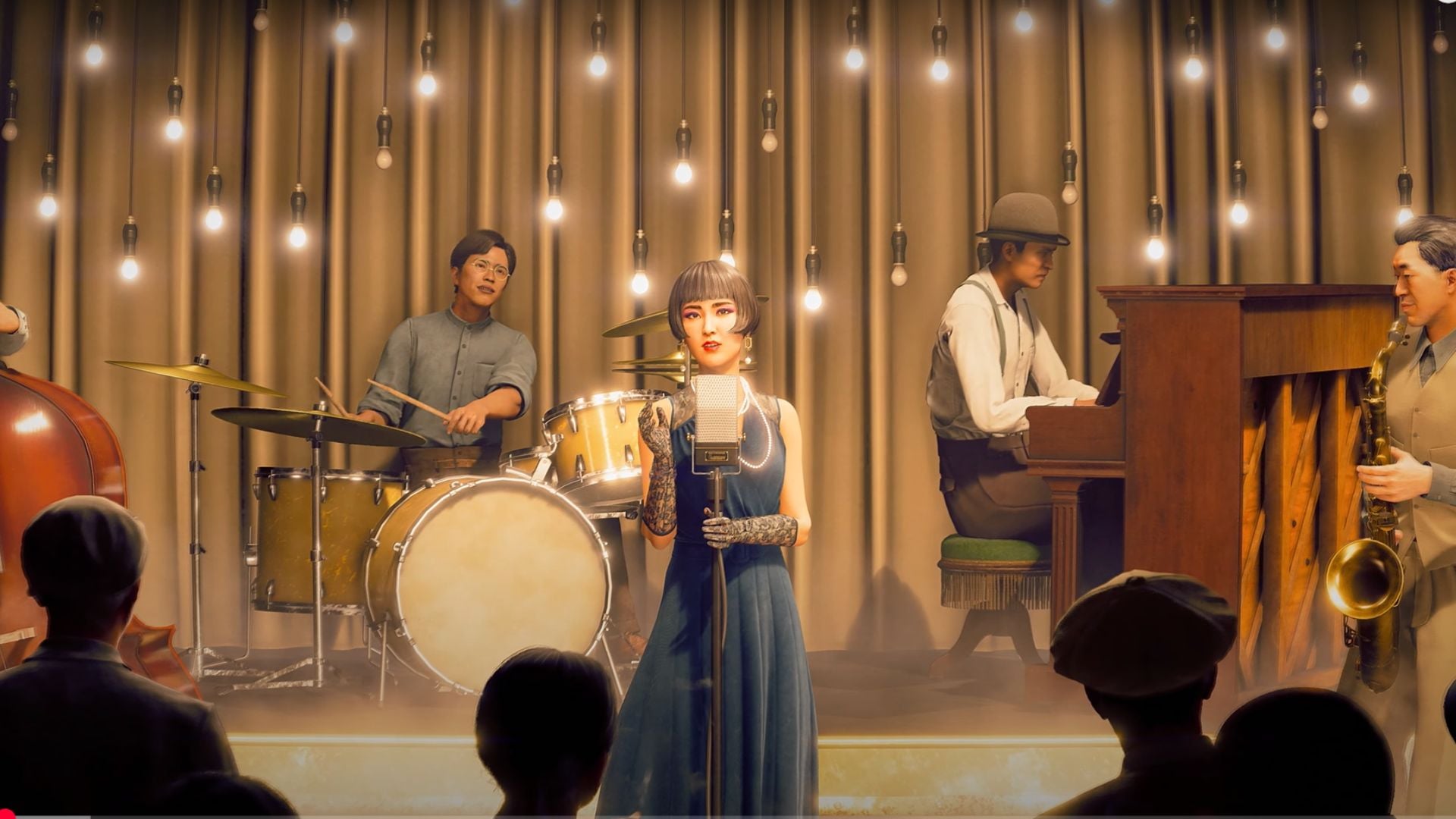
Alongside its street brawling, Stranger Than Heaven lets Makoto Daito run the entertainment side of town as a showman. The system chains together four things: promoting shows to raise Performance Power, collecting sounds to write original songs, producing a show by casting a singer and hiring a band, then playing a light rhythm minigame during the live performance to drive audience spending toward a revenue target.
Quick answer: Boost Performance Power around town, arrange a song with the composer Takashi, hire performers and set stage effects within budget, then trigger cues in time during the show to push the revenue meter past its target.
Raise Performance Power before a show
Performance Power is the stat that feeds your shows, and you build it out in the world before you ever reach a stage. Two activities raise it directly.
Promote shows: Walk Daito through town and attach promotional posters to exterior walls. Each poster you hang increases Performance Power, with early spots adding blocks like +100 at Level 1.
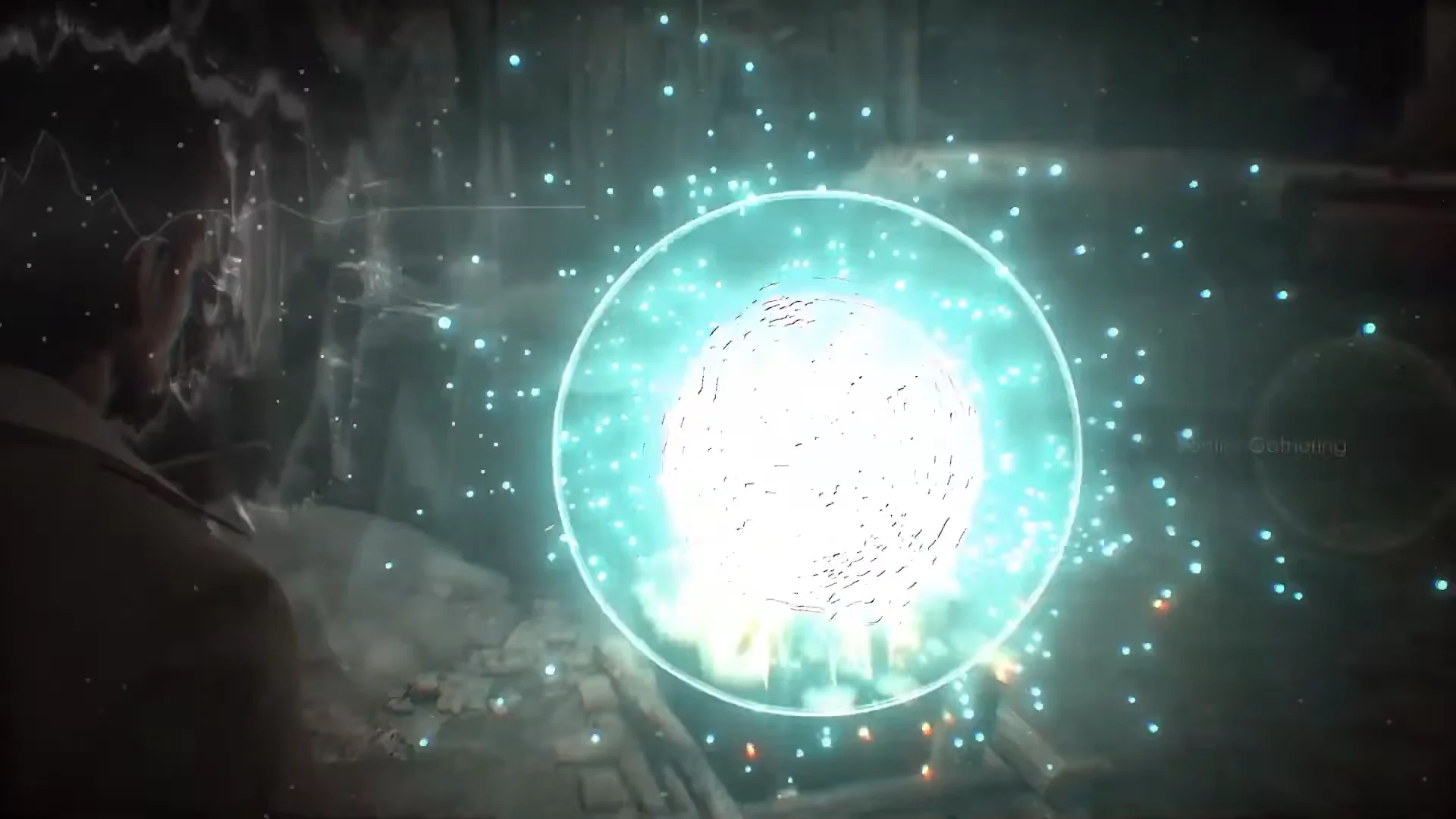
Gather sound inspiration: Sounds and musical themes sit at specific spots across each district, marked by floating orbs. Interacting with one grants an inspiration and a Performance Power boost. Examples include a “Bonfire Gathering” orb at a night market and a “Watching the Theater” orb tied to a grandfather clock in a theater lobby.
Turn collected sounds into songs with Takashi
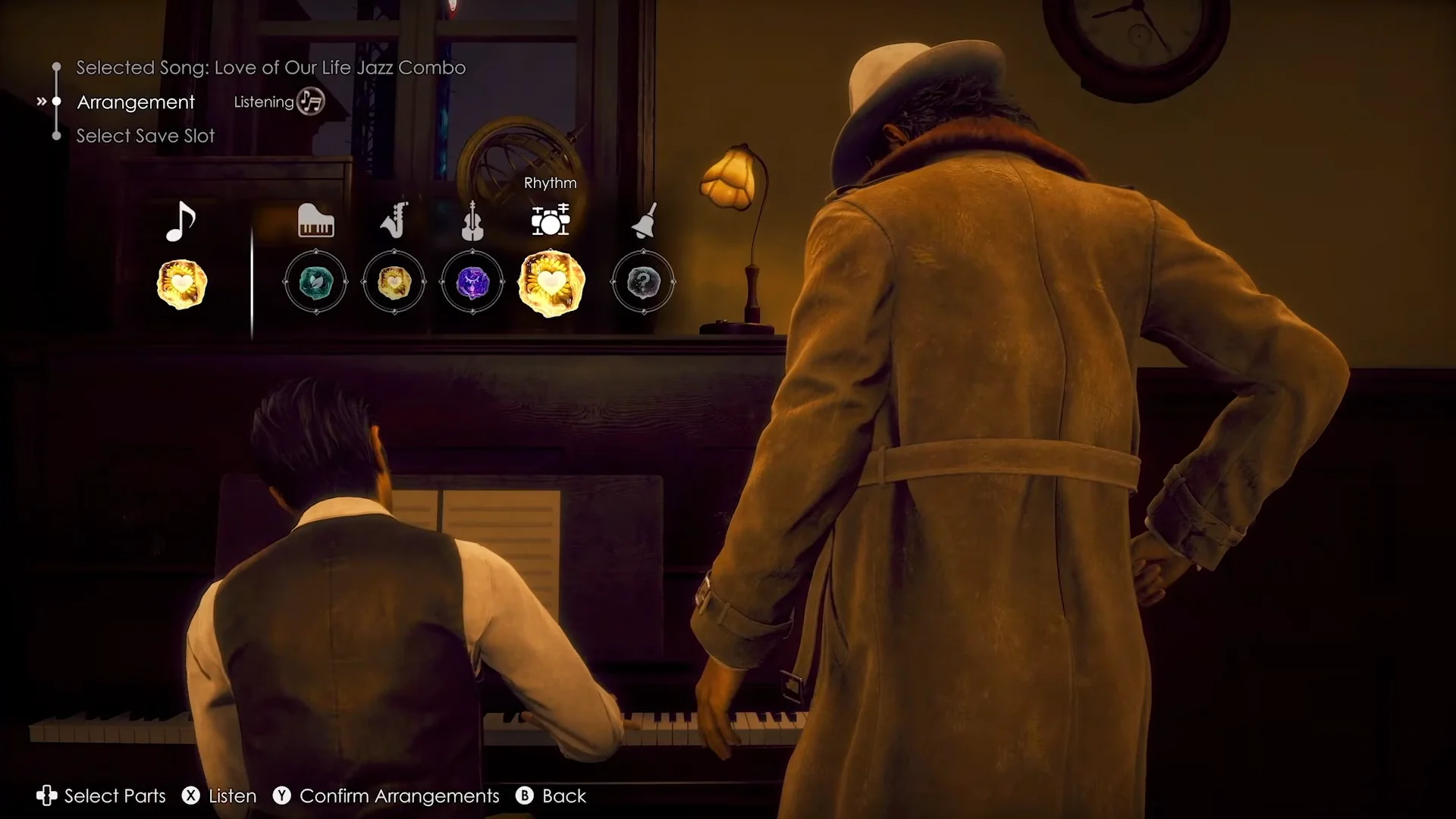
Once you have inspirations, bring them to Takashi, a pianist and composer who is also Daito’s sworn brother. At his piano you open a menu with three main options: Song Selection, Arrangement, and Select Save Slot. From here you unlock and shape original tracks.
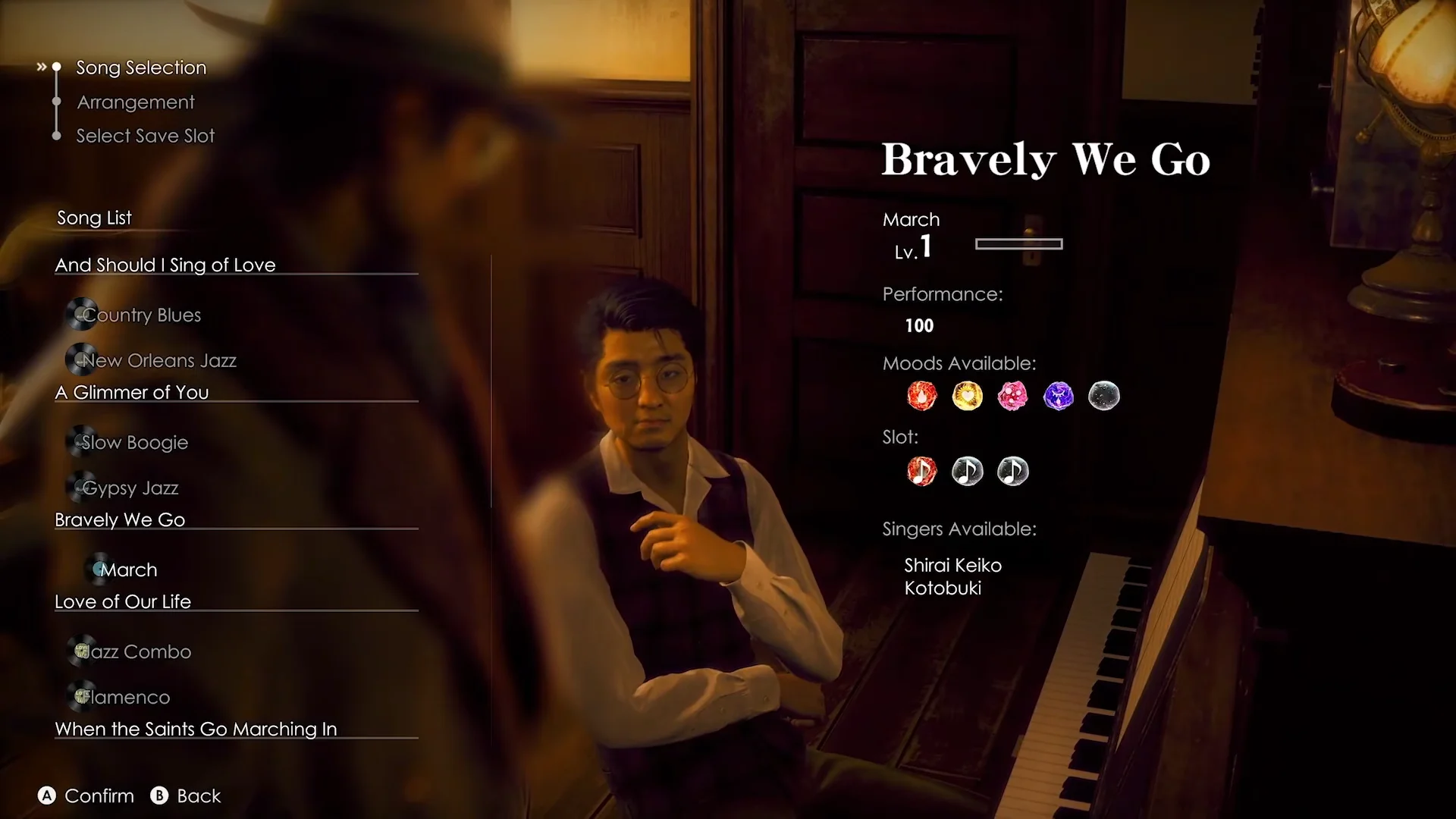
The song list pairs each track with its available genre styles, and the menu also shows which singers you can assign.
| Song | Styles |
|---|---|
| And Should I Sing of Love | Country Blues, New Orleans Jazz |
| A Glimmer of You | Slow Boogie, Gypsy Jazz |
| Bravely We Go | March |
| Love of Our Life | Jazz Combo, Flamenco |
| When the Saints Go Marching In | — |
Available singers include Sakai Junko, Shirai Keiko, and Kotobuki. Picking a song and style, such as “Love of Our Life” in its Jazz Combo form, opens it up for arrangement.
Customize the arrangement layers
Each song breaks into four parts you can tune separately: Backing, Support, Bass, and Rhythm. For every part you choose a mood and an instrument set, and the mix changes the whole feel of the track.
| Part | Mood options | Instrumentation |
|---|---|---|
| Backing | Relaxing | Piano / Acoustic Guitar |
| Support | Groovy, Relaxing, Happy | Tenor Sax / Shinobue / Accordion |
| Bass | Groovy, Relaxing, Happy, Melancholy | Upright Bass |
| Rhythm | Groovy, Relaxing, Happy | Drums / Cajón |
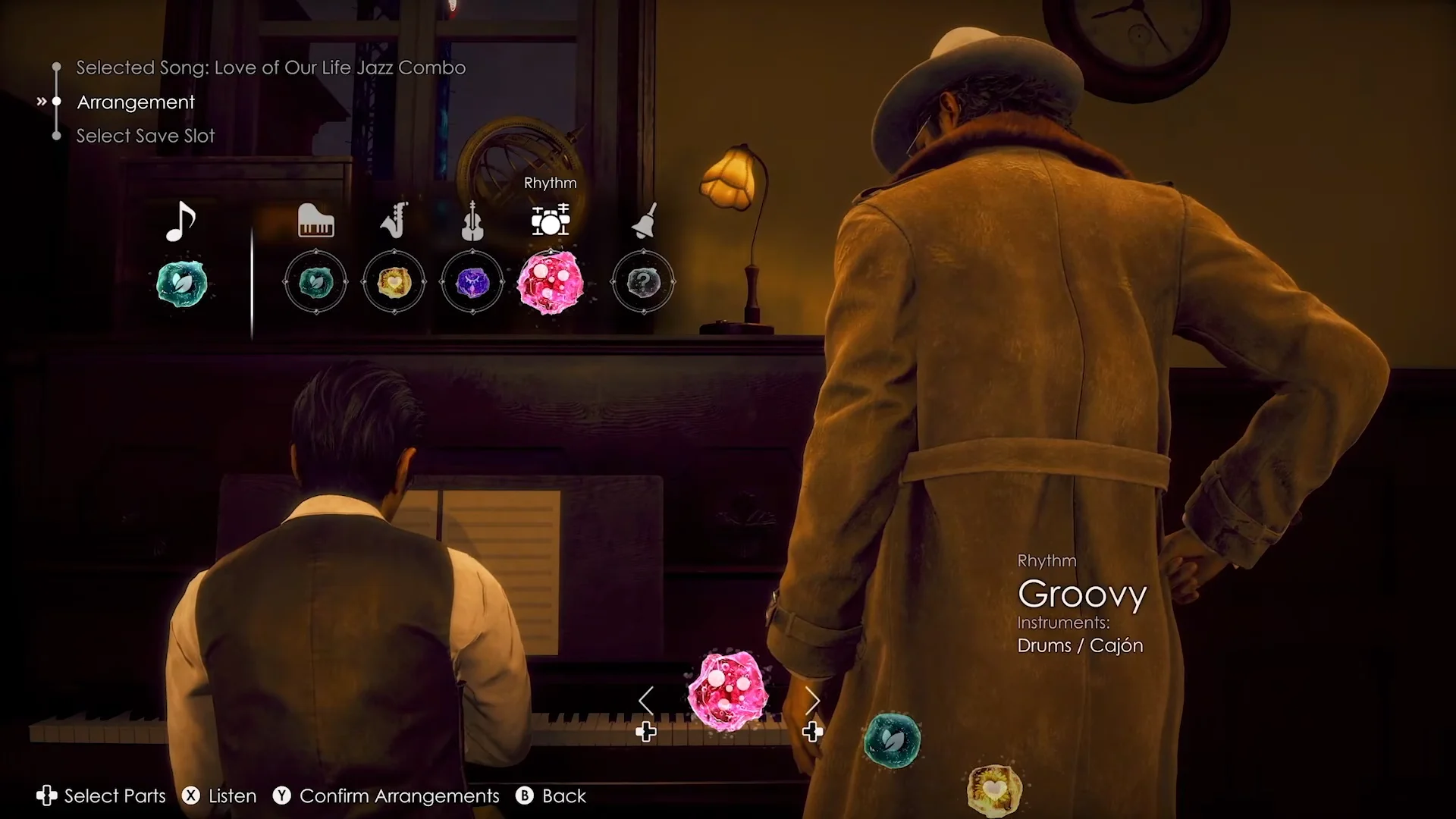
After you set the layers, you can preview the result. A faster, upbeat take on “Love of Our Life” plays back while the menu shows a “Listening” state, letting you judge the mix before you commit.
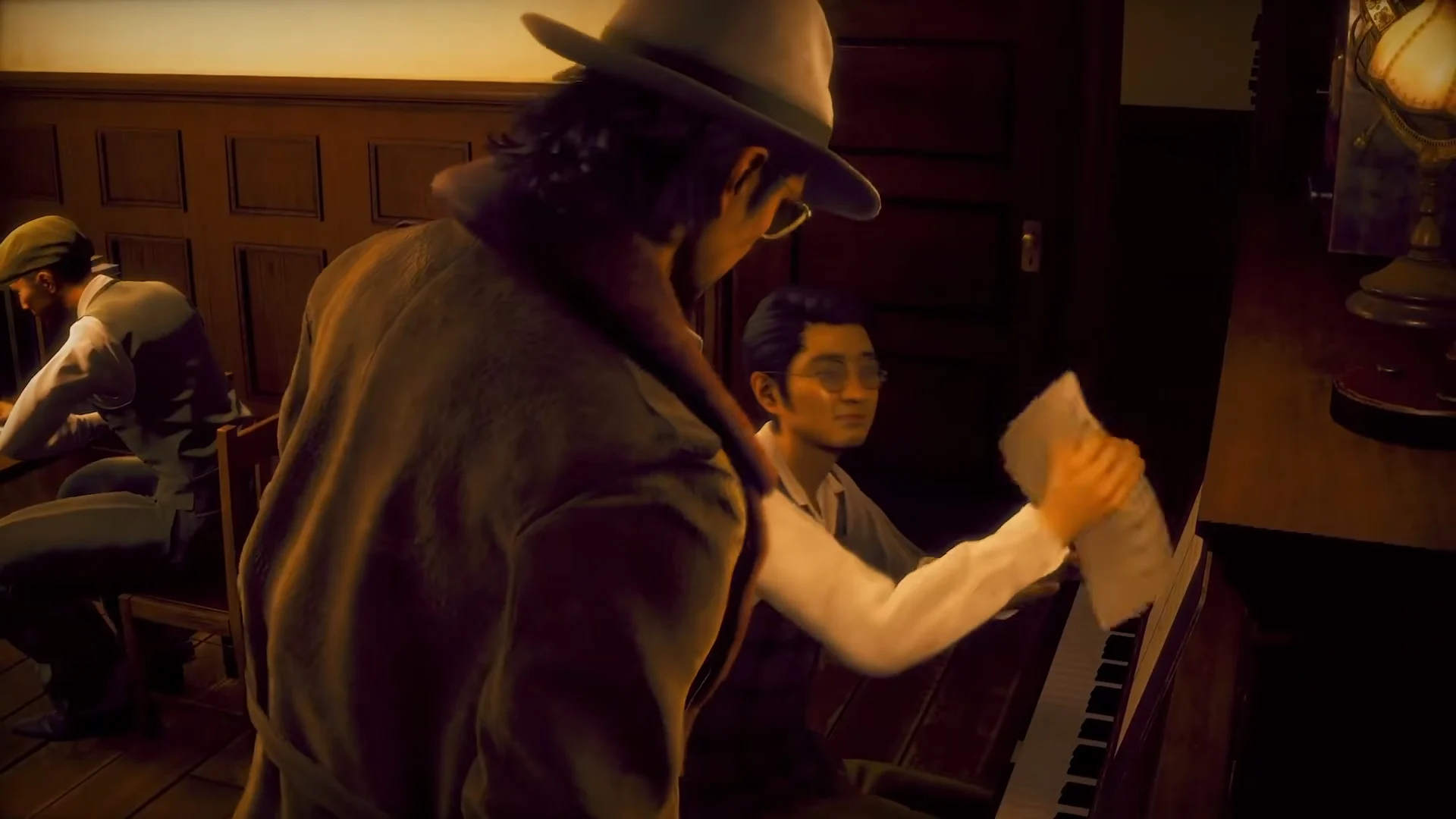
When you are happy with it, Takashi writes the notes onto the sheet music, tears off the finished page, and hands it to Daito. That completed score is what you take into production.
Cast the star and hire your band
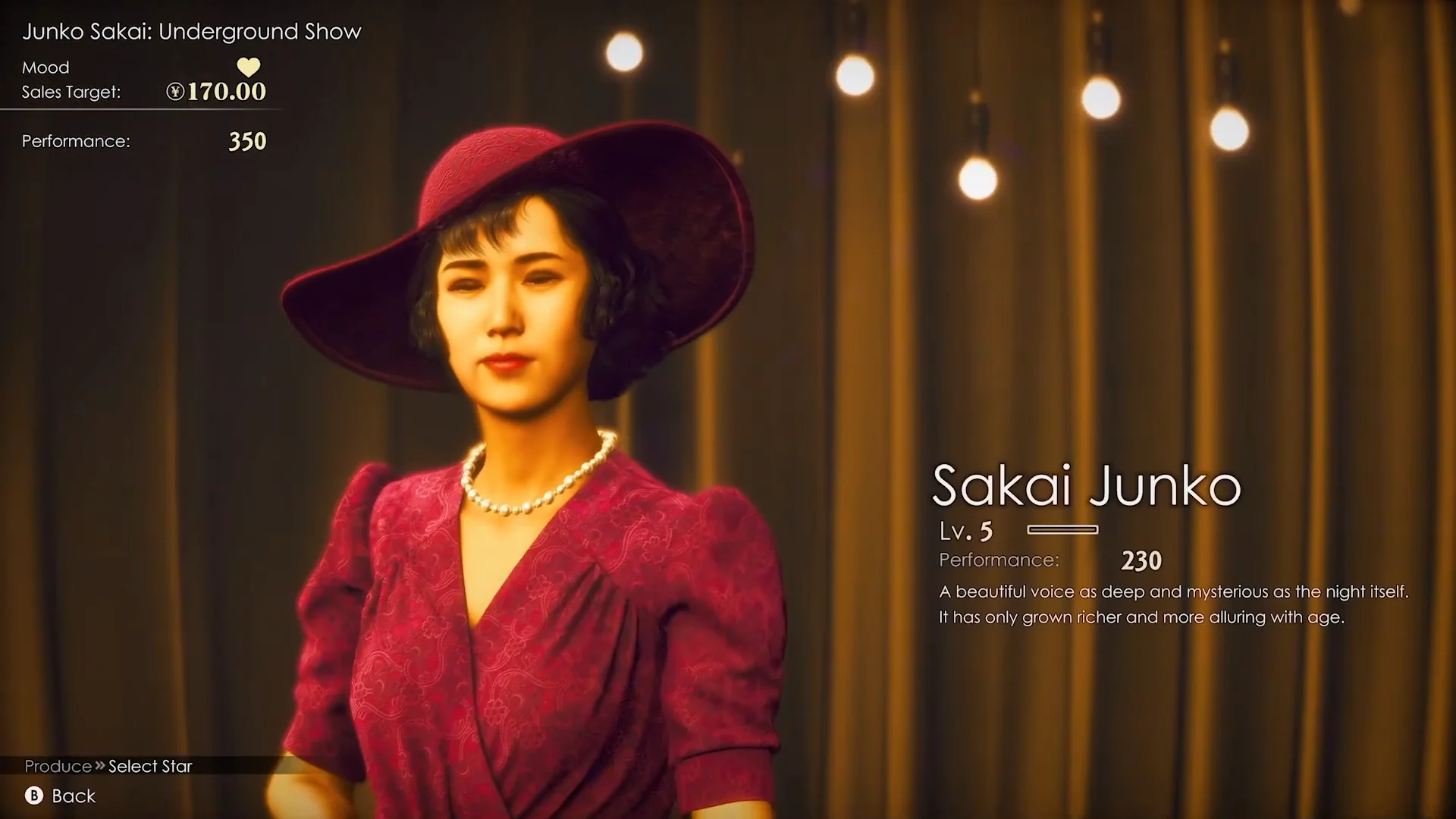
Production starts on the preparation screen, where you pick the lead vocalist and see the numbers you are working against. A sample show, “Junko Sakai: Underground Show,” lists a Sales Target of ¥170.00 and a Performance requirement of 350, with the star Sakai Junko at Lv. 5 and a Performance stat of 230.
Next you fill out the band across piano, saxophone, bass, and rhythm. Every performer has a Performance stat and a fee, so the choice is a trade-off between raw output and how much of your budget you spend before the show even starts.
| Performer | Fee | Performance |
|---|---|---|
| Imai | ¥0 | 30 |
| Iida | ¥5.00 | 50 |
| Yamaoka | ¥5.00 | 50 |
| Inoue | ¥10.00 | 70 |
| Kitamura | ¥10.00 | 85 |
Higher-fee players like Kitamura push your Performance total up fast, while a free option like Imai keeps costs down at the price of weaker output. The pre-show summary tallies the whole lineup, so you can see the combined Performance figure and total spend before you confirm.
Choose stage effects within budget
Effects add extra Performance per successful cue during the show, but each one carries an added expense. They fall into three groups: scatter effects (confetti), atmospheric effects (smoke and flames), and stage effects (bubbles and butterflies).
| Effect | Cost | Performance per success |
|---|---|---|
| White Confetti | ¥1.00 | 20 |
| Rainbow Confetti | ¥2.00 | 20 |
| Smokescreen | ¥1.50 | 20 |
| Smoke Signals | ¥2.00 | 20 |
| Smokescreen: Flames | ¥5.00 | 25 |
| Bubbles | ¥1.50 | 20 |
| Dance of Butterflies | ¥2.00 | 20 |
Most effects deliver the same +20 per hit, so the cheaper picks are efficient unless you want the flashier Smokescreen: Flames for its +25. Once the performers, effects, and boosts are set, confirm “Start Show” to move to the live stage.
Run the live show and hit the target
At the start of the show, the singer steps into the spotlights and performs with two guides visible on screen. A left-side vertical gauge measures earnings against the target, while symbols for lighting, effects, and music cues appear in sequence across the bottom.
You hit the button prompts in time to fire spotlights, smoke, butterfly projections, and confetti. Each successful cue excites the crowd, and the audience spends more, which raises the revenue meter. A live show in the trailer runs against a Target of ¥185.50, and you can toggle Display Lyrics during the performance.
The mode leans on your pre-production choices rather than punishing rhythm precision, so a strong lineup and smart effect picks matter as much as your timing. You know the show succeeded when the revenue meter reaches its target and the song ends with the stage full of confetti and applause.
Because the revenue meter climbs on successful cues, stacking cheap +20 effects and a couple of high-Performance players gives you more room to clear the target than spending everything on a single expensive effect.
Stranger Than Heaven is developed by RGG Studio and published by Sega, and this showman path runs alongside its combat across five cities and eras. The game is set to release on January 15, 2027 for PlayStation 5, Xbox Series X|S, Xbox on PC, Xbox Cloud, and Steam, and it will be available on Xbox Game Pass and Xbox Play Anywhere on day one.