STREET FIGHTER 6 x UBG: How to Join the Discord Server on Roblox
Find the server invite through the game's experience page in a few clicks, then confirm the external redirect.
Find the server invite through the game’s experience page in a few clicks, then confirm the external redirect.
by AllThingsHow Staff
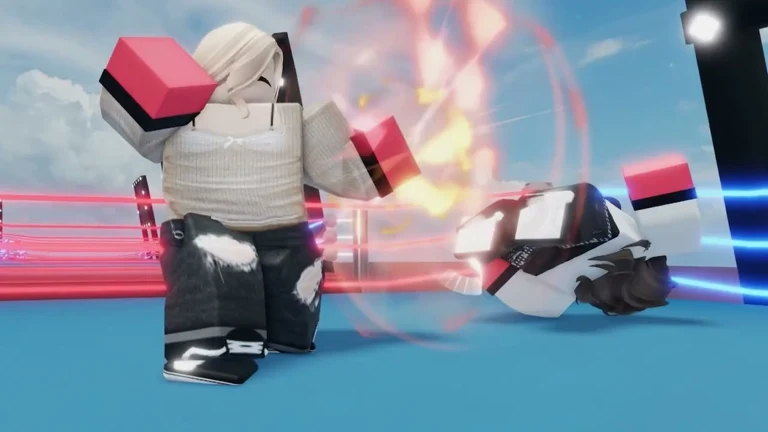
The Discord server for STREET FIGHTER 6 x UBG, the Street Fighter 6 crossover running inside Untitled Boxing Game on Roblox, is linked from the game’s experience page rather than from any in-game menu. To reach it you leave the live server, open the page on the Roblox platform, and follow the Social Media link.
Quick answer: Open the STREET FIGHTER 6 x UBG experience page on Roblox, scroll down to the Social Media section, click the Discord button, then click Continue on the “Leaving Roblox” prompt.
Join the STREET FIGHTER 6 x UBG Discord from the Roblox game page
The invite lives in the Social Media row on the experience page, which you can only see after you step out of the active match. Work through the steps below in order.
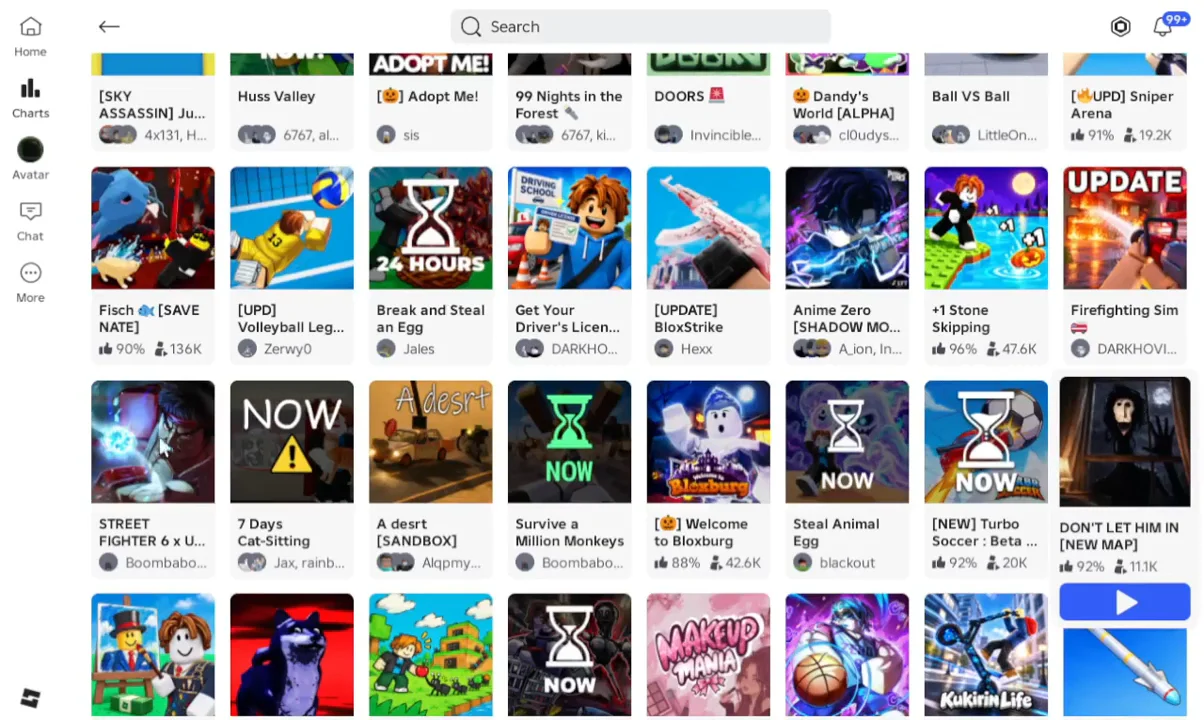
Leave the live game session. Open the game information or pause menu and exit back to the Roblox platform. This returns you to the Roblox home interface, where the experience details become visible.
00:18Exiting the ExperienceAfter exiting the match you land back on the Roblox home screen, where the game's full experience page can be opened. Shown at 00:18 in VendoPlus’s video. Image: drowningsome
Find STREET FIGHTER 6 x UBG on Roblox. From the Roblox home screen, visit the STREET FIGHTER 6 x UBG listing, which was made by drowningsome. Its description, store passes, and social links are all available there.
Scroll down the page. Pass the description, the store passes, and the game details block that lists specifications such as the genre, server size, and creation date. Keep going until you reach the row headed Social Media.
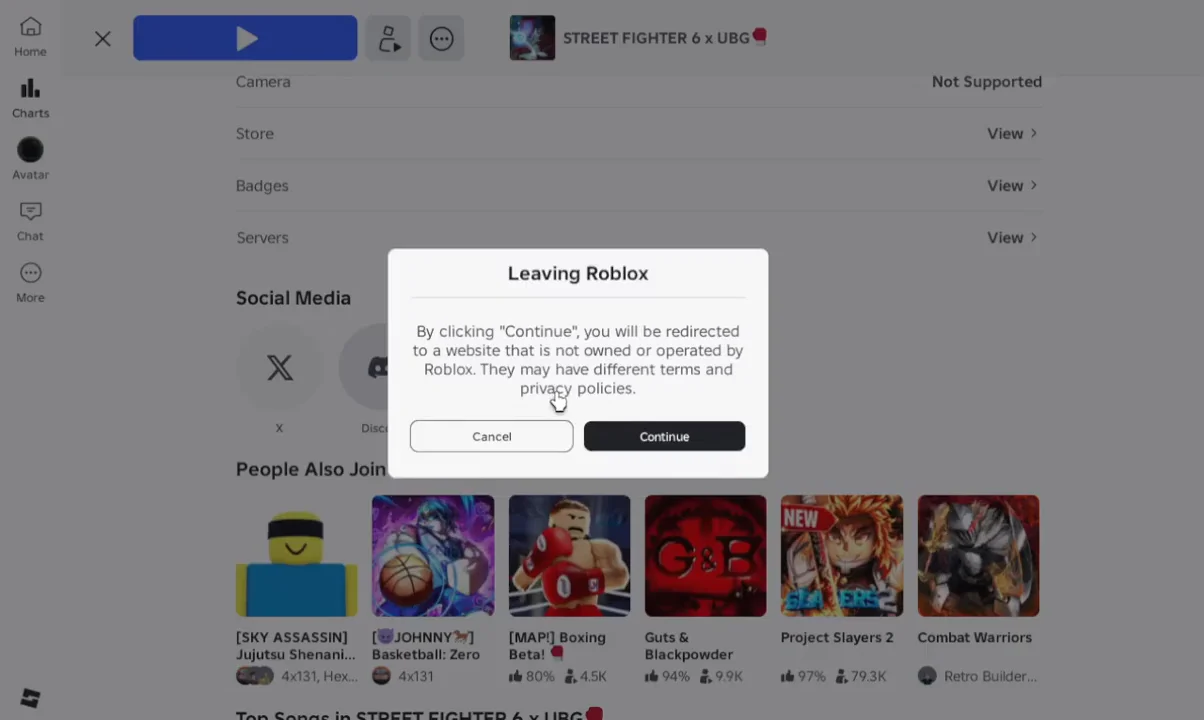
Click the Discord button. In the Social Media section you will see Discord next to an X link. Selecting the Discord icon opens Roblox’s external redirect prompt.
Confirm the redirect. A “Leaving Roblox” window appears, warning that you are being sent to a site Roblox does not own or operate. Click Continue to open the Discord invite in your browser or the Discord app, or Cancel to stay on Roblox.
00:43Accessing Discord LinkThe "Leaving Roblox" confirmation window appears after clicking Discord; pick Continue to open the server invite. Shown at 00:43 in VendoPlus’s video. Image: drowningsome
How to confirm you joined
After you click Continue, Discord loads the server’s invite screen. Accept the invite there, and the server appears in your Discord sidebar with its channels. If you are signed out, Discord will prompt you to log in or create an account before the invite can be accepted.
Keep the server handy for the crossover’s promo codes. STREET FIGHTER 6 x UBG distributes rewards through codes such as streetfighter and ryu, and additional secret codes are shared through its community links.