Super Bomb Survival: How to Get the Squirm Shady Badge
Find all five hidden Wigglys in the lobby, then buy the Wiggly perk for 333 credits to unlock the badge.
Find all five hidden Wigglys in the lobby, then buy the Wiggly perk for 333 credits to unlock the badge.
by AllThingsHow Staff
The Squirm Shady badge in Super Bomb Survival is tied to a small lobby scavenger hunt. It does not require winning a round, surviving a bomb wave, or reaching any intensity milestone. Instead, you touch five hidden pink worm creatures called Wigglys scattered around the lobby, then purchase the matching Wiggly perk from the shop.
Quick answer: Touch all five Wigglys hidden in the lobby, then open the Shop, go to the Perks tab, and buy Wiggly for 333 credits. The badge unlocks the moment the purchase completes.
What you need before you start
Everything happens inside the lobby, so you do not need to be in a round. The only hard requirement is having enough credits for the Wiggly perk, which sells for 333. Credits are earned by playing rounds, so if you are short, play a few matches first and return to the lobby to finish the hunt.
Requirement
Detail
Wigglys to touch
5 pink worms hidden across the lobby
Perk to buy
Wiggly (Perks tab in the Shop)
Cost
333 credits
Reward
Squirm Shady badge
Find all five Wigglys in the lobby
Touching a Wiggly does not give any on-screen confirmation, so keep a mental count as you go. The five worms are spread across the outdoor gazebo, the interior ramps, a high grassy ledge, the wooden play structure, and a wall ledge near the piano.
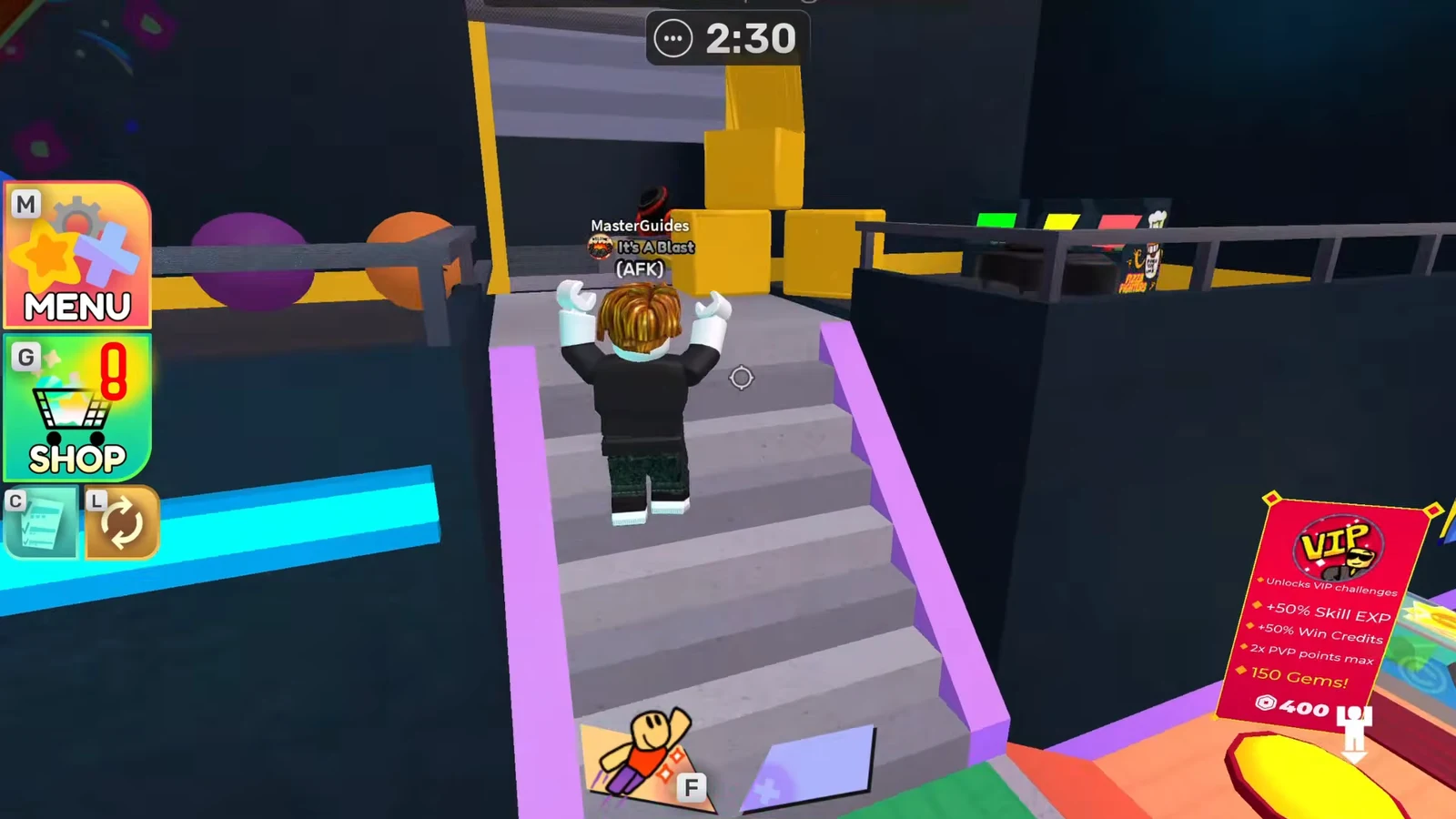
From the lobby spawn, climb the staircase and head outside to the gazebo area. The first Wiggly sits behind the fence out there. Walk into it to collect it.
00:03Climbing the lobby staircase on the way out to the gazebo, where the first Wiggly hides behind the fence. Image credit: Polyhex Games / via @RobloxMasterGuides. Shown at 00:03 in Roblox Master Guides’s video.
Go back inside and climb the yellow ramp near the conveyor belt. The second Wiggly is tucked inside a yellow box at the top. Touch it to add it to your count.
00:13Working through the interior ramps toward the yellow box that holds the second Wiggly. Image credit: Polyhex Games / via @RobloxMasterGuides. Shown at 00:13 in Roblox Master Guides’s video.
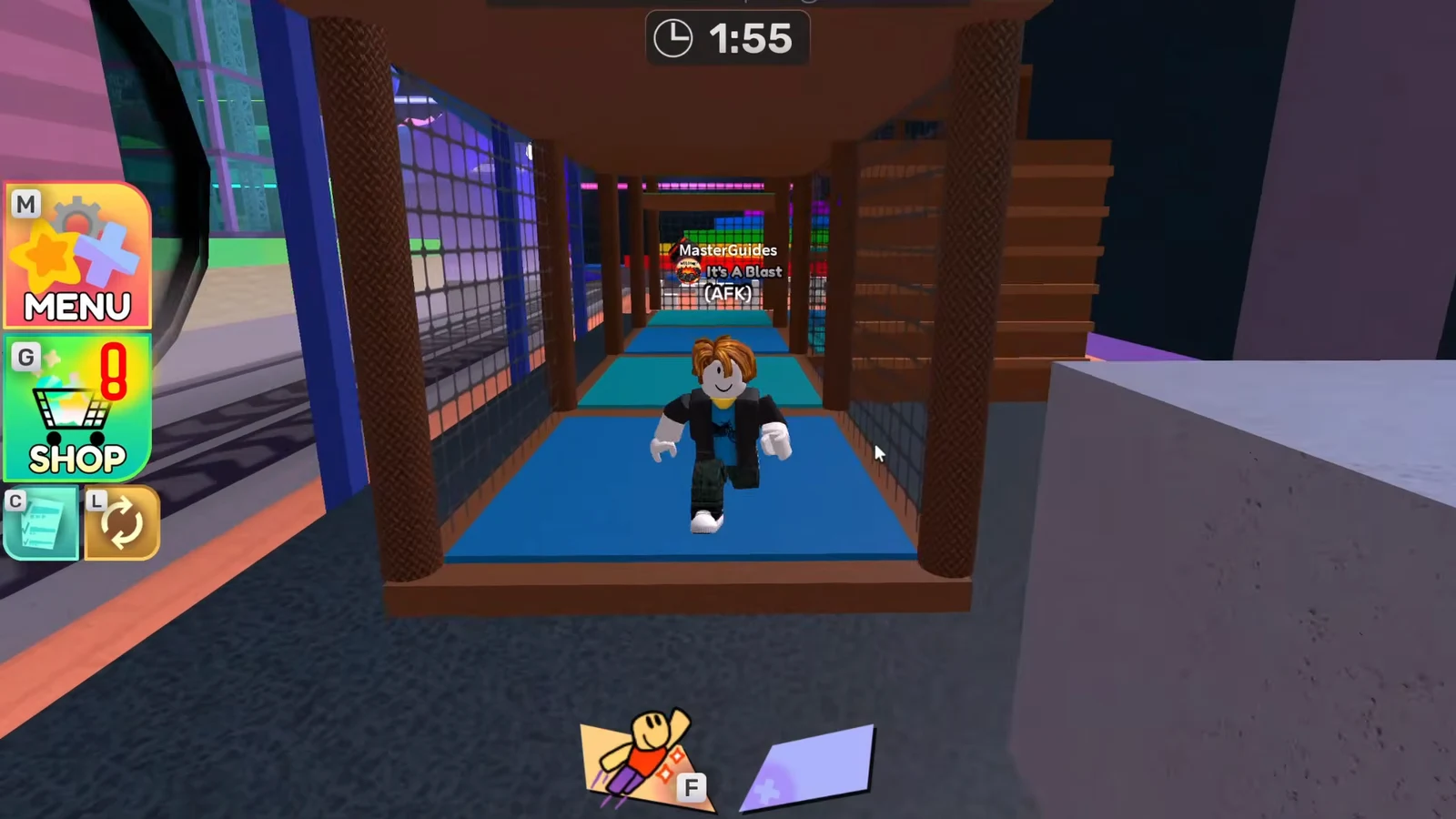
Enter the wooden play structure and go into the blue tunnel. The fourth Wiggly is inside the tunnel. Move through to touch it.
00:29Reaching the wooden play structure, where the fourth Wiggly sits inside the blue tunnel. Image credit: Polyhex Games / via @RobloxMasterGuides. Shown at 00:29 in Roblox Master Guides’s video.
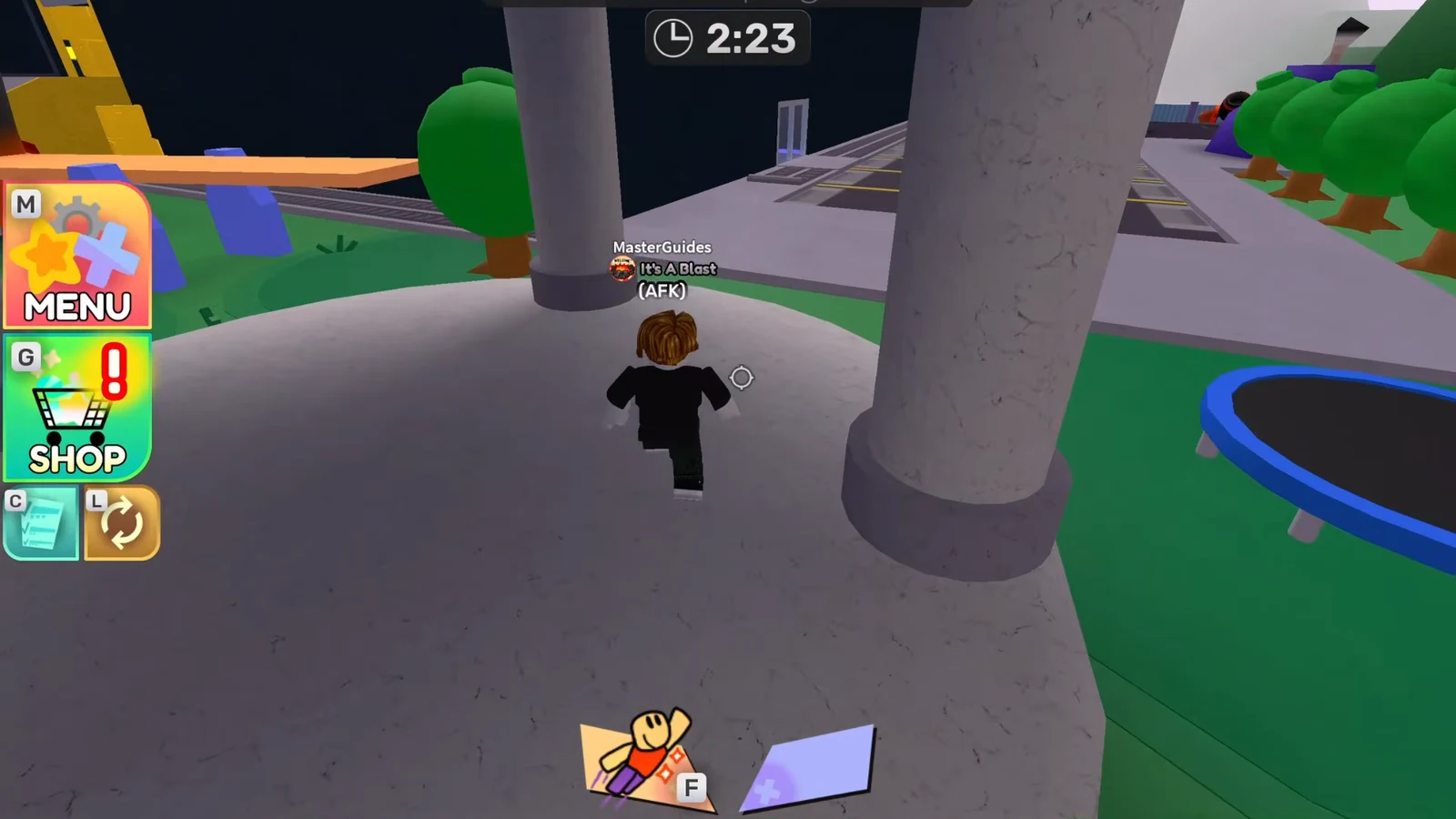
Head to the piano and climb the nearby ladder, then bounce off the trampoline to scale the pillar. Walk the narrow wall ledge at the top to reach the fifth and final Wiggly.
00:41Crossing the raised path near the piano toward the fifth Wiggly on the wall ledge. Image credit: Polyhex Games / via @RobloxMasterGuides. Shown at 00:41 in Roblox Master Guides’s video.
Buy the Wiggly perk to unlock the badge
Collecting all five worms alone does not award the badge. The purchase is the actual trigger, so make your way back down to the main lobby floor after the last Wiggly.
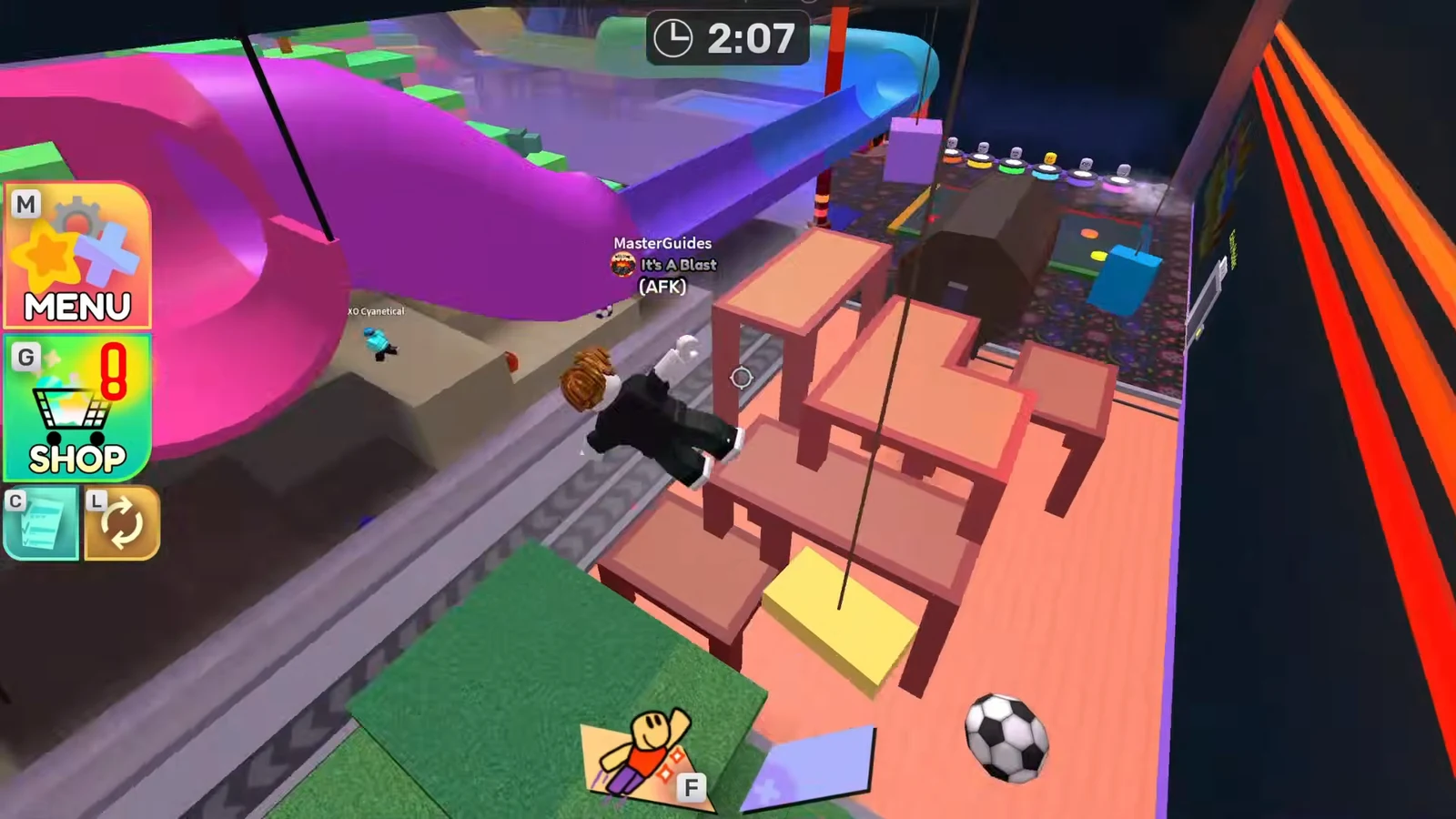
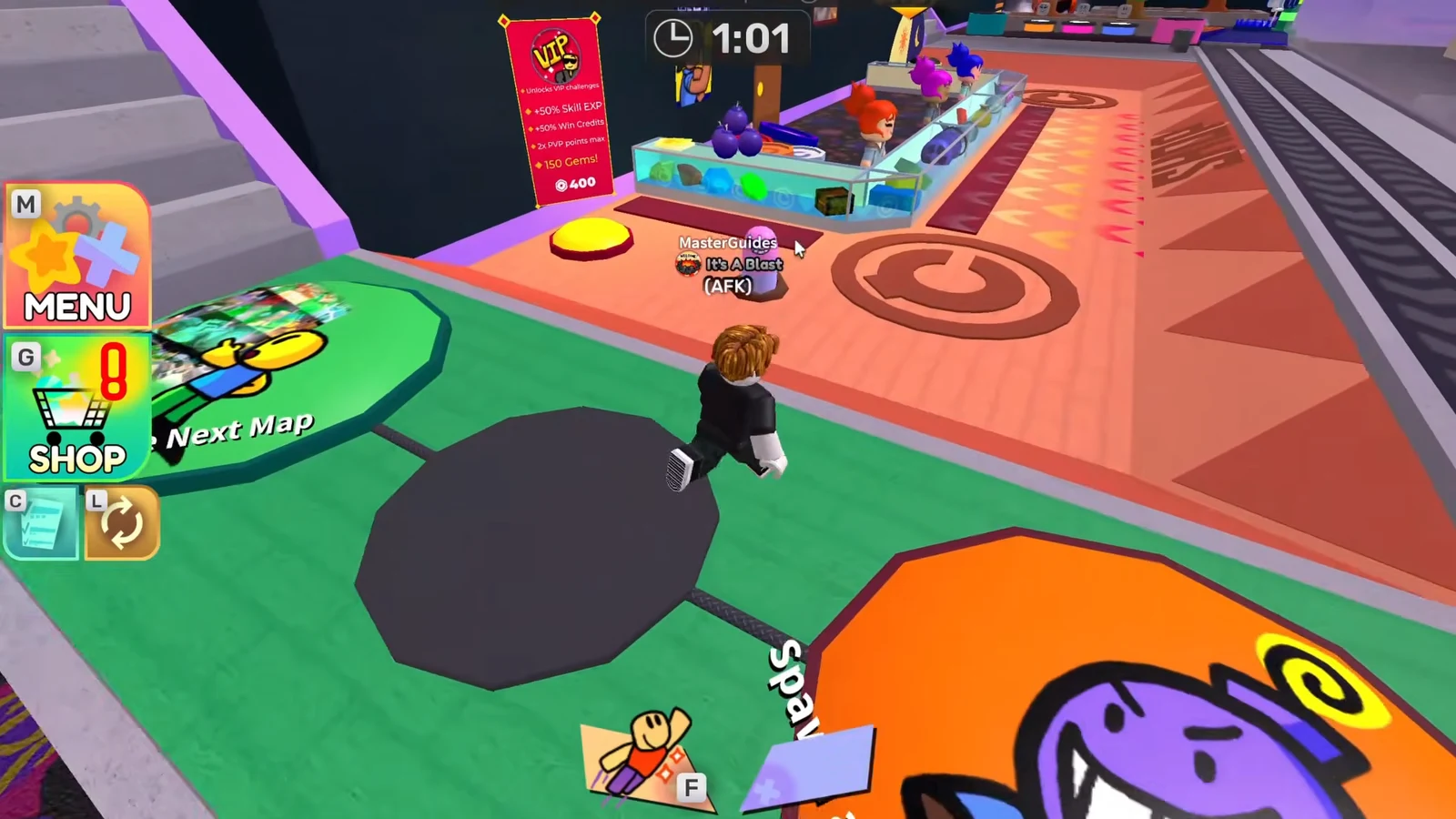
From the high ledge, run up the pink slide, climb the colorful ladder, then drop back down to return to the main lobby floor near the shop area.
01:05Dropping back into the central lobby area to reach the Survival Shop. Image credit: Polyhex Games / via @RobloxMasterGuides. Shown at 01:05 in Roblox Master Guides’s video.
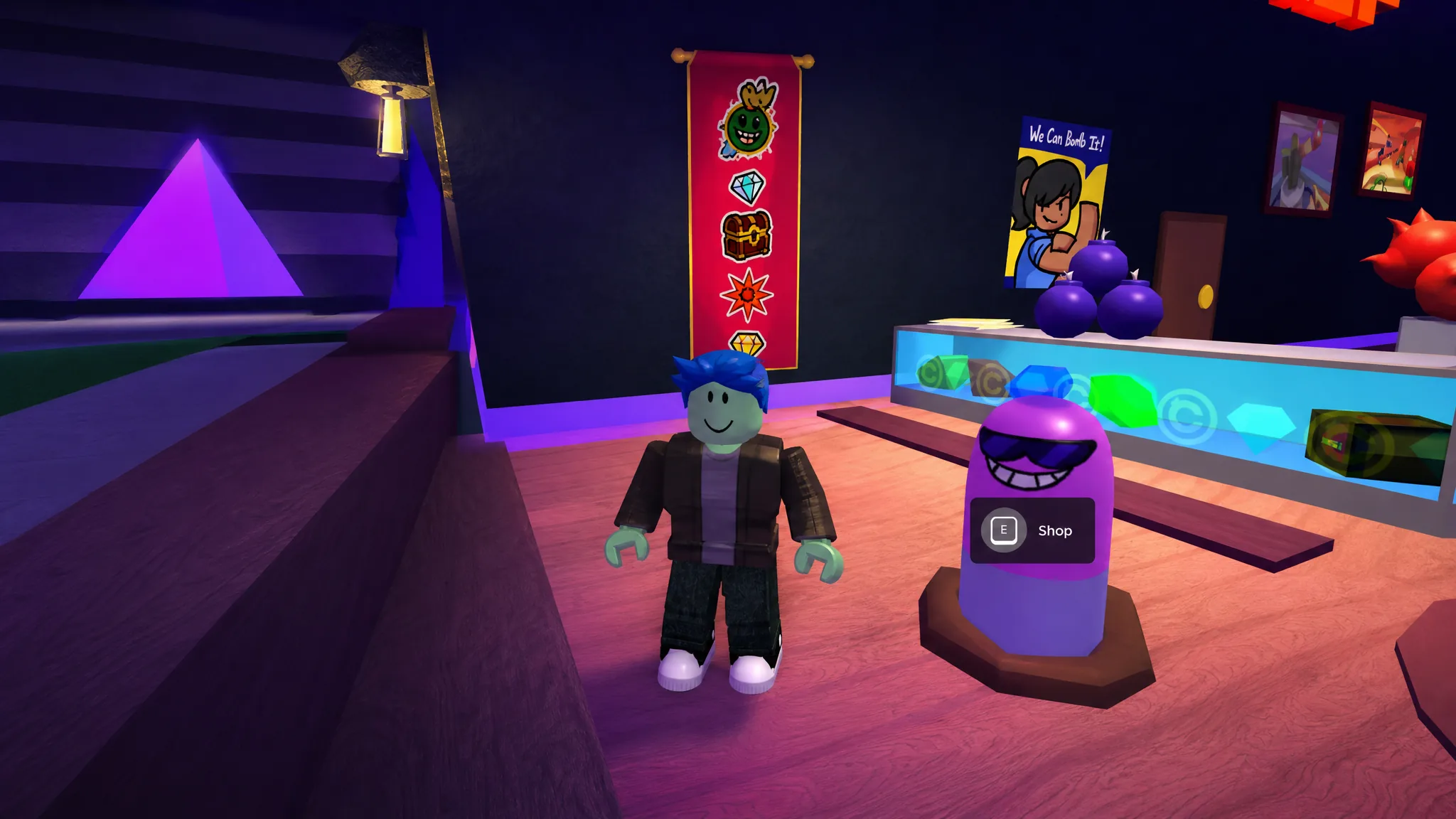
Open the Shop and switch to the Perks tab. Find Wiggly in the list and select it to bring up the buy prompt.
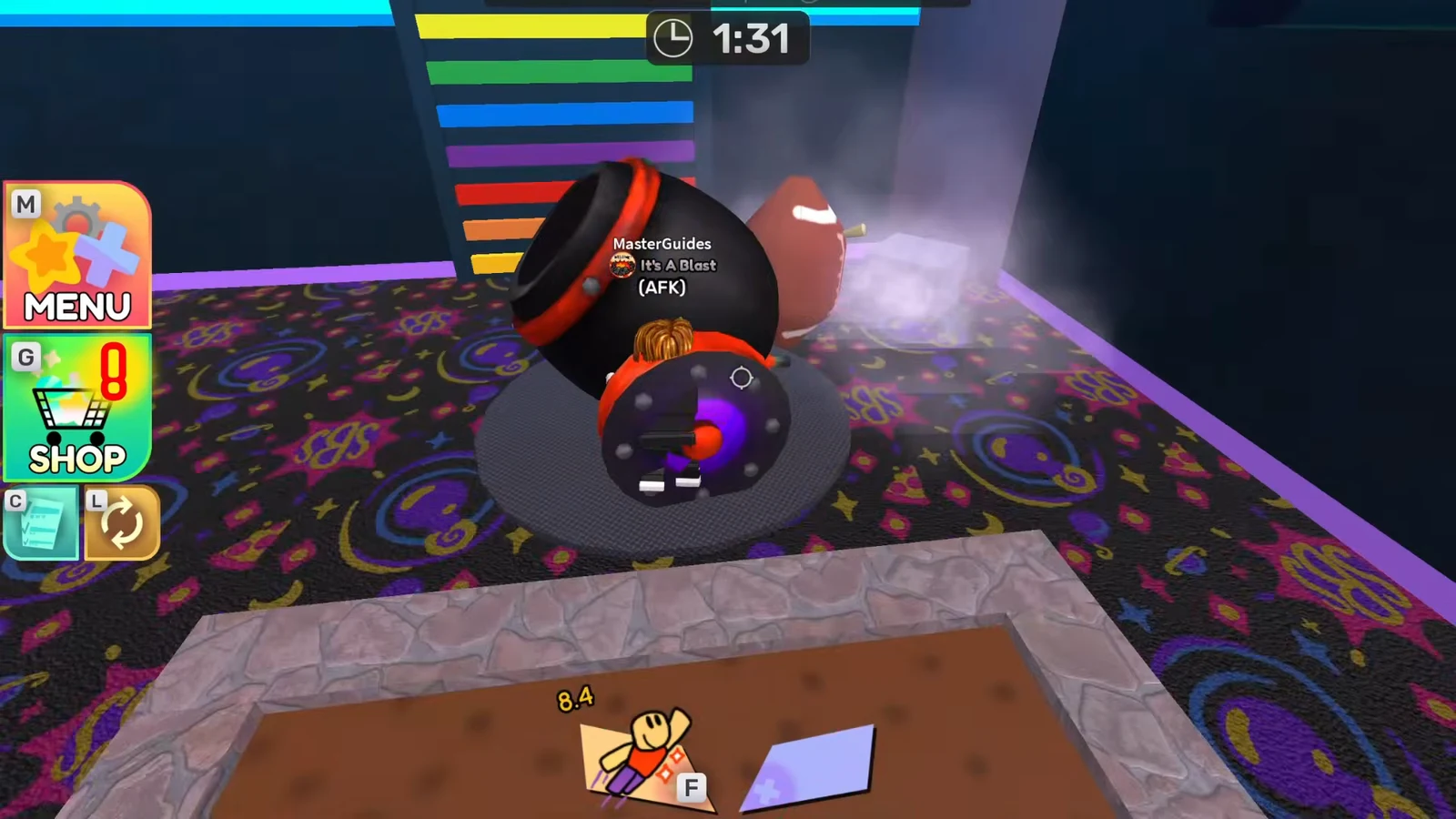
01:35Back on the main lobby floor, ready to open the Shop and head to the Perks tab. Image credit: Polyhex Games / via @RobloxMasterGuides. Shown at 01:35 in Roblox Master Guides’s video.
Confirm the “Buy WIGGLY?” prompt for 333 credits. Once the purchase goes through, the badge unlocks.
How to confirm the badge unlocked
When the Wiggly purchase completes, the “Badge Earned: Squirm Shady” pop-up appears above your character, along with the usual confetti burst, a short fanfare, and a chat message. You can also open the Menu and check the Badges list to verify Squirm Shady is now marked as owned.
If the badge does not appear after buying, the most common reason is that you missed one of the five Wigglys before purchasing. Retrace the lobby route, touch any worm you skipped, and the badge should register once all five are collected and the Wiggly perk is owned.