
Topic
Google Chrome
-
How to Fix Google Chrome Update Failed with Error Code 4: 0x80010108
Resolve Chrome update failures caused by error code 4: 0x80010108 by restoring Google Update services, verifying updater files, adjusting group policies, and reinstalling Chrome.
-
How to Fix Chrome.exe Bad Image Error Status 0xc000012f
Resolve Chrome launch failures and system errors caused by corrupted files or updates with these clear solutions.
-
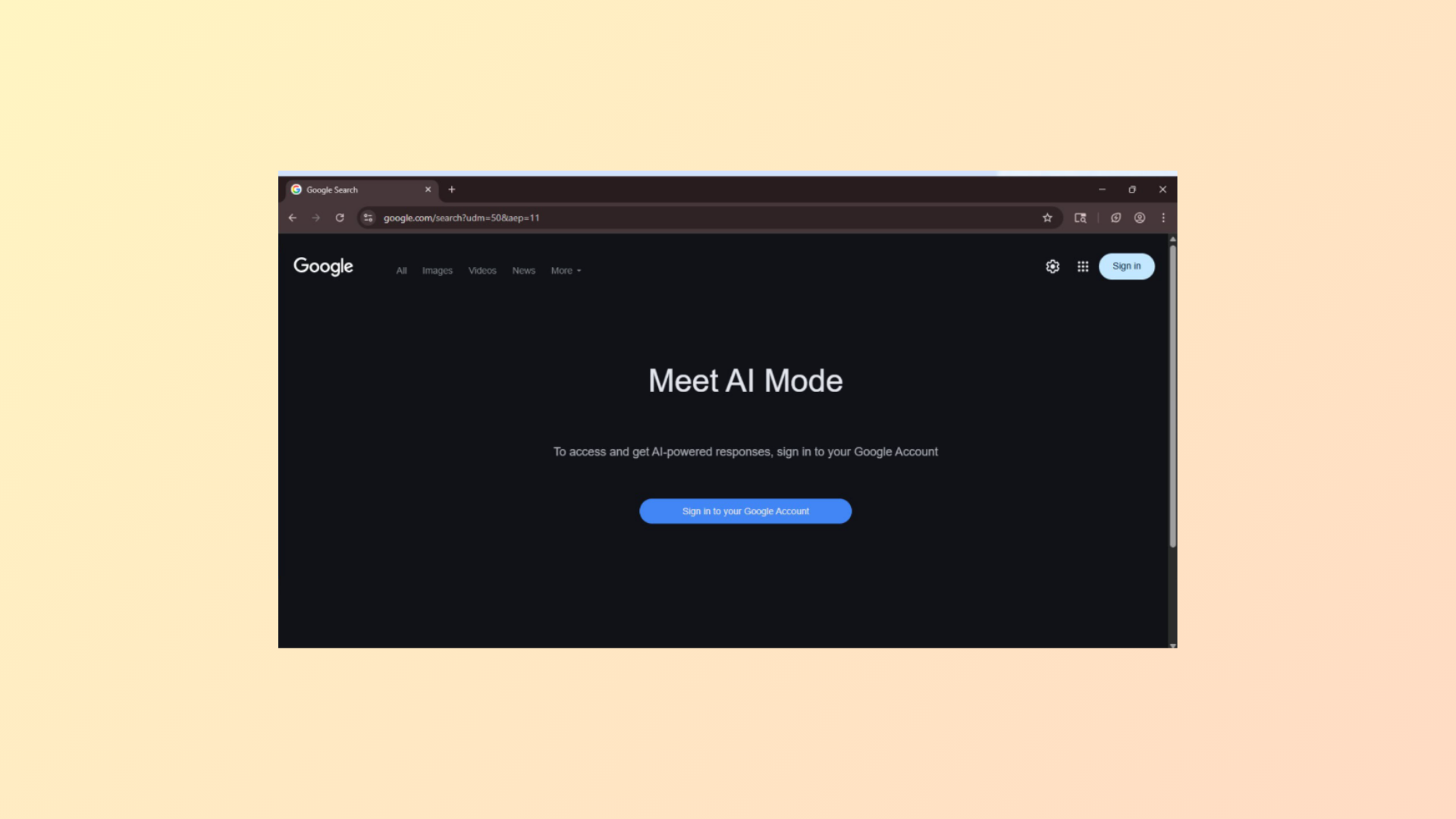
How to Turn Off AI Mode in Google Chrome
Learn multiple methods to remove or hide Google’s AI Mode and AI Overviews from Chrome search results, including browser settings, extensions, and alternative search…
-
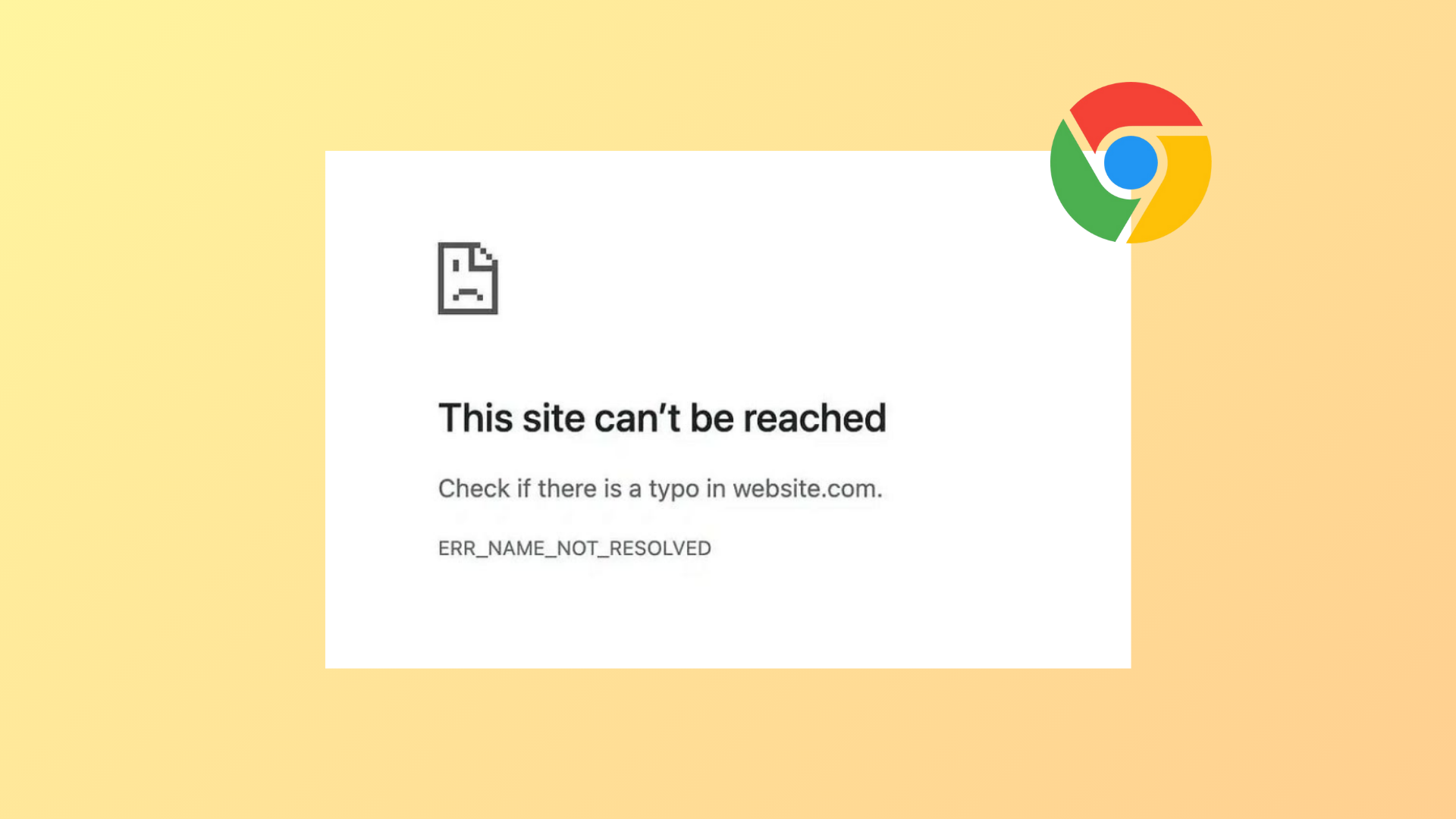
How to Fix Error Code 105 ERR_NAME_NOT_RESOLVED in Chrome
Resolve DNS errors in Google Chrome by following these proven troubleshooting steps to restore website access and stable browsing.
-
How to Fix “This Site Can’t Be Reached” Error in Google Chrome
Resolve the “This Site Can’t Be Reached” error in Chrome by addressing DNS, network, browser, and system settings with clear troubleshooting methods.
-
How to Fix Error Code 7: 0x3c When Installing or Updating Chrome
Resolve Chrome update failures caused by error code 7: 0x3c by closing conflicting processes, checking system settings, and following targeted troubleshooting steps.
-
How to Fix Blank or White Screen When Opening Chrome
Resolve the issue where Google Chrome displays only a blank or white screen at startup by following proven troubleshooting steps for Windows and Linux…
-
How to Fix Chrome Tabs Crashing or Freezing
Resolve persistent Chrome tab crashes and freezing by following a series of targeted troubleshooting steps to restore browser stability.
-
How to Fix Extensions Not Working in Chrome
Detailed solutions to restore Chrome extensions that fail to load, install, or function properly.
-
How to Fix Google Chrome Running Slow
Follow these proven solutions to resolve slow performance in Google Chrome and restore fast browsing on your computer.