
Topic
Windows 11
Windows 11 is Microsoft’s modern PC operating system, built to deliver a refreshed interface, stronger productivity tools, gaming features, enhanced security, and deep integration with services like Copilot. It launched as the successor to Windows 10 and supports a wide range of desktops, laptops, and compatible hardware configurations for work, play, and everyday computing. | Release Date: October 5, 2021 | Developer: Microsoft | Platforms: x86-64 PCs, Arm64 PCs | Genre: Operating System
-
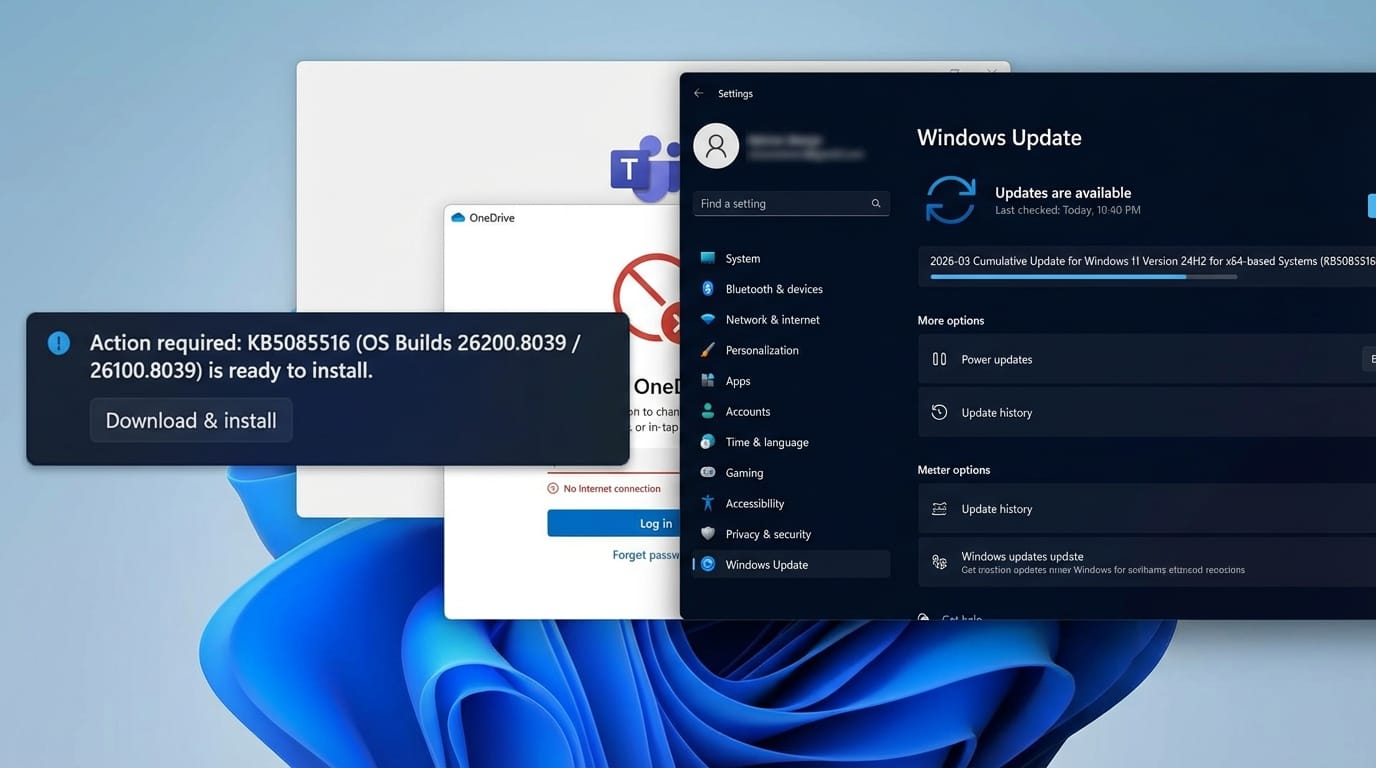
How to Fix the Windows 11 Microsoft Account Sign-In Bug With KB5085516
Microsoft’s out-of-band patch resolves the “no Internet” error that blocked sign-in across Teams, OneDrive, Outlook, and Office apps.
-
Windows 11 build 28020.1685 adds voice renaming and cleaner storage
The latest Canary update brings File Explorer voice typing and a more reliable way to remove Windows.old files.
-
Windows 11 Dev build 26300.7965 brings back Administrator protection
The latest Dev Channel update adds just-in-time admin protection and a small set of File Explorer and sharing changes.
-
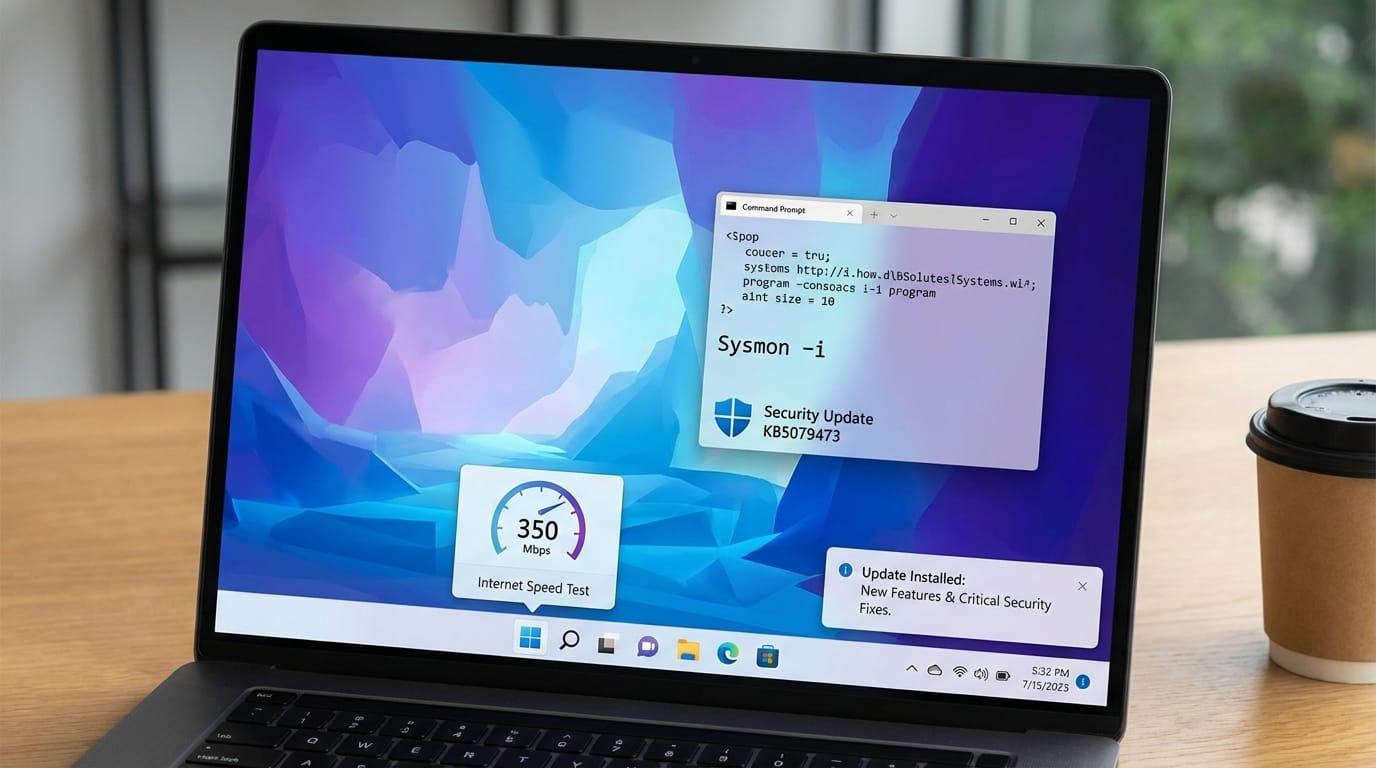
Windows 11 KB5079473: New features, zero-day fixes, and native Sysmon
The March 2026 mandatory update adds a taskbar speed test, WebP wallpaper support, and patches for six actively exploited vulnerabilities.
-
Windows 11 Home encryption: Turn on Device Encryption the right way
On Windows 11 Home, the built-in option is Device Encryption, not the full BitLocker control panel.
-
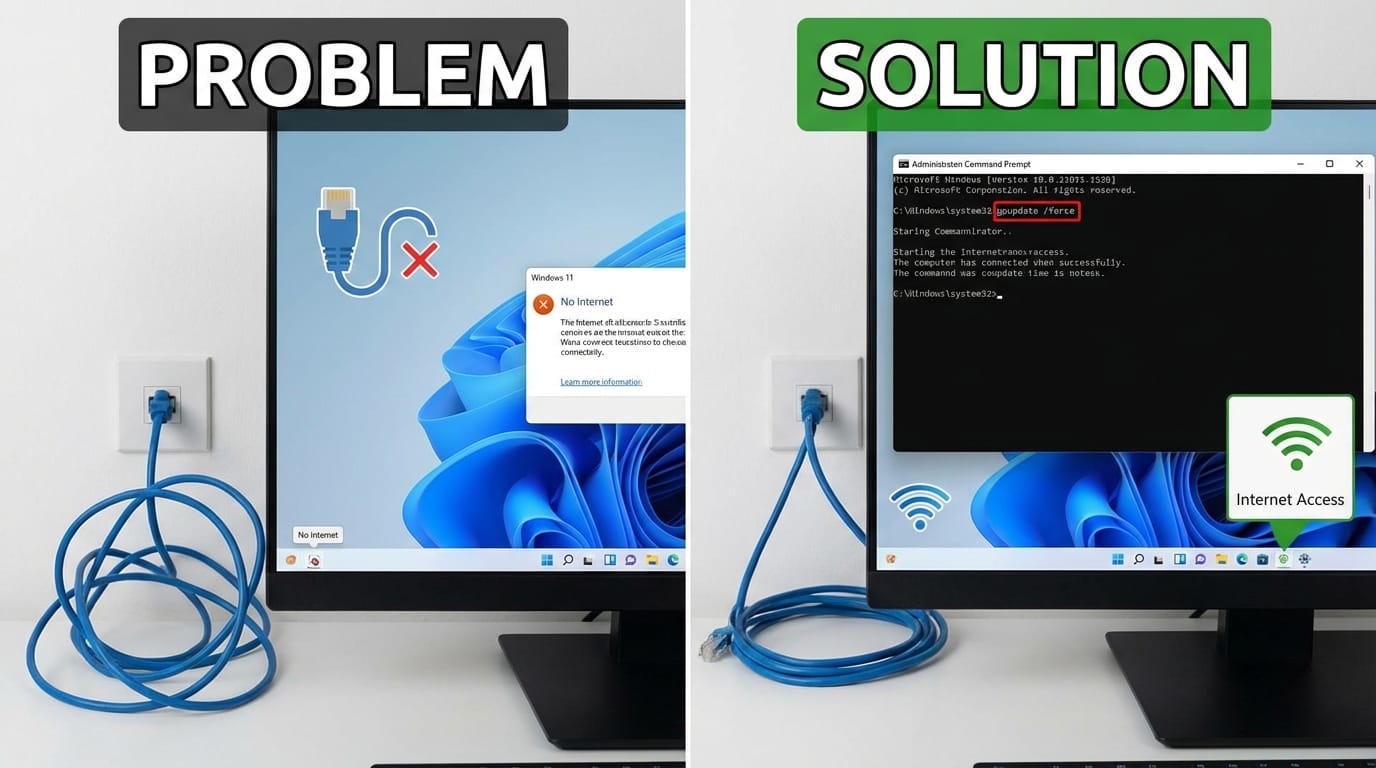
Windows 11 Update Can Break Ethernet Internet — How to Restore Connectivity
A Windows 11 upgrade can wipe key wired authentication policies, leaving PCs offline until group policies are refreshed.
-
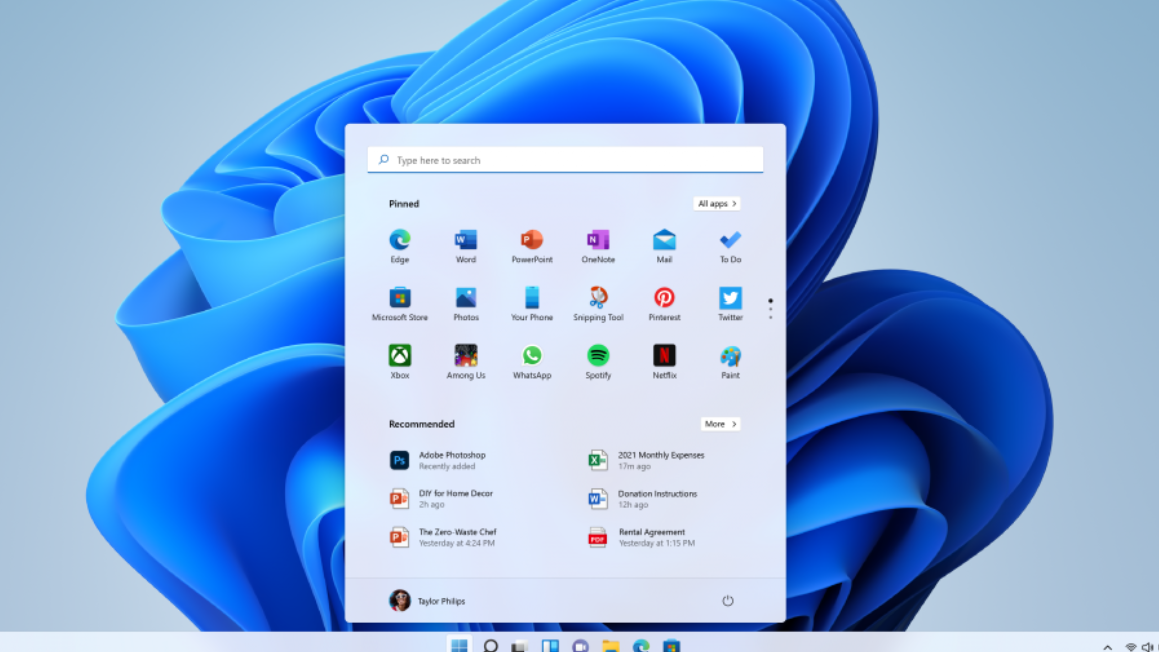
Windows 11 KB5077241 brings internet speed tests and native Sysmon support
The February 2026 preview update adds taskbar network tools, Emoji 16.0, and pan-tilt camera controls.
-
KB5007651 Keeps Reinstalling on Windows 11 — What It Is and How to Fix It
Microsoft’s recurring Windows Security platform update has a long history of bugs, loops, and workarounds.
-
Windows 11 Build 26300.7733 Brings Native Sysmon to Dev Channel
The latest Dev Channel preview adds built-in system monitoring and fixes for File Explorer and cloud storage apps.
-
Windows 11 Canary Build 28020.1495: WebP wallpapers and a few key fixes
What changed, what got fixed, and the two issues you’re most likely to notice after installing.

