
Topic
Windows 11
Windows 11 is Microsoft’s modern PC operating system, built to deliver a refreshed interface, stronger productivity tools, gaming features, enhanced security, and deep integration with services like Copilot. It launched as the successor to Windows 10 and supports a wide range of desktops, laptops, and compatible hardware configurations for work, play, and everyday computing. | Release Date: October 5, 2021 | Developer: Microsoft | Platforms: x86-64 PCs, Arm64 PCs | Genre: Operating System
-
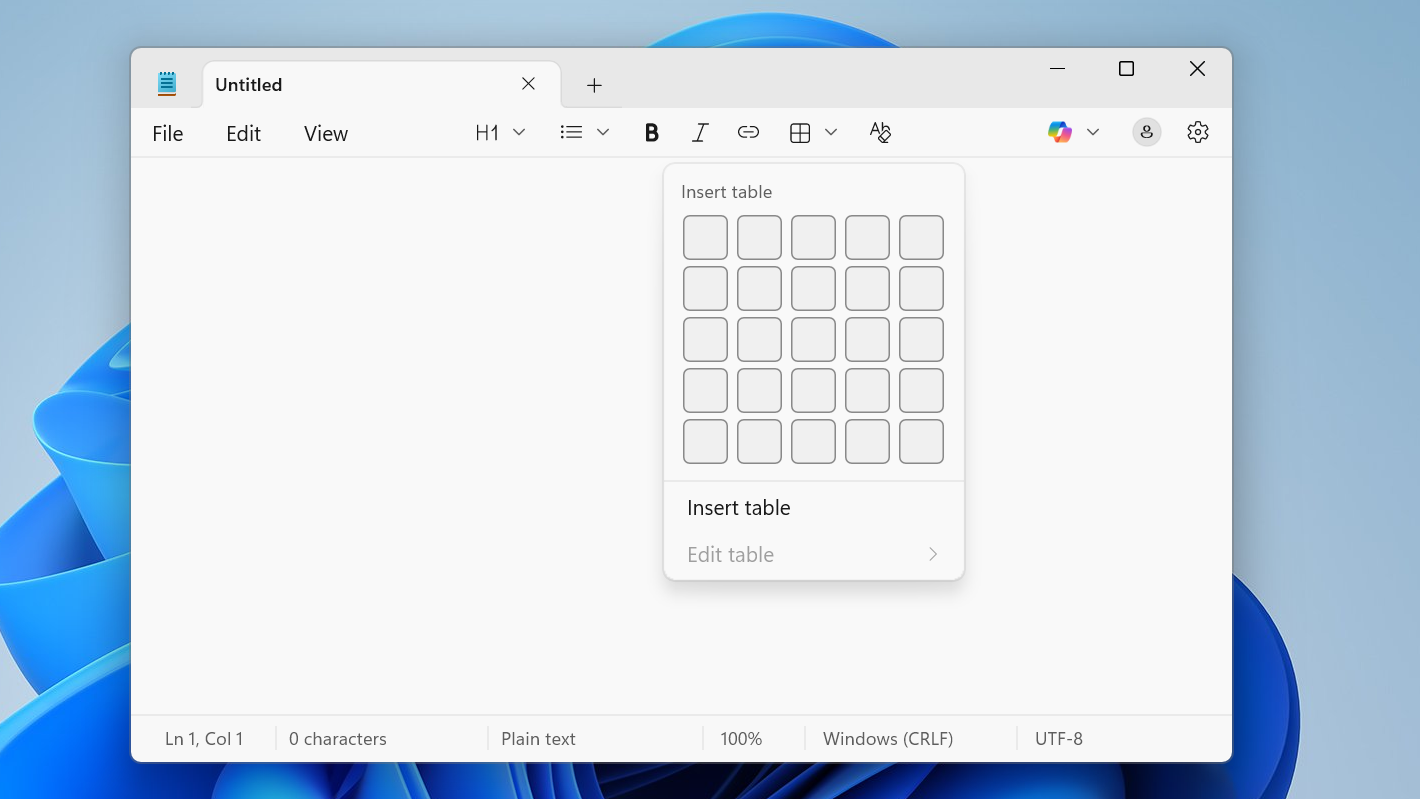
Notepad on Windows 11 can do tables — here’s how to use them
Learn how to create, edit, and manage tables in the new Notepad for Windows 11, including Markdown-style layouts.
-

How to use AI agents from the Windows 11 taskbar
Learn how the new Ask Copilot box and taskbar icons let AI agents run, monitor, and complete tasks on your Windows 11 PC.
-
How to disable touch screen on Windows 11 without breaking everything else
Turn off touch input on a Windows 11 laptop or tablet using Device Manager or PowerShell, and keep it disabled reliably.
-
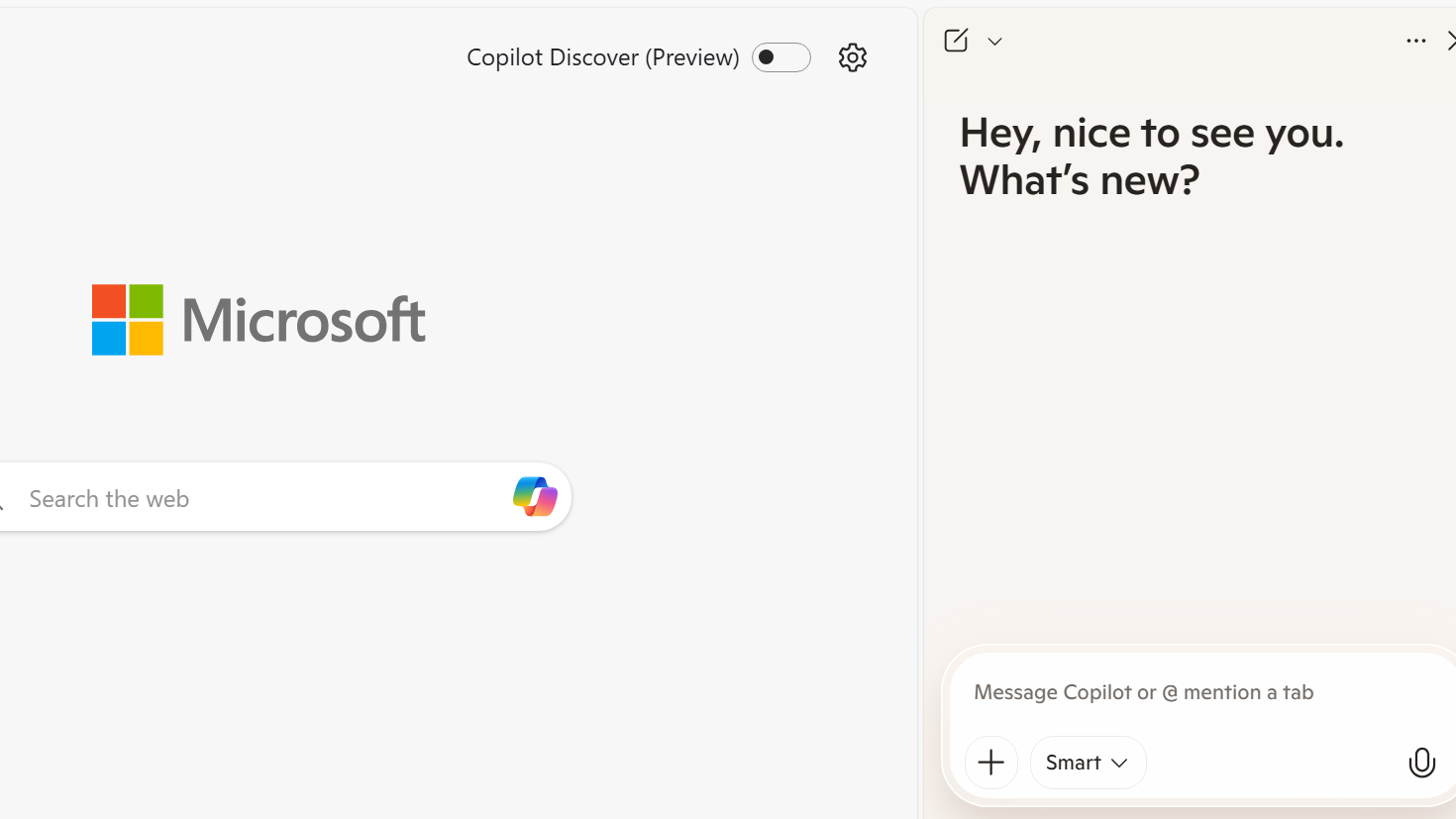
How to disable every AI feature on Microsoft Edge for Windows 11 without uninstalling it
Turn off Copilot, Bing chat, AI icons and background services in Edge on Windows 11 using built‑in settings, policies and registry edits.
-

Windows 11 Canary build 28020.1371 focuses on small but important fixes
Start menu glitches, File Explorer flicker, keyboard timing, and a nasty Terminal freeze bug are all addressed in this 26H1 build.
-

Xbox FSE (Full Screen Experience) on Windows 11: Setup, controls, and performance
Learn how the Xbox full screen experience works on handhelds and PCs, how to turn it on, and what to expect day to day.
-
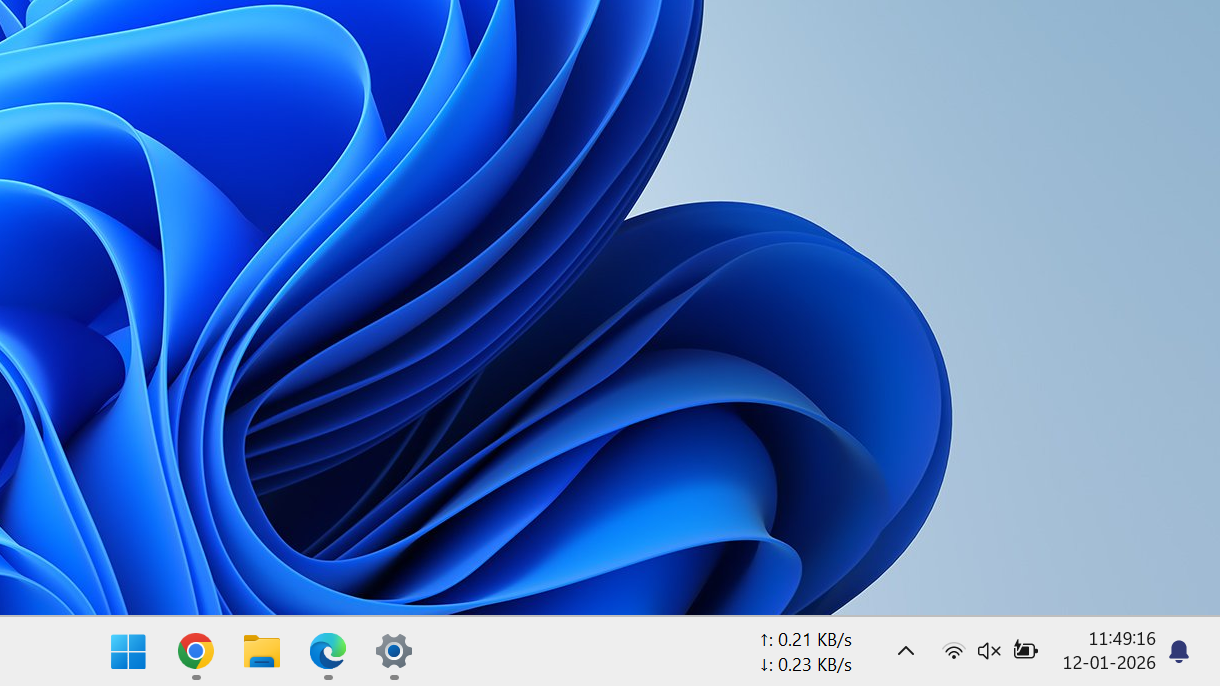
How to show seconds on the Windows 11 taskbar clock
Enable seconds on the taskbar clock in Windows 11 using Settings, the Registry, or PowerShell, and understand the trade-offs.
-
Windows 11 build 26220.7535 brings Copilot image descriptions and admin Copilot controls
Key changes in the latest Dev and Beta build focus on accessibility, AI management, developer app continuity, and a handful of focused fixes.
-
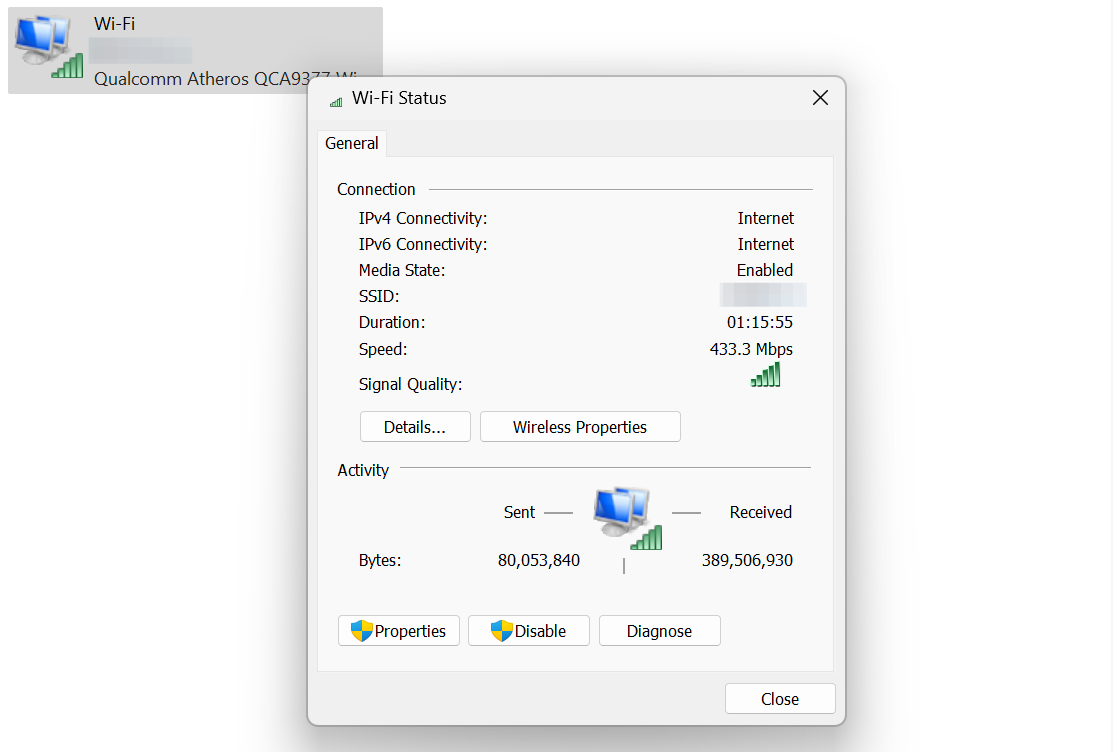
How to View Wi‑Fi Adapter Status and Settings on Windows 11
Learn how to open, read, and manage Wi‑Fi adapter settings in Windows 11 using Settings, Control Panel, and advanced options.
-
Windows 11 build 28020.1362 reshapes handheld gaming and Copilot+ PCs
Microsoft’s latest Canary build expands Xbox Full screen experience, deepens on-device AI features, and cleans up core Windows 11 UX.

