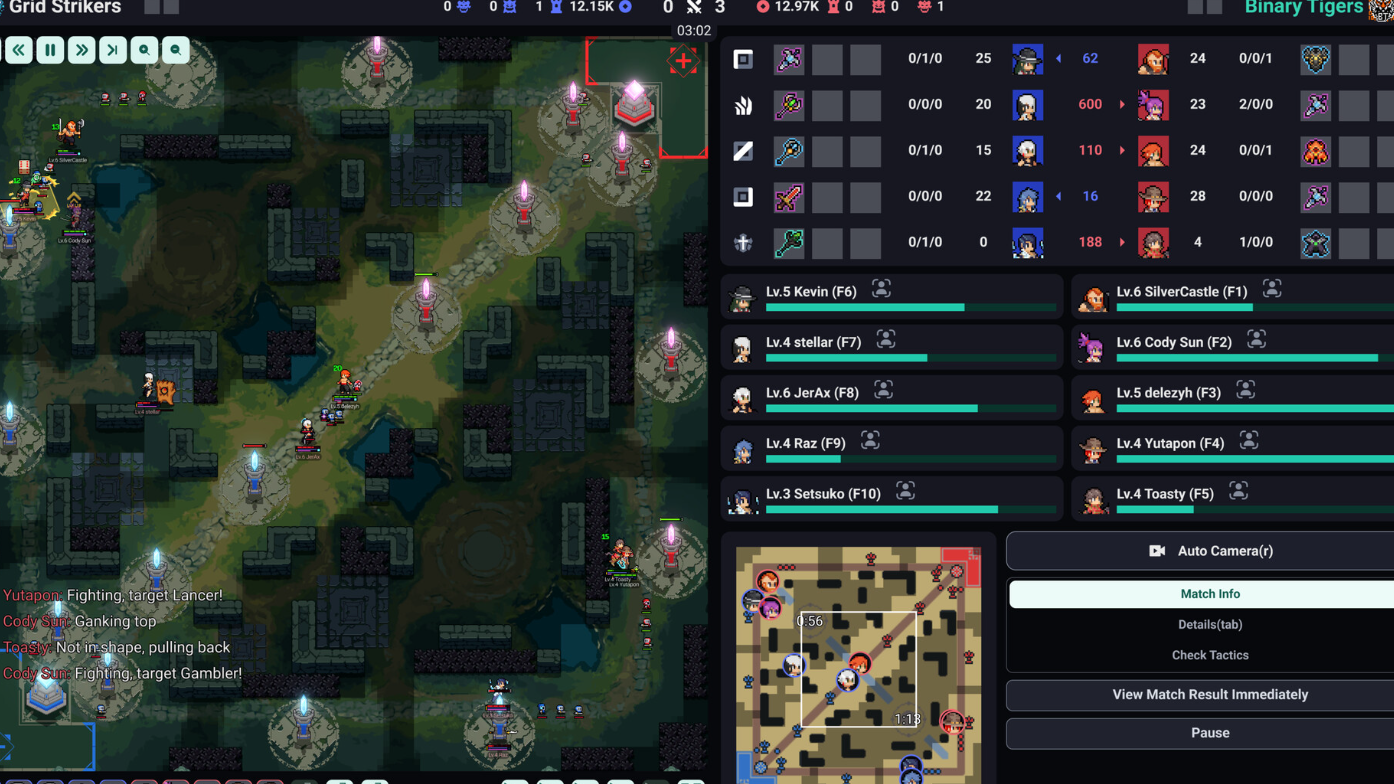
Teamfight Manager 2 has a progression bug in its early access build that traps players in a loop, typically once the in-game calendar rolls into January. The save will not advance, and the issue can also break multiplayer co-op sessions where the host or a client gets stuck on the same screen. A permanent patch will need to come from the developer, Samoyed, but there is a reliable workaround that clears the loop in seconds.
What the loop bug looks like
The freeze most often appears after the calendar advances into January during a season. Instead of progressing to the next screen, the game cycles on the same state and refuses to move forward. In multiplayer, the symptom is similar: one player (often a client, sometimes the host) cannot advance past a transition such as the post-match award screen, which blocks the entire lobby.
It is not tied to a single save file or a corrupted profile. The behavior has shown up across different playthroughs in the early access build, which points to a timing or state issue in how the game handles month rollover rather than a problem with your installation.
The reload workaround
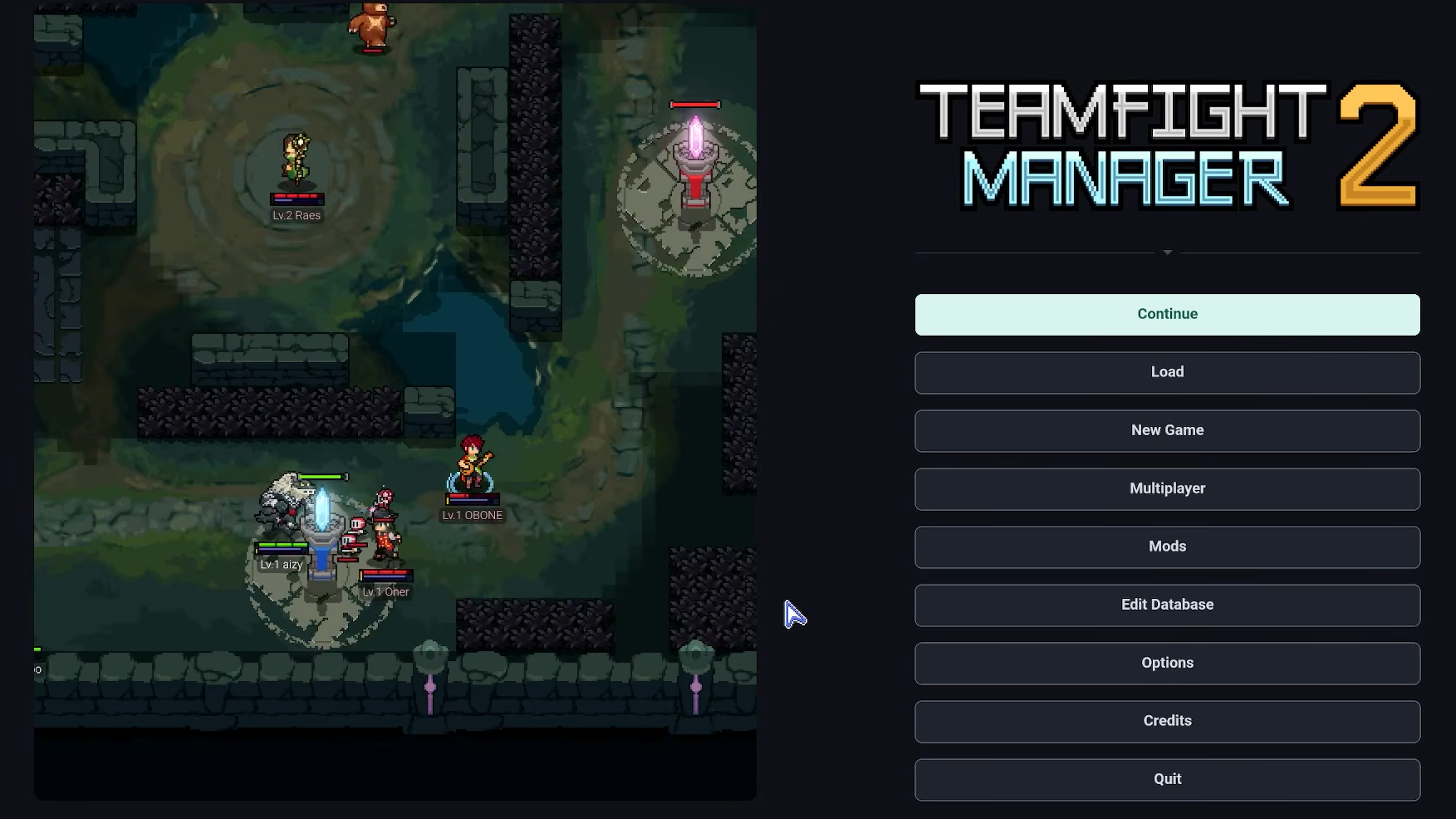
The fix is to force the game to reinitialize the current save state. You do not need to roll back to an earlier point or start a new career.
When the loop comes back
The workaround is not a one-time fix. The loop can reappear later in the same run, often after the next training match or another calendar transition. Each time it happens, the same save-and-reload sequence resolves it. Saving frequently, especially before advancing the calendar or finishing a match, keeps the recovery cost low.
For multiplayer sessions, the host should save before transitions where the bug has triggered previously. If a client gets stuck, having everyone return to the lobby and reload from the host’s save is the cleanest path forward.
How to confirm it worked
You will know the loop is cleared when the screen that was frozen advances on its own after the reload. In a single-player career, that usually means the calendar ticks forward or the next event (match, patch, sponsor decision) appears. In multiplayer, all players should see the same screen update simultaneously once the host reloads and resumes.
If reloading does not advance the state, check that you actually loaded the most recent save rather than an older autosave slot. Loading an earlier file will replay the same trigger and put you back in the loop.
What does not fix it
A few common troubleshooting steps will not resolve this specific bug, because it is a save-state issue rather than a system or hardware problem:
| Action | Effect on the loop |
|---|---|
| Restarting the PC | No effect; the save reloads into the same stuck state |
| Verifying game files | No effect; files are not corrupted |
| Updating GPU drivers | No effect; the bug is not rendering-related |
| Disabling antivirus or VPN | No effect; the loop is internal to the game logic |
| Starting a new career | Avoids the immediate freeze but the loop can recur when that save reaches January |
The only consistent recovery is the save → main menu → reload cycle described above.
Reporting it to the developer
Because Teamfight Manager 2 is in early access, bug reports from players are likely to shape what gets patched first. If you hit the loop, posting reproduction steps (when in the calendar it happened, what action preceded it, whether you were in single-player or multiplayer) to the game’s Steam Community discussions helps Samoyed narrow down the cause faster than a generic “stuck” report.
Until a patch lands, treat the reload trick as part of the normal flow when you cross into January. It is mildly annoying, but it keeps your career moving without losing meaningful progress.