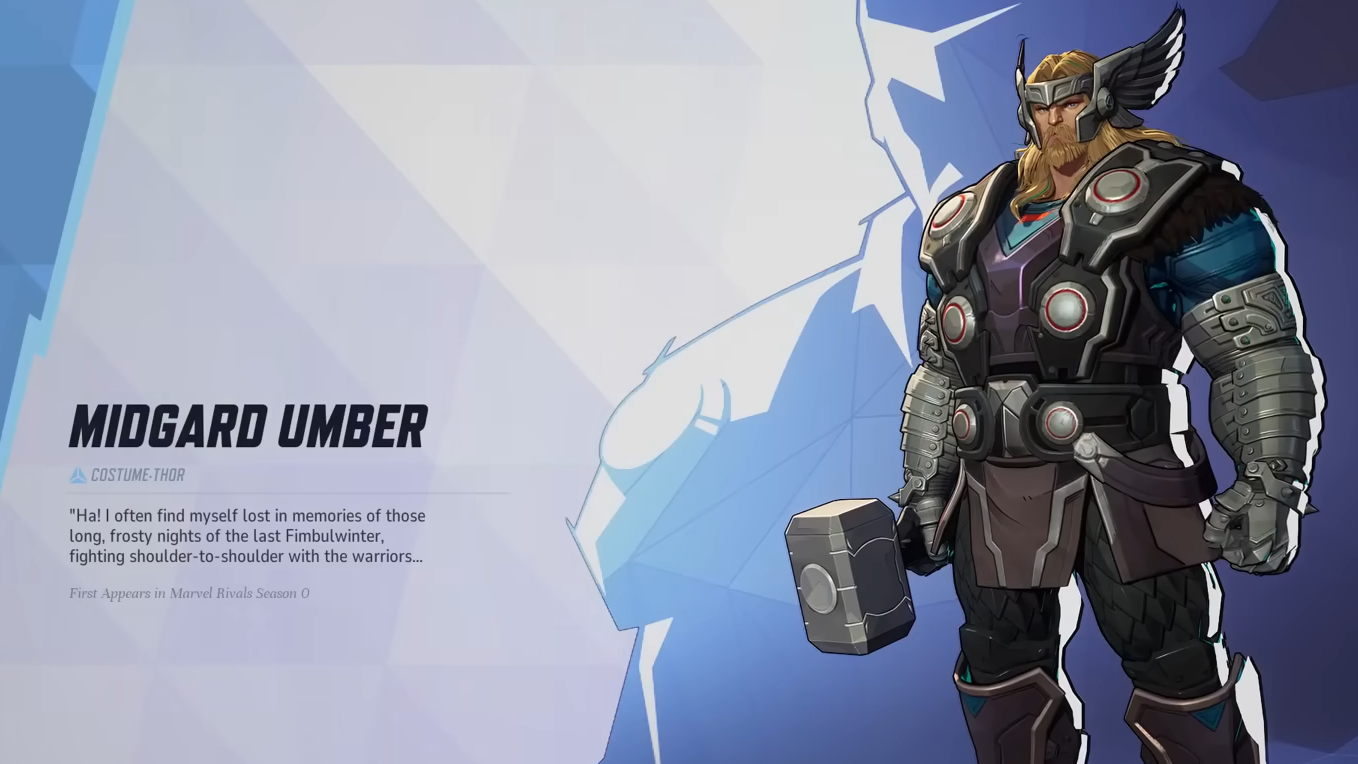
The Thor Midgard Umber costume is a free recolor tied to Marvel Rivals Season 7.5, handed out as an Nvidia GeForce Reward. It is locked behind a one-time bundle code you pull from the Nvidia app, and once you have the code, it works on any platform the game supports.
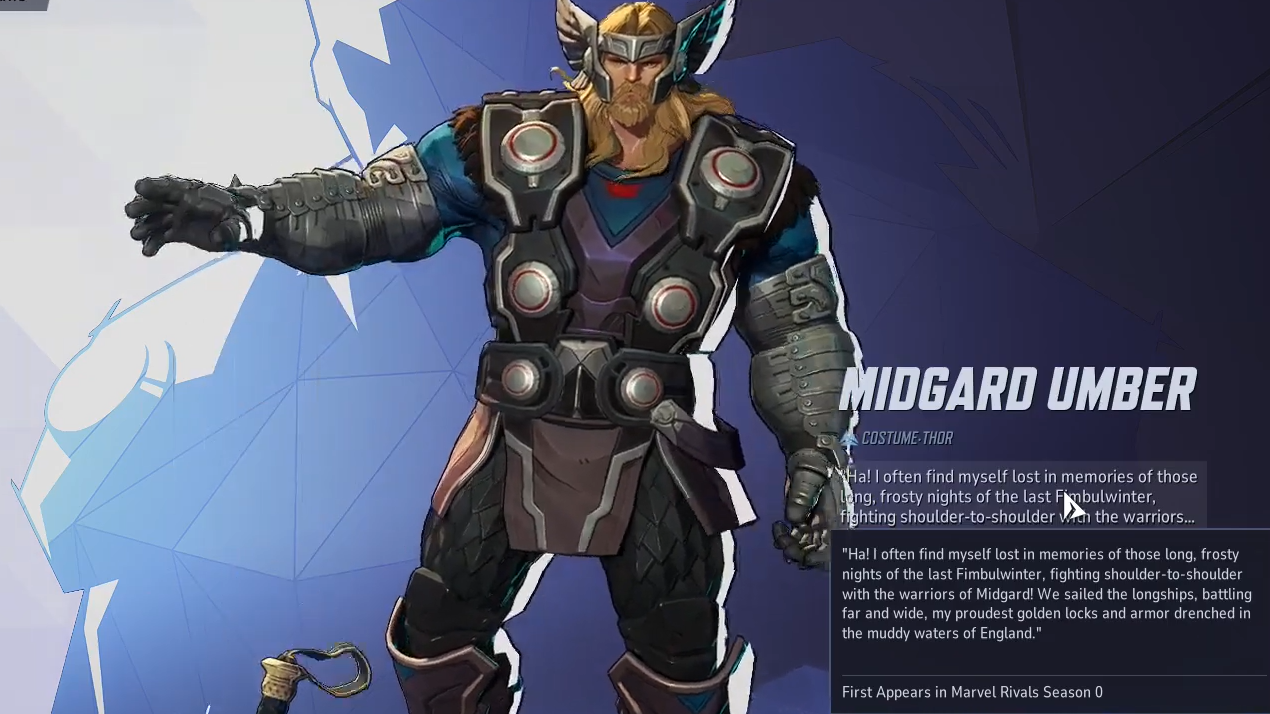
Thor Midgard Umber skin requirements
The giveaway has two hard gates. The first is hardware: you need a PC with an Nvidia GeForce GTX 10-series or newer graphics card to see the reward in the Nvidia app. The second is time and stock. Codes are capped, and the offer ends on May 21, 2026, whichever comes first.
Console-only players are not locked out entirely, but they do need PC access at least once to generate a code. The code itself is platform-agnostic after that.
| Detail | Value |
|---|---|
| Skin name | Thor Midgard Umber |
| Type | Recolor costume |
| Cost | Free |
| Source | Nvidia GeForce Rewards |
| GPU requirement | Nvidia GTX 10-series or newer (to claim) |
| Redeemable on | PC, PlayStation 5, Xbox |
| Code expiry | May 21, 2026 |
| Season | Marvel Rivals Season 7.5 |
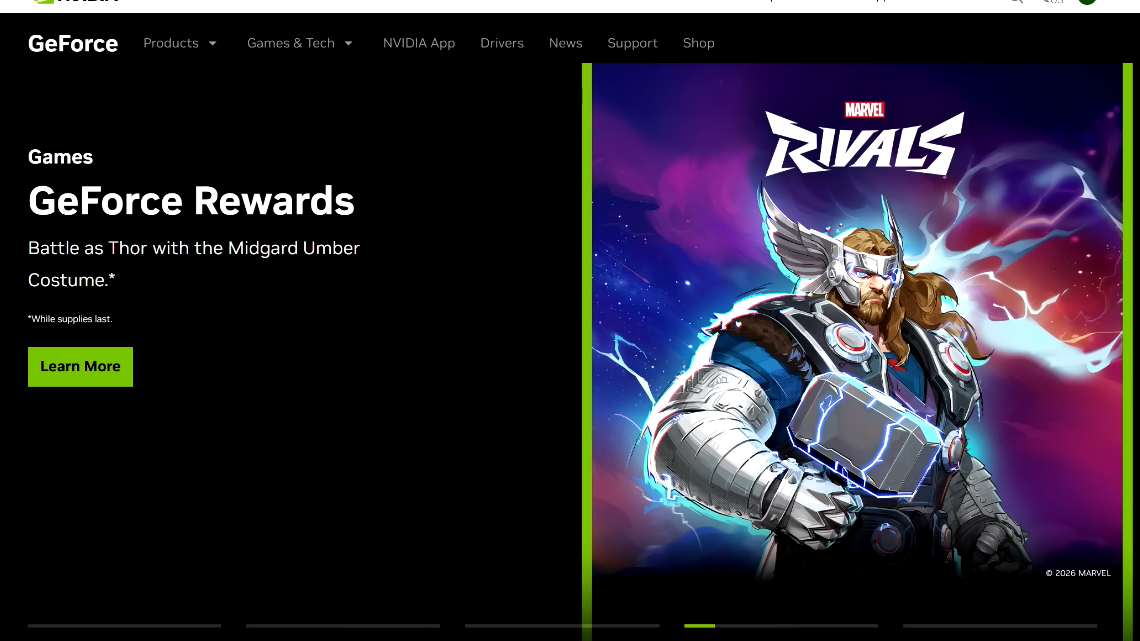
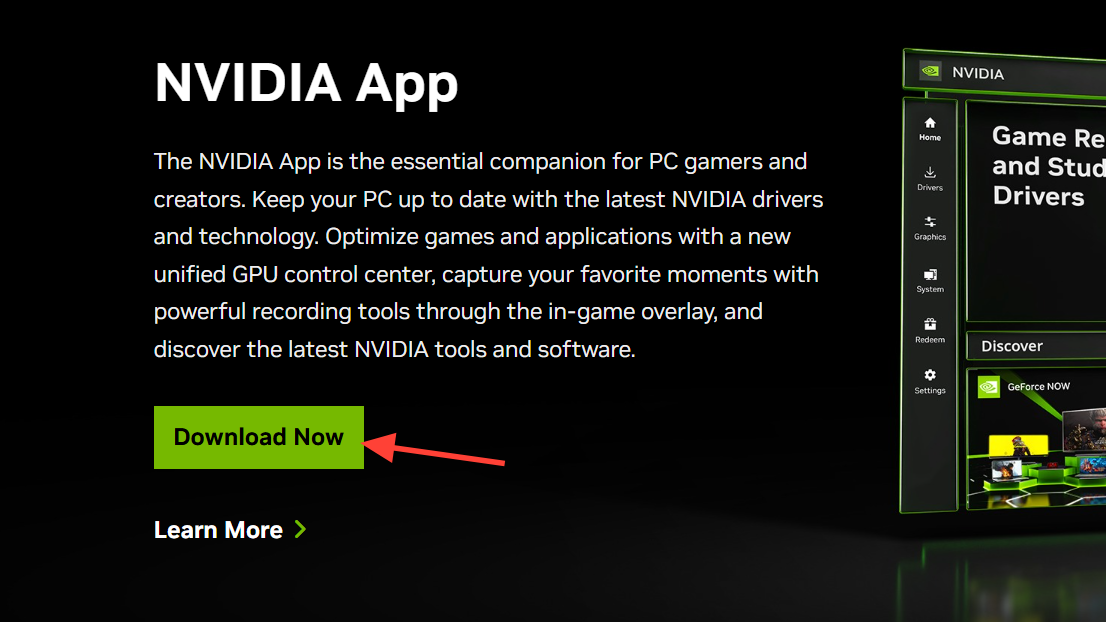
Get the code from the Nvidia app
The code lives inside the Nvidia app on PC. The redeem flow takes about a minute once the app is installed and signed in.
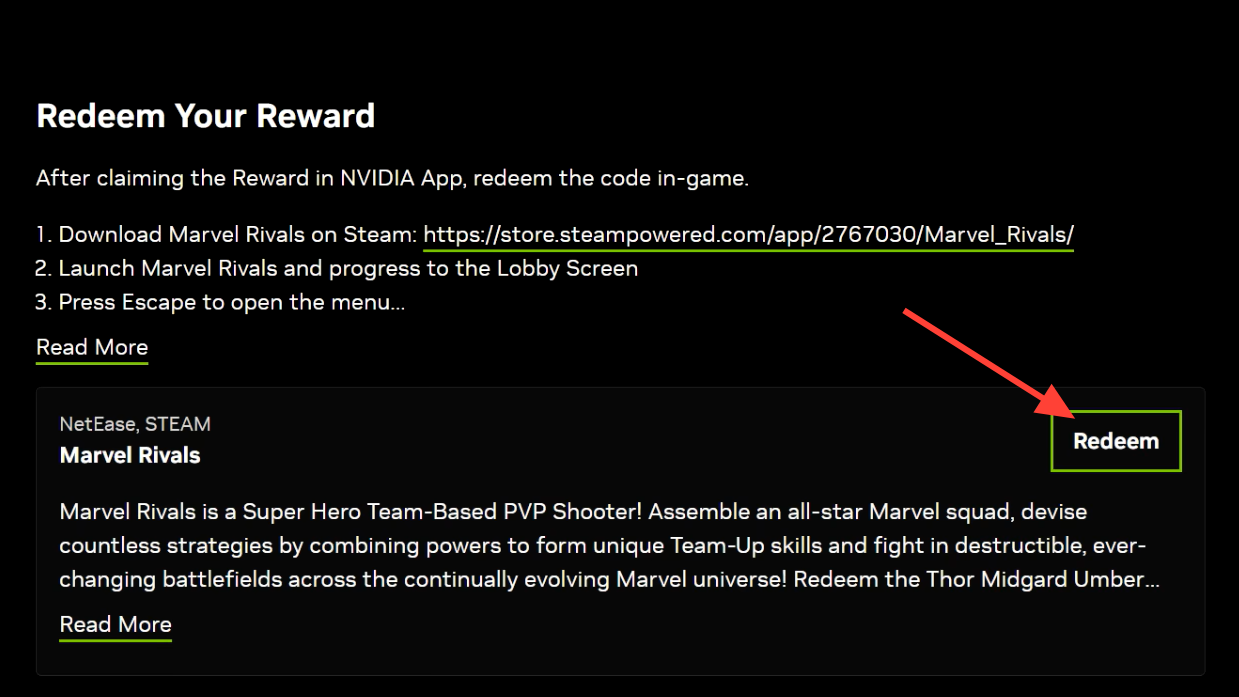
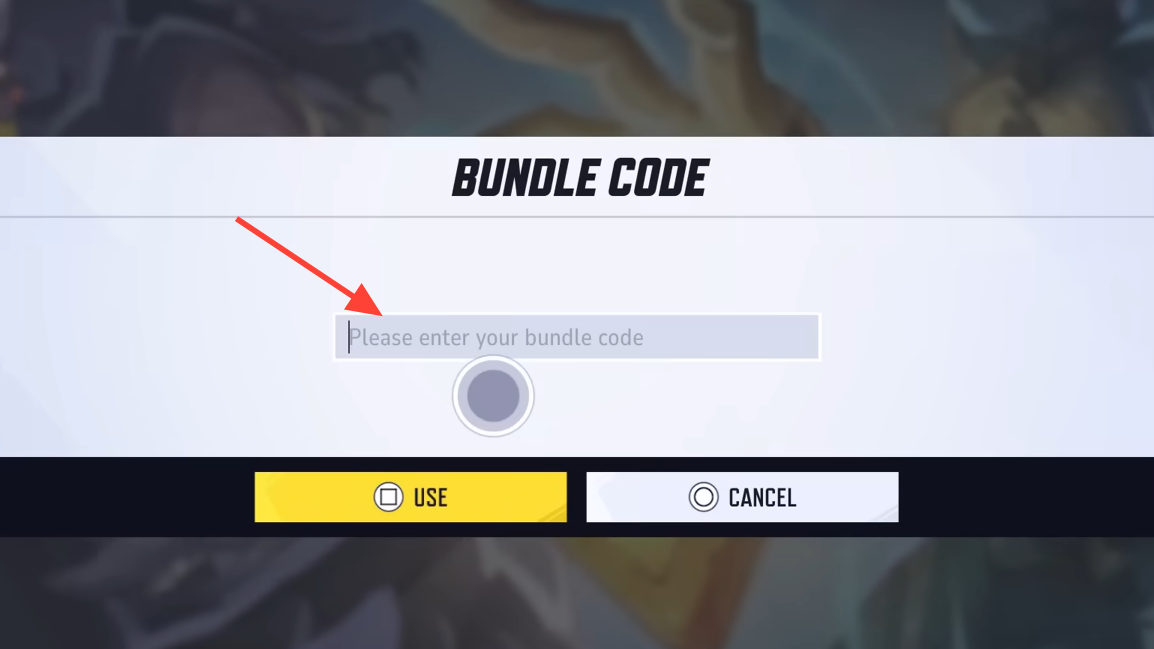
Redeem the code in Marvel Rivals
After you have the code, the in-game claim works the same on every platform. You do not need to be on a PC to enter it.
Why the redemption may fail
A handful of specific issues block the claim. Each one maps to something you can check quickly.
| Problem | Cause |
|---|---|
| Reward not visible in Nvidia app | GPU is older than the GTX 10-series, or you are not signed in |
| Code field rejects entry | Code was already redeemed on this or another account |
| No code after pressing Redeem | Session expired; sign in again and retry from the Redeem tab |
| Offer gone entirely | Stock ran out or the May 21, 2026 deadline has passed |
The Midgard Umber costume is a straight recolor rather than a new model, but recolors tied to hardware partnerships tend to stay rare long after the giveaway ends. If you play Thor at all, it is worth the minute it takes to pull a code while the offer is still live.