Quick answer: Fast travel in Phantom Blade Zero is called Traverse and works only at Bells, starting from the second Bell, First Meeting with Yu’er. Select Traverse there, then left-click a Bell you’ve already rung.
Phantom Blade Zero has no fast travel from open ground. Every trip starts with you standing at a Bell, and every trip ends at another Bell you have already rung.
When fast travel unlocks
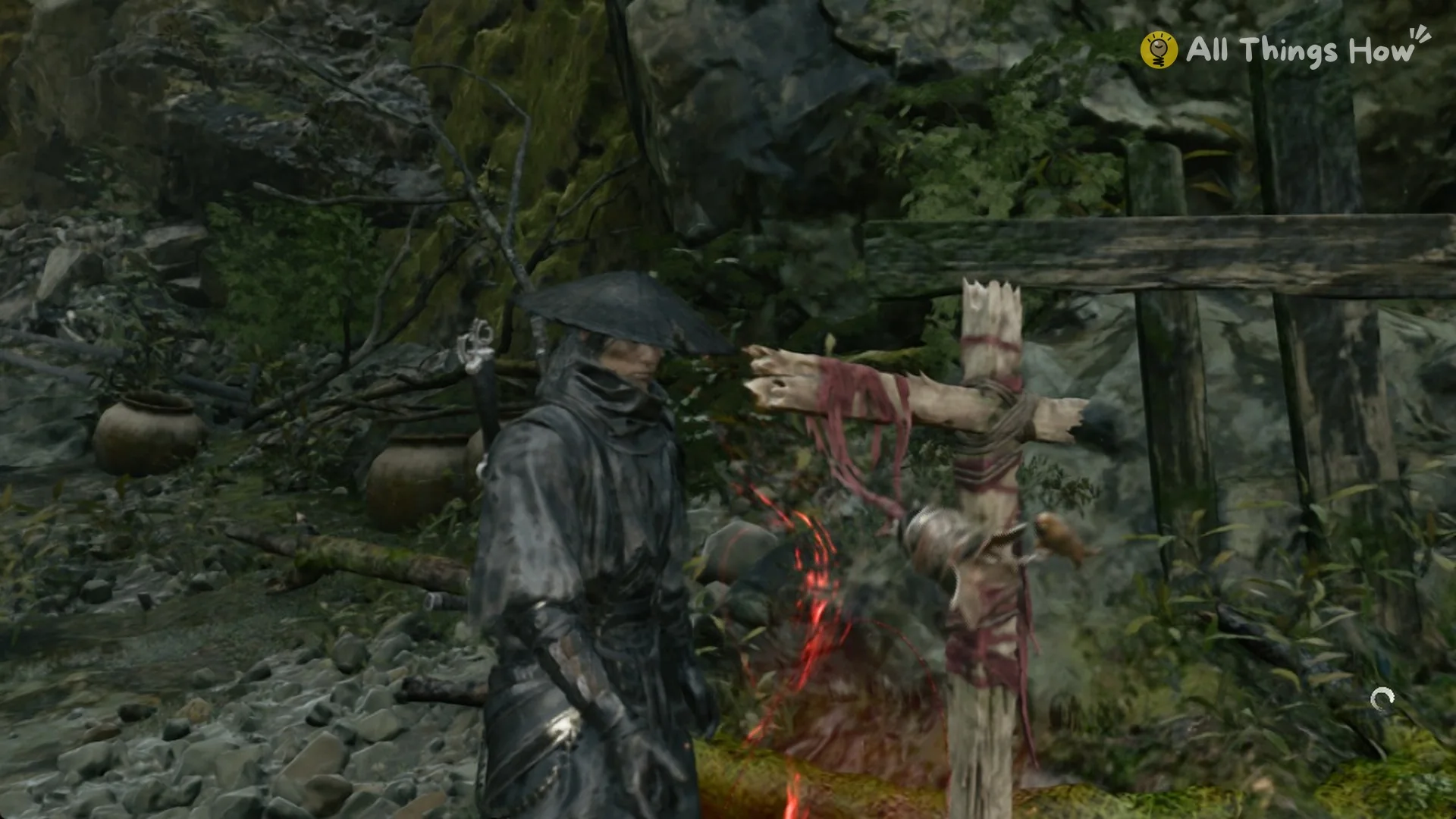
In Chapter 1, “AGAINST THE FLOW”, The Beginning is the first Bell you reach. Its menu offers Train Abilities, Save, and Leave as its three rows. With no Traverse entry, fast travel isn’t available yet.
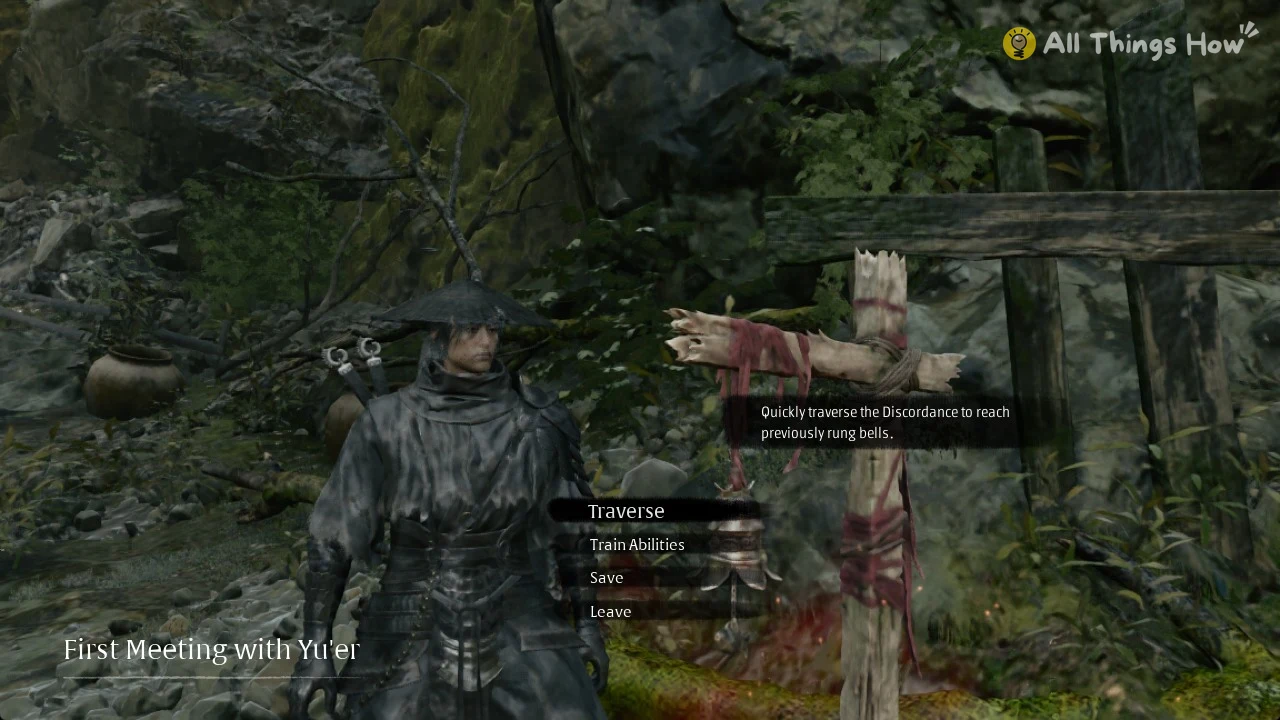
Ring the second Bell, First Meeting with Yu’er, by pressing E; this uncovers the WEEPING CREEK VALLEY map, where Map Completion reads 5%. From then on, every Bell menu lists four rows in this order: Traverse, Train Abilities, Save, Leave. Once you meet the Forge at the Outpost, Upgrade Equipment joins as the second row, so later bells such as the Thieves’ Camp in Crimson Forest show Traverse, Upgrade Equipment, Train Abilities, Save and Leave. The Lady’s Rift, the valley’s third Bell (next to the Aberrant Three-faced Puppet Rift), displays the full set.
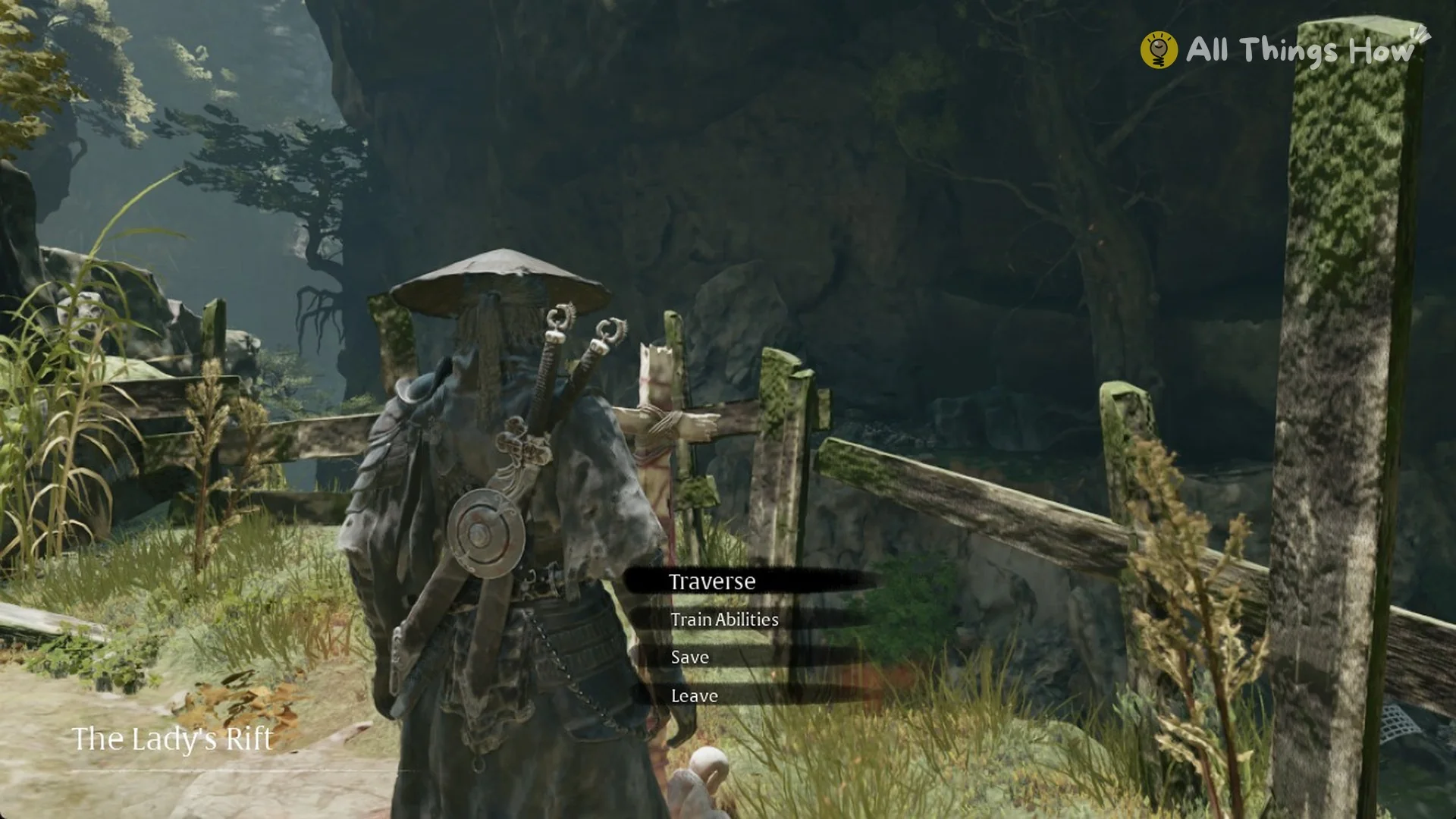
Ringing a bell also refills your HP and Medicine. The game’s own description: “Touch the Bell to restore HP and Medicine. The first touch reveals new areas on the map.”
How to fast travel
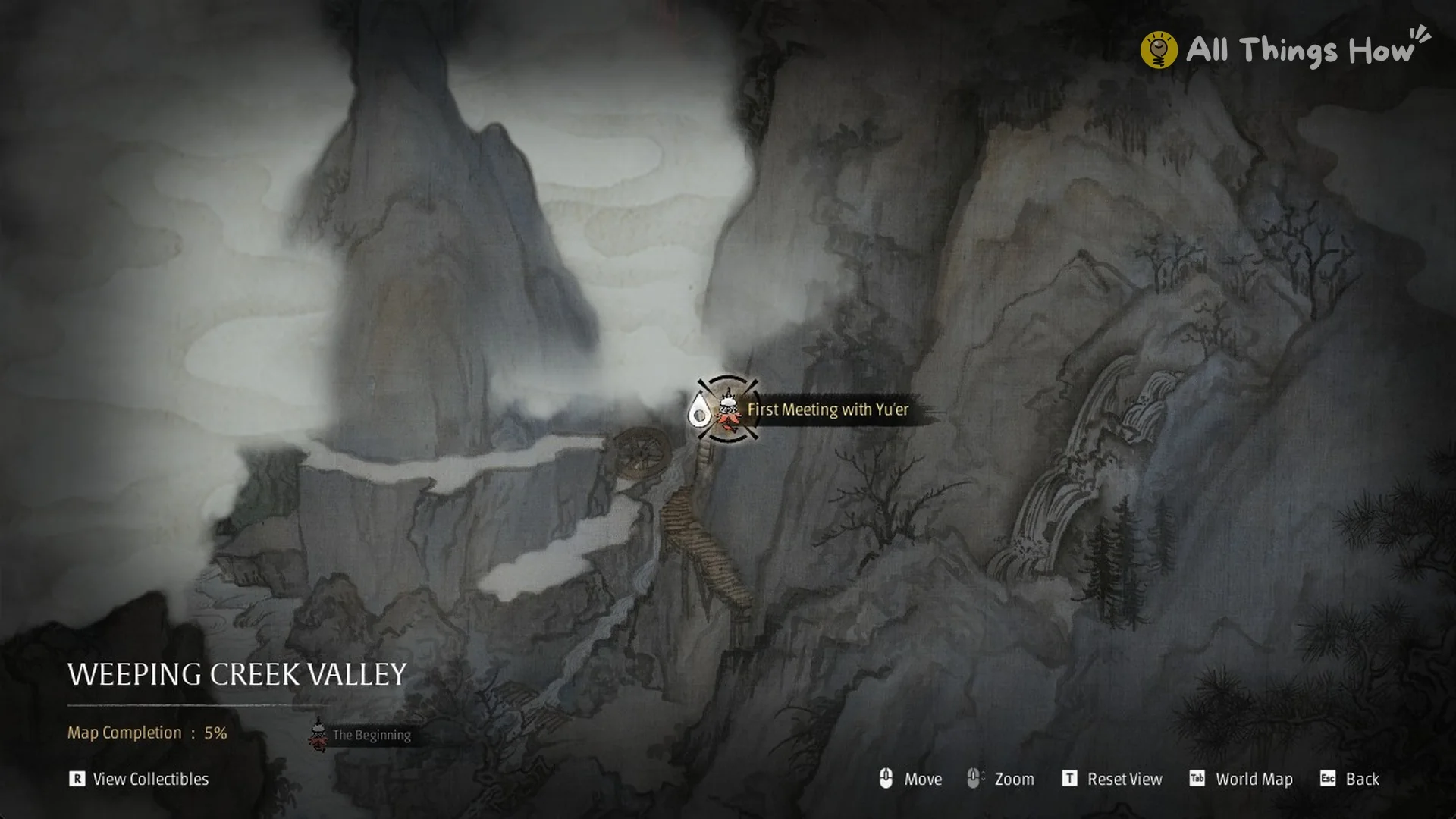
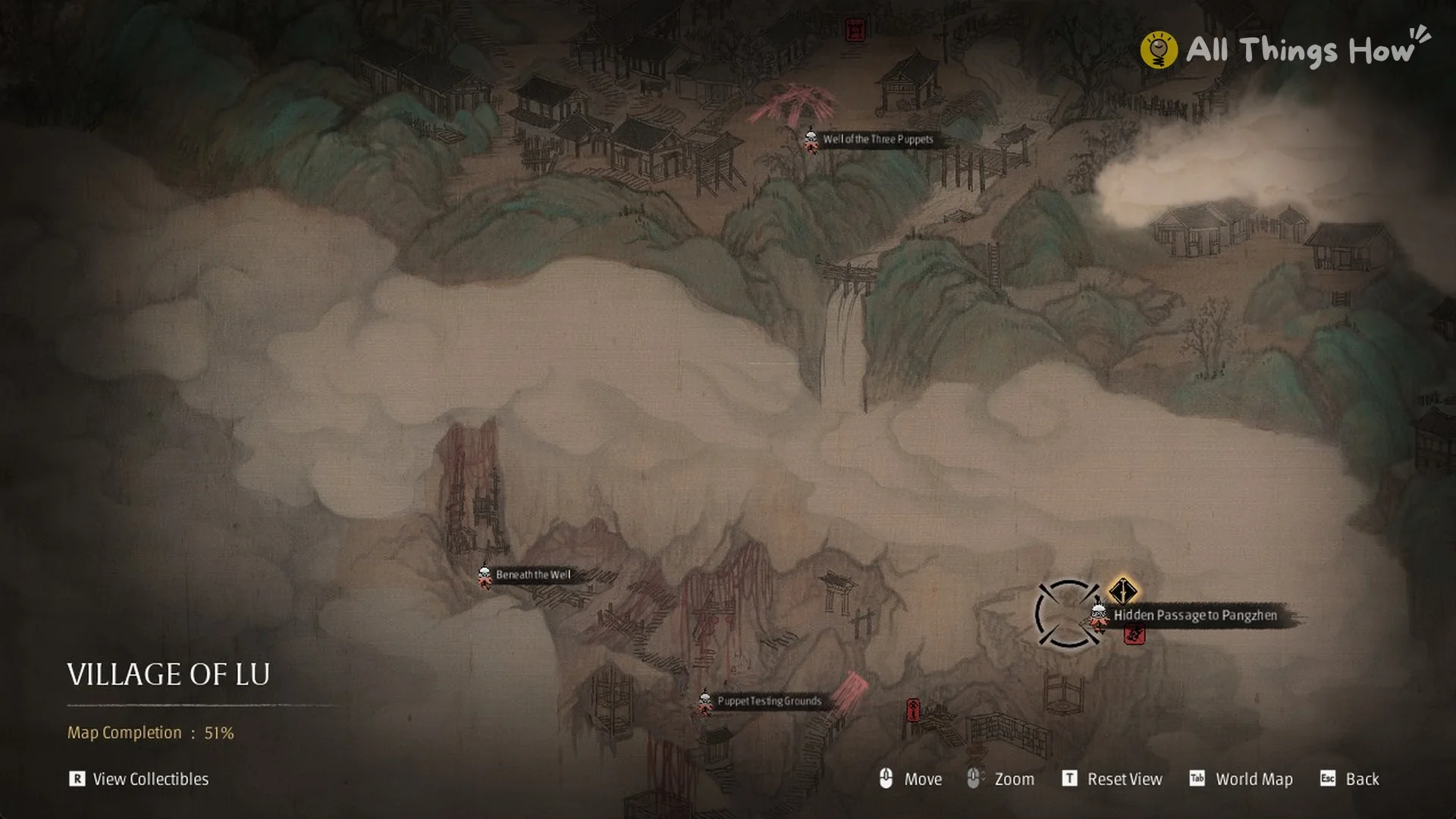
You’ll know Traverse is working when that map appears. The footer lists Move, Zoom, Reset View (T), World Map (Tab) and Back (Esc), and “View Collectibles” (R) sits in the bottom-left corner.
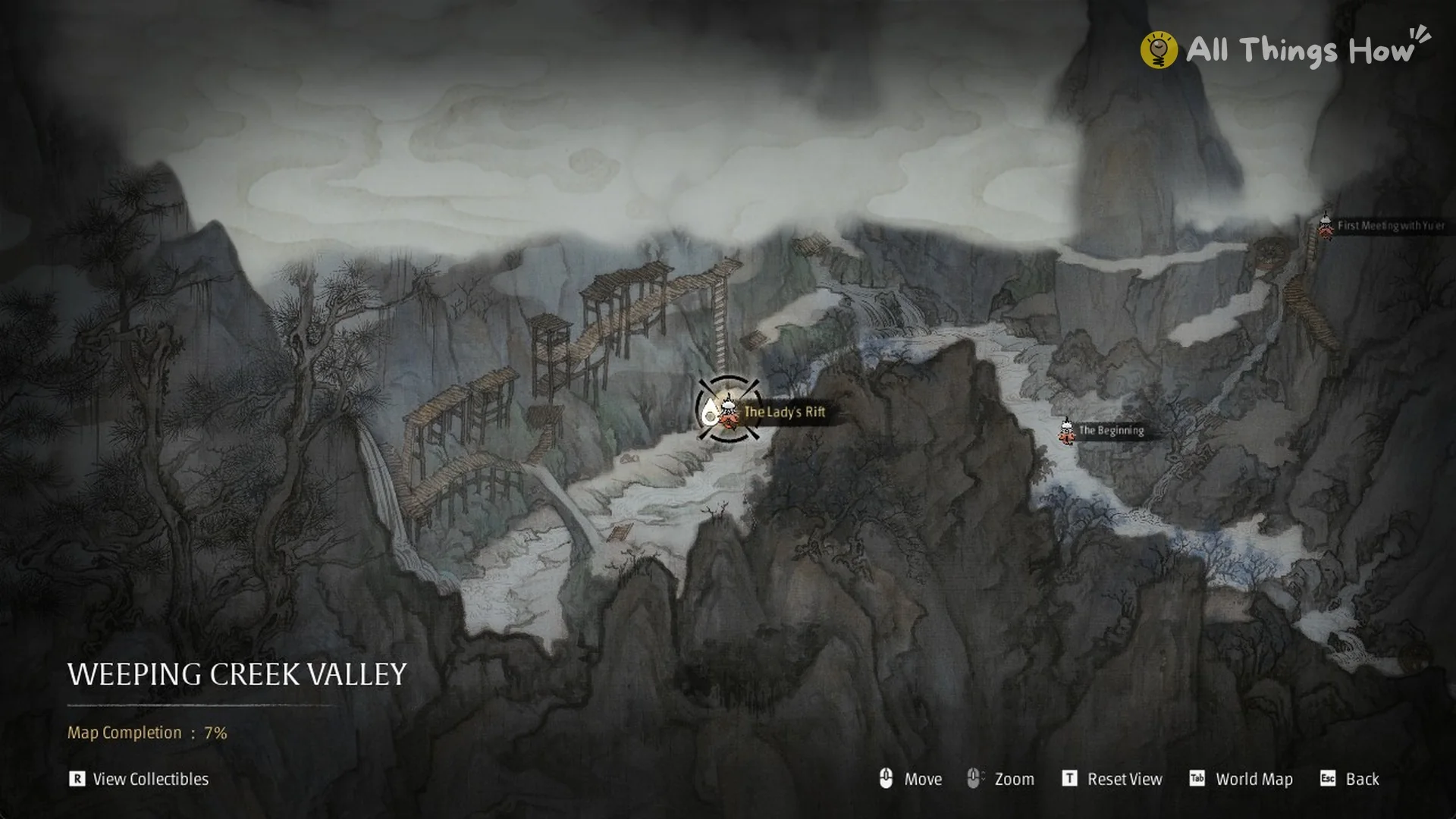
For a large region such as the Village of Lu, the Traverse map won’t scroll sideways at its widest zoom, so a bell near the edge stays out of reach until you zoom in. Roll the mouse wheel one step, then drag the map until the bell you want sits near the middle of the screen. Move the ring cursor onto that bell, and when the ring locks around the icon with the bell’s name shown beside it, click to travel.
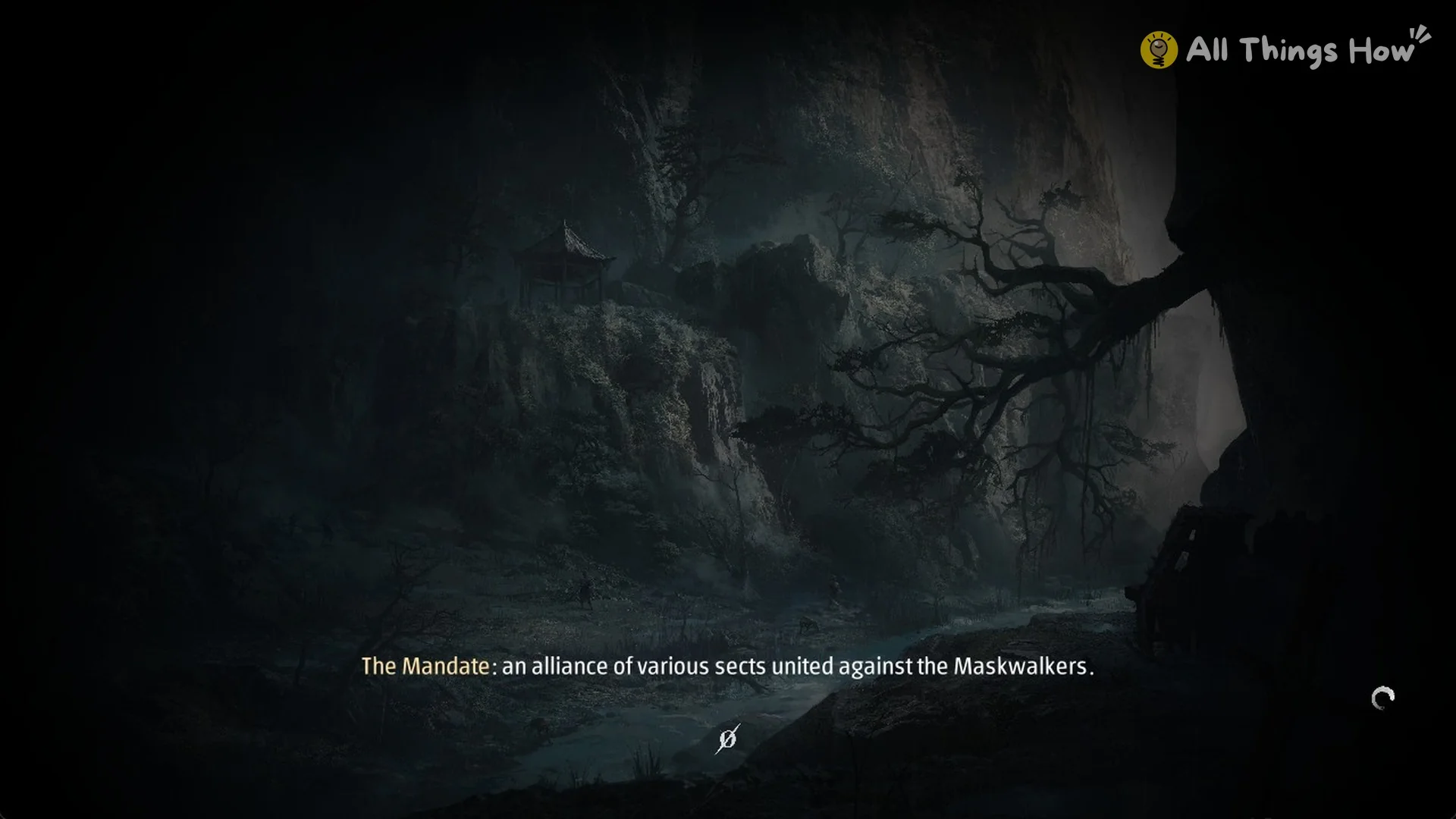
A loading screen plays next, with a short lore line along the bottom, such as an entry about The Mandate.
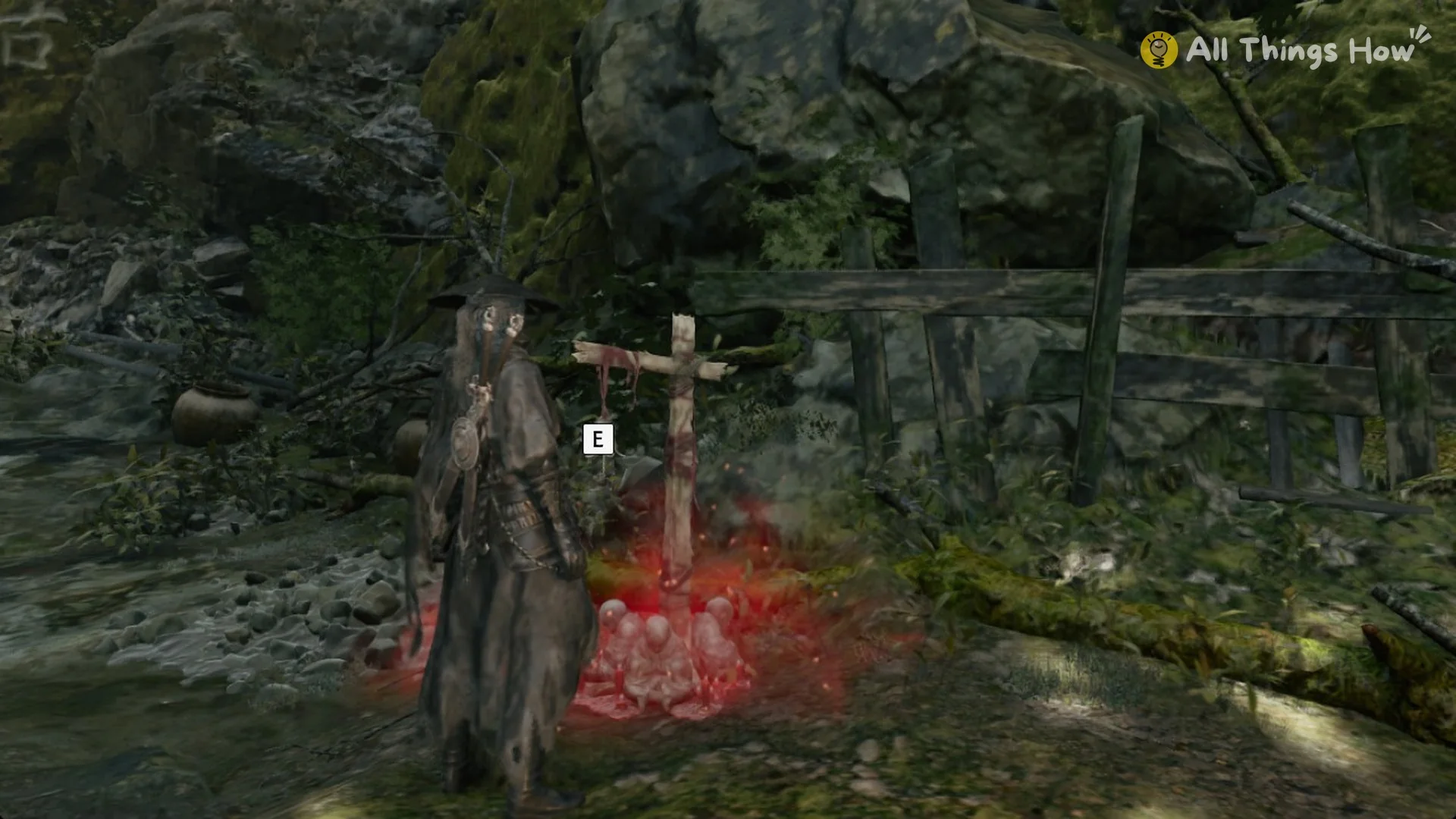
Afterward, Soul appears beside the bell selected on the map, with that bell’s E prompt already displayed.
Fast travel limits
Traverse comes with a few hard rules, each spelled out by the game:
- Region-locked (the world is split into separate regions): “Can only fast travel to Bells within the current region” and “Cannot traverse to other region”.
- No escaping fights: “Cannot traverse while in combat”.
On the area map, use the grey “Go To” exit at its border to advance to the following region; choose a bell there that you have rung before.
Do you need Traversal Talismans to fast travel in Phantom Blade Zero?
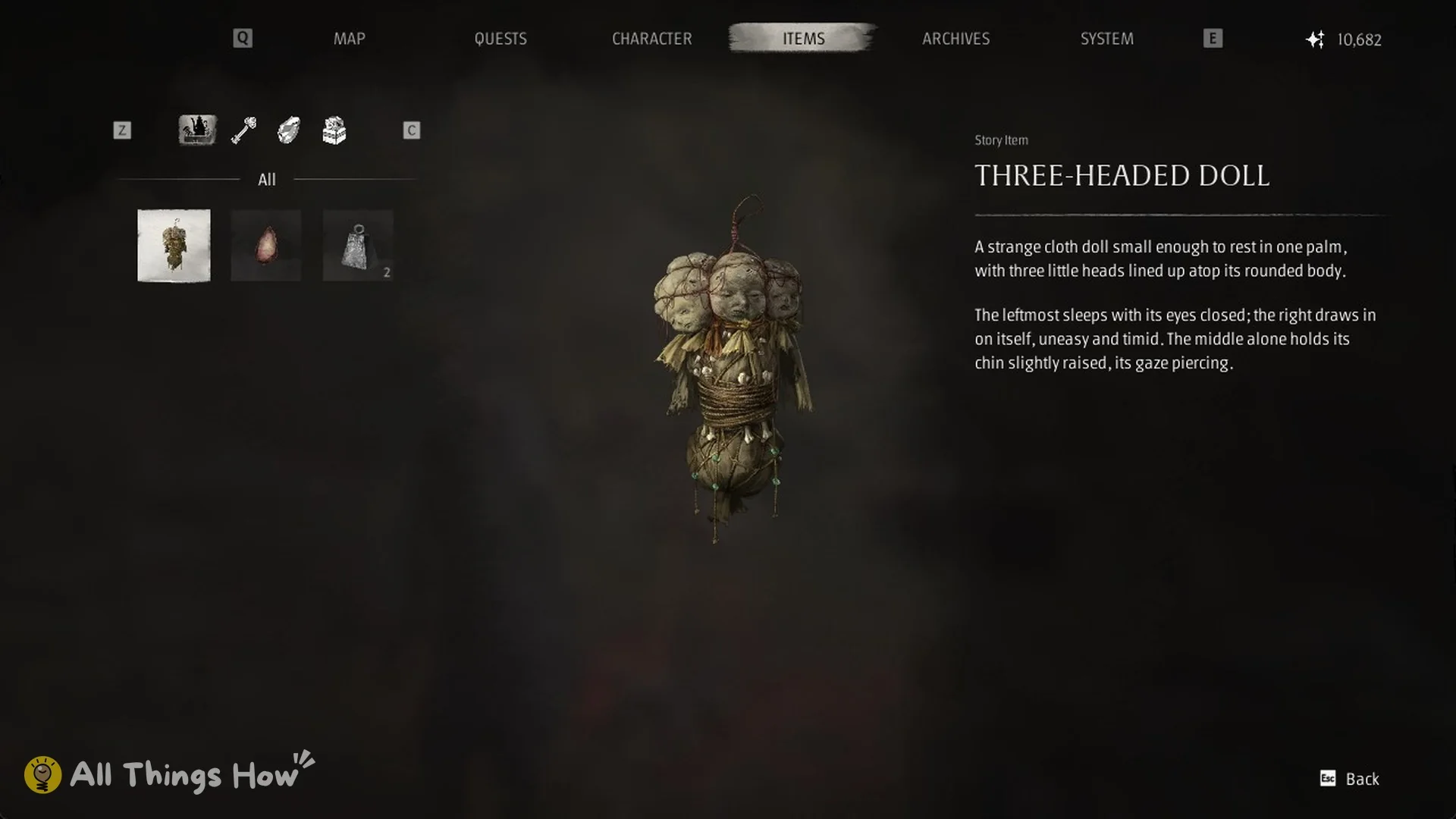
No. Using Traverse to move from one Bell to another requires neither a Traversal Talisman nor any Remnant Dust. In Chapter 1’s Weeping Creek Valley, the Items tab may show only a Three-Headed Doll, a Sha-Chi Amber Shard, and Forged Metal x2; no talisman is present, and the top-right corner displays 10,682 Remnant Dust. At the Rustblade Pavilion Bell, select Traverse to bring up the WEEPING CREEK VALLEY map. Click the Red Thread Barrier Bell icon once with the left mouse button, and Soul goes there immediately. No confirmation appears, and the screen shows no cost before loading with a brief lore tip. Afterward, the Items tab remains unchanged: the same three items, no talisman, and Remnant Dust at 10,682.
The Traversal Talisman covers a different situation. Its item text reads: “When away from a Bell, consume this Talisman to travel to any previously rung Bell.” That makes it your way out when you aren’t standing at a Bell, and it only takes you to a Bell you’ve already rung. Quick Hand Zhang sells it for 2,000 Remnant Dust. One also lies at a small shrine in the cave behind the Great Waterfall (see where to find the Traversal Talisman).