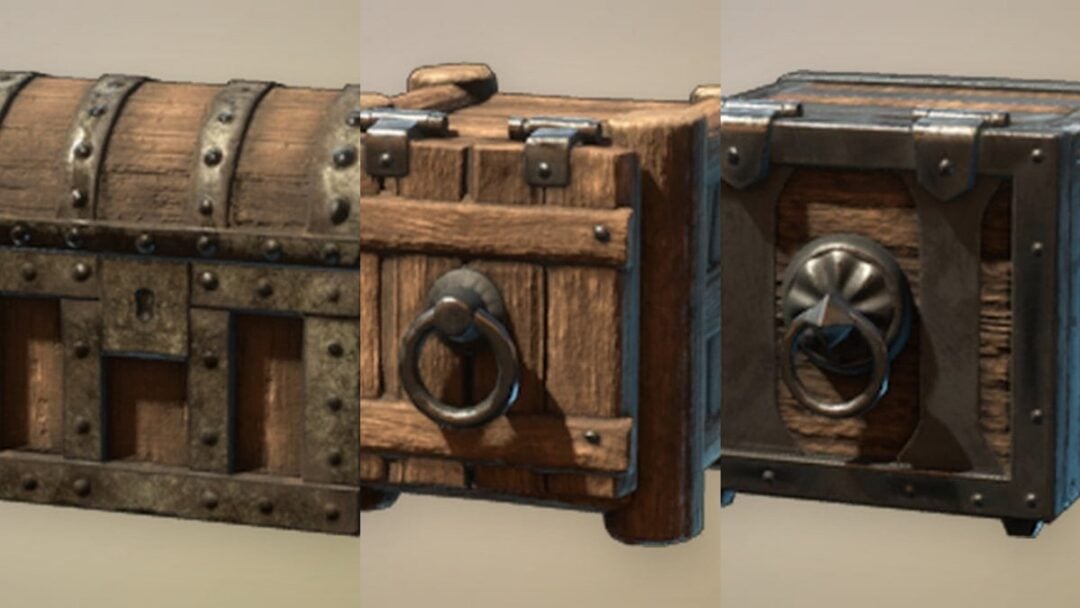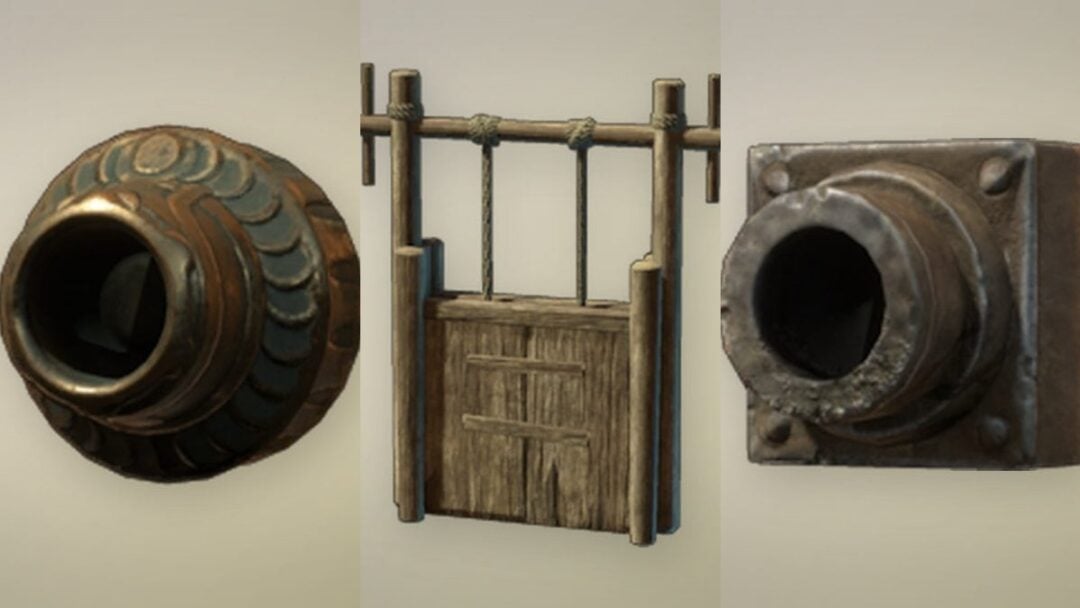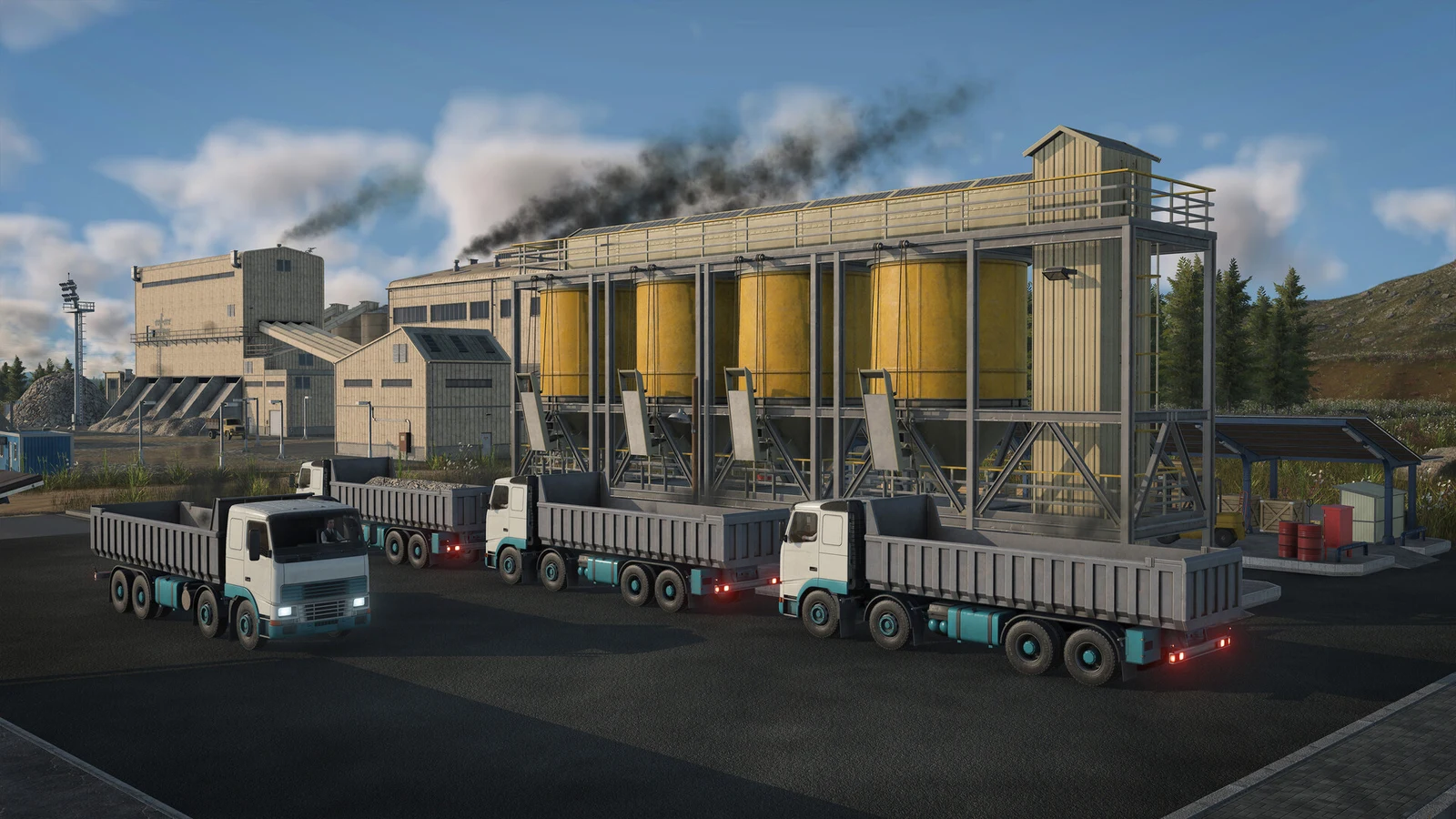
A truck that pulls into a roadside stop next to a mine, waits a few seconds showing “Loading”, and then drives off still reading 0/6 is not bugged. A Road Stop in Transport Fever 3 cannot load cargo at all. It can unload cargo. To collect freight from an industry, the pickup end of the line needs a cargo station; in 1900, that is the Universal Cargo Station.
Quick answer: Road Stops handle freight delivery, not collection. Set a Universal Cargo Station next to the industry, link it to the road with a short street segment, and replace the pickup-end Road Stop with that station on the line.
Why a Road Stop leaves the truck empty
A Road Stop is a compact roadside shelter where passengers can wait and cargo can be delivered, but freight cannot be collected there. The Two-Sided Road Stop follows this same rule. Either stop lets passengers board or get off; only freight is restricted.
The game states this in three places. In the build menu the Road Stop card carries the badge (Unload Only). In a line’s stop settings, “Configure Stop” on a Road Stop shows a blue bar reading “Cargo can only be unloaded at this stop.” And the “Cargo Specialization” tutorial text spells it out: small road stops only unload, and loading needs a larger station.
When you set the stop beside an industry, the game gives no warning. Its placement preview tints the industry and draws a catchment circle around it, as if the stop would serve it. The truck pulls in, waits with “Loading” displayed for roughly four seconds at normal speed, then heads to the next stop empty. The industry retains all its stock.
Find the cause in the Line Manager
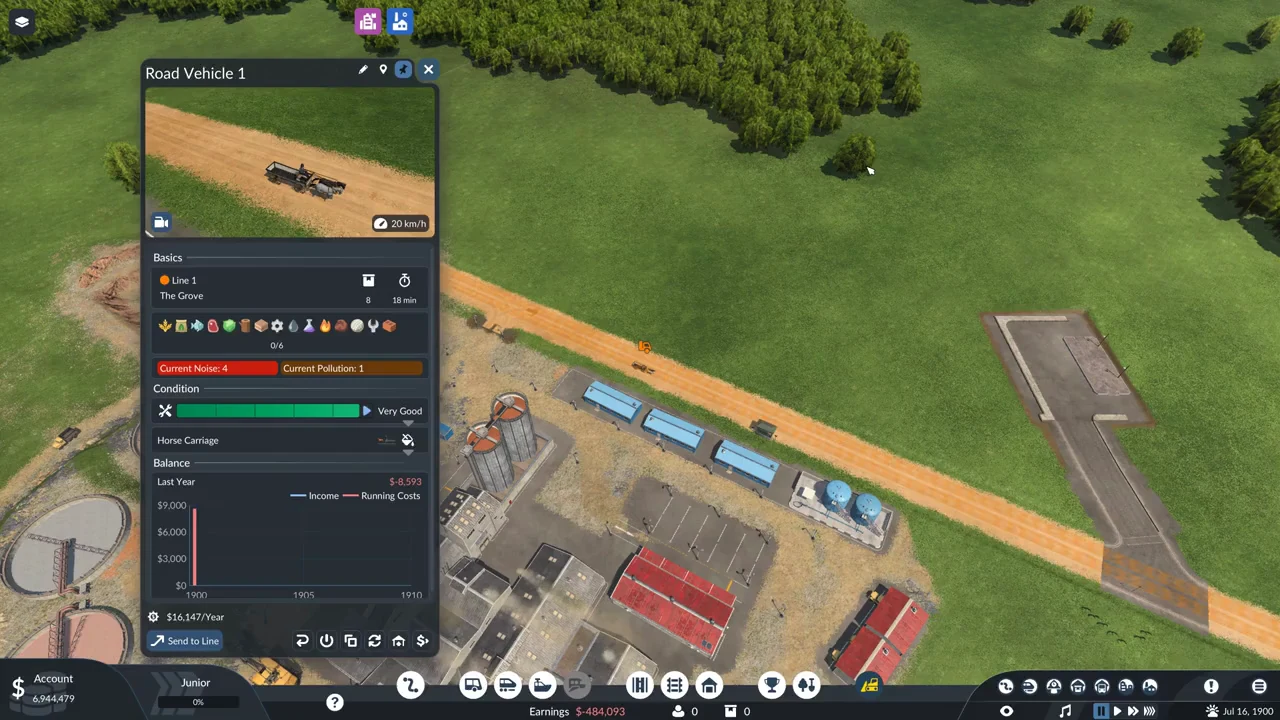
A line made only of Road Stops with a cargo vehicle on it shows a red icon in the Line Manager. Hover over it to read “Some Cargo Type Configurations of This Line Are Clashing.” The warning indicates that none of the line’s stops can load its cargo.
L. At first, no line is chosen, leaving the panels below blank.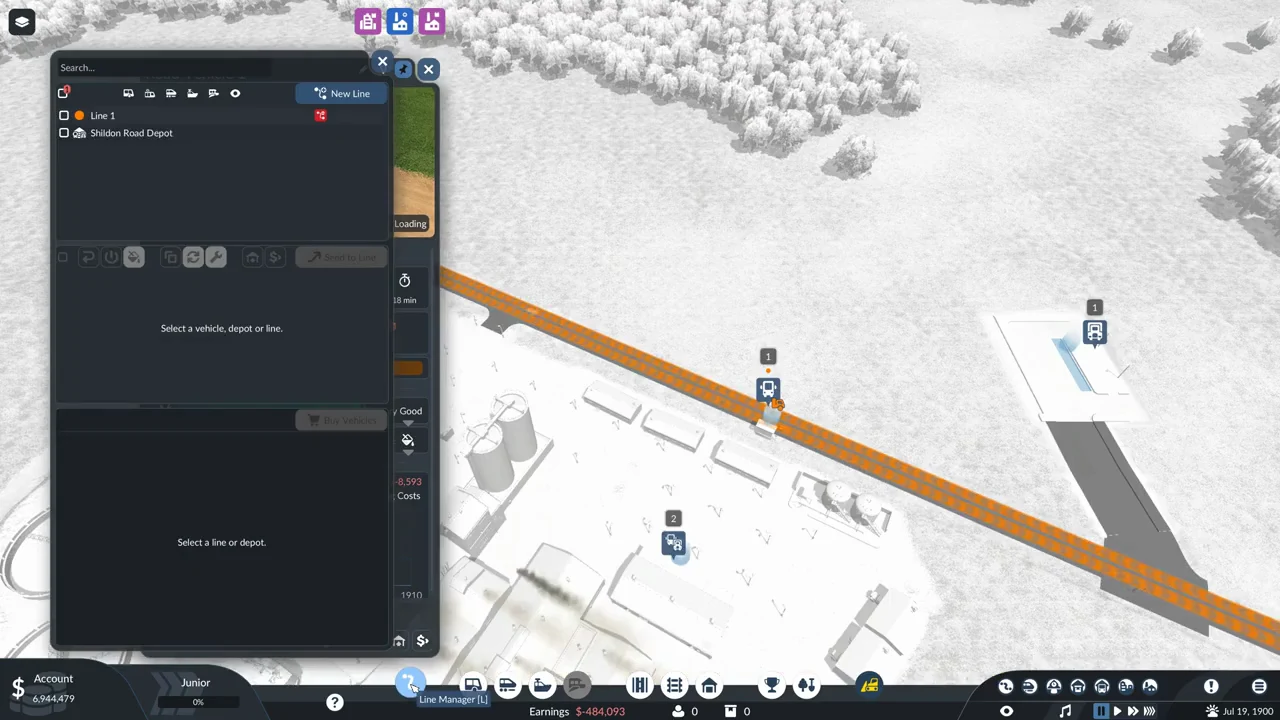
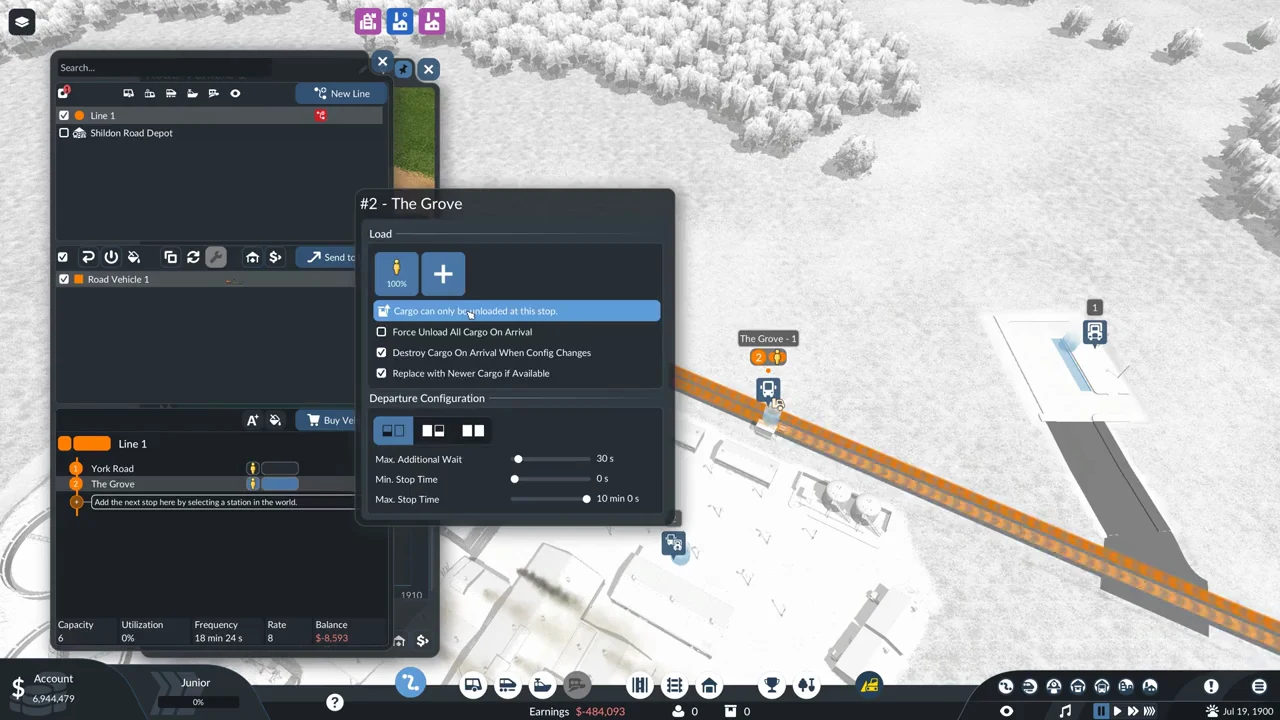
The fix: a cargo station at the pickup end
To fix this, take three steps: place a cargo station beside the industry, connect it to the road with a street segment, then replace the Road Stop at the pickup end of the line with that station.
A Road Stop can remain at the delivery end since it accepts cargo for unloading. You only need a cargo station where freight is collected.
How loading works at the cargo station
After the station joins the line, the truck leaves the road and pulls onto its platform; the vehicle window displays “Loading – Speed: 100%.” The load row switches from showing all cargo icons to just the type being loaded, with a figure such as 1/6 also appearing above the vehicle. A Horse Carriage loads at 1.0x speed.
The truck’s default setting is to wait for a full load before departing. Filling all six spaces takes around 24 game days. While cargo is aboard, a blue bar beside the load begins at 100% and gradually drops; its tooltip says “Average Remaining Delivery Time: 99%.”
What the first delivery pays
A run carrying six Clay from the cargo station by the clay pit to the Road Stop beside the brickworks, roughly 1,400 m away, earns $33,090—about $5,515 per unit. The payment does not register during unloading: “Revenue” remains at $0 even after all six units leave the truck, and the $33,090 is credited once it has driven away.
Operating a Horse Carriage costs $16,147 per year, meaning one six-unit Clay run over that distance pays for two years of operation. Before the cargo station is added, the vehicle earns nothing, leaving the line at 0% utilization and its balance in the red.
Prices and figures in 1900
| Item | Price | Running cost | Notes |
|---|---|---|---|
| Road Stop | $30,000 | $5,000/yr | (Unload Only) |
| Universal Cargo Station | $66,000 | $11,000/yr | Noise 4, Pollution 30 |
| Road Depot | $180,000 | — | Preview rose on uneven ground |
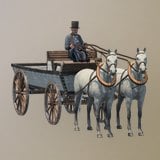 Horse Carriage Horse Carriage | $96,882 | $16,147/yr | Capacity 6, 20 km/h, 1.0x load |
The prices here apply to 1900. The game’s year factor increases station prices and running costs in later years, making a Universal Cargo Station more expensive if you build it later. Horse Carriages are available from 1893 through 1920 and can carry every cargo type.
What does not fix it
- Building a second Road Stop or a Two-Sided Road Stop at the industry. Both are unload only.
- Letting the truck sit at the stop longer does not help; after a few seconds, it departs empty.
- Changing the vehicle. The limit belongs to the stop, not the truck; the Horse Carriage already carries every cargo type.
- Adding cargo with the “+” tile in Configure Stop on a Road Stop. The blue bar stays and the stop still only unloads.
- A cargo station placed alongside a road but lacking a connecting street is inaccessible to vehicles.
One timing detail matters: if you add the cargo station to the line after the truck has departed the Road Stop, it carries on to the far end before visiting the station. Add the station while the truck is still stopped at the Road Stop, and it goes there immediately.
Questions you might still have
Do Road Stops work for buses?
Yes. Passengers board and leave at Road Stops with no trouble. The restriction only ever applied to cargo loading.
Can I deliver cargo to a town at a Road Stop?
Yes. Because a Road Stop accepts freight for unloading, it can serve as the delivery point on a cargo line.
Which station loads cargo later in the game?
The Universal Cargo Station exists in three looks across the eras, with the same function throughout. Its price rises with the year.
What do the station specializations do?
Liquid, Bulk, Flatbed and Goods platforms load their own cargo class faster and other cargo much more slowly. Universal has no bonus and no penalty. Clay is Bulk cargo, so a Bulk platform would load it faster if you specialize later.