
Extended help — walkthroughs, tier lists, strategy.
Content Type: Guide
-
Dig and Clean Gear Tier List: Every Shovel, Detector, and Spray Ranked
Where to spend your Gold across Shovels, Detectors, and Sprays, with each tier and stat laid out clearly.
-

FC 26 Season 10 Season Pass Rewards: Full Free and Premium List
Every player card, pack, and Evolution across both tracks of the final FC 26 Season Pass, mapped level by level.
-

Genshin Impact: How to Unlock Edge of Survival Challenges
Clear the right Shadow Realms and trigger the train portal cutscene to open the new shooting mode in Version 7.0.
-

Warframe: How to Unlock and Play Fables & Frontiers
Everything you need to clear first, plus how the six-session tabletop campaign runs inside the POM-2’s chat.
-
Genshin Impact: How to Unlock the White Birch Snowgrave Statue of the Seven
Clear the frozen north of Snezhnaya, melt the blocked cave, and light the statue to reveal the Pale Crown Palace map.
-

Genshin Impact 7.0: How to Unlock and Craft the Snezhnaya Craftable Weapons
Buy each diagram from Kuzmichev in Snezhnograd, then forge the four-star weapon with a Borderland Billet, Rainbowdrop Crystal, and White Iron Chunk.
-

Genshin Impact: A Sprout Without a Gardener Walkthrough and Rewards
Defeat the Volkodlak gang, recover the stolen stash, and escort Nastya to Okurov to close out this Snezhnaya opener.
-

Lineage Piece: How to Get Tower Shard Fast in the Tower Raid
Enter the Tower Raid on Monument Isle, clear floors quickly, and collect a Tower Shard for every floor you finish.
-
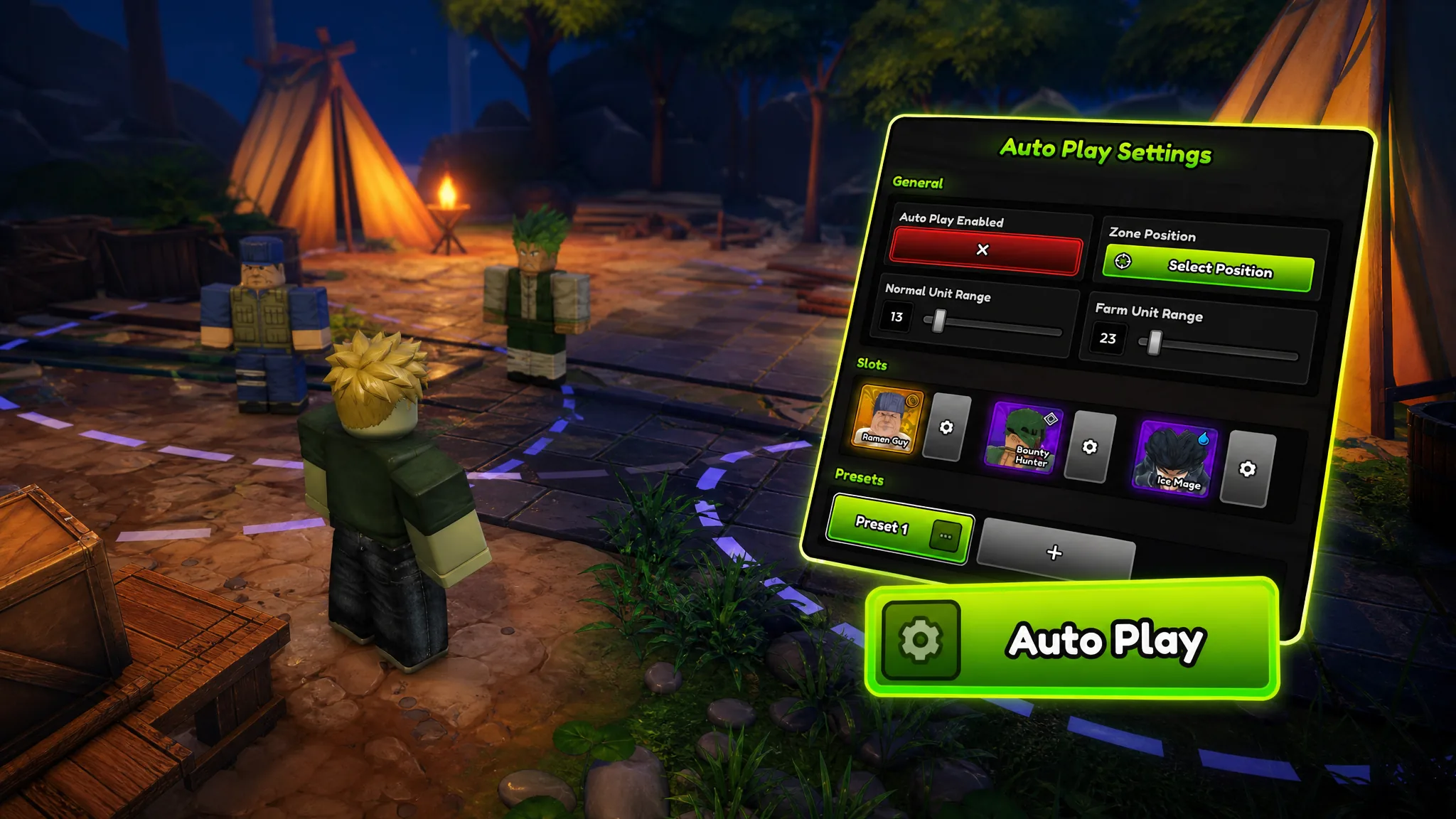
Anime Expeditions: How to Set Up Auto Play for Repeat Farming
Configure placement ranges, per-slot rules, and presets so units place and upgrade themselves through repeat runs.
-
Fisch: How to Farm Prism Scale and Radiant Prism Scale Fast
Head to the Outer Deep, hunt the purple Formosa Seabass, and let the harpoon gun stack both scales for The Deep’s best rods.