
Instructional, step-by-step articles.
Content Type: How-To
-
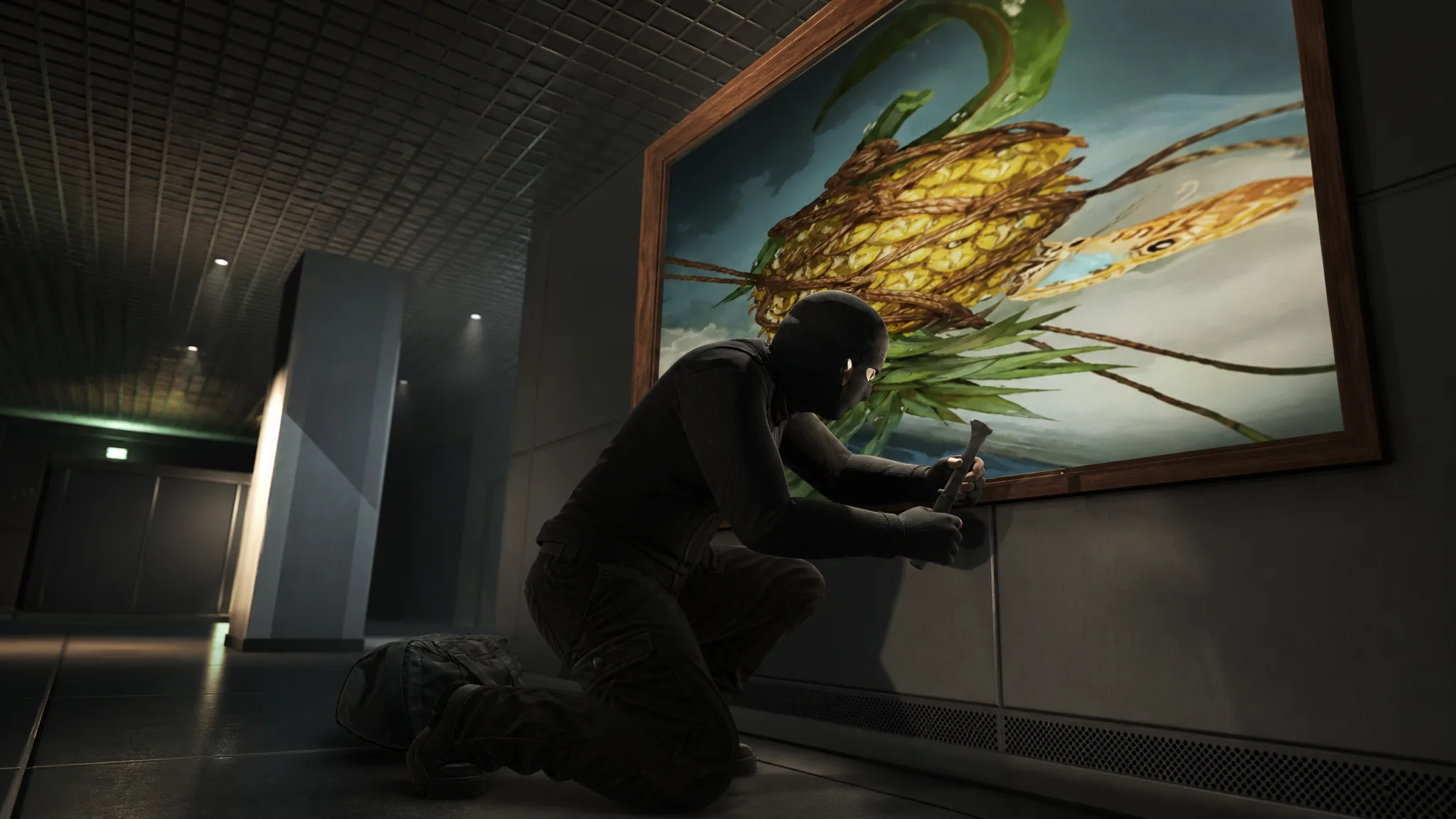
How to Keep the GTA Online Kortz Center Heist Paintings for Your Mansion
The Keep option is buried in the finale settings, not the planning board, and it trades away most of your payout.
-
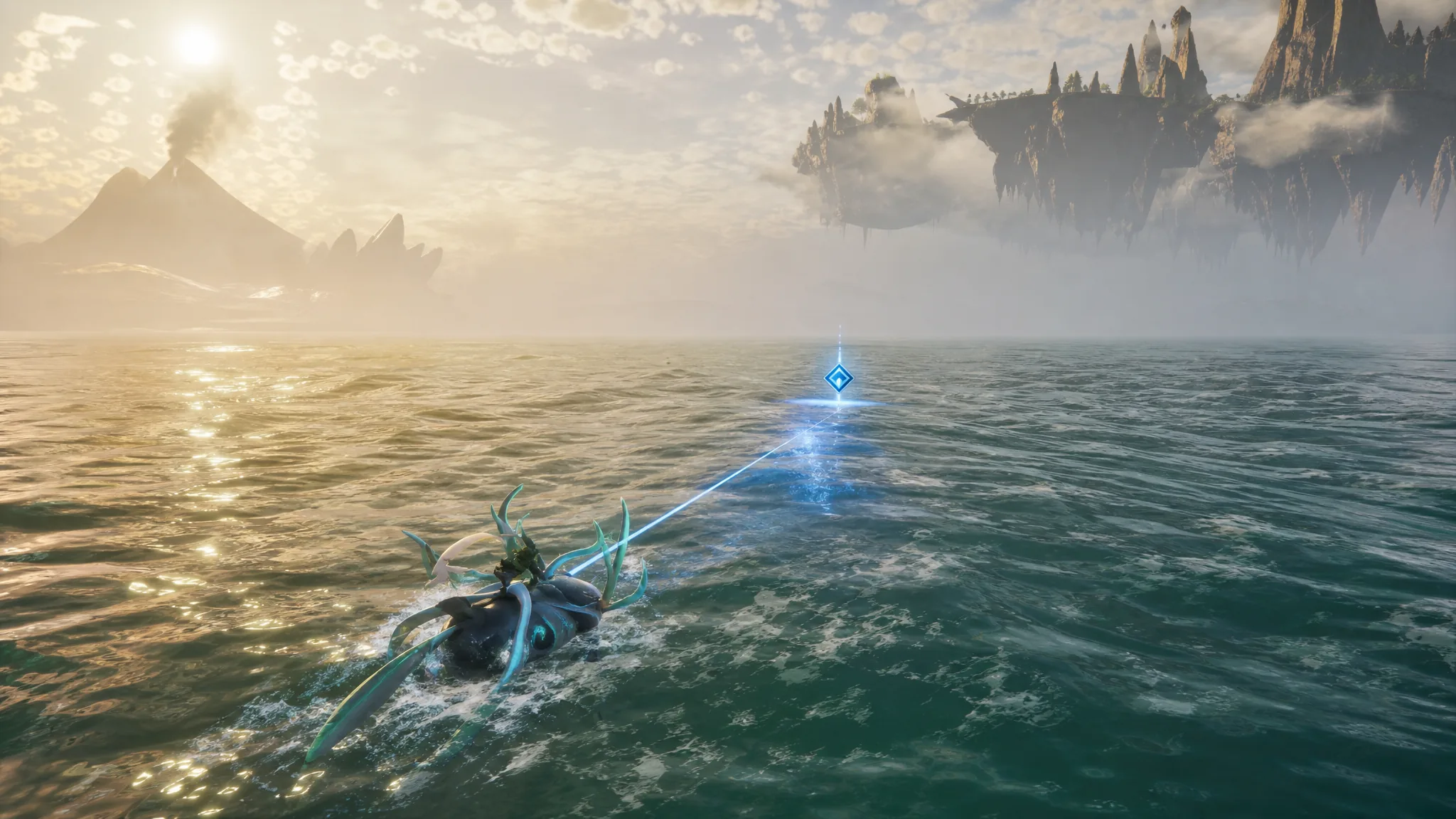
How to Use the Powerful Fishing Magnet for Ocean Salvage in Palworld 1.0
Craft the magnet at Technology level 62, then pull high-value loot like Coralum Ore from gold-rimmed salvage spots.
-
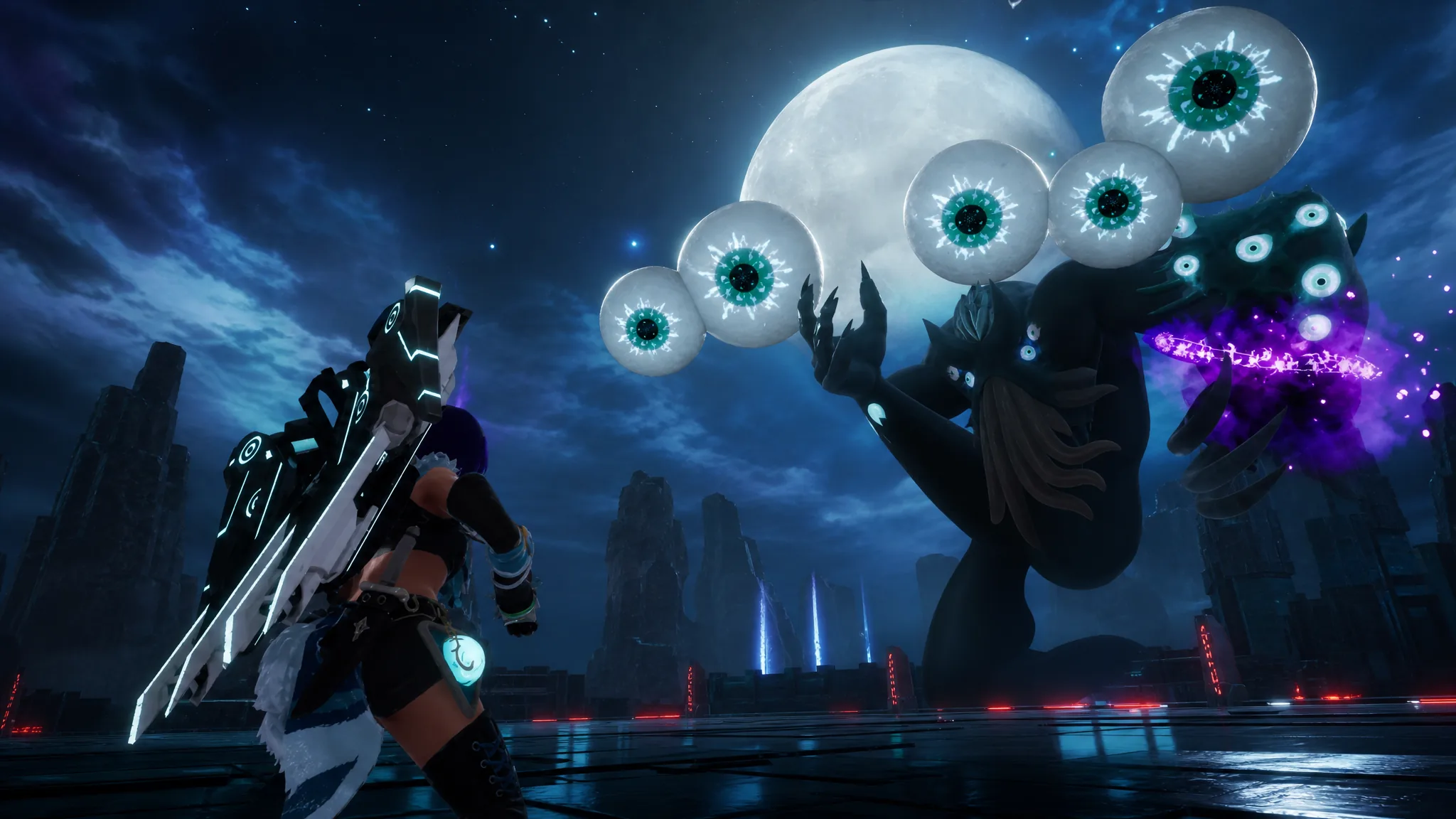
How to Beat the Moon Lord Raid Boss in Palworld
Everything you need to summon, weaken, and finish the level 50 Terraria crossover boss with over 400,000 HP.
-
How to Get Crimson (Choso) and Evolve it in Anime Expeditions
Everything needed to claim, evolve, and build the Battlepass-exclusive Crimson unit, including his passives and best trait.
-
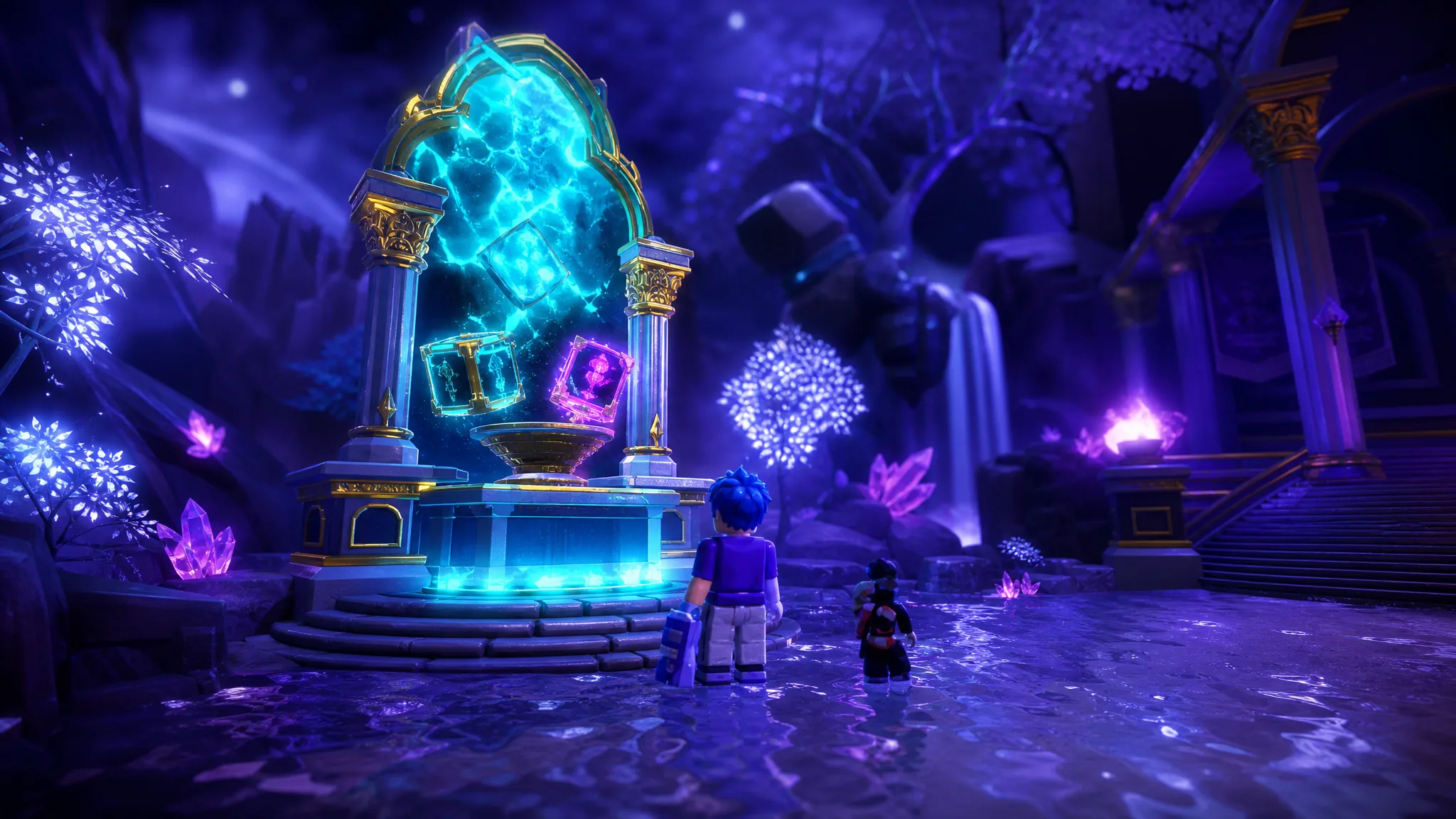
How to Reroll Stats in Anime Expeditions (Stat Potential Guide)
Where to reroll Damage, SPA, and Range, the full tier odds, and how Stat Locks and transfers protect a good roll.
-
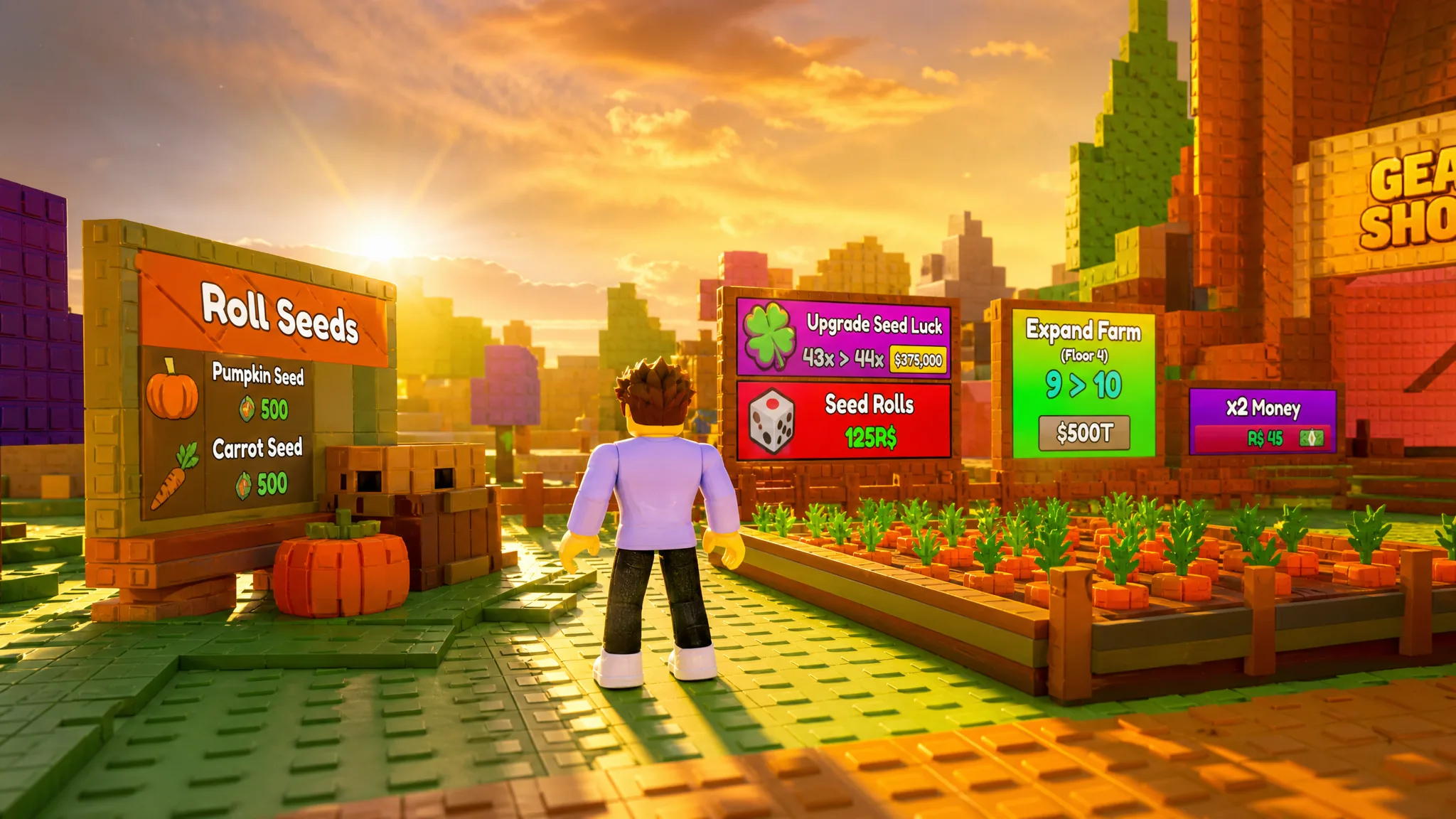
How to Create a Guild in Build a Ring Farm and Earn Tier Rewards
Set up a guild, complete rotating missions, and push through eight reward tiers for crates and Crown Bannerfruit.
-

How to Get Every Item and Material in Anime Expeditions
A full reference to every currency, sprite, evolution item, food, reroll material, and Expedition resource and where each one drops.
-
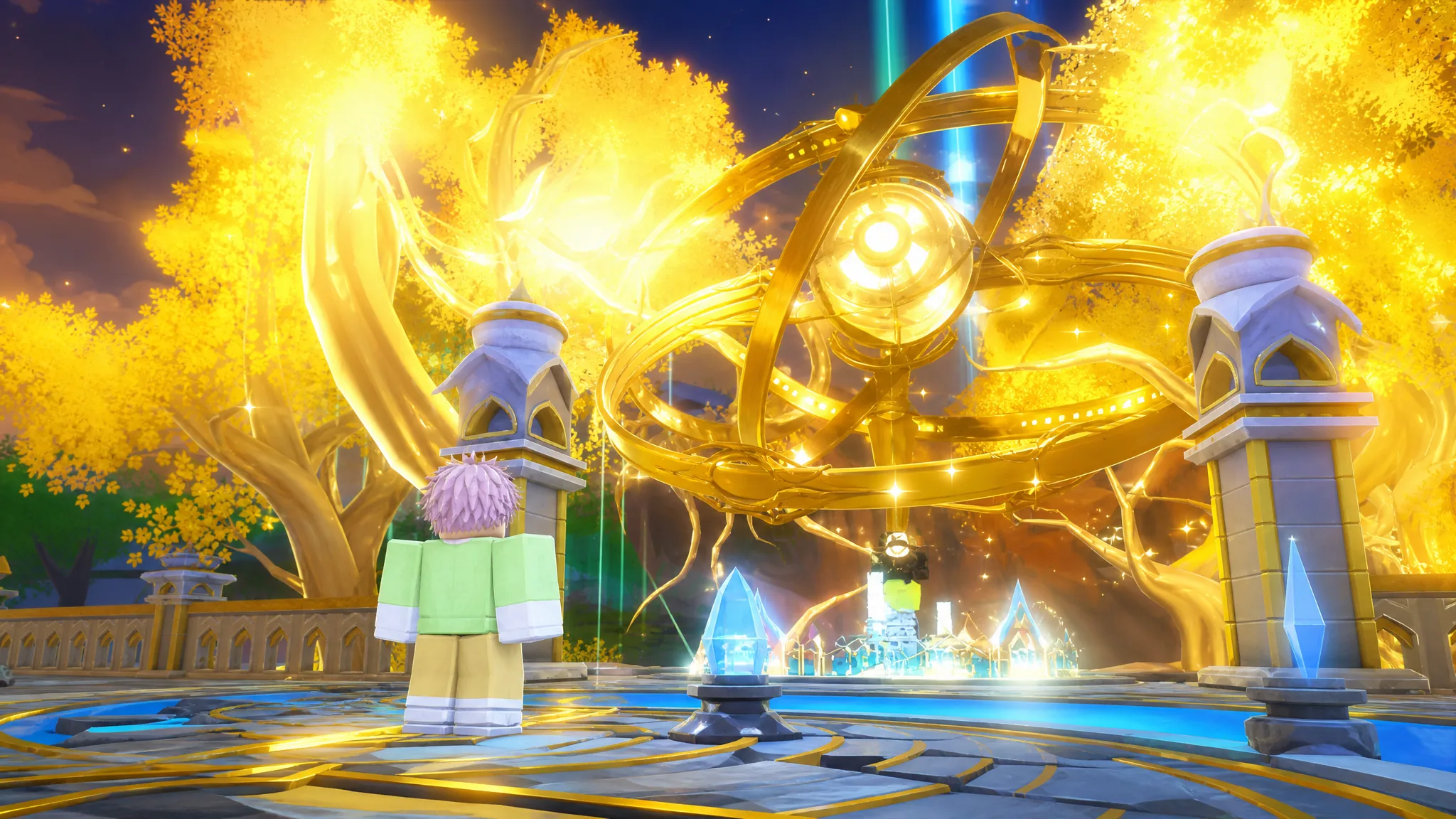
How to Get Every Secret Unit (8th Sword and Shadow) in Anime Expeditions
Both Secret-tier fighters, their exact drop rates, pity thresholds, and full passive kits laid out for the July 2026 roster.
-
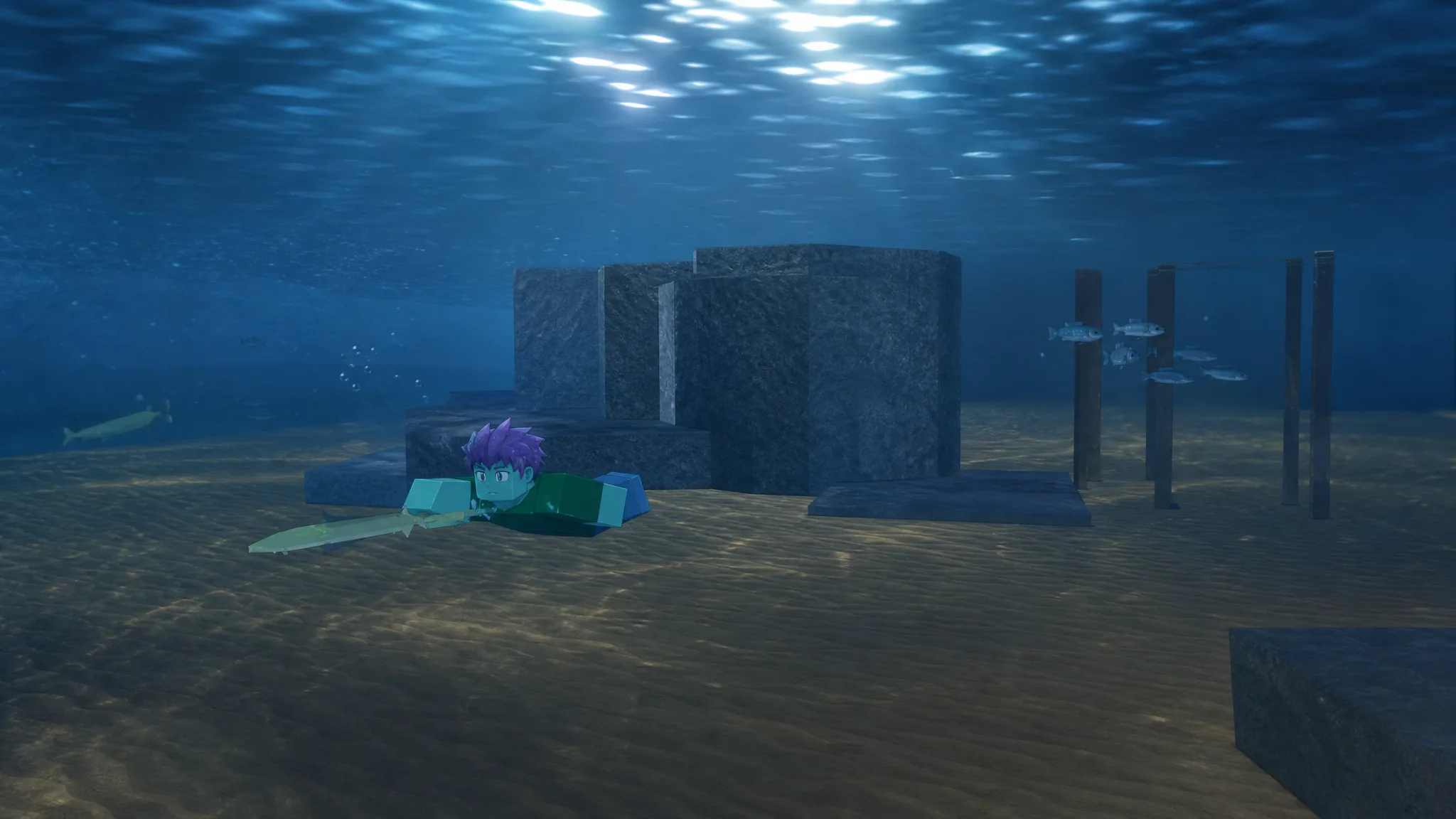
How to Spear Hunt Roaming Fish in Fischfest Waterpark Update
Everything you need to spot roaming fish underwater, buy or craft a spear, and land specific catches by hand.
-
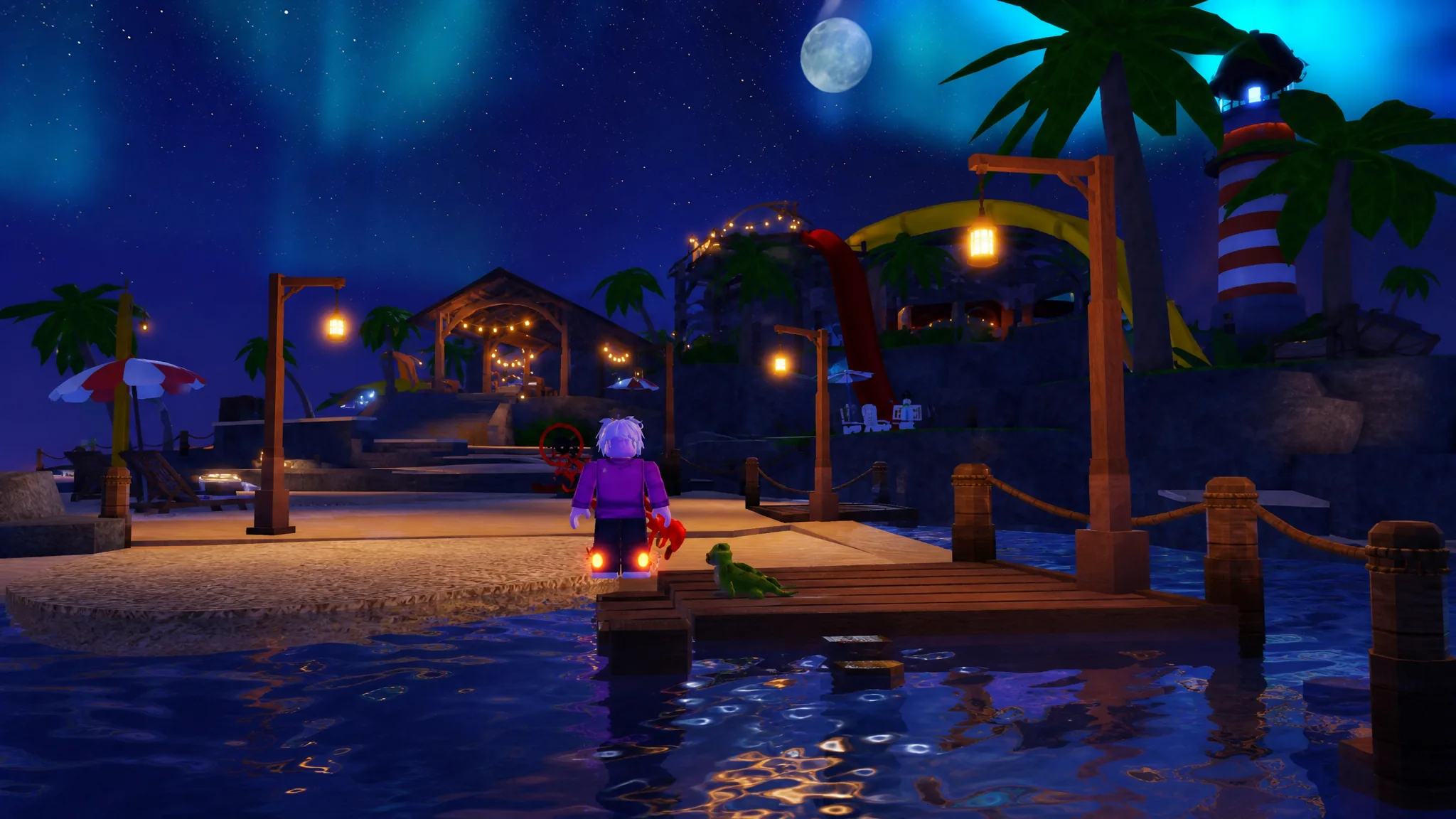
How to Fix the Fischfest Waterpark and Find Every Floatie in Fisch
Unclog the tubes at three fishing spots, test the slides for 1,500 Sunshells, then reel in the missing floaties for Ryder, Milo, and Drew.