
Instructional, step-by-step articles.
Content Type: How-To
-
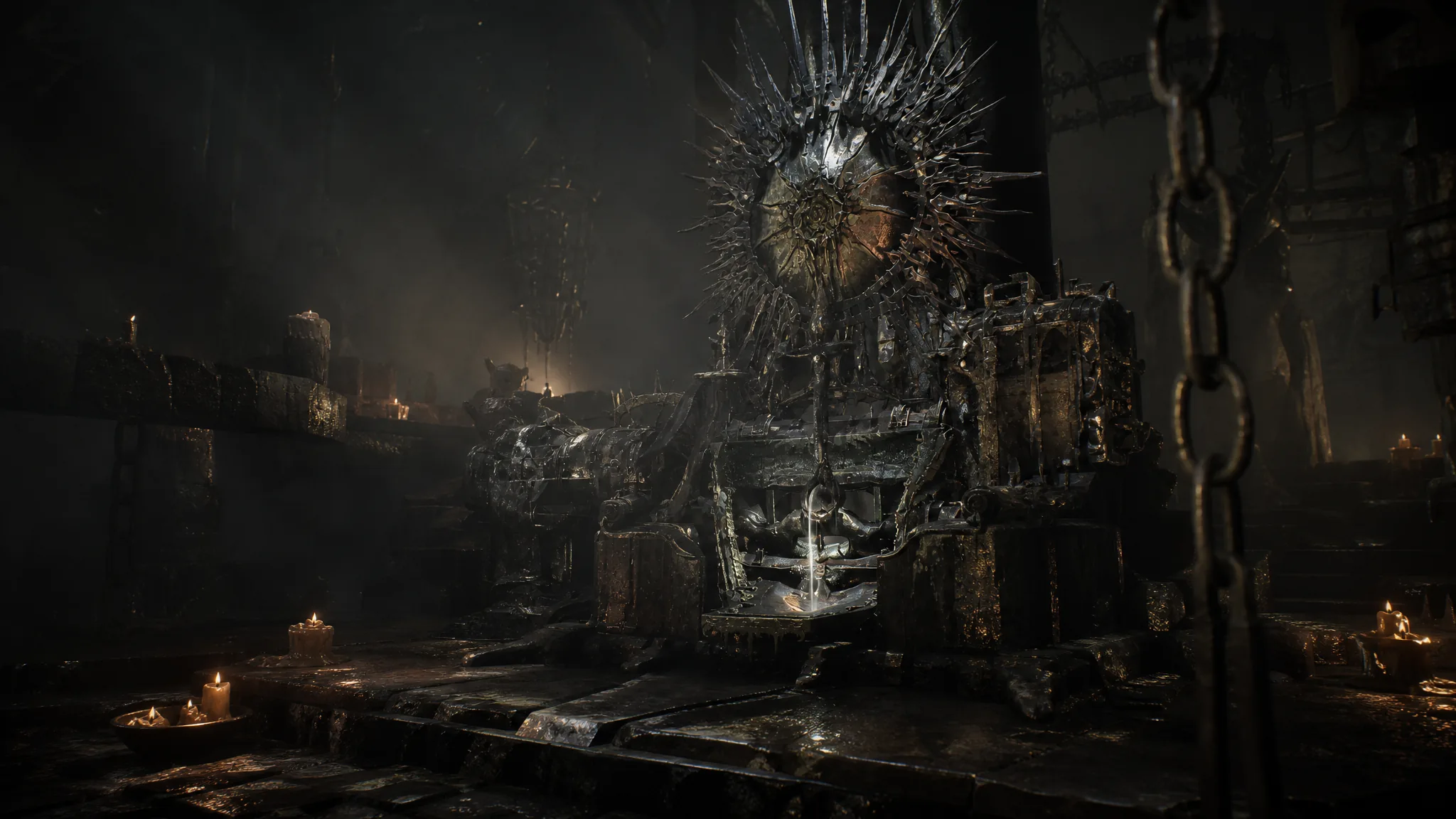
Mortal Shell 2: How to Get the Etching Needles and Temper Tarstones
Find the key item that unlocks Tarstone tempering at Franz’s Tarforge, plus the coin and Tarcore costs for every level.
-
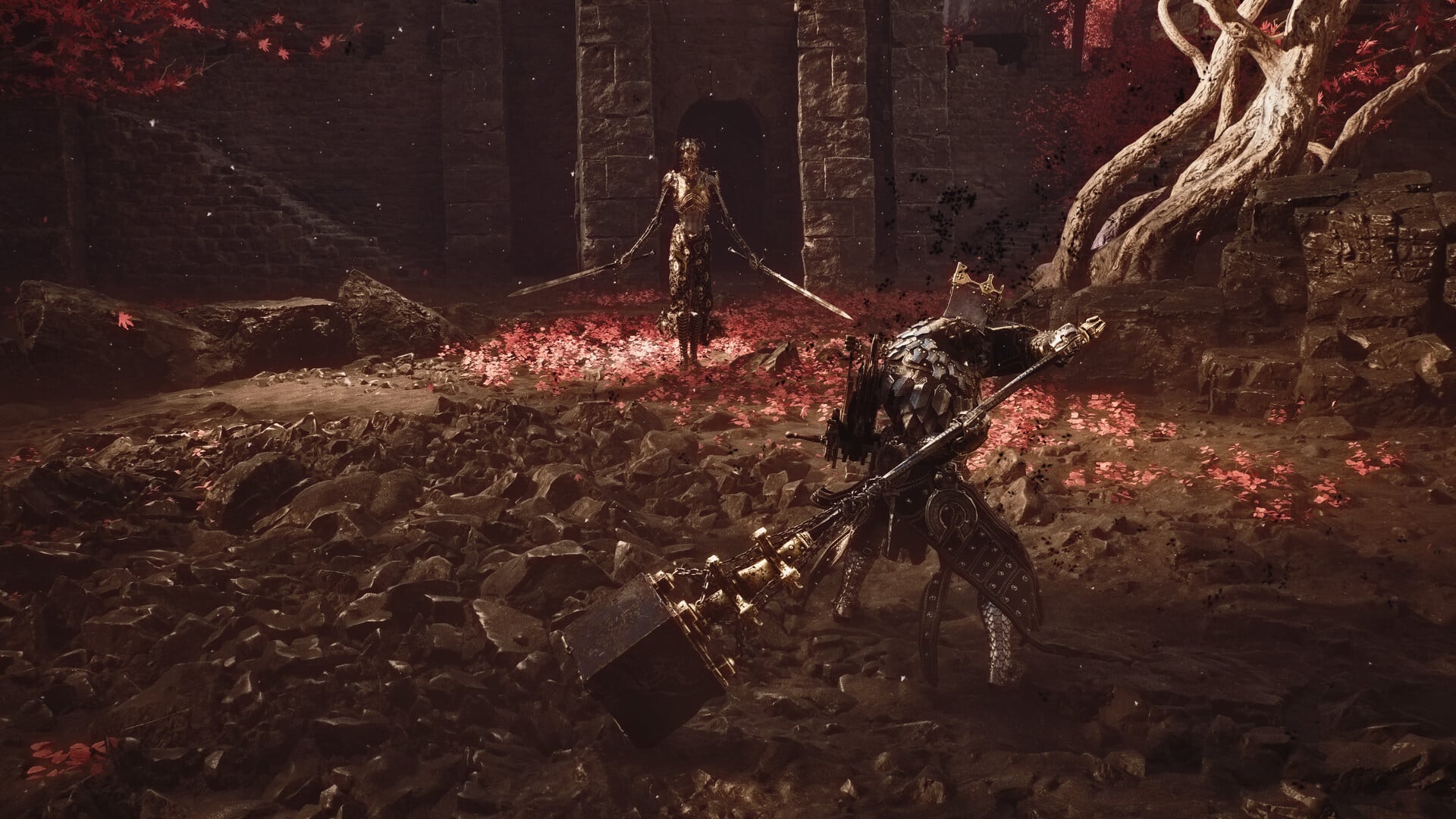
Mortal Shell 2: How to Reach and Beat Zmey, the Unbidden
Open the Unfound Path with 168 Ova, clear the three guardians, then read Zmey’s tells to survive its fire phase.
-

Grow a Garden: How to Get the Vampire Squid Pet
The Mythical squid costs 60 Moon Coins in the Moon Event Shop, and it only restocks 3.12 percent of the time.
-
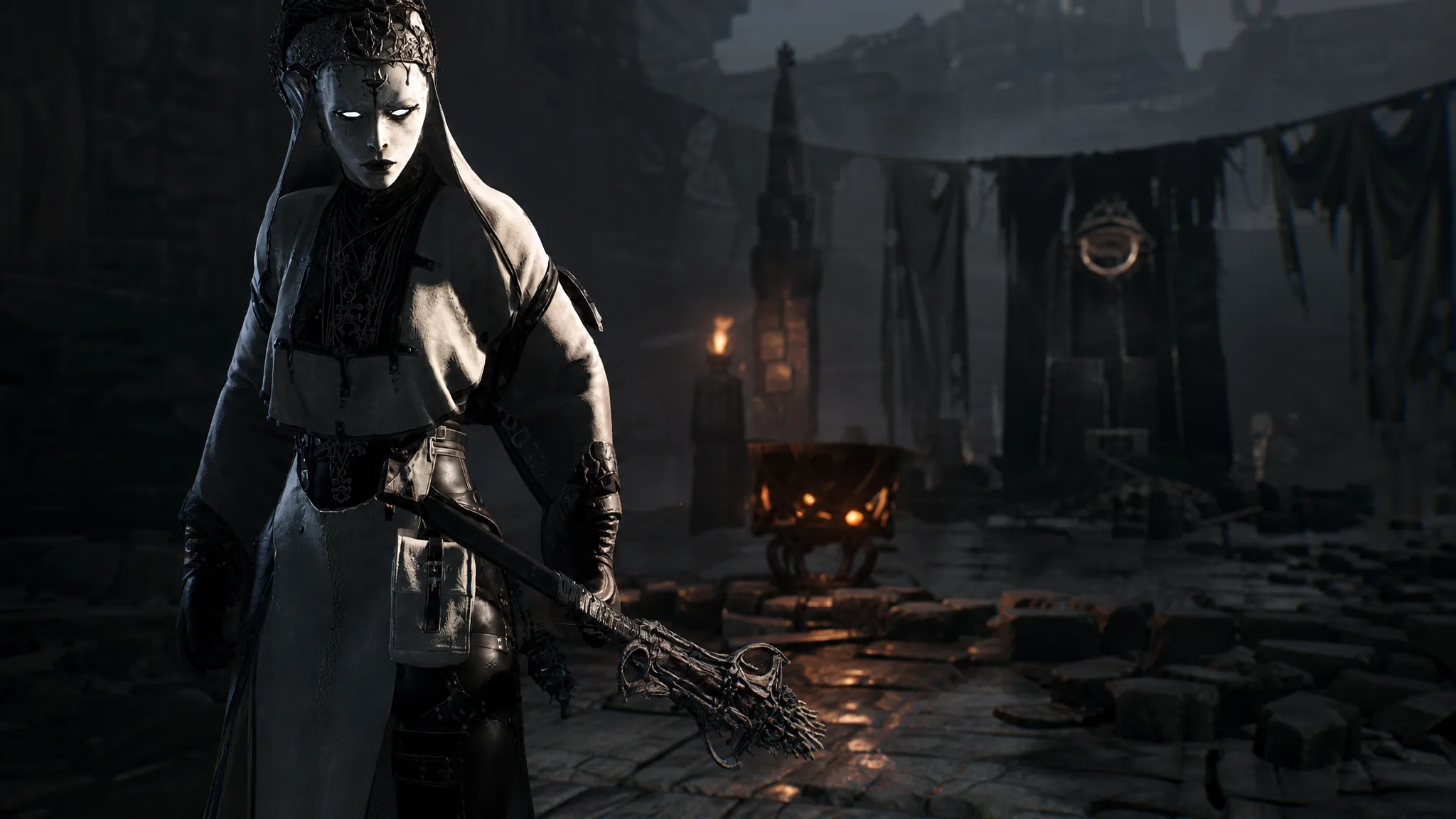
Mortal Shell 2: How to Upgrade Weapons Past +16 With the Endless Core
Clear The Hidden Nave cleanse dungeon, grab the Endless Core, and install it at the Tarforge to lift the +16 upgrade cap.
-
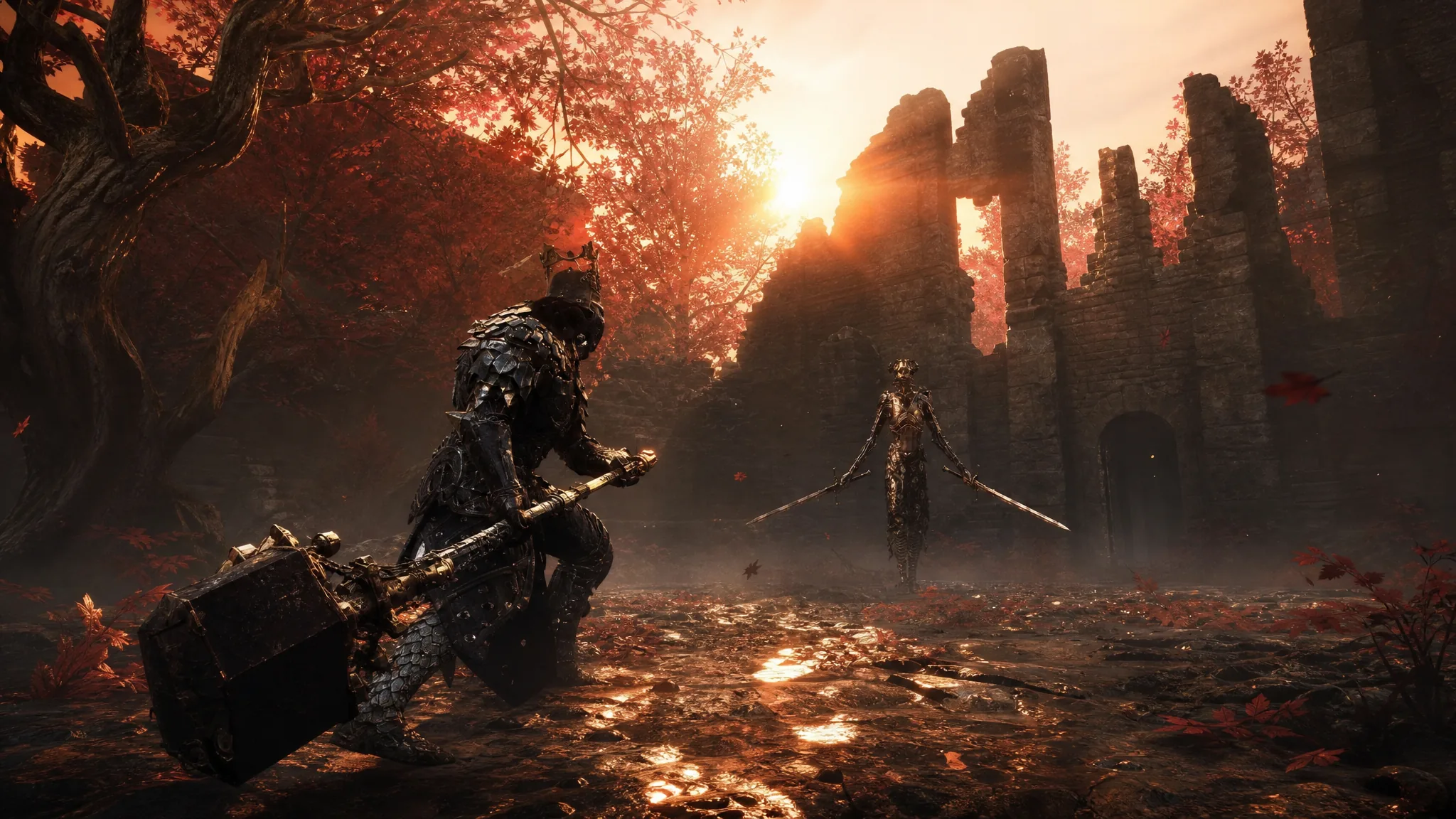
Mortal Shell 2: How to Get the Obsidian Hammer
The Obsidian Hammer drops from the Prophet of Profane Infinities at the bottom of the Obsidianite Mines in Mammon.
-

Disney Dreamlight Valley: How to Get Parks Floating Festival Plastic Scrap
The event material only appears on the festival island, and Eternity Isle scrap will not substitute for it.
-
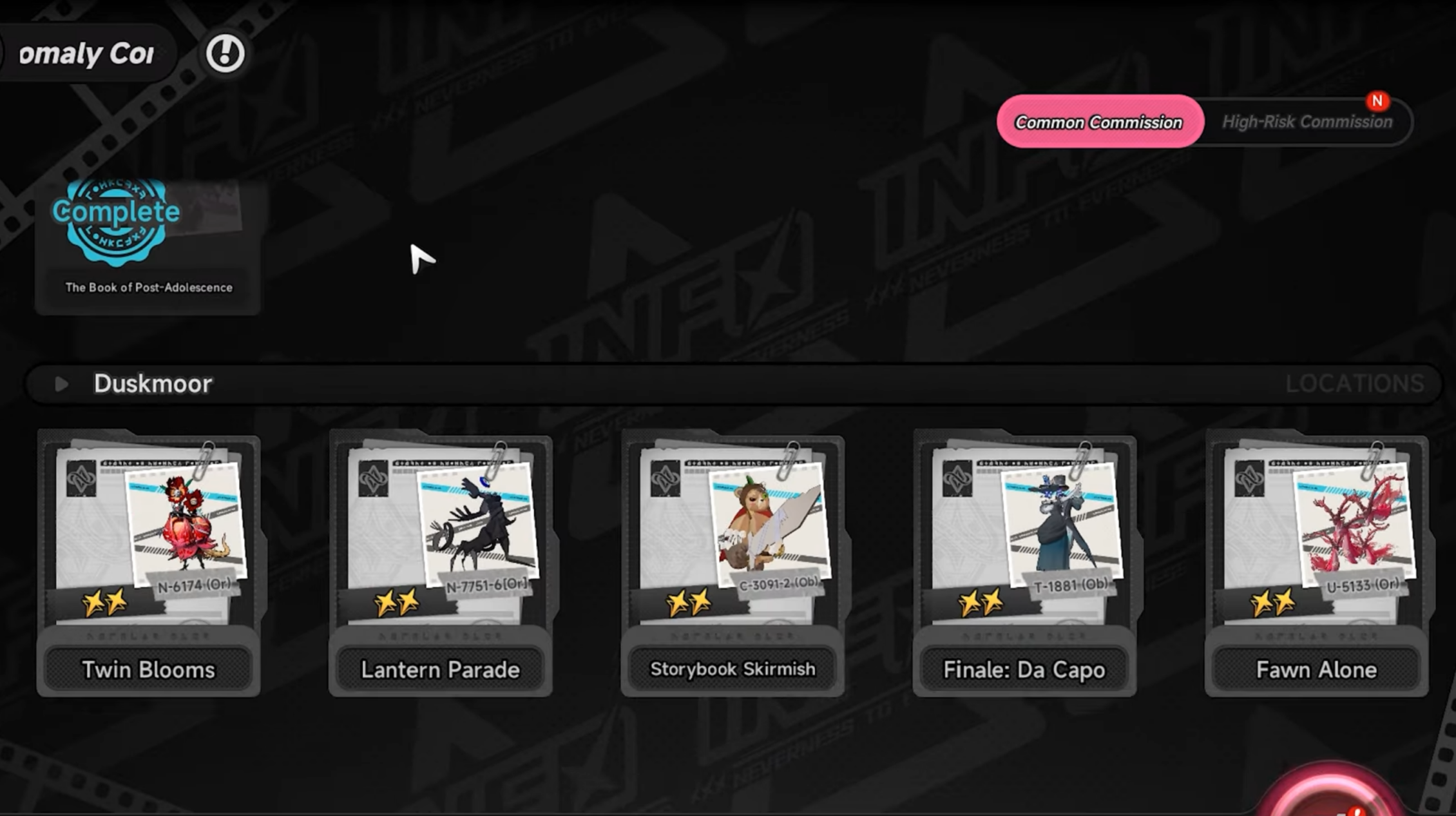
Duskmoor Anomaly Commissions in NTE 1.3: How to Complete All Six
Locations, night-time requirements, and clear conditions for every new Duskmoor commission added in the 1.3 update.
-

PEAK: How to Avoid Fall Damage
The emote-and-item trick that kills your fall speed, plus the timing, backups, and difficulty rules around it.
-
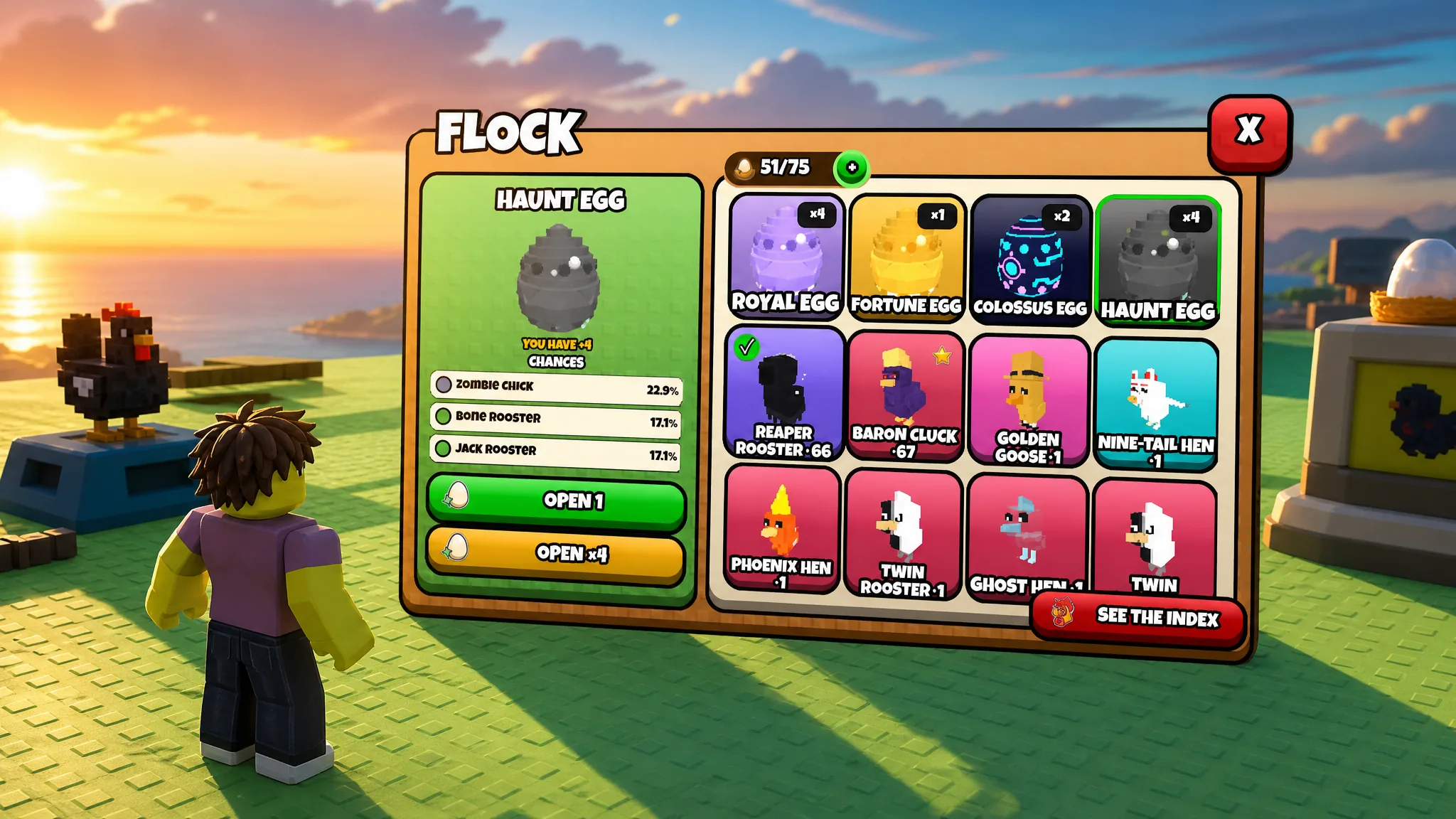
Grow a Chicken Fighter: How to Get the Inverted Mutation
The 0.5 percent hatch odds, fusion transfer rates, and the exact stat boosts an Inverted chicken receives.
-

Steal a Brainrot: How to Get Scorpino Coasterino
Everything that matters about the Secret scorpion coaster, from its $9.2 billion RNG Machine price to its $47.5 million per second payout.