
Instructional, step-by-step articles.
Content Type: How-To
-

Close or disable Roblox chat on Xbox — quick toggle and settings
Use the RB in‑game toggle to hide the chat box, or turn off Experience chat in account settings.
-
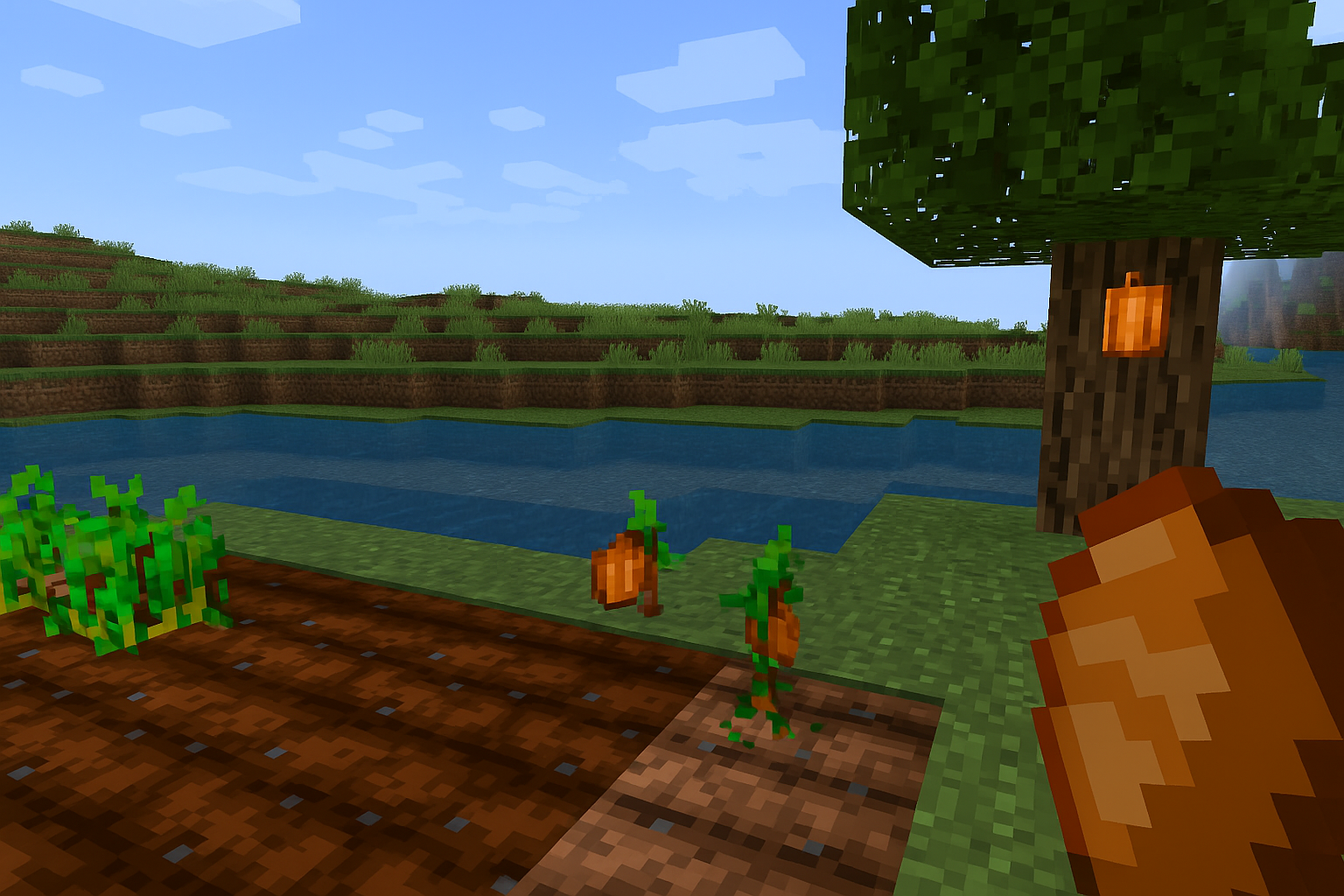
How to Plant and Farm Cocoa Beans in Minecraft
Find beans, place them on jungle logs, speed growth with bone meal, and harvest three-per-pod reliably.
-
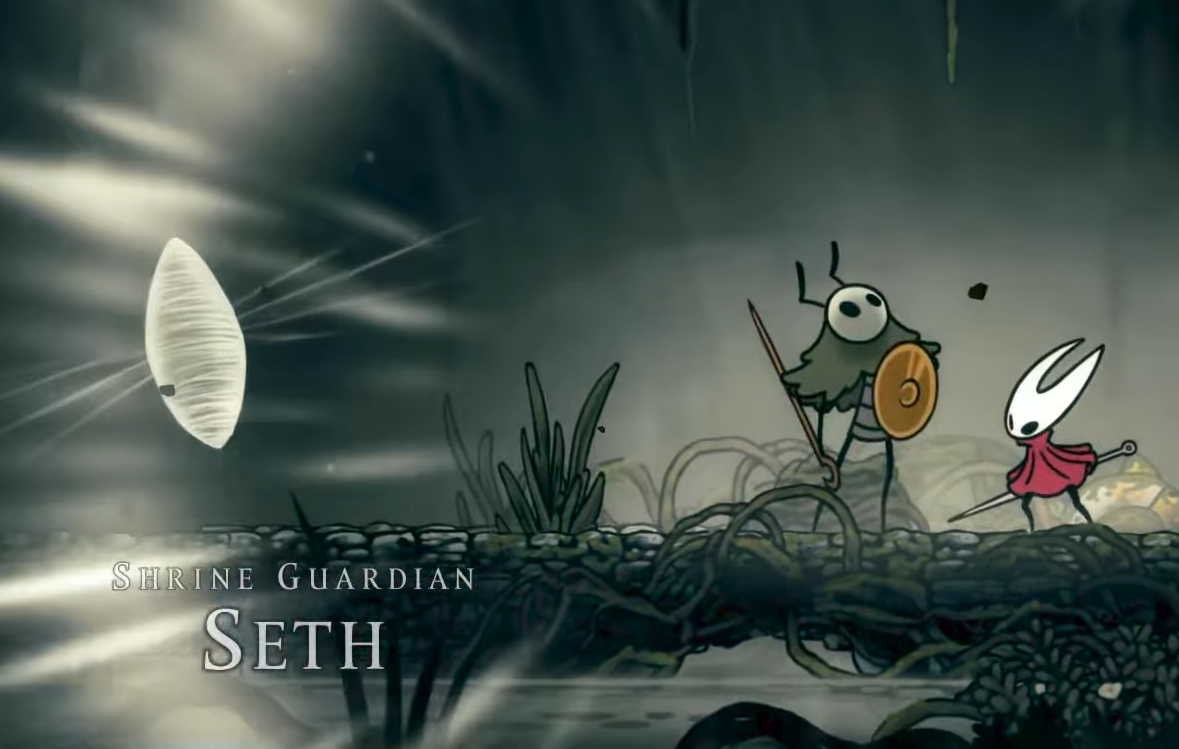
Shrine Guardian Seth in Silksong — How to Find and Defeat the Secret Boss
How to reach the Shellwood Shrine, win the duel, and follow Seth’s post-battle path.
-
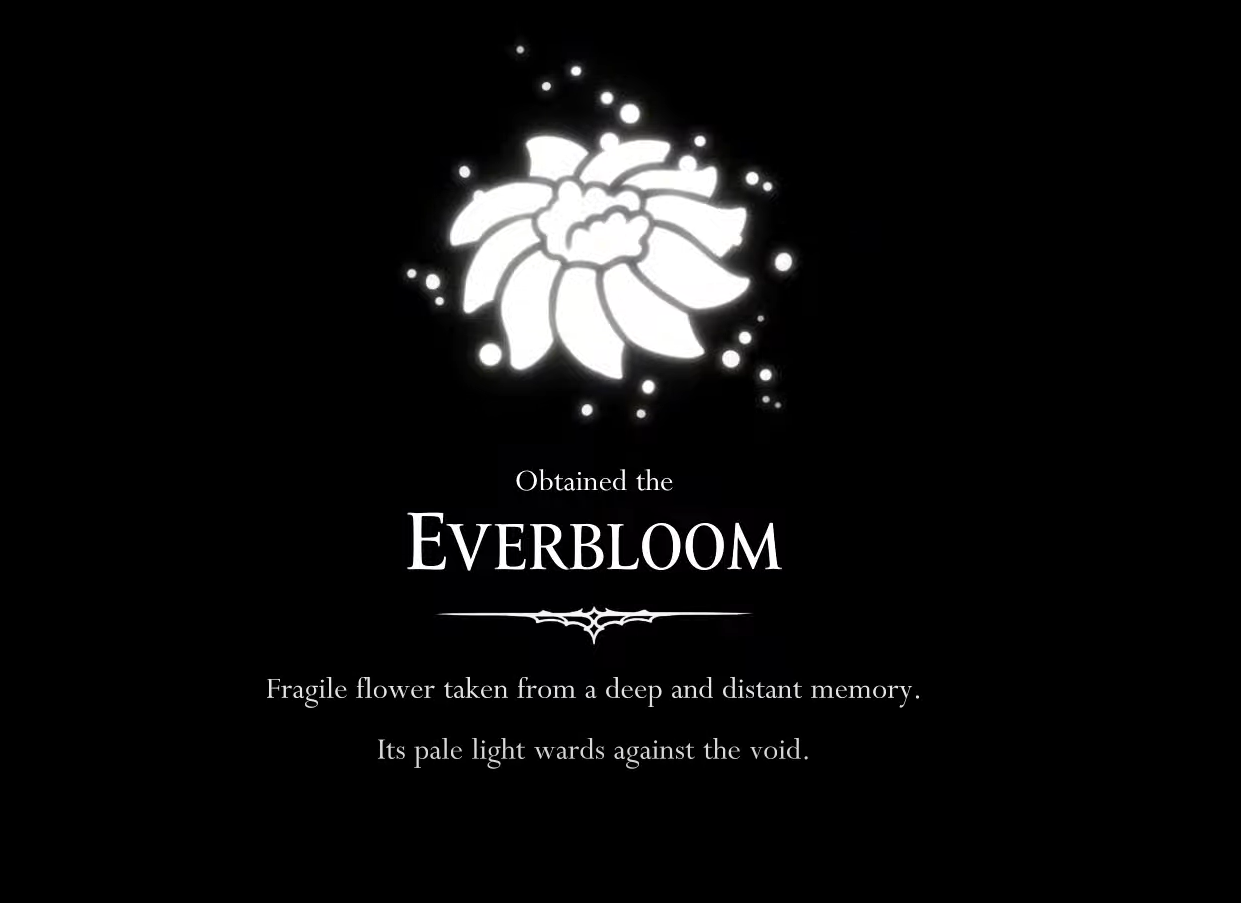
Silksong’s Everbloom — what it is, how to get it
A concise look at the white flower’s role, the Old Hearts quest, and why it matters for progression.
-

How to Get the Peacemaker Skin in Fortnite
Find the release time, bundle contents, prices, and step‑by‑step purchase instructions.
-

How to get the Mad Moxxi Bundle in Fortnite (offer valid till September 2026)
Two official ways to unlock Mad Moxxi, with key dates, eligibility, and step-by-step instructions.
-
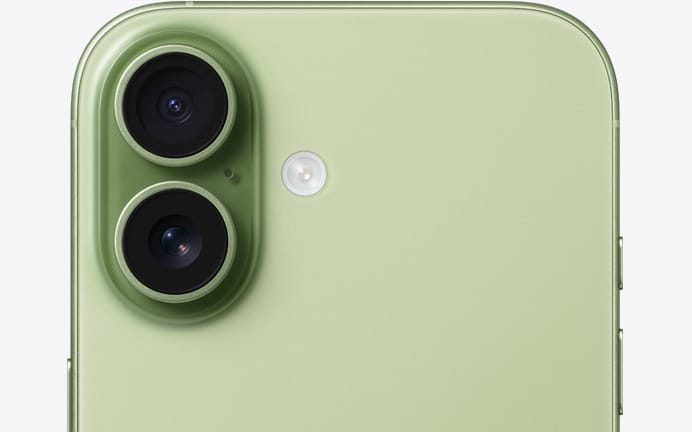
AT&T iPhone 17 trade‑in: how to get up to $1,100 off
What qualifies, which plans are eligible, how the monthly credits work, and the fine print you shouldn’t miss.
-
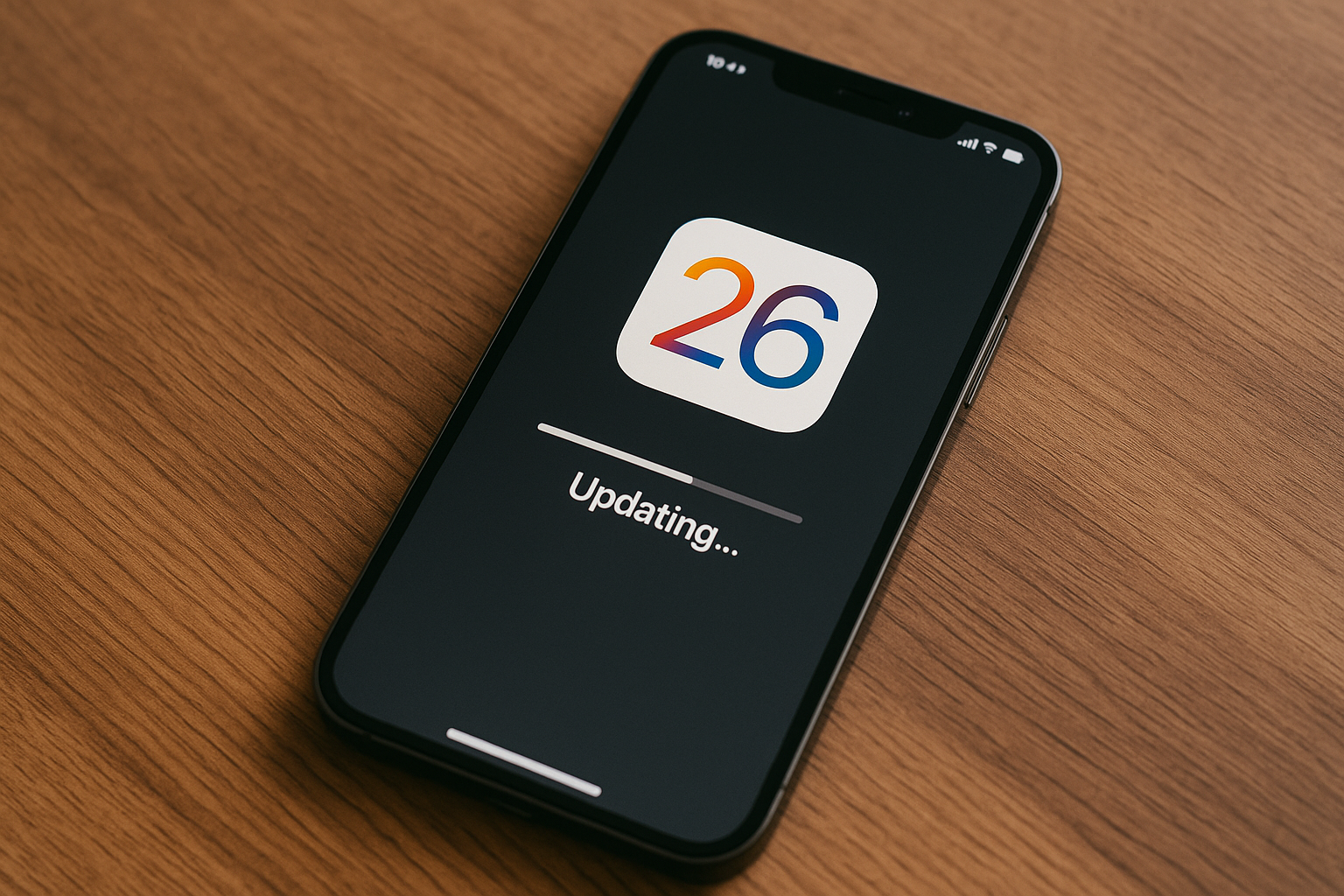
Prepare your iPhone for iOS 26
Backup, clear space, and install with minimal downtime and risk.
-
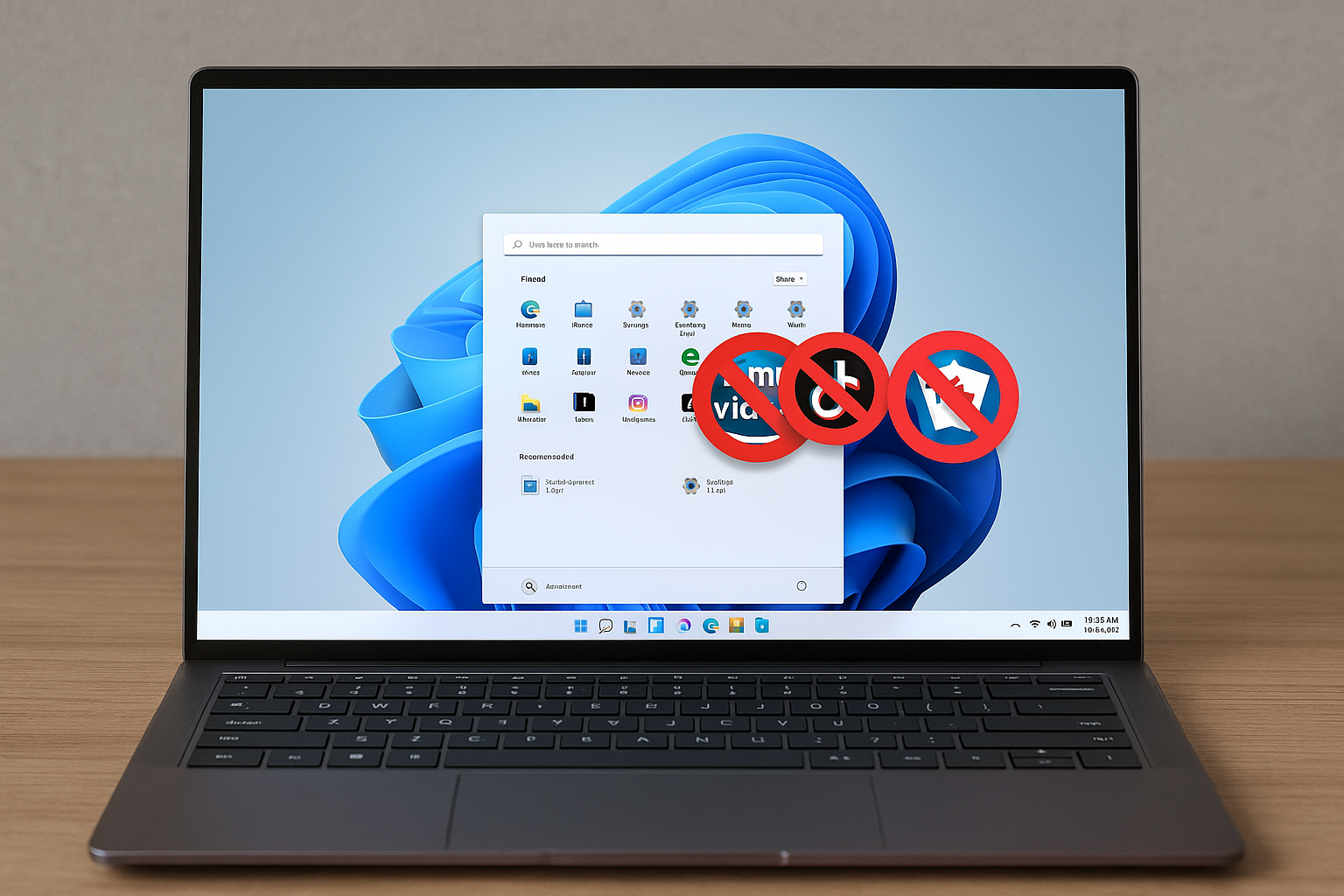
Remove Windows 11 bloatware using the built‑in policy (24H2/25H2)
Configure Group Policy or the Registry to strip default Store apps for new accounts.
-
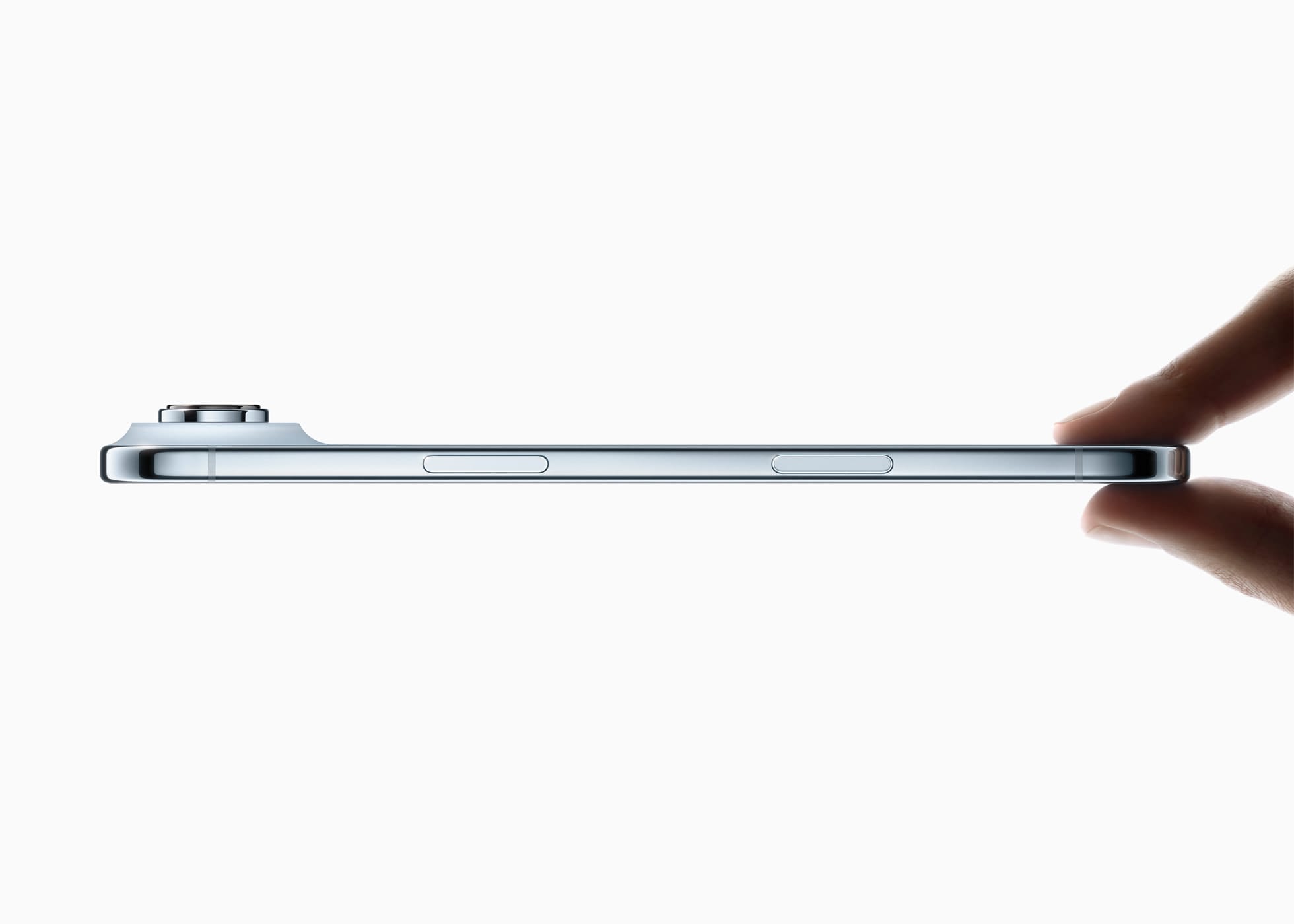
iPhone Air repair pricing — what battery, cracked screen, back glass, broken camera fixes cost
Apple’s latest repair schedule sets $119 batteries, $329 screens, and more for the new ultra-thin iPhone.