
Instructional, step-by-step articles.
Content Type: How-To
-

Silksong Act 3 — how to unlock Silk and Soul
A concise checklist to move the flea caravan, finish the right boards, build the trap, and open the third act.
-

Windows 11 KB5065426 (24H2) — what’s new, what’s fixed, and how to install
September’s update brings security fixes, SMB auditing, input repairs, and AI component updates for Copilot+ PCs.
-

Hollow Knight: Silksong — how to unlock the true ending
A spoiler-heavy path to Sister of the Void, plus what triggers every other ending.
-

Hollow Knight: Silksong — How to find the Mask Maker in Mount Fay
Detailed route to the Mount Fay hideout, required abilities, and what meeting this NPC provides.
-

Silksong Deep Docks locked door — how to reach it and what the key unlocks
What the Simple Key does in Deep Docks, the abilities you need, and whether it’s worth using early.
-

Silksong achievements and trophies — what they are, what’s missable, and how to plan your runs
A clean breakdown of all 52 achievements, key counts, platform quirks, and the few you can lock yourself out of.
-

Silksong’s Far Fields — how to reach the Drifter’s Cloak and Fourth Chorus
How to clear the eastern zone, collect Spine Cores fast, and ride the vents to Greymoor.
-

Silksong’s Mount Fay — how to reach it and unlock double jump
Route to the summit, prerequisites, and the cold mechanics you’ll need to manage.
-

Silksong’s Savage Beastfly — why it feels unfair and how to win
Moves, spawn behavior, arena changes, and loadouts that turn a chaotic fight into a stable win.
-
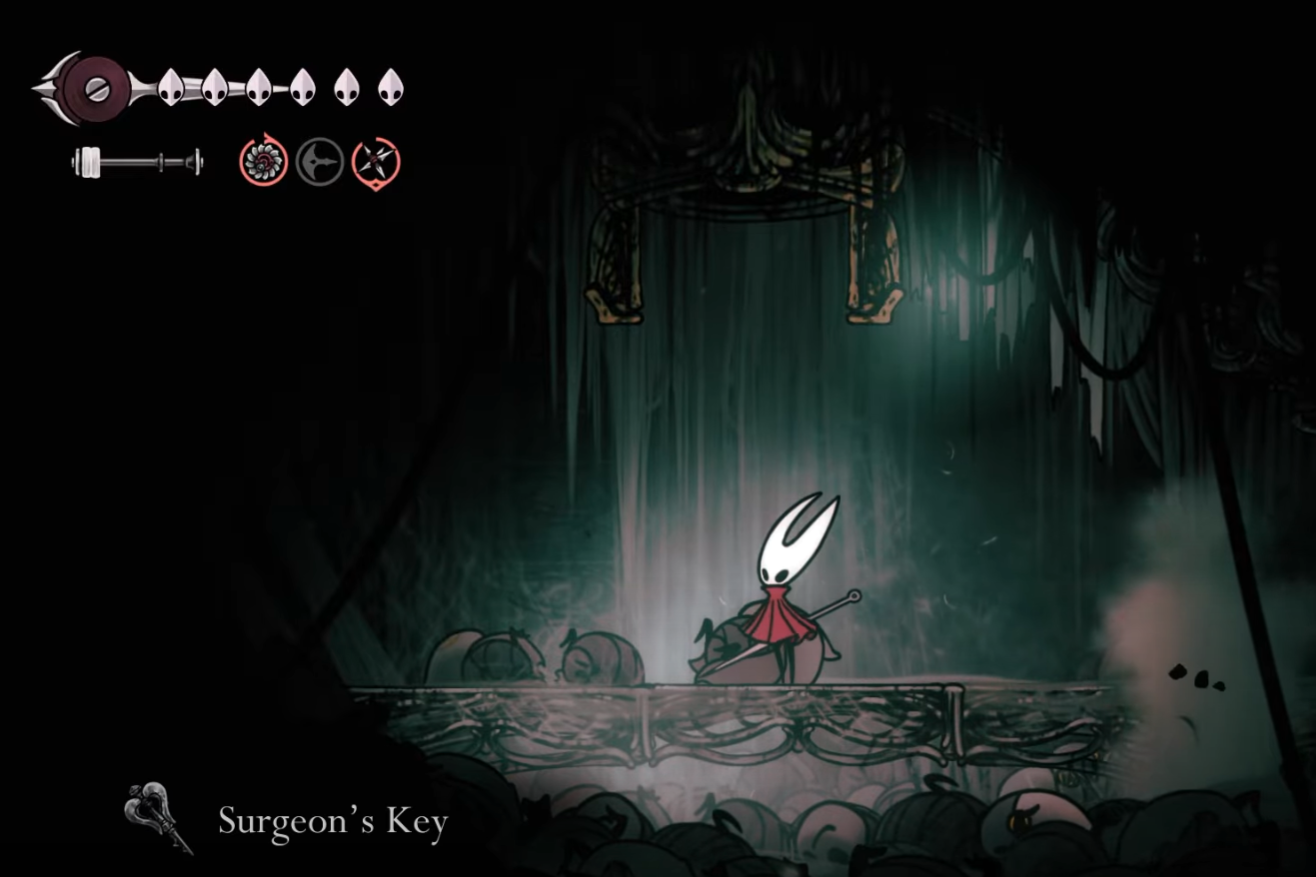
Hollow Knight: Silksong — How to get and use the Surgeon’s Key
Step-by-step route in Whiteward, lock location, boss access, and key prerequisites.