
Instructional, step-by-step articles.
Content Type: How-To
-
How to Craft the Crude Sickle in Hytale and What It Does
Everything you need to harvest multiple crops in a single swing with Hytale’s early farming tool.
-

Boom Boom Bass — Fortnite’s New RIIZE Emote and How to Get It
The K-pop collaboration dance emote costs 500 V-Bucks and works across most Fortnite game modes.
-

Starsand Island: Where to Buy Meat and How to Make Meat Bites
No animals are harmed — you just need to visit the right shop and build one crafting station.
-

How to evolve Buneary into Lopunny in Pokémon Legends: Z-A
Raise Buneary’s friendship level, then level it up once to trigger evolution.
-
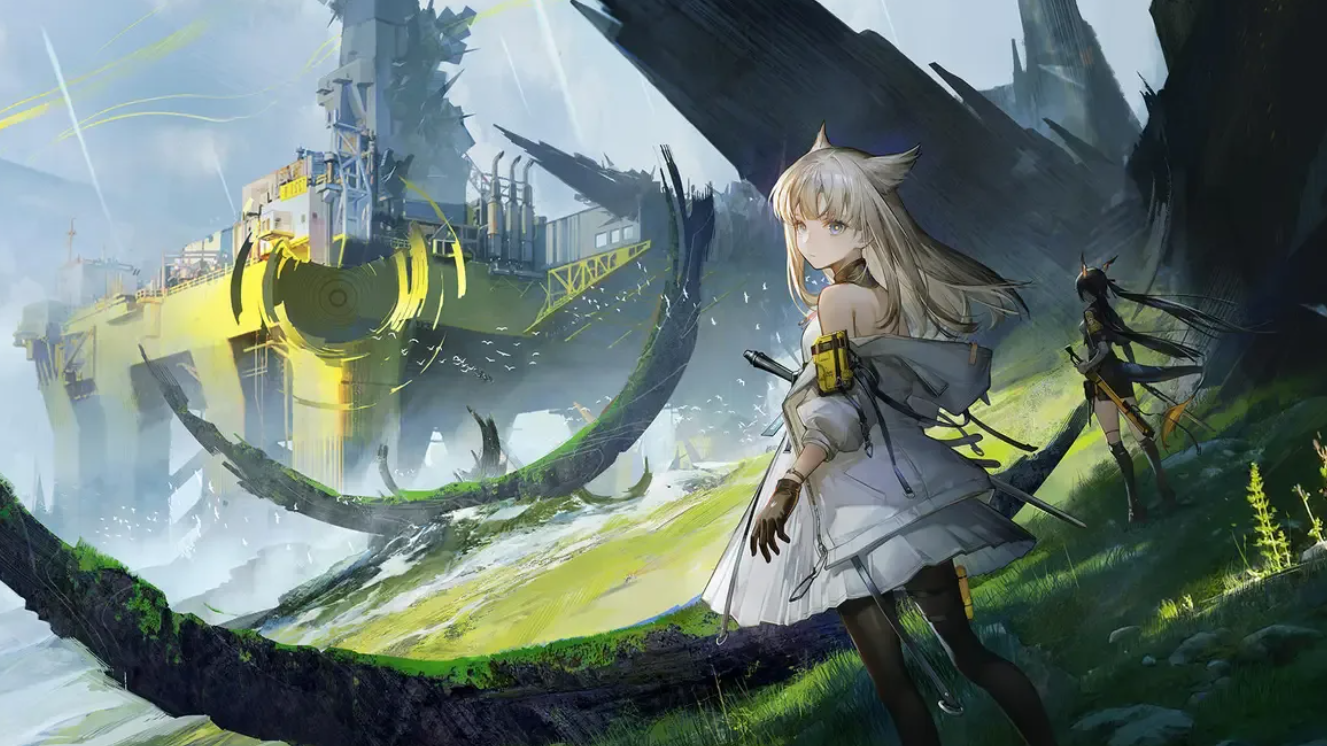
How to Access the Shattered Fringe in Arknights: Endfield’s Power Plateau
Unlocking this Blight-covered subarea requires specific quests and some creative navigation.
-

How to Get PvE Lobbies in ARC Raiders
Avoid PvP actions for 5–10 rounds to shift matchmaking toward friendly, cooperative lobbies.
-

How to Fix the High on Life 2 Escape Room Bug That Freezes the Timer
The escape room’s timer can stop ticking in rooms 2 and 3, but completing specific hidden interactions will unstick your progress.
-
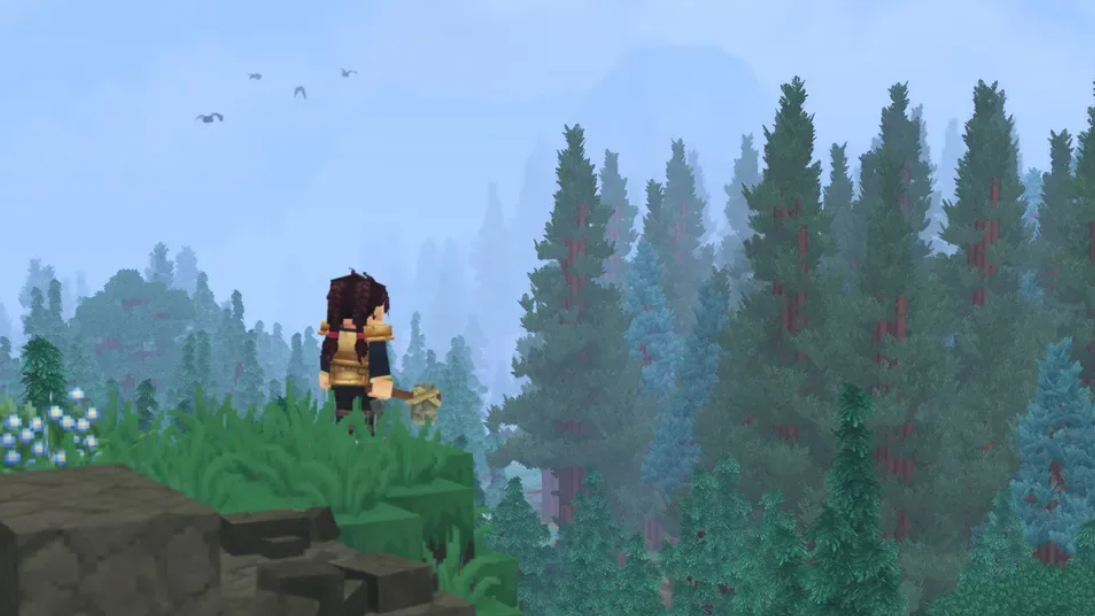
Hytale’s Goblin Flamethrower — What It Does, How to Get It, and Why You Can’t Craft It Yet
The crude goblin weapon deals 12 damage and sets the world on fire, but it’s currently locked to Creative Mode.
-

Starsand Island Beekeeping — How to Get Honeycomb, Bees, and Start Producing Honey
Wild beehives are hidden in treetops across the island, and you’ll need to chop your way to them.
-

How to Fix PS5 Error Code CE-107891-6 — The Content Installation Bug
A full delete and reinstall is the primary fix for this frustrating PS5 installation error.