
Instructional, step-by-step articles.
Content Type: How-To
-
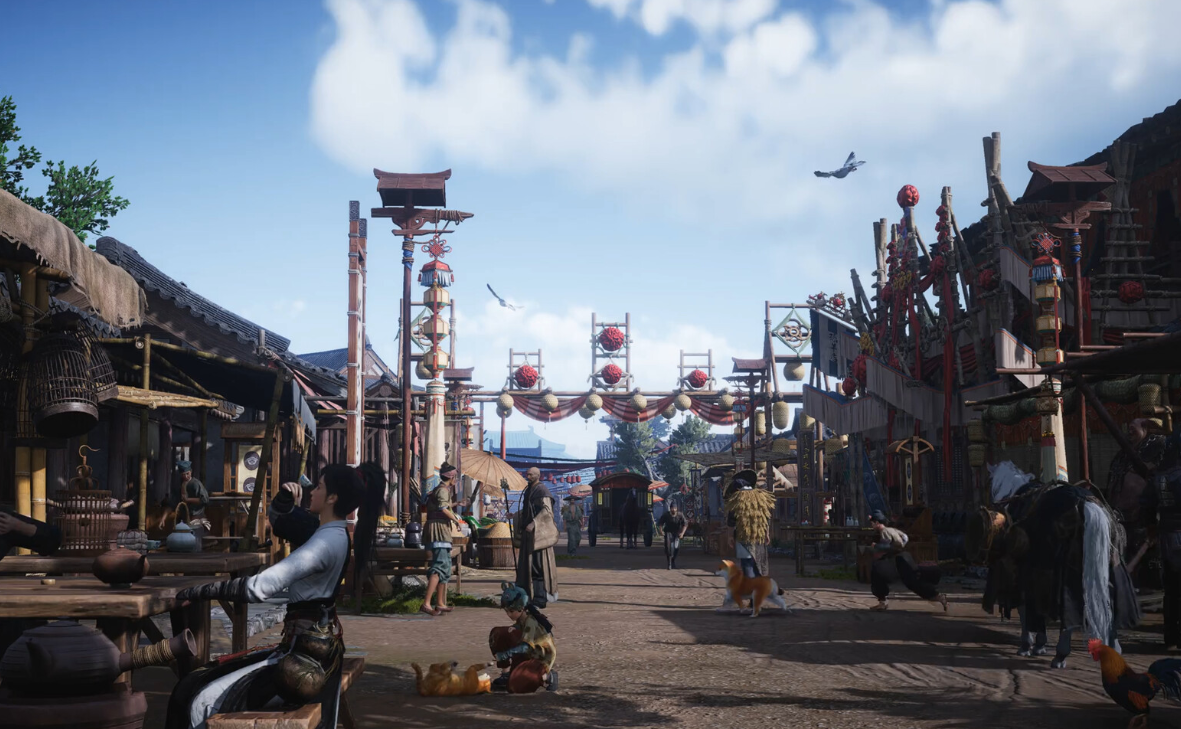
Battlecrest Slope encounters in Where Winds Meet: how to unlock both
Learn how to trigger Little Master’s Legacy and Recipe’s Heir so the Battlecrest Slope encounter list finally hits 100 percent.
-
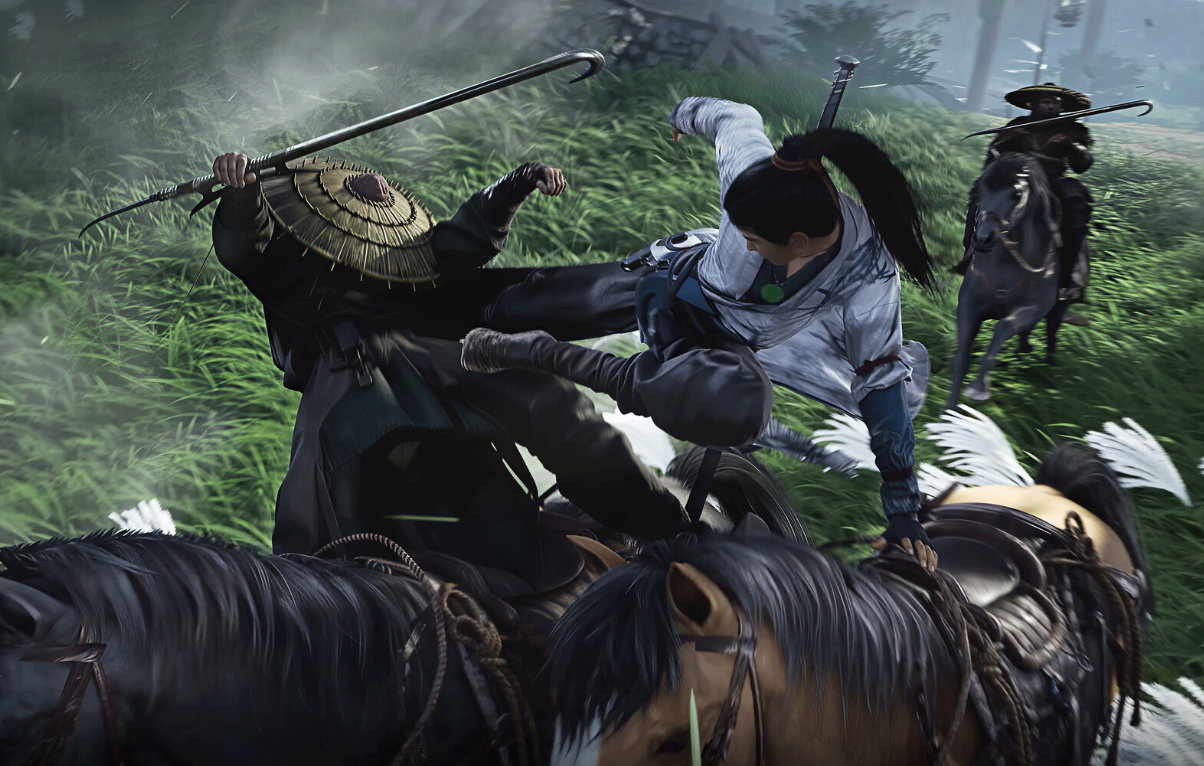
Where Winds Meet: How to “Stain the Token with Blood” and Join the Midnight Blades
Learn how the trial by blood works, how to get the Annihilation Token, and what it unlocks in the Midnight Blades sect.
-

How to Get Off Your Horse in Where Winds Meet (PC, PS5, Xbox)
Learn the exact buttons to dismount and perform stylish hop‑offs on each platform, plus why the UI can make it confusing.
-
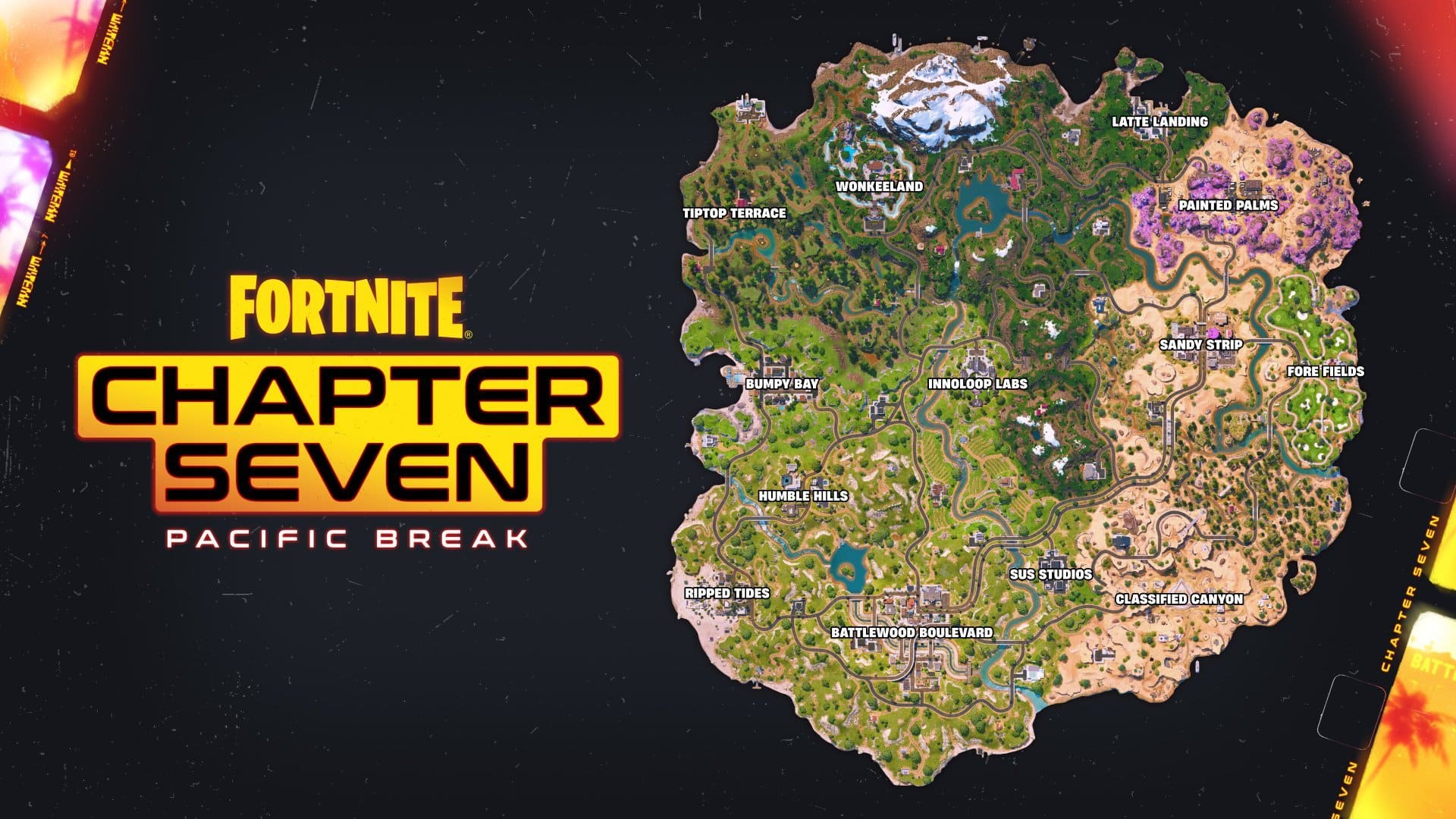
Why Fortnite keeps crashing around Chapter 7 (and what you can do)
Server downtime, intro loops, console crashes, and PC instability all collide at Chapter 7’s launch—here’s what’s happening and the few things you can actually…
-
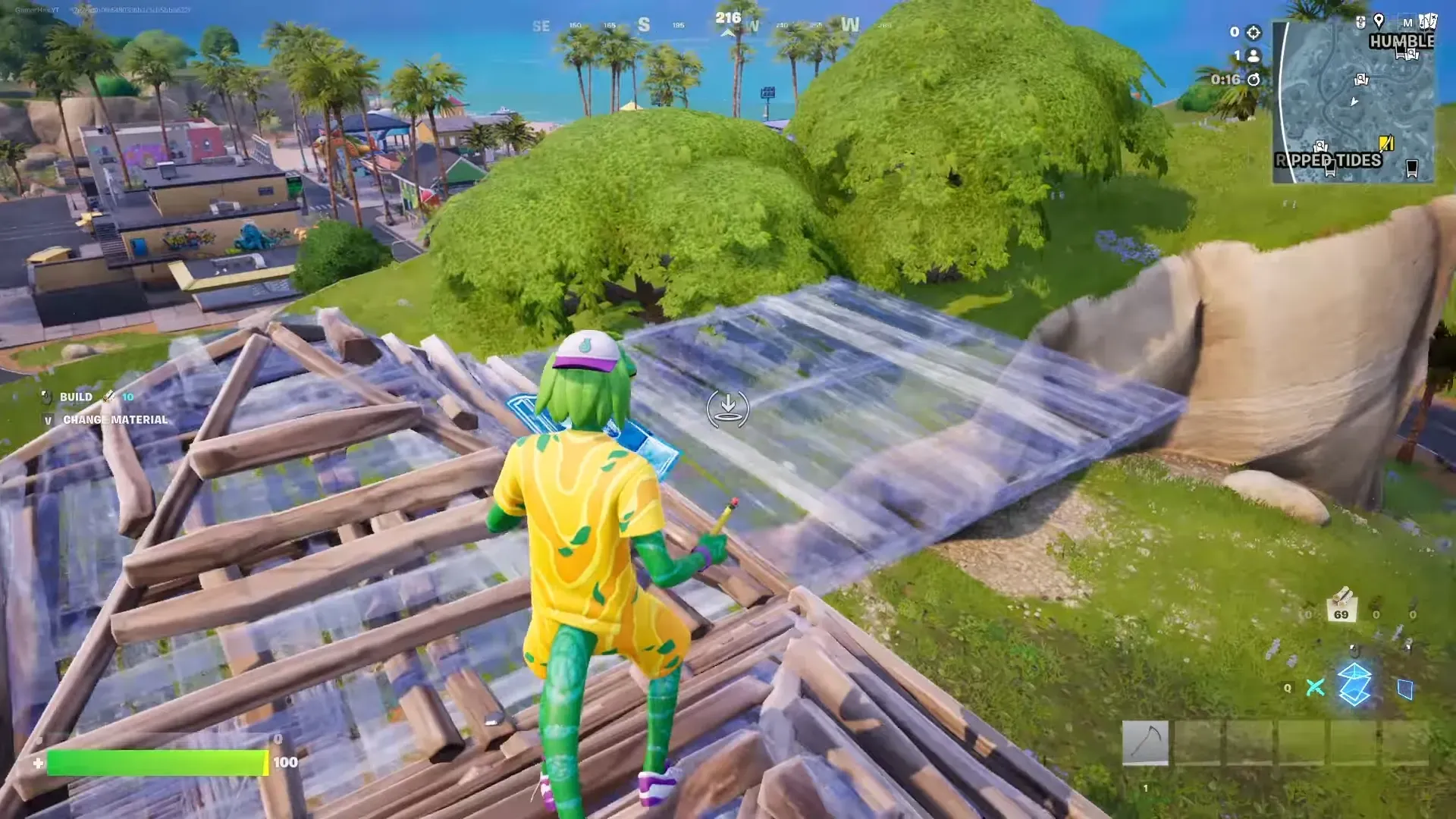
Fortnite Simple Build: How to turn it off (and what it changes)
Disable Simple Build in Fortnite, restore classic building controls, and understand what the setting is doing in the background.
-
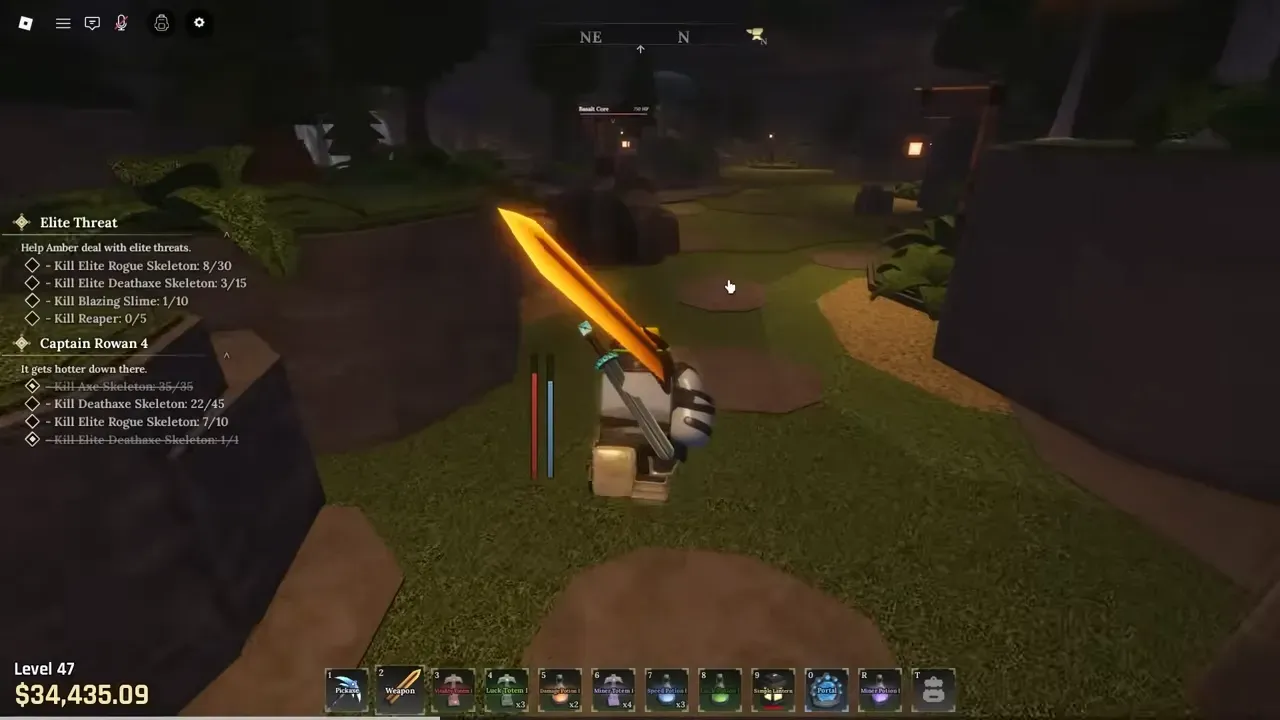
How to Finish the Goblin King Quests and Open the Goblin Cave in The Forge
Learn where to find the Goblin King, what each quest costs, and how the Goblin Cave fits into The Forge’s late‑game loop.
-
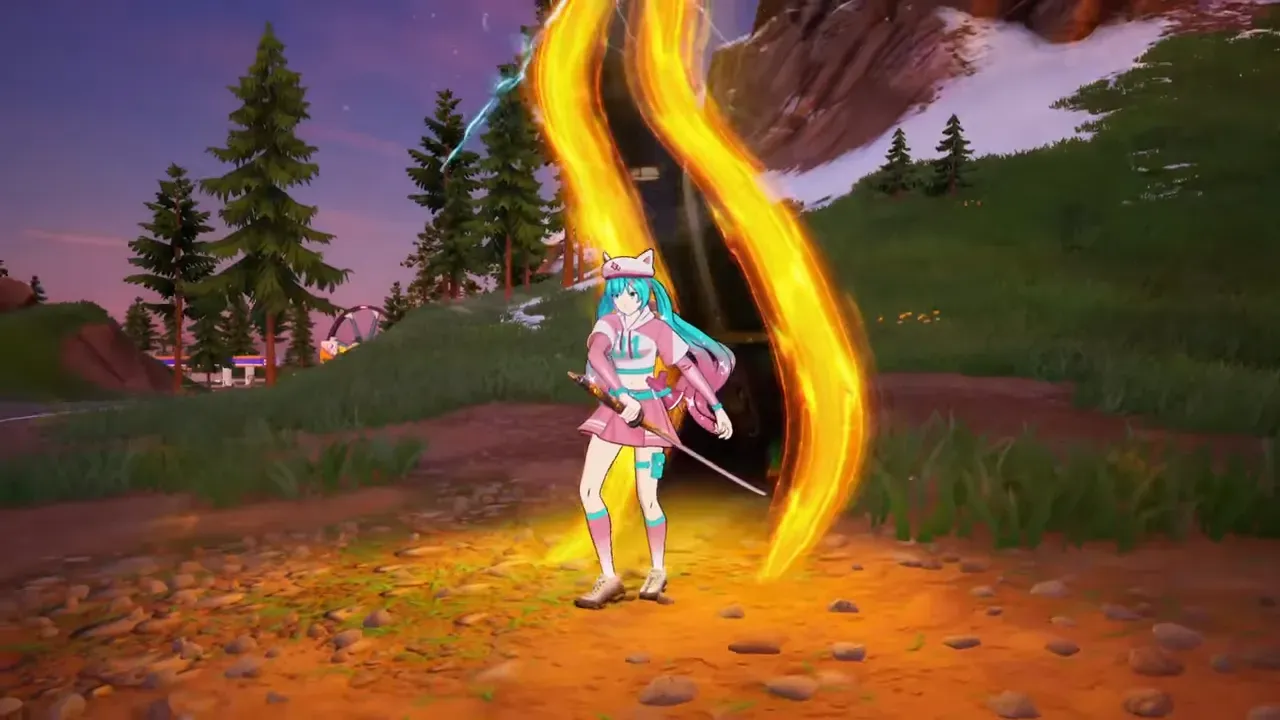
How to Get the Forsaken Vow Blade in Fortnite Chapter 7
Learn where the Kill Bill katana spawns, how Forsaken Rifts work, and how to use its three attacks effectively.
-
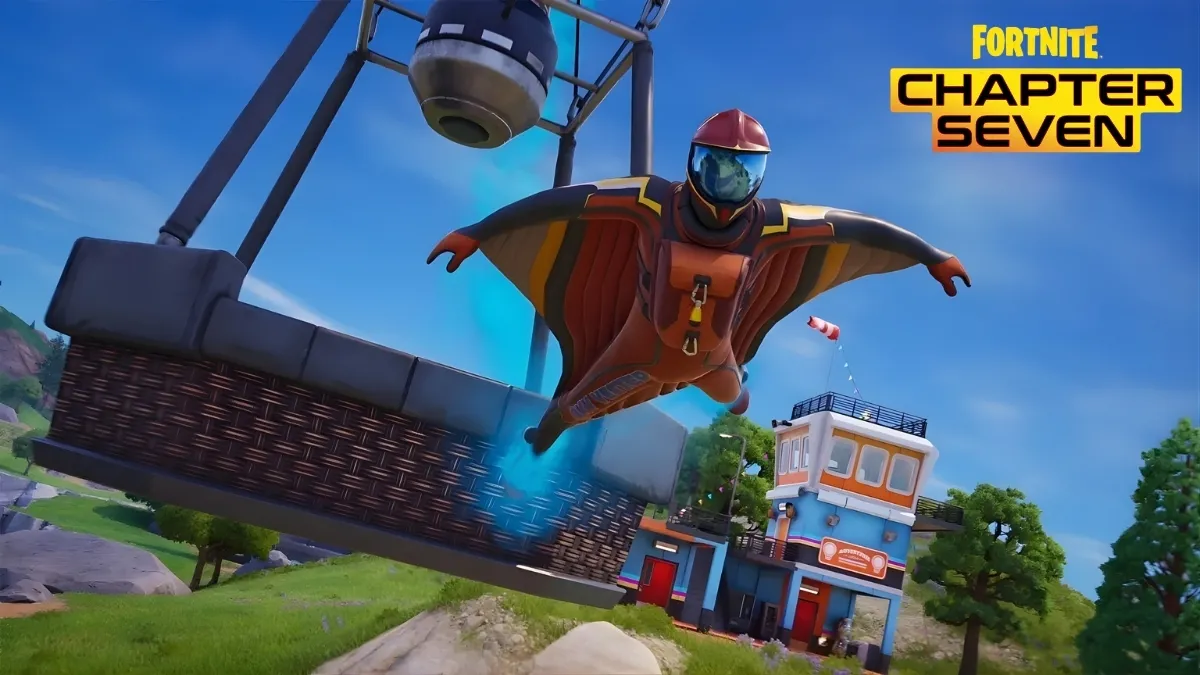
Fortnite Chapter 7 Wingsuit: Where to find it and how to fly well
Learn how the Chapter Seven wingsuit spawns, how its charges and cooldown work, and how to glide for real map control.
-
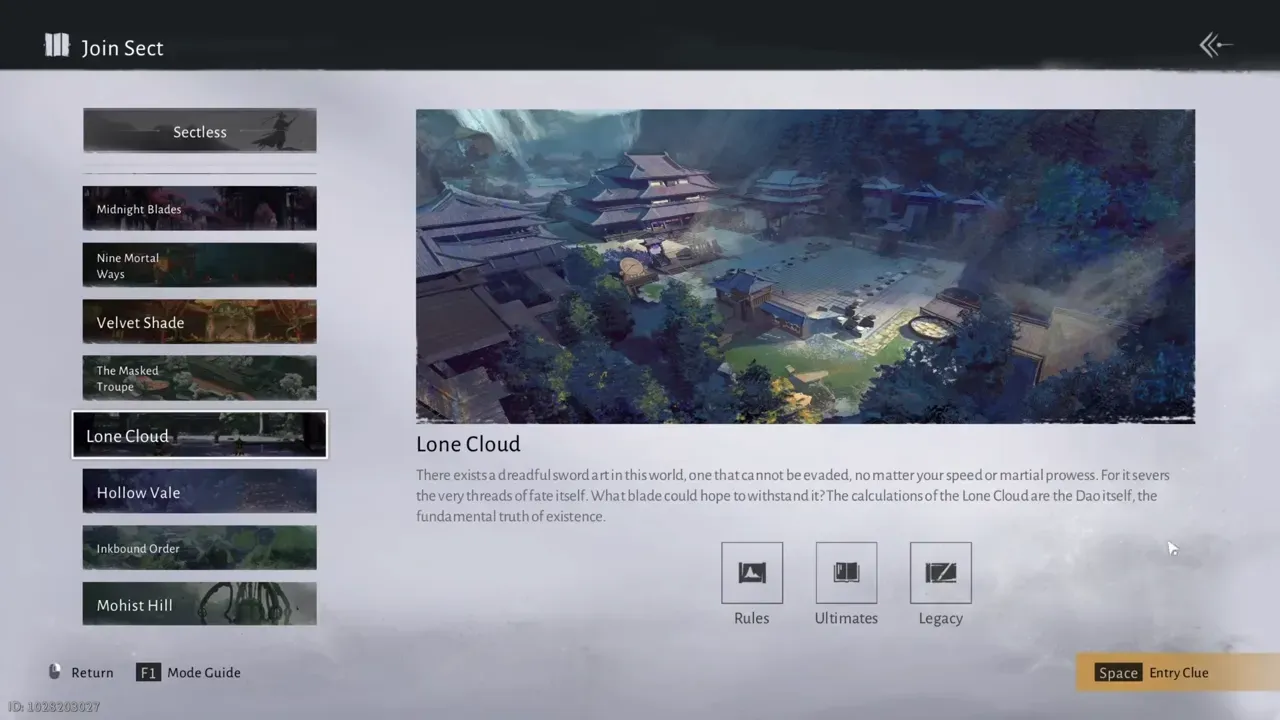
How to join the Lone Cloud sect in Where Winds Meet
Entry requirements, location, math test, and what Lone Cloud actually offers once you get in.
-

How to find your Embark ID and Embark account login
Where to see your Embark ID in THE FINALS and how to reach the Embark ID sign-in page.