
Instructional, step-by-step articles.
Content Type: How-To
-
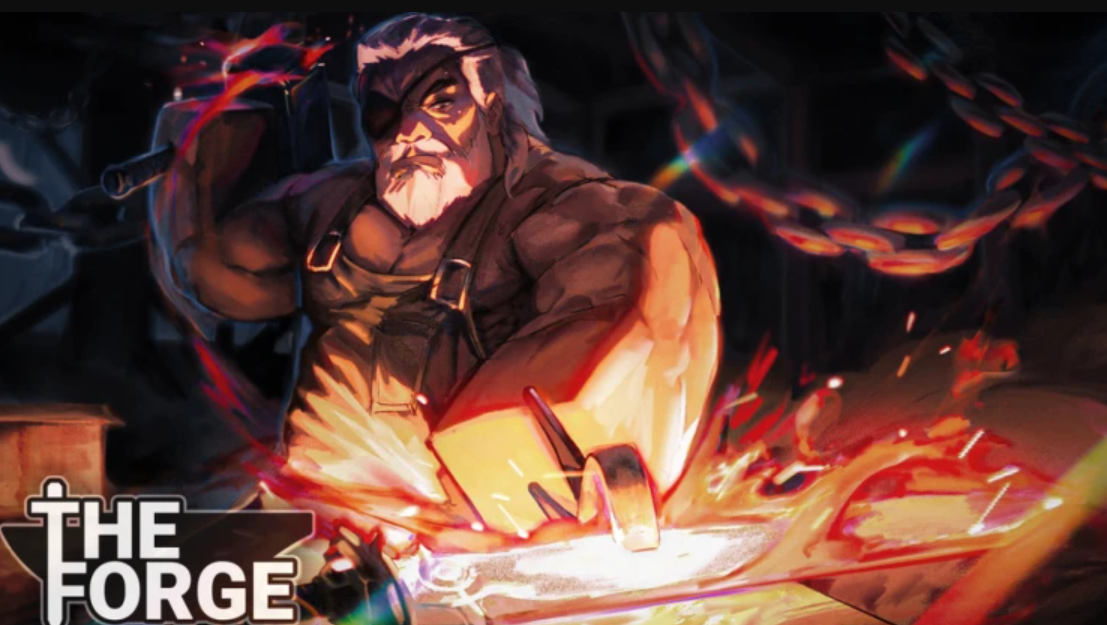
How to get the Arcane Pickaxe in The Forge
Where to find the hidden Arcane Pickaxe in World 1, what it costs, and how its stats change your mining run.
-

Deadly Delivery: How to Find and Rescue Nora to Unlock Escape Artist
Where Nora can spawn, how to escort her safely, and what the Escape Artist class actually gives you.
-
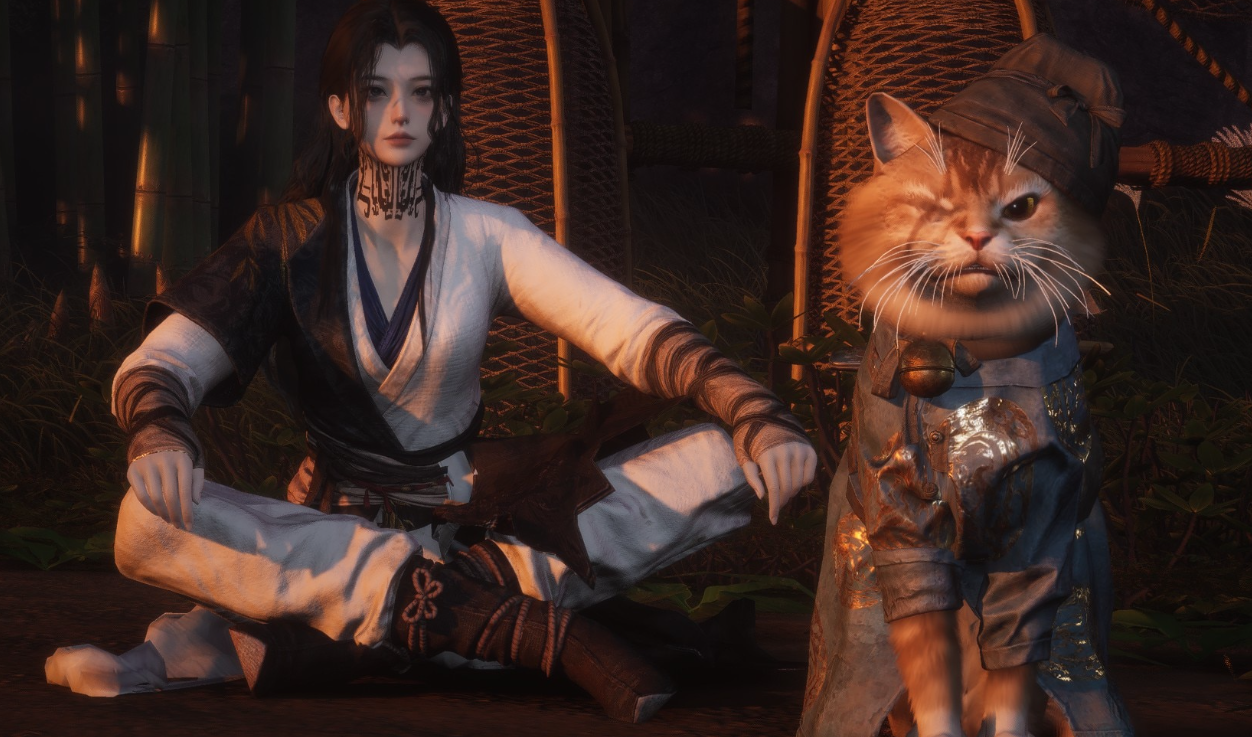
How to Raise Coordination in Where Winds Meet
Learn what Coordination does, which activities level it, and how to farm the key oddities that unlock higher-tier gear.
-

How to take group photos in Where Winds Meet’s Photo Mode
Use Pro mode, the group visibility toggle, and a few workarounds to line up multiplayer shots in Where Winds Meet.
-
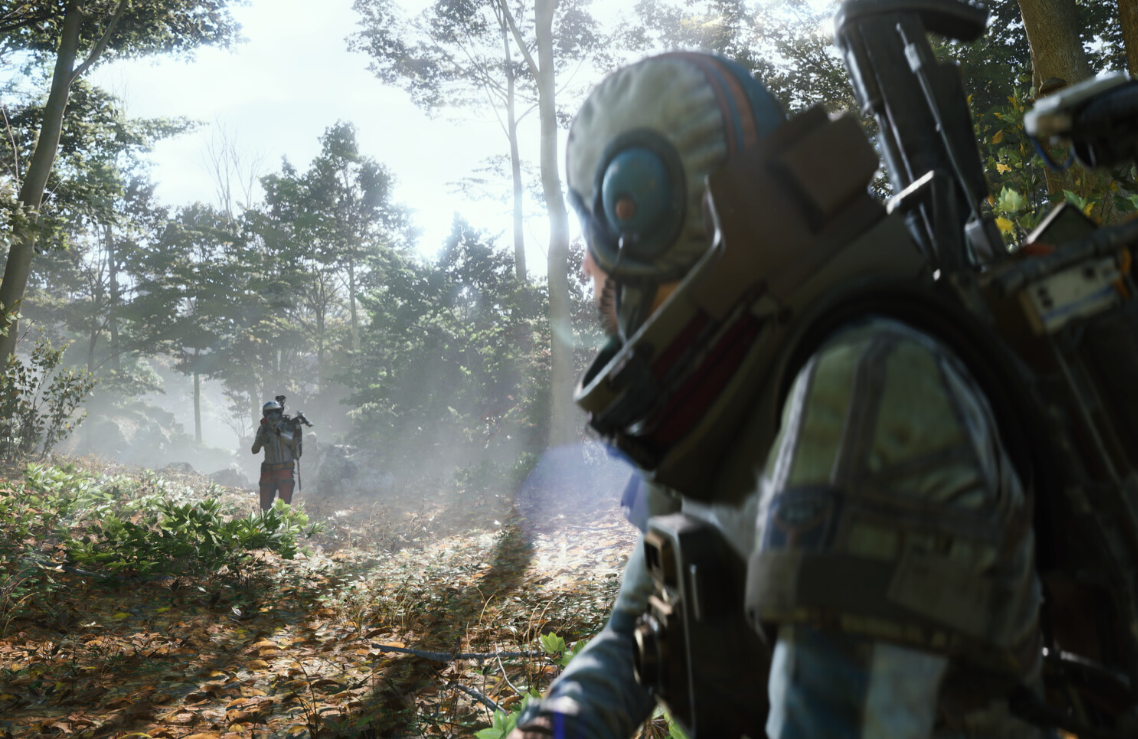
How to Fix Embark Game Boot Errors in ARC Raiders (PC)
Common ARC Raiders startup failures usually come down to Easy Anti-Cheat, background tools, or network routing — here is how to clear each one.
-
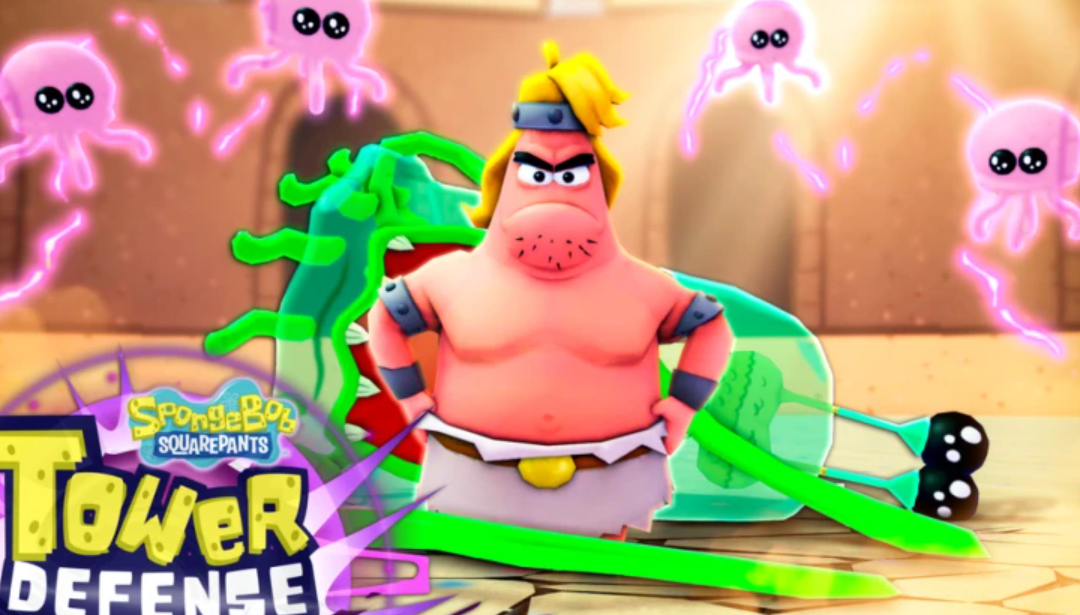
SpongeBob Tower Defense Admin Abuse times, rewards, and how to prepare (December 2025)
When Admin Abuse goes live in SpongeBob Tower Defense, what it boosts, and how to get the most value from the event.
-

How to unlock the Chasing Red set in Where Winds Meet
Learn every reliable way to get the Chasing Red hairstyle and outfit, and what the grind actually looks like.
-

How to Upgrade Weapons and Armor in The Forge (Roblox)
Learn how ore traits, forge recipes, and upgrades combine to create high‑damage weapons and tanky armor in The Forge.
-

How to Unlock Fivefold Bleed in Where Winds Meet
Learn where to find Fivefold Bleed, how the A Faltering Flame quest works, and what this Inner Way actually does in combat.
-

Anime Last Stand Stuffing Showdown: How to hit max Thanksgiving rewards
Learn how the Thanksgiving event works, which rewards to chase, and the unit setups that reliably farm high damage.