
Instructional, step-by-step articles.
Content Type: How-To
-
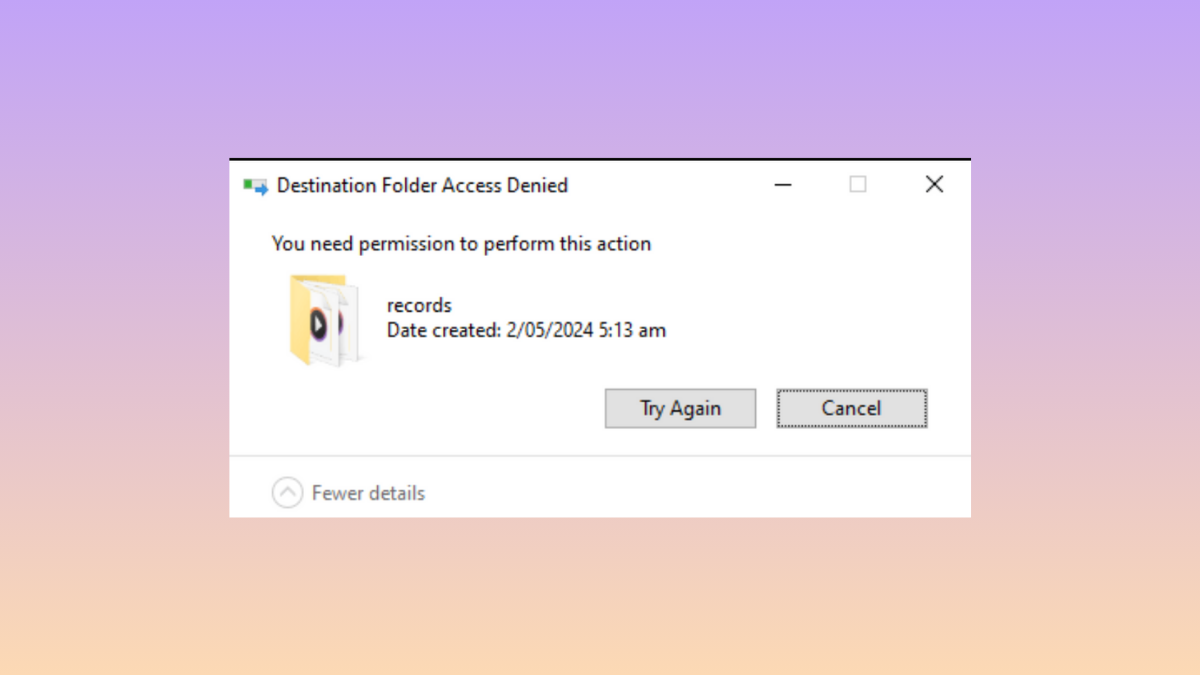
How to Remove “You Need Permission to Perform This Action” Message in Windows 11
Learn multiple solutions to fix permission errors when accessing, deleting, or modifying files and folders in Windows 11.
-
How to Turn On Enhanced Search in Windows 11
Switching to Enhanced Search in Windows 11 indexes your entire PC, delivering faster and more complete search results across all files and folders.
-
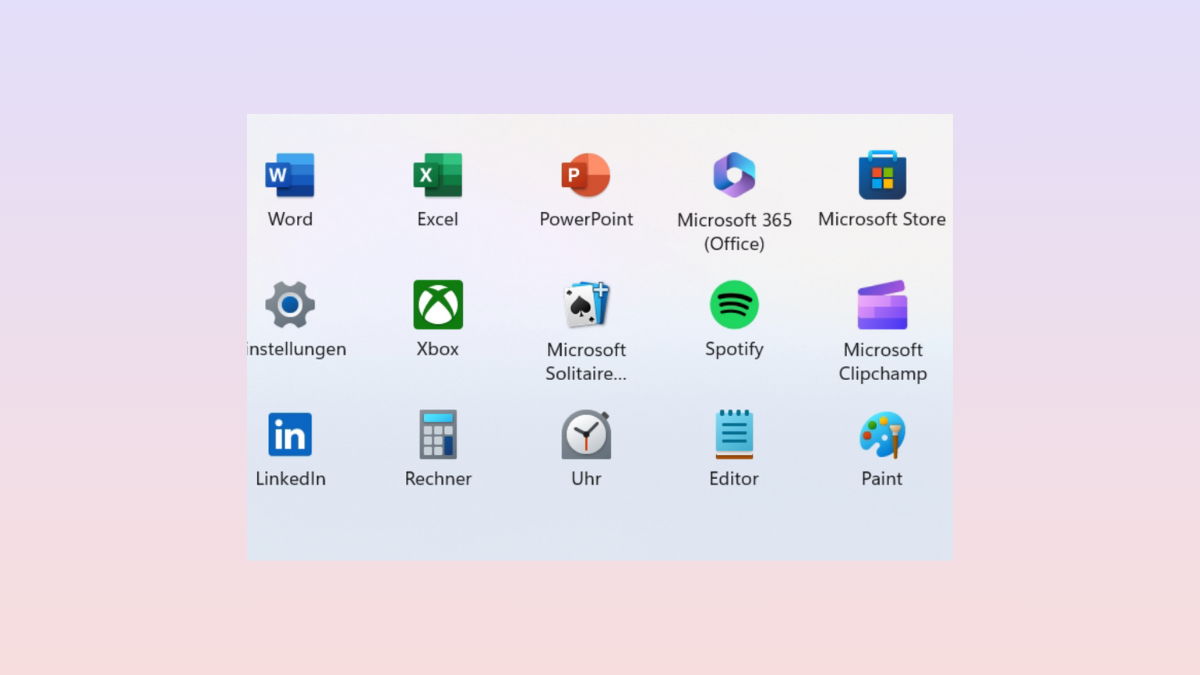
How to Open Multiple Apps at Once from the Start Menu in Windows 11
Learn multiple methods to launch several applications simultaneously from the Windows 11 Start Menu, including using batch files and desktop shortcuts for streamlined workflows.
-
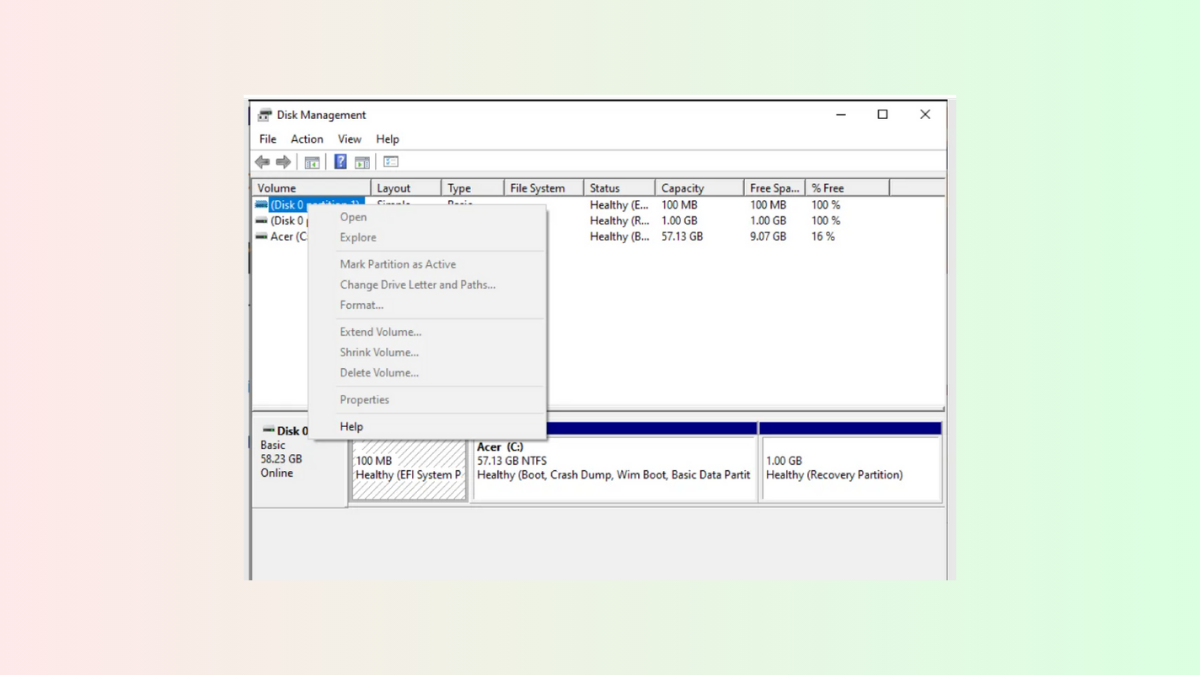
How to Fix Greyed Out Options in Disk Management on Windows 11
Resolve the issue where all or some partition options in Disk Management are unavailable on Windows 11 by following targeted troubleshooting steps and alternative…
-

How to Fix Desktop Background Changing Automatically on Windows 11
Restore your preferred wallpaper and prevent Windows 11 from automatically switching your desktop background with these p solutions.
-

How to Fix Error 30038-28 When Updating Microsoft Office in Windows 11
Resolve Office update failures caused by error code 30038-28 on Windows 11 with simple solutions for connectivity, software conflicts, and repair options.
-
How to Fix Microsoft Store Apps Crashing With Exception Code 0xc000027b in Windows 11
Learn effective solutions to resolve Microsoft Store app crashes caused by exception code 0xc000027b on Windows 11, including restoring critical permissions and troubleshooting common…
-
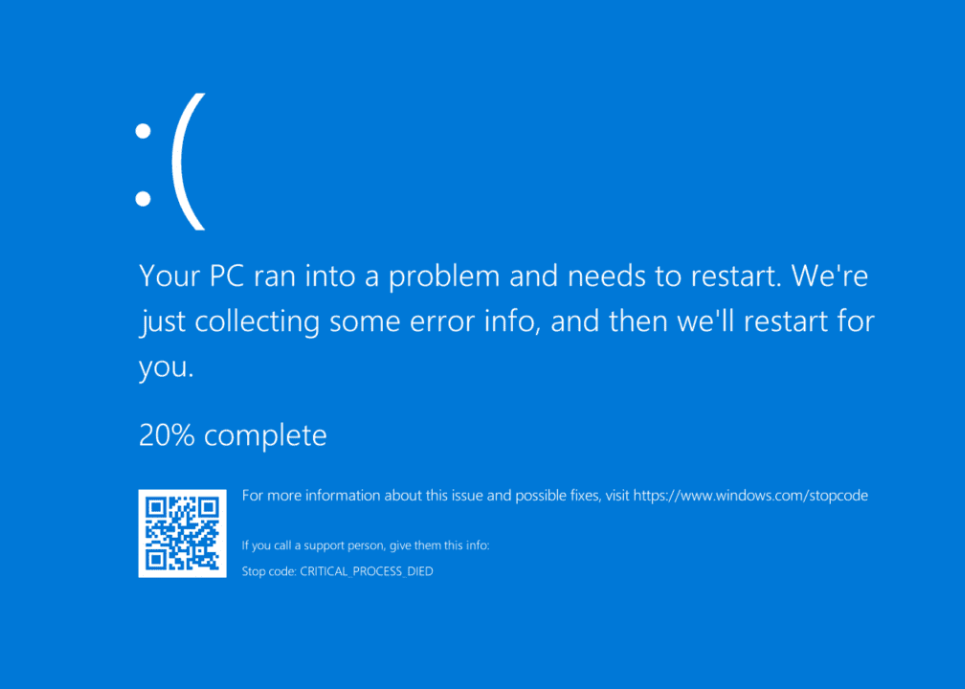
How to Fix Blue Screen of Death After Installing WiFi Card on Windows 11
Resolve persistent BSOD errors after adding a WiFi card to your Windows 11 system with targeted troubleshooting and clear solutions.
-

How to Check, Increase, or Lower CPU Usage in Windows 11
Learn various methods to monitor, reduce, or adjust CPU usage in Windows 11, with detailed fixes for persistent high CPU utilization and guidance on…
-
How to Fix Alt + F4 Not Working in Windows 11
Resolve unresponsive Alt + F4 shortcuts in Windows 11 with proven methods, from keyboard driver updates to system troubleshooting.