
Instructional, step-by-step articles.
Content Type: How-To
-
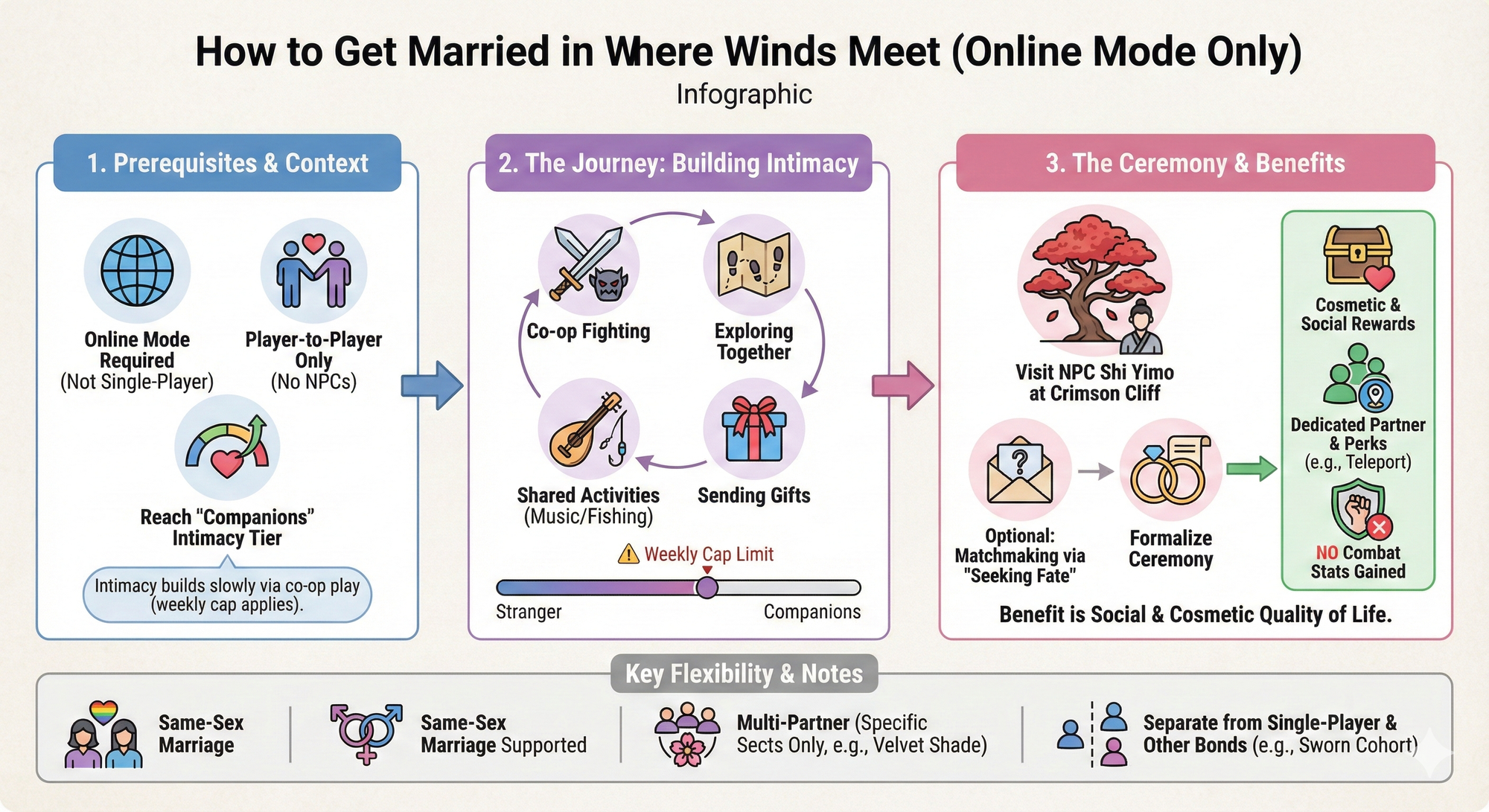
How to get married in Where Winds Meet
Learn how the intimacy system, Shi Yimo, and Online Mode come together to turn co-op partners into married couples.
-

How to Get the Free Yuki Yubari Skin in Fortnite Chapter 7
Log in during a short Chapter 7 launch window and the Kill Bill character joins your locker with no quests or purchases required.
-

How to claim all 2,500 free Units in the Marvel Rivals Anniversary event
Every way to earn anniversary Units, from daily logins to Rivals Assemble and the December 4 drop.
-
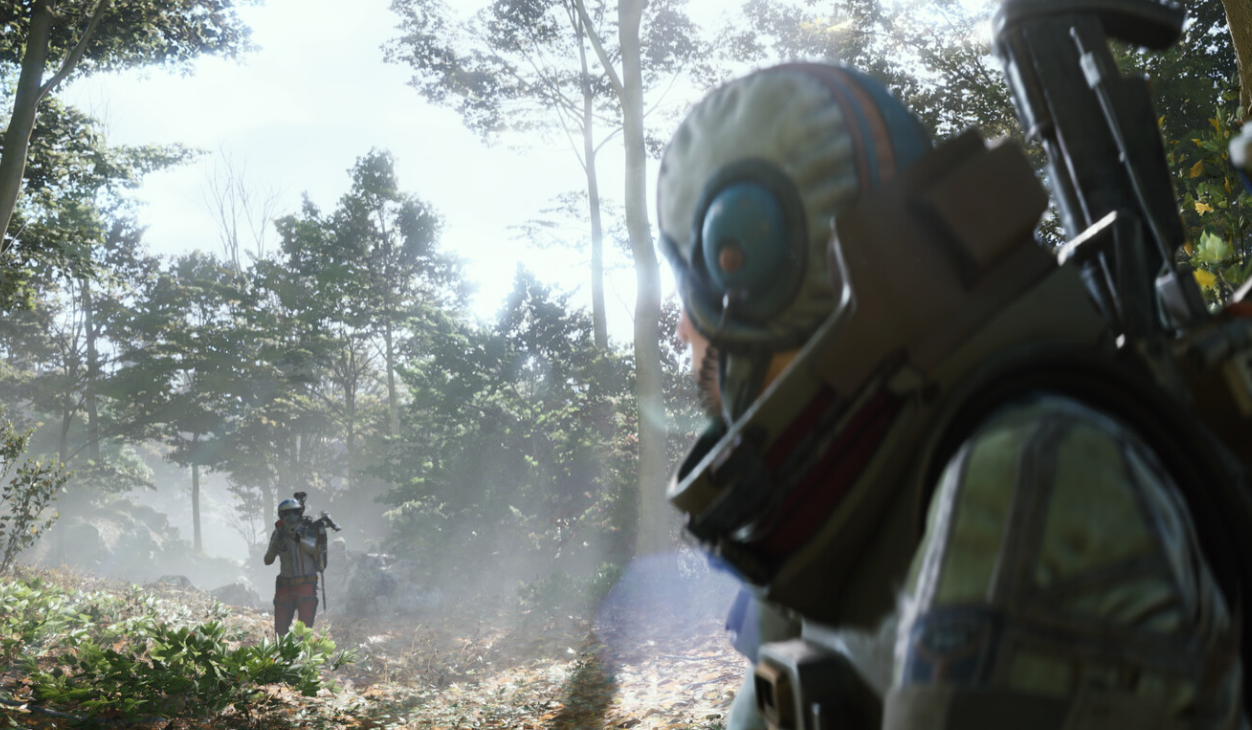
Where to Get Bobcat blueprint in ARC Raiders and How to use it
How the Bobcat blueprint works, where it fits in the loot system, and what to expect when you finally unlock it.
-

ARC Raiders “corrupted install detected” error on PC – known fixes
How players are clearing ARC Raiders’ recurring “corrupted install” message using driver updates, anti-cheat cleanup, and a few targeted tweaks.
-
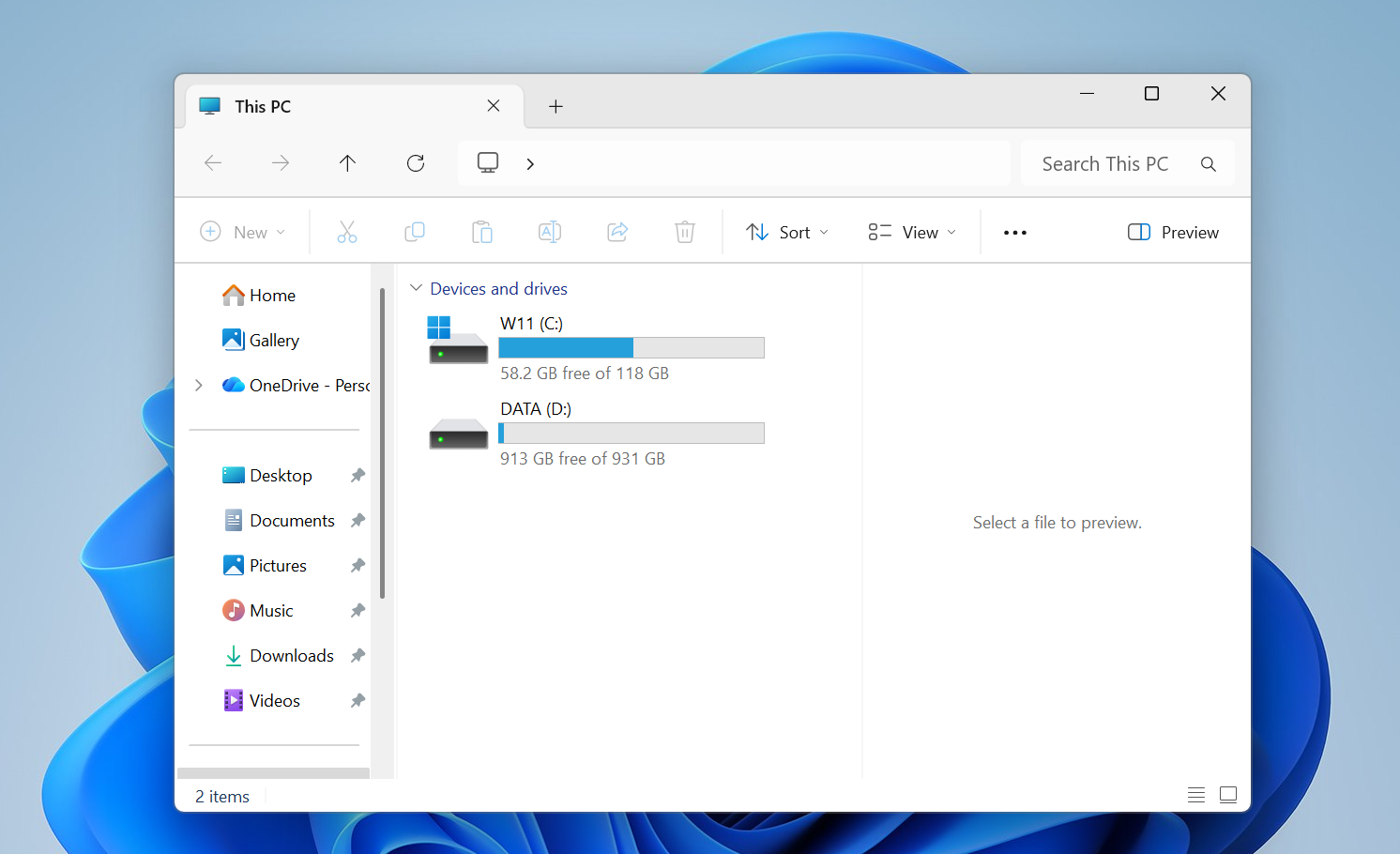
How to stop screen flickering on Windows 11
Display driver problems and misbehaving apps are behind most Windows 11 flicker issues; here’s how to isolate and fix them.
-
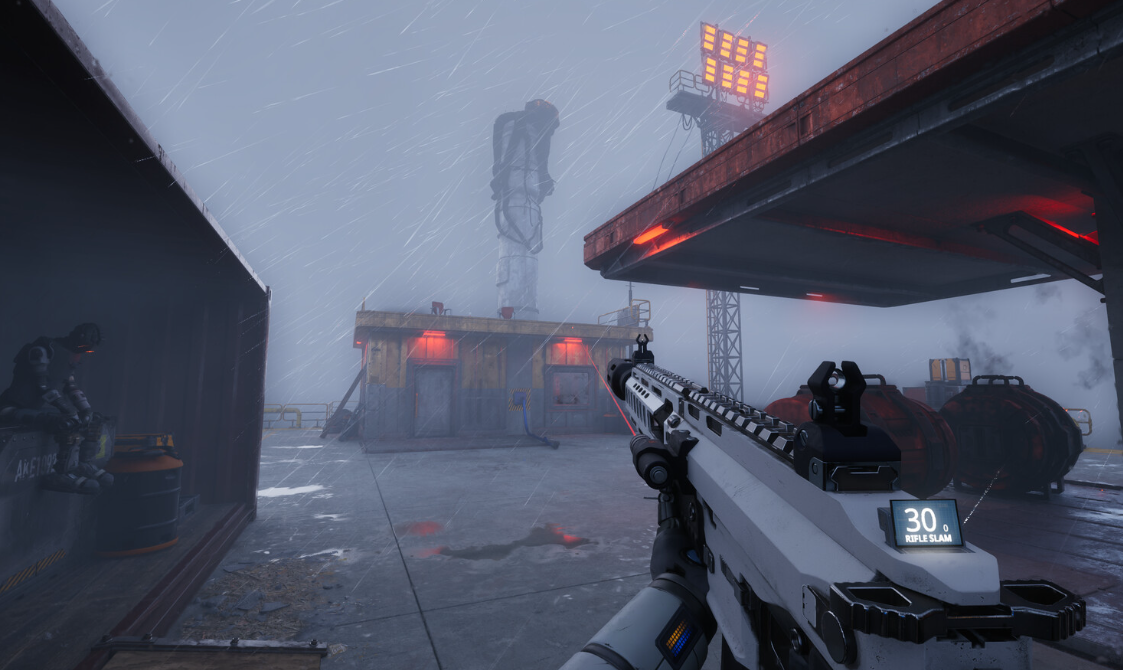
How to Grow Humans in The Last Caretaker’s Lazarus Complex
Set up water and power, craft nutrient canisters, choose memories, and shape your colony’s future humans.
-

How to Use Xbox Play Anywhere on PC and Xbox
Learn how to buy, install, and use Xbox Play Anywhere games across Xbox consoles, Windows PCs, and supported handhelds.
-

How to Build and Install the Electronic Panel in AILA
Walk through the morning apartment sequence to assemble Samuel’s robot controller and mount the finished panel in the bedroom.
-

Where Winds Meet Afterglow quest: How to reach the midstream boat
Clear the wine jar challenge, land on the boat, and unlock Meteor Flight and basic windwalking in the Afterglow side story.