
Instructional, step-by-step articles.
Content Type: How-To
-
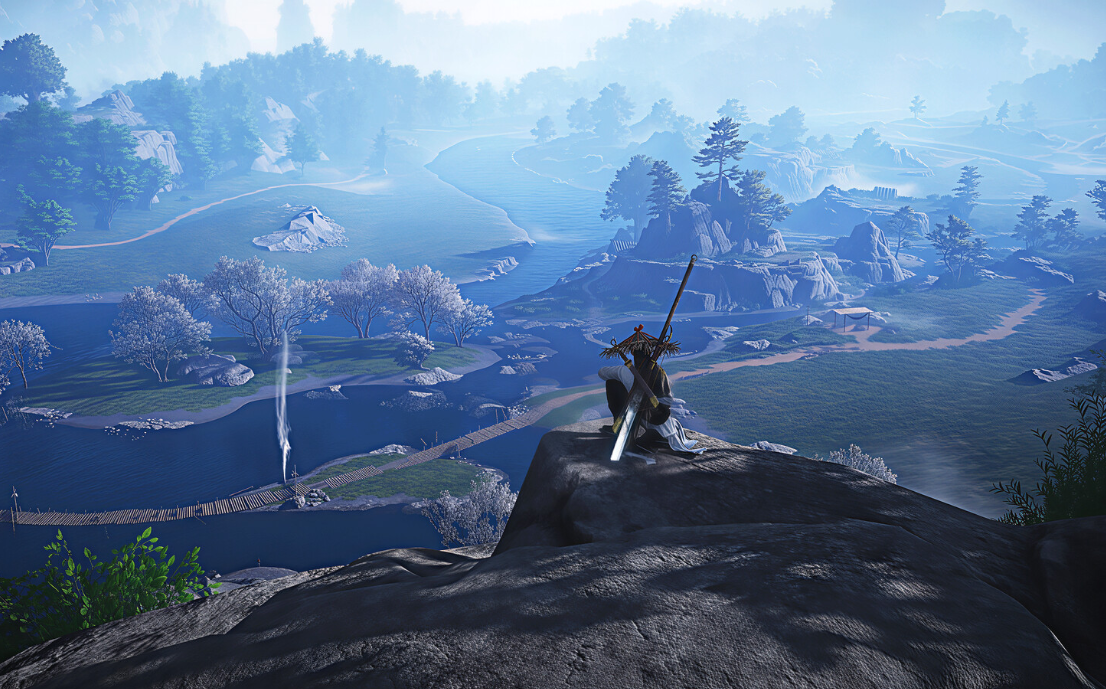
How to get Vernal Umbrella in Where Winds Meet
How to get the Vernal Umbrella, what it does in combat, and how it fits into ranged DPS builds.
-
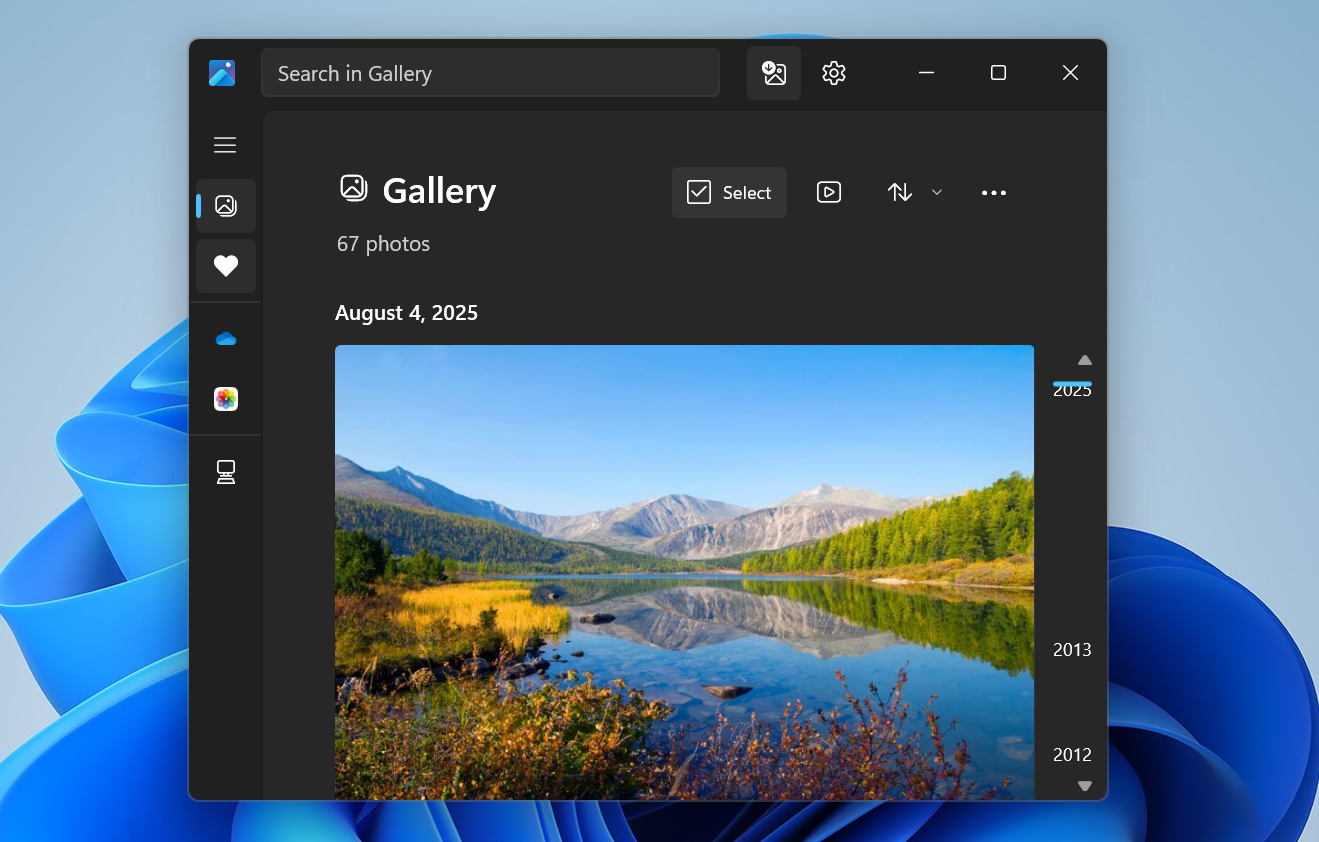
How to Sync Google Photos with the Windows 11 Photos app via Google Drive
Configure Google Drive and the Photos app so your Google Photos library appears alongside local images on a Windows 11 PC.
-
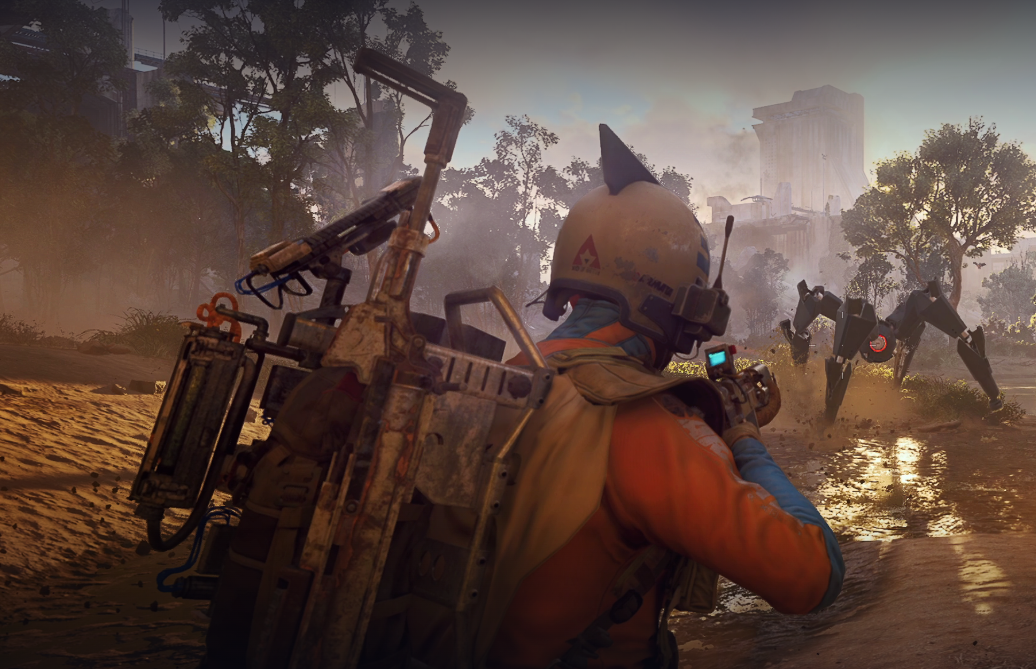
ARC Raiders First Wave husks and how to clear the Trial
What counts as a First Wave husk, where they spawn, and how to score three stars on the Week 5 Trial.
-
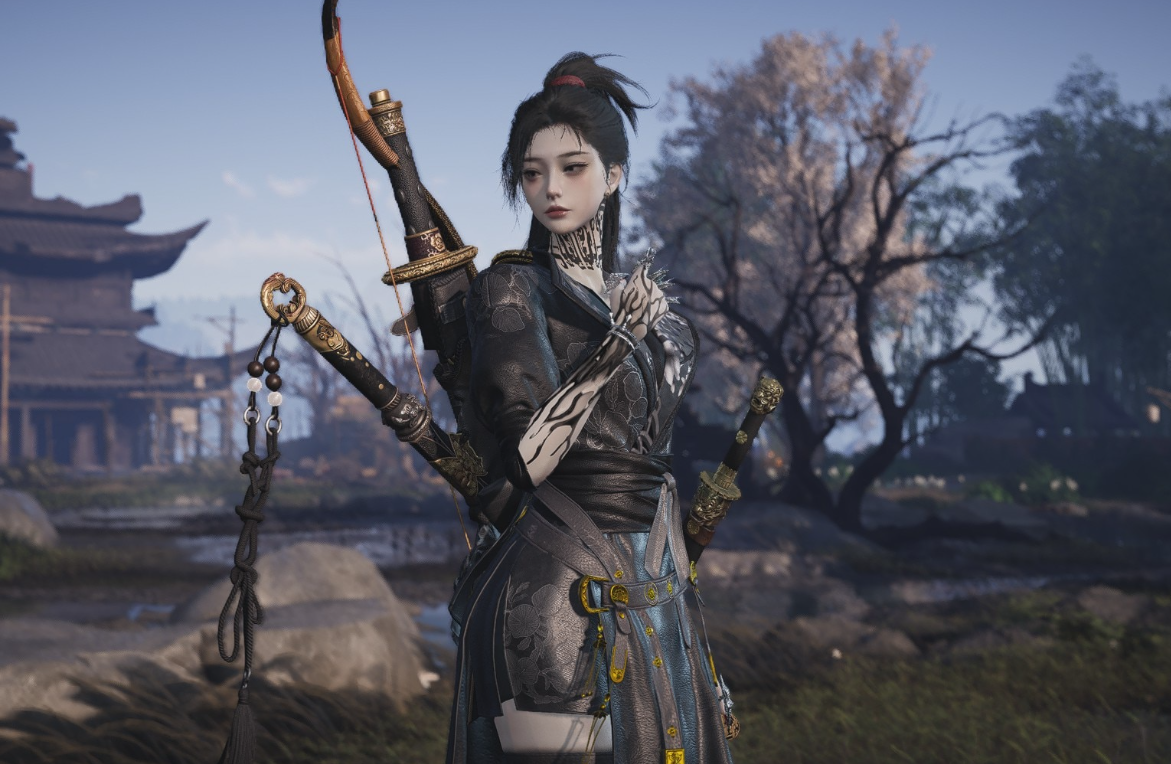
Where Winds Meet Fang Xu friendship and how to unlock him
How Fang Xu works as a Jianghu Friend, why he was bugged, and what players can do now to raise favor.
-

ARC Raiders stash size limits and how to manage them
How stash upgrades work, what the true cap is, and the practical ways to live with 280 slots in Speranza.
-

How to Get Black Ops 7 Zombies free Pack-a-Punch in Ashes of the Damned
Use Toxic Growth, a fumigator, and Ashes’ green plants to turn a single field upgrade into a free Pack-a-Punch tier.
-

Battlefield 6 won’t connect to online services? How to fix the most common problems
Practical fixes for Battlefield 6 connection loops, “connection failed” errors, and random disconnects on PC, PlayStation, and Xbox.
-
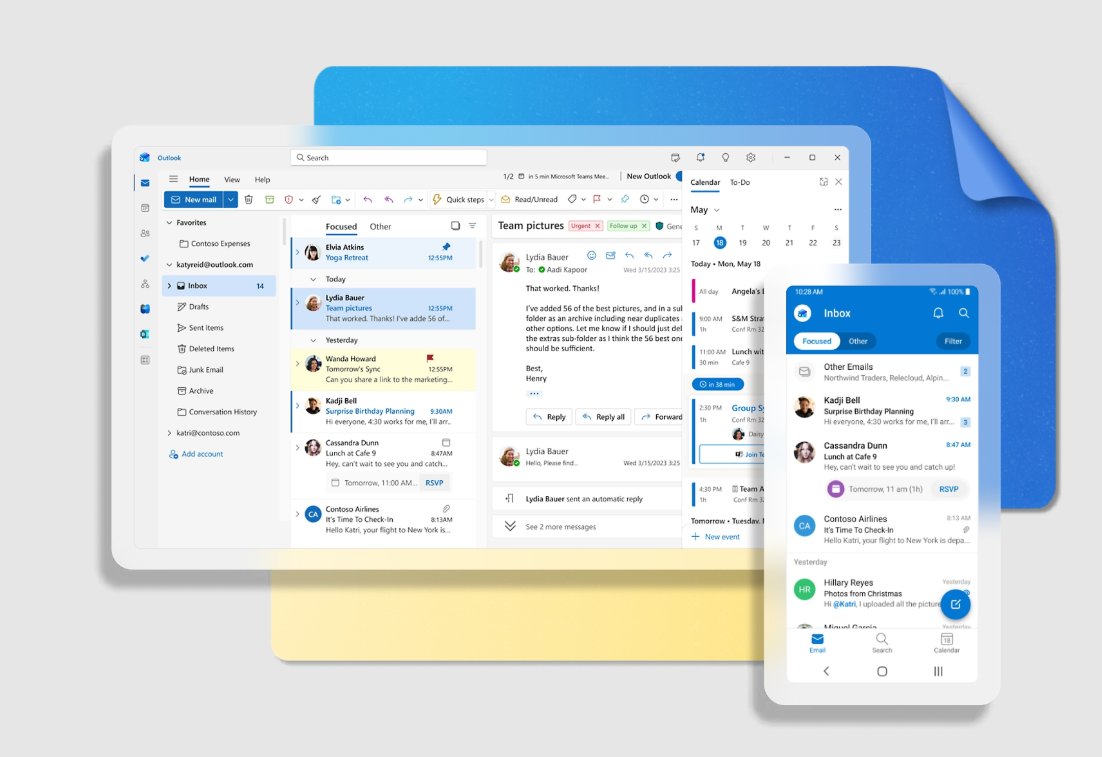
Fixing “You don’t have sufficient permissions to open the mail” for encrypted Outlook messages
What that permission error really means, when it appears, and the practical ways to get encrypted Outlook messages to open again.
-
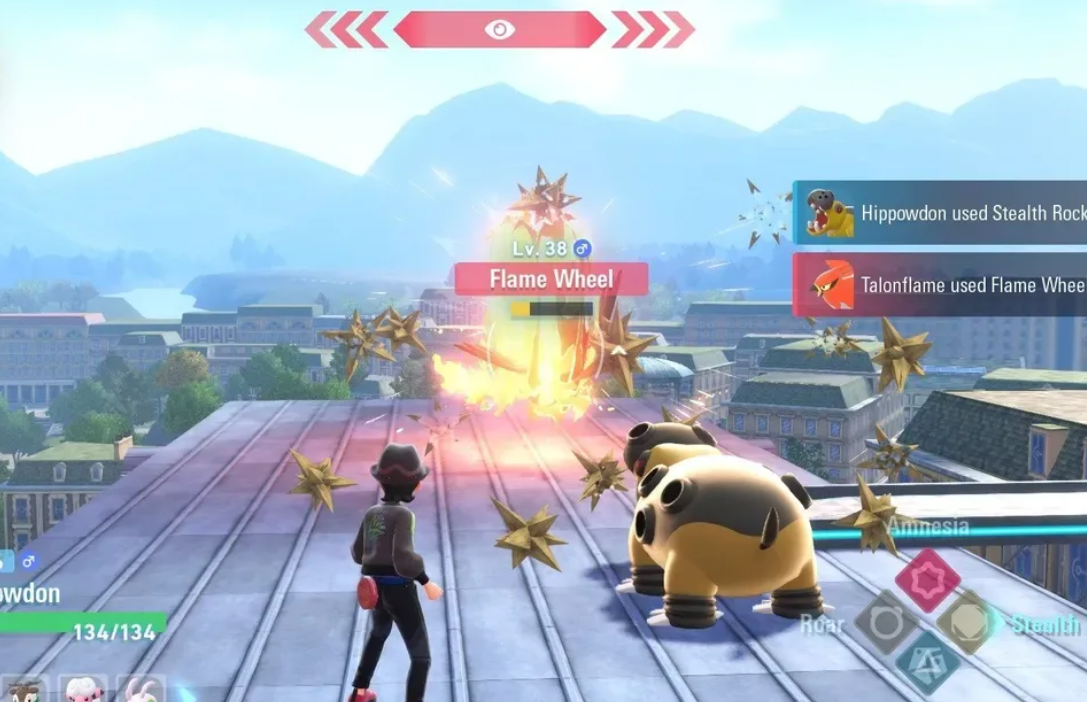
Pokémon Legends: Z-A Beldum location and how to catch it
Find Beldum in Lysandre Labs, understand its spawn rules, and make the most of this late‑game Steel/Psychic type.
-
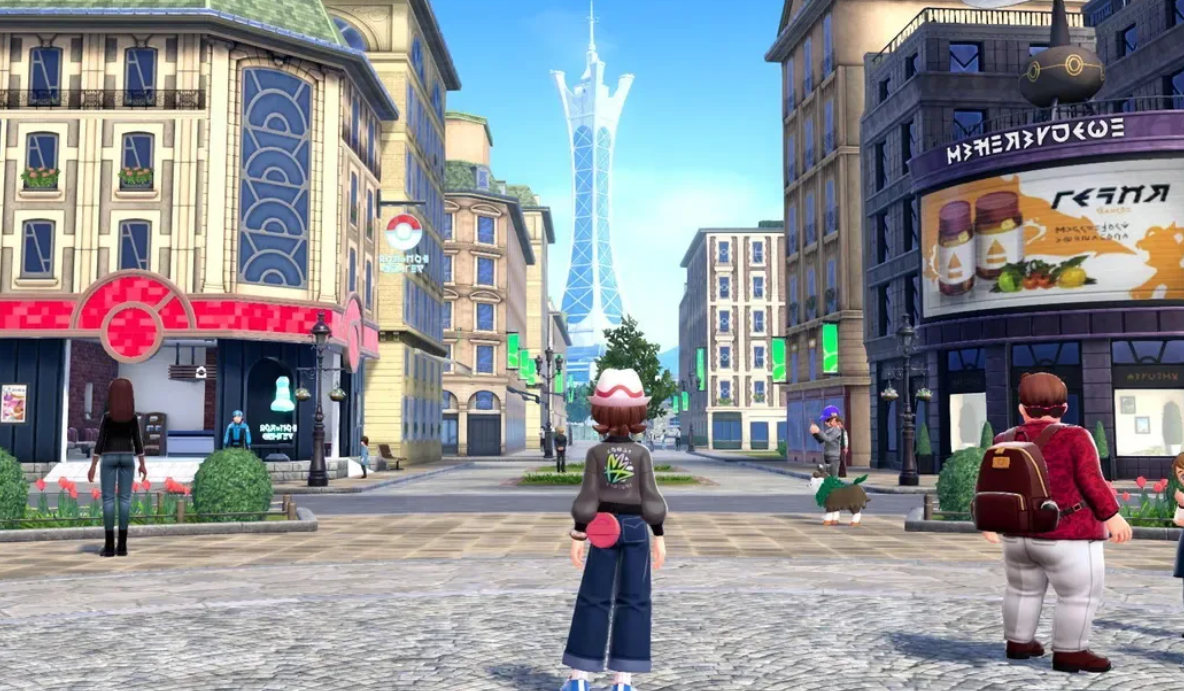
How to Get and Evolve Galarian Slowpoke in Pokemon Legends: Z-A
Learn where Galarian Slowpoke comes from, how its one-per-save restriction works, and what to consider before evolving it.