
Instructional, step-by-step articles.
Content Type: How-To
-
Windows 11 update draining your laptop battery? Fix it fast
Walk through the power settings, background processes, battery reports and firmware tweaks that usually restore normal battery life after an update.
-
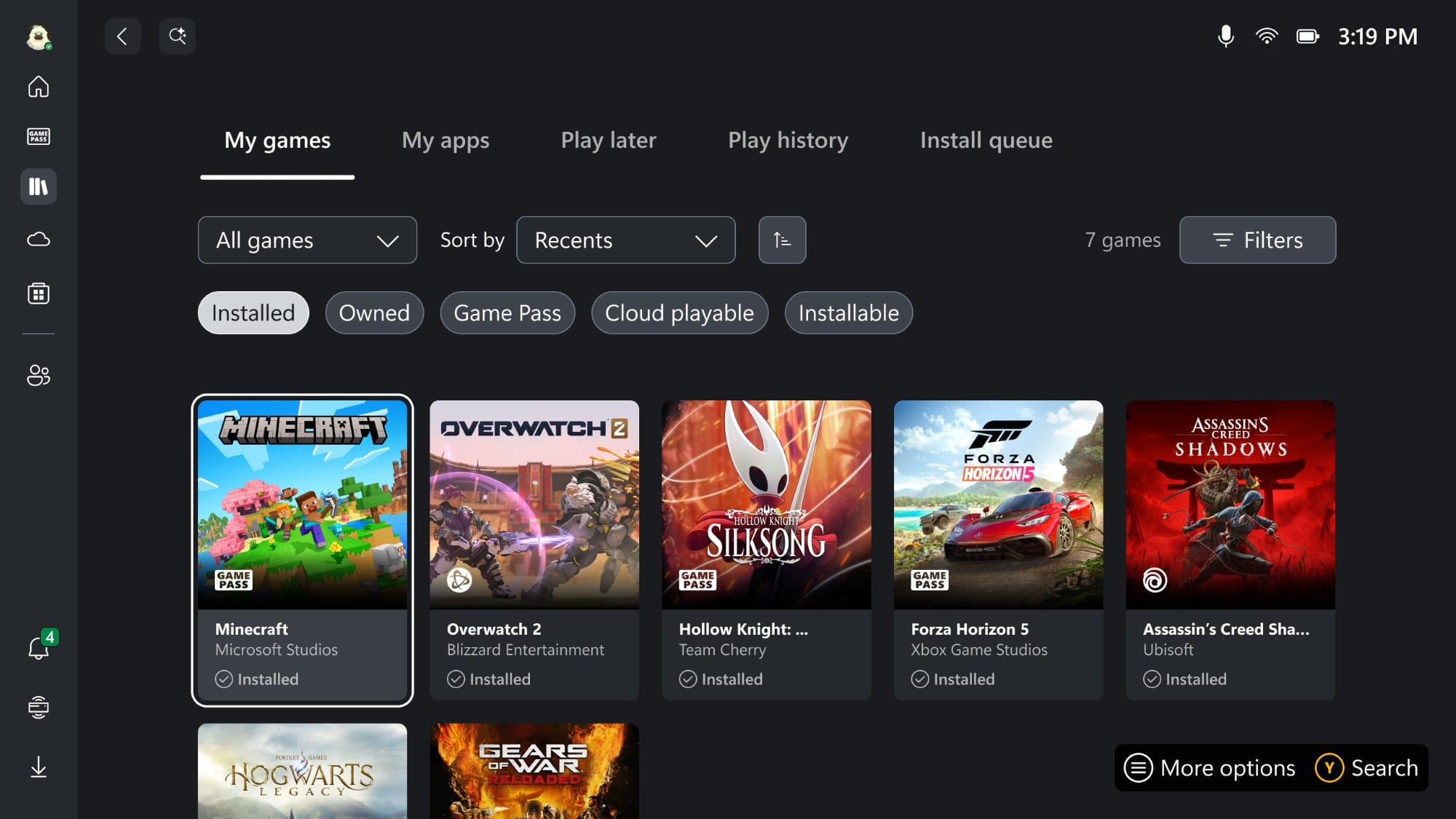
Get Xbox full-screen dashboard on any Windows 11 PC with this new tool
A community utility unlocks Microsoft’s console-style Xbox interface on standard Windows 11 24H2 and 25H2 machines.
-

Oddities in Where Winds Meet: How They Work and How to Collect Them
Learn what Oddities do, how each type is obtained, and how they feed into the Melodies of Peace system in Qinghe and Kaifeng.
-

Mounts in Where Winds Meet: How to Get Horses Fast and What They Can Do
Learn how to grab an early horse, expand your stable, and use powerful mount skills to travel and farm more efficiently.
-

Where Winds Meet Well of Heaven: How to Join the Sect of Heroic Righteousness
Learn where to start, which NPCs matter, and what you actually unlock when you side with Well of Heaven.
-

ARC Raiders online connection error ARRT0003: What it means and how to fix it
Why ARC Raiders shows “online connection error” ARRT0003 and the most reliable ways to get back into the game.
-

ARC Raiders: How to Get and Use the Buried City Residential Master Key
Where the Residential Master Key drops, the exact Grandioso Apartments door it opens, and what loot to expect behind it.
-

ARC Raiders: How to Max Out Scrappy the Rooster
All materials, best farming spots, and event tricks you need to push Scrappy to level 5 as fast as possible.
-
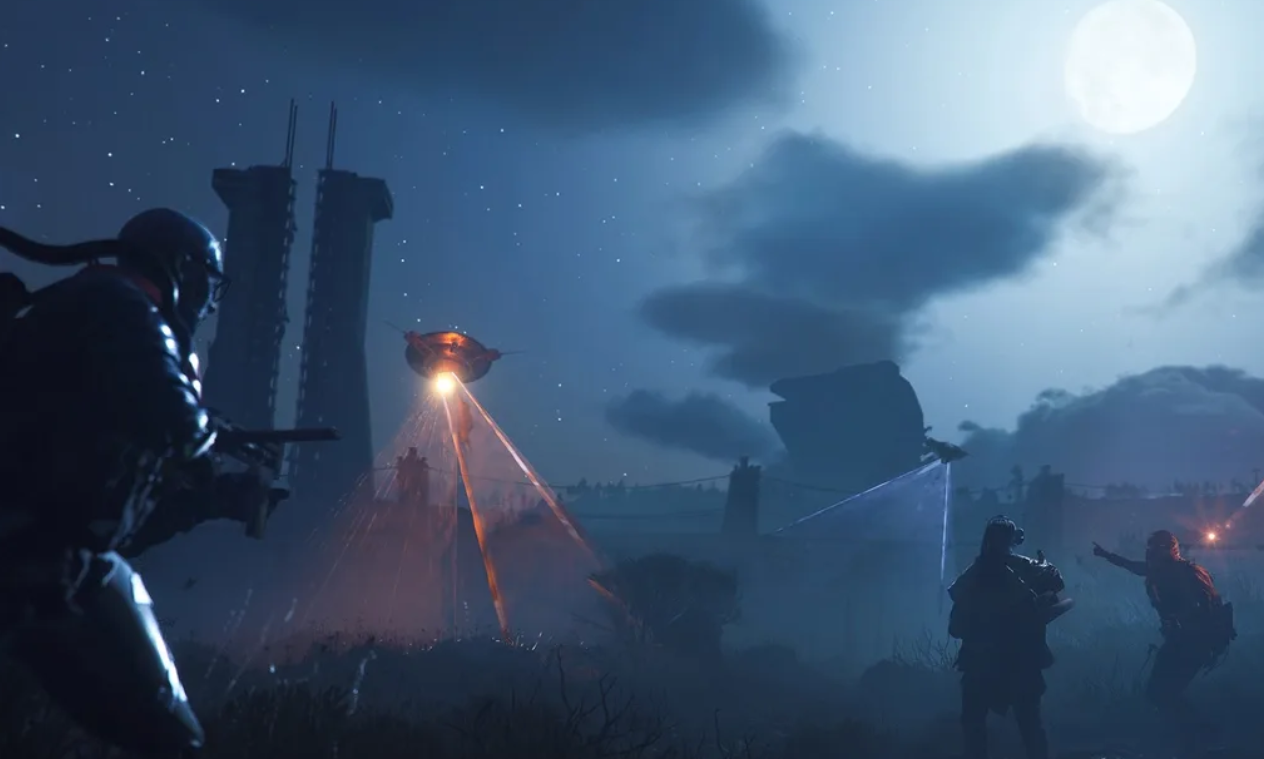
Take a photo of the collapsed highway in ARC Raiders and finish Reduced to Rubble
Learn exactly where to stand, what to interact with, and how to follow the Broken Earth trail of destruction on The Blue Gate.
-
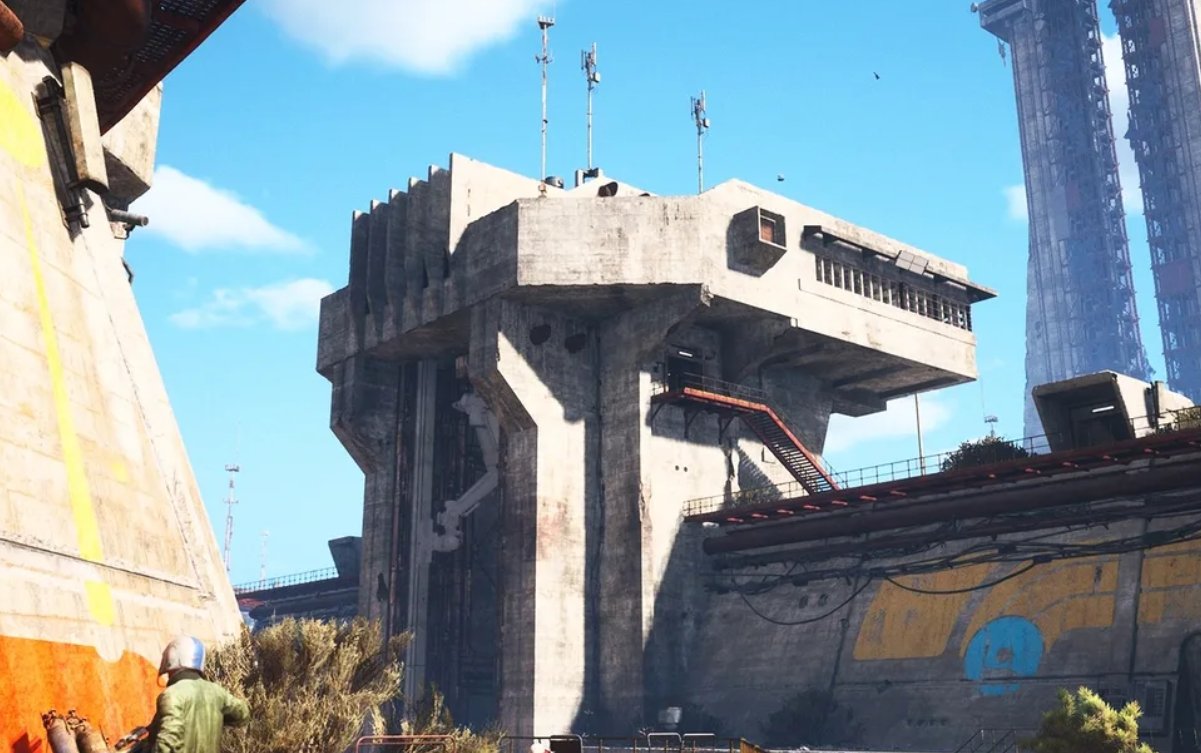
Arc Raiders Spaceport Warehouse Key: How To Get It And Where It’s Used
Find the Spaceport Warehouse Key, reach the Shipping Warehouse door, and decide whether to unlock or sell it.
