
Instructional, step-by-step articles.
Content Type: How-To
-

Arc Raiders Spaceport Warehouse Key: How To Get It And Where It’s Used
Find the Spaceport Warehouse Key, reach the Shipping Warehouse door, and decide whether to unlock or sell it.
-

How to change crosshair Arc Raiders settings for cleaner aim and overlays
Customize or effectively hide the Arc Raiders crosshair so it fits your aim style and any external overlay you prefer.
-

Where Winds Meet menu lag, delay and freezes (PC/PS5): What’s going on and what you can do
Players are running into multi‑second menu lockups in Where Winds Meet; here’s why it happens and which tweaks help most.
-
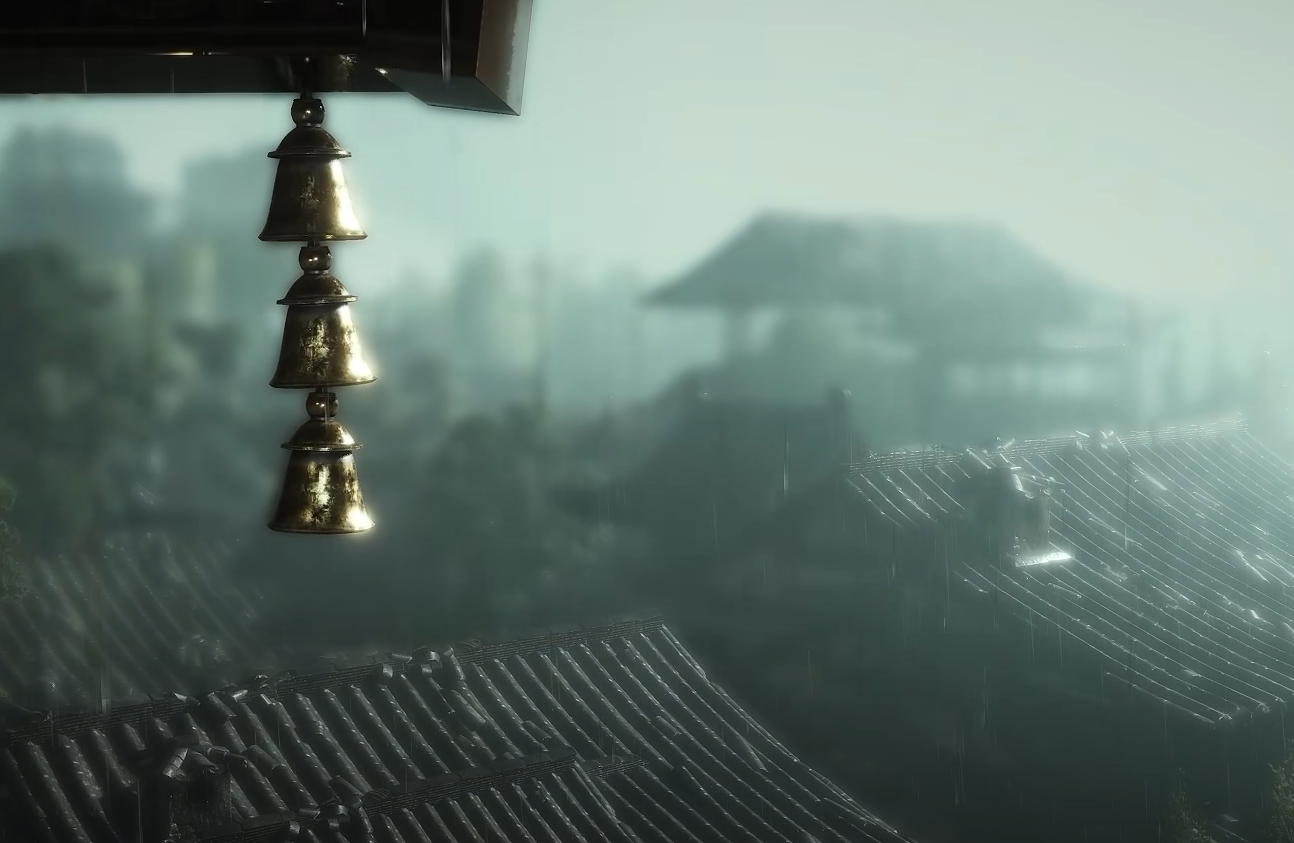
Lingering Melody in Where Winds Meet: What it is and How to Use it
How Lingering Melody fits into Where Winds Meet’s cosmetic gacha system, where to get it, and why players stockpile it weekly.
-

How to Unlock Unbound Cavern and Get Rock Solid in Where Winds Meet
Access the Kaifeng campaign dungeon, clear Dao Lord in Ghost Light Market, and pick up the Rock Solid Inner Way.
-

Where Winds Meet Disguise system: How it works and how to unlock it
Learn how to unlock Disguise in Kaifeng, paint NPC portraits, and use impersonation for stealth quests and martial arts.
-
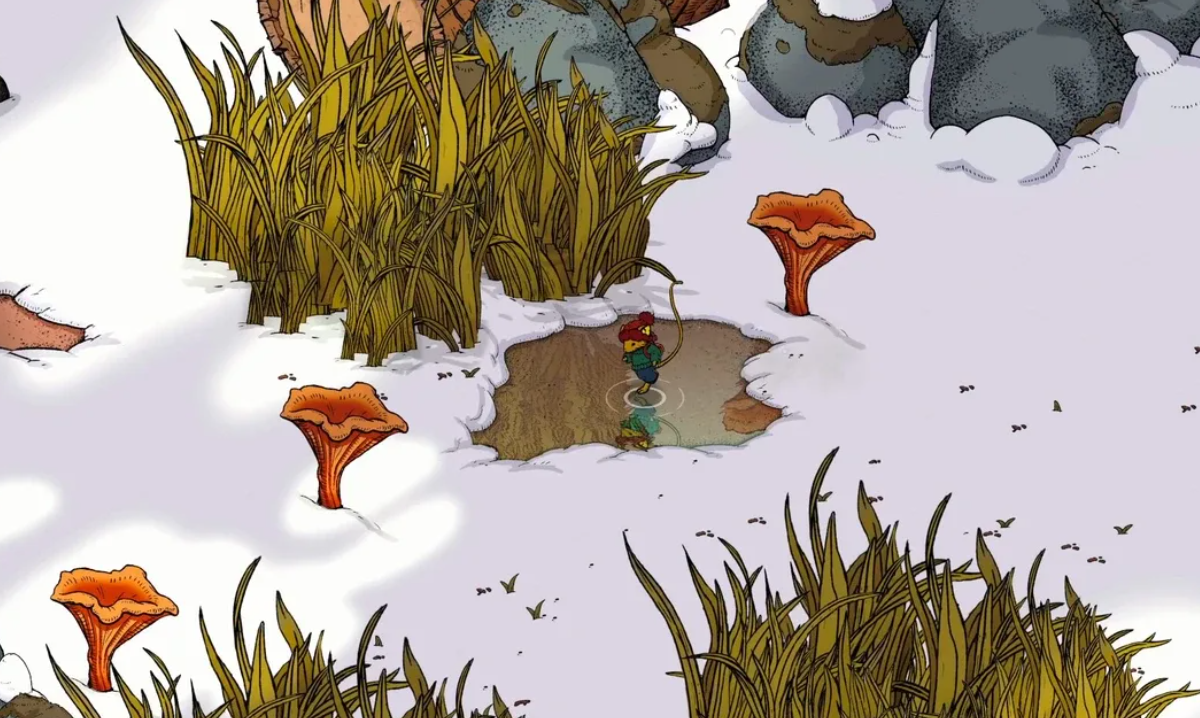
Winter Burrow: How to Reach Pinesap and Finish Moss’s Story
Track every sign of Pinesap, unlock Moss’s final quests, and secure the Moss Moves On achievement in Winter Burrow.
-
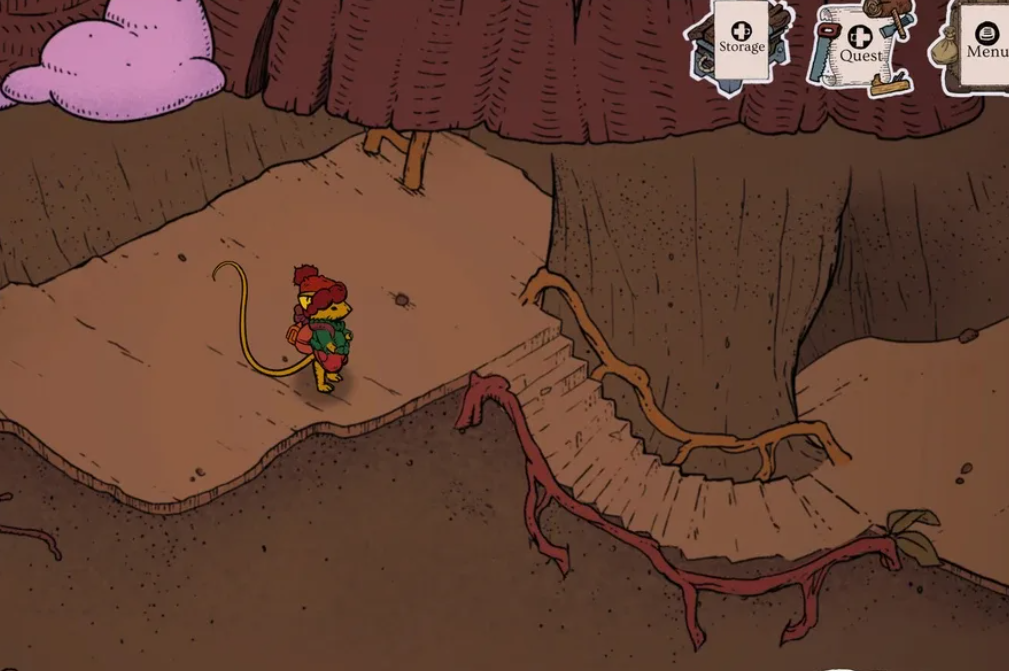
Winter Burrow: How to Reach Bufo and Unlock His Questline
Clear directions, quest requirements, and warmth management so you can safely make it to the frog in the northeast woods.
-
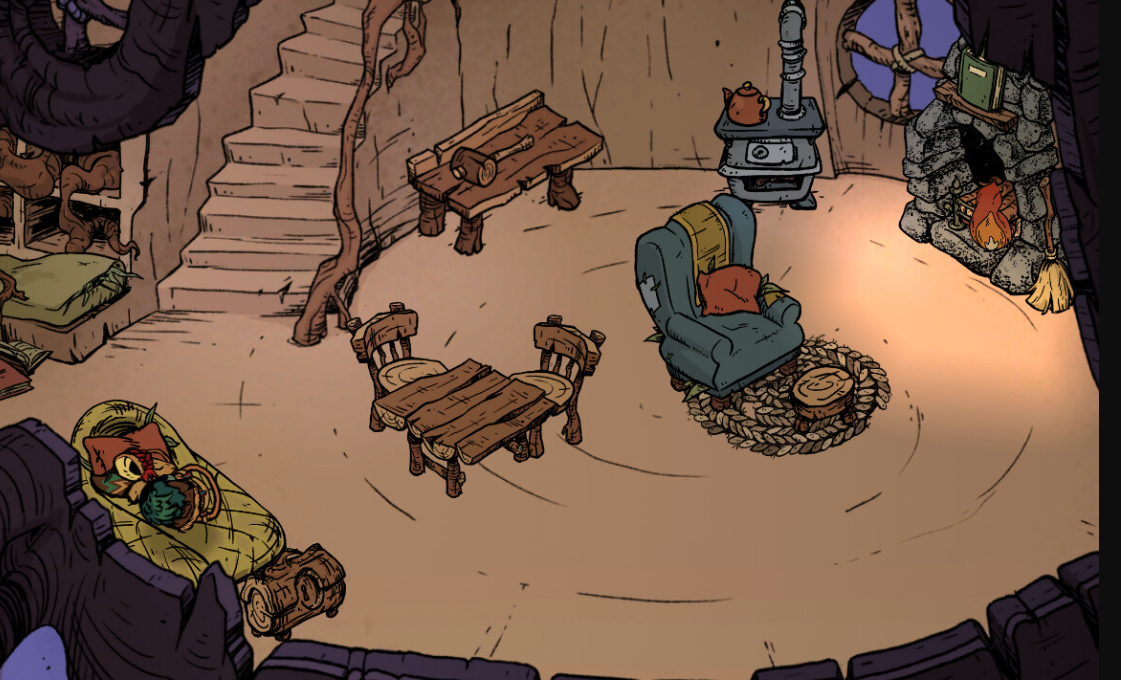
Winter Burrow: How to Reach Pollywog for Bufo’s Quest
Every step you need to take from Bufo’s house to Pollywog’s campfire, including the Granite Pickaxe requirement.
-
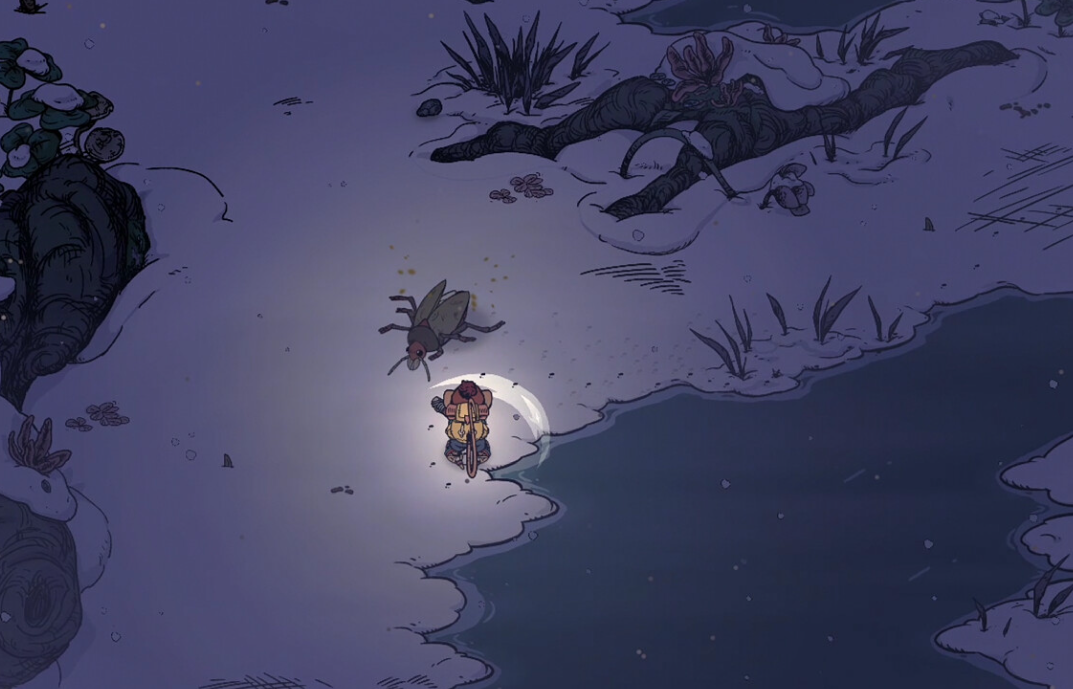
Winter Burrow: How to Reach Willow and Find the Mole Artifact
Track down Willow the mole, unlock the White Pillars region, and safely recover the buried mole helmet.