
Instructional, step-by-step articles.
Content Type: How-To
-
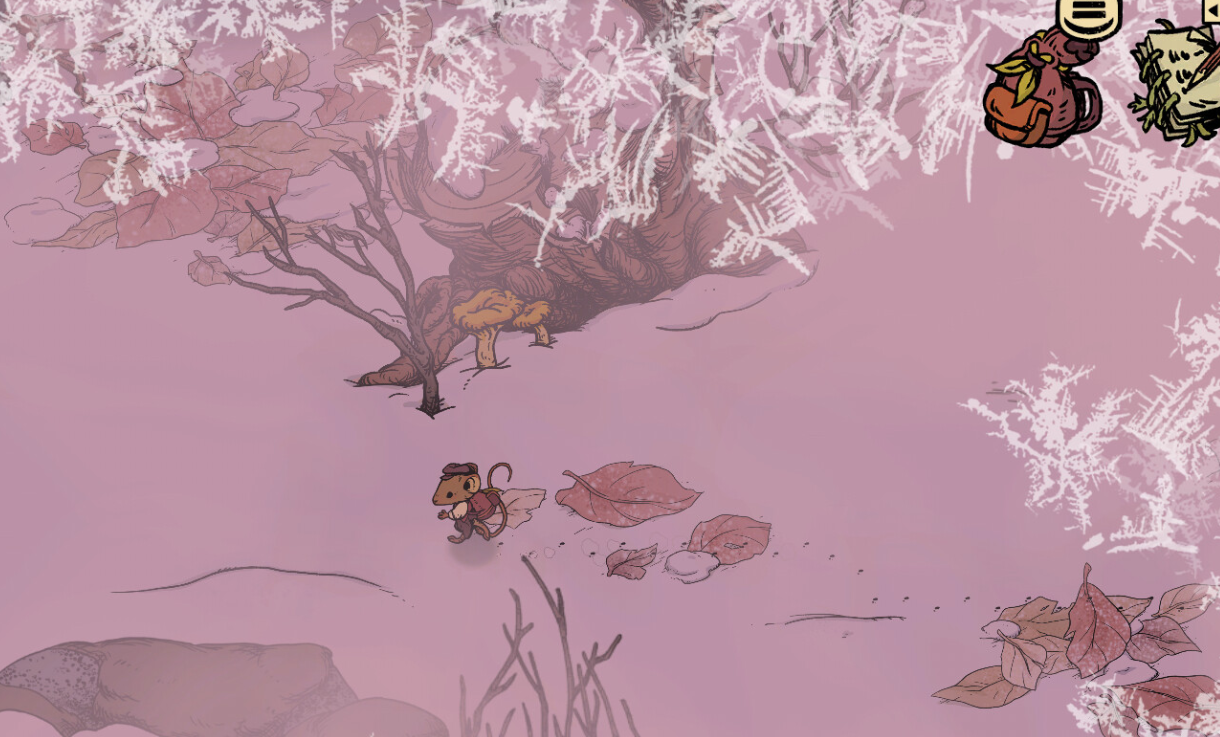
Winter Burrow: How to Find the Fine Woolen Hood for Moss
Track down the Fine Woolen Hood during “Find More Signs of Pinesap” and finish Moss’s storyline without circling the forest forever.
-
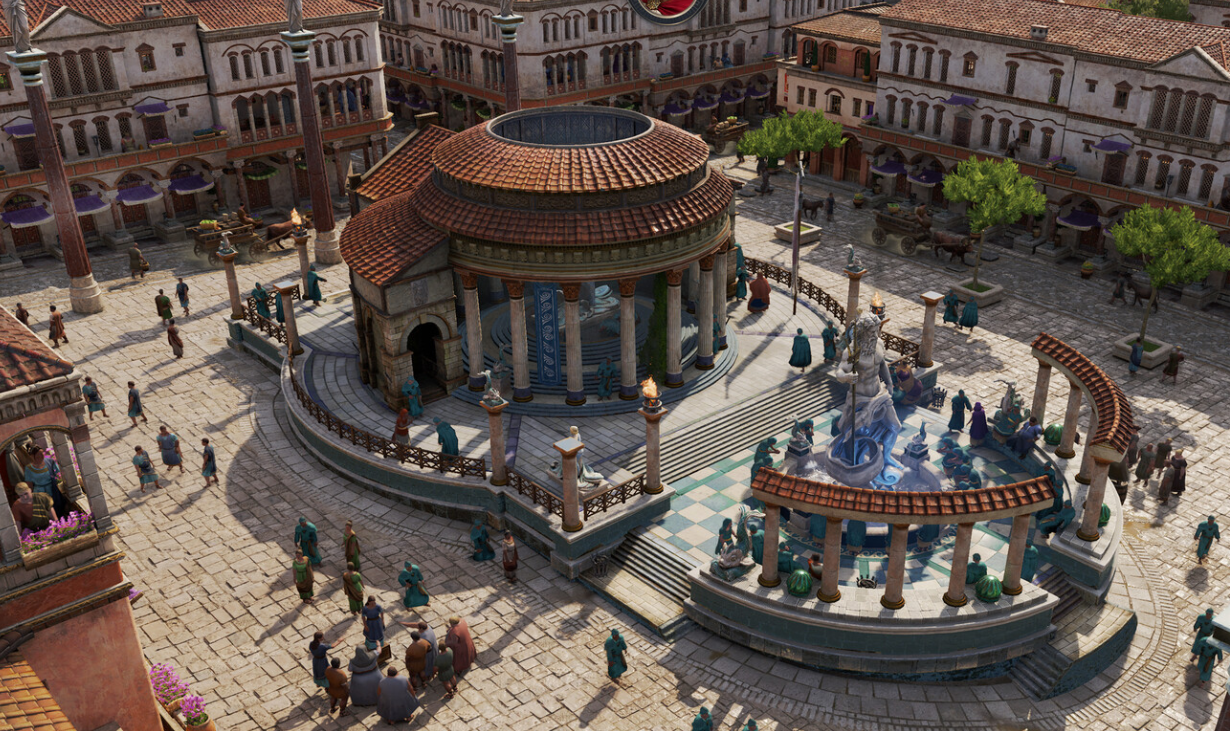
Anno 117 Ubisoft Connect rewards and how to unlock them
How Ubisoft Units, Anno 117 cosmetics, and the Hall of Fame system fit together — and what you need to play to get it…
-

Arc Raiders Tick Pods Locations and How to Farm Them
Learn where Tick ARCs actually show up, how to trigger more encounters, and how to reliably stockpile Tick Pods for upgrades.
-

Arc Raiders: How To Reach The Spaceport Departure Exam Rooms
Track down the medical exam rooms in Spaceport’s Departure Building to finish Lance’s Medical Merchandise and Prescriptions Of The Past quests.
-

Major Aiva’s Mementos Location in ARC Raiders · How to Finish The Major’s Footlocker Fast
Find the exact Ruby Residence apartment, secure Major Aiva’s Mementos, and extract with them to complete Tian Wen’s quest.
-

Arc Raiders door glitch: How it works, and what’s happening to it
The locked-door exploit in Arc Raiders lets players bypass progression for high-tier loot, but it comes with social and ban risks.
-

How to turn off crossplay Arc Raiders on Xbox, PlayStation, and PC
Switch Arc Raiders crossplay off in-game or at system level on Xbox for platform-only lobbies and more controlled matchmaking.
-
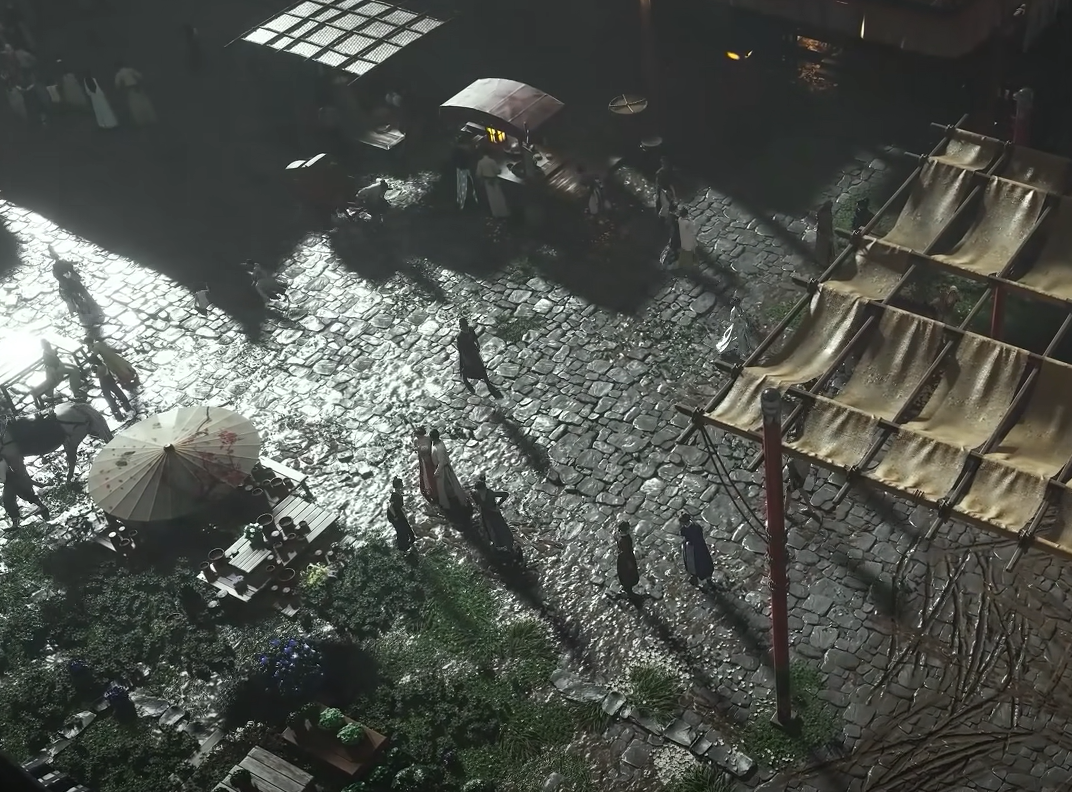
Where Winds Meet: How to Reach and Survive Ghostlight Market
Unlock Ghostlight Market, clear March of the Dead, and grab every hidden armor piece and spear without getting lost in the Nether Mist.
-
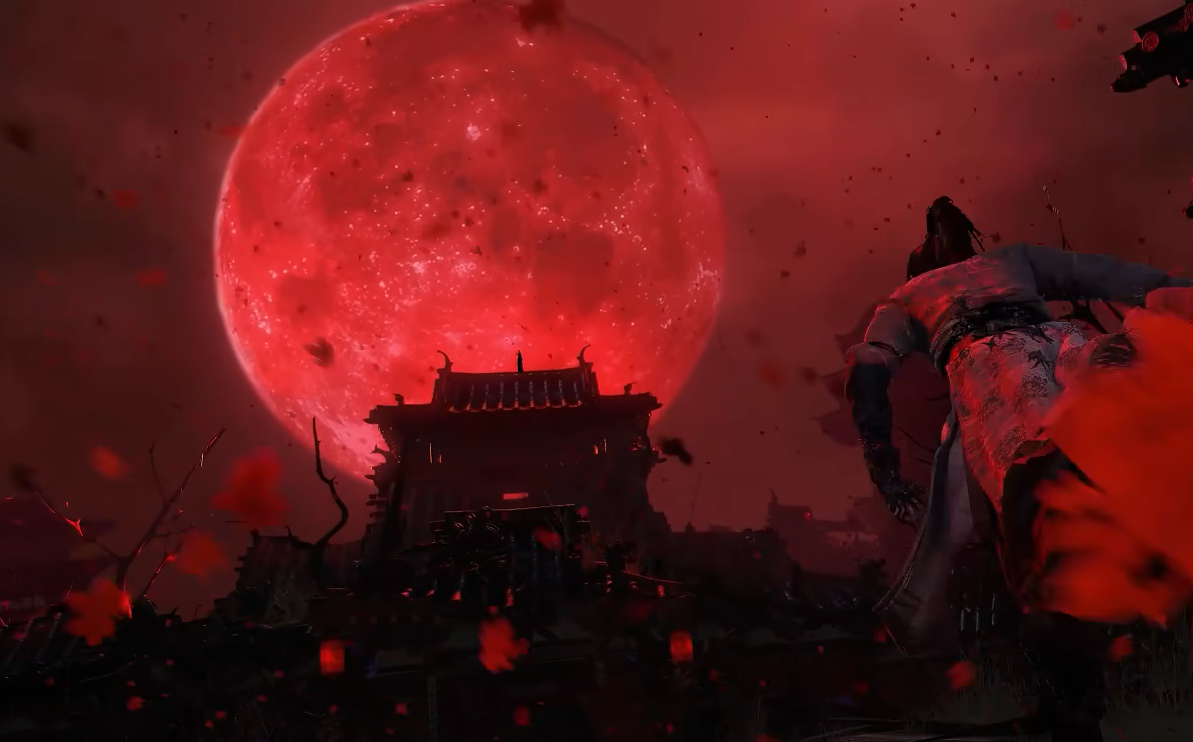
How to Unlock and Use Drunken Poet in Where Winds Meet
A look at how to obtain the Drunken Poet mystic skill, what it actually does in combat, and how its upgrades change your build.
-
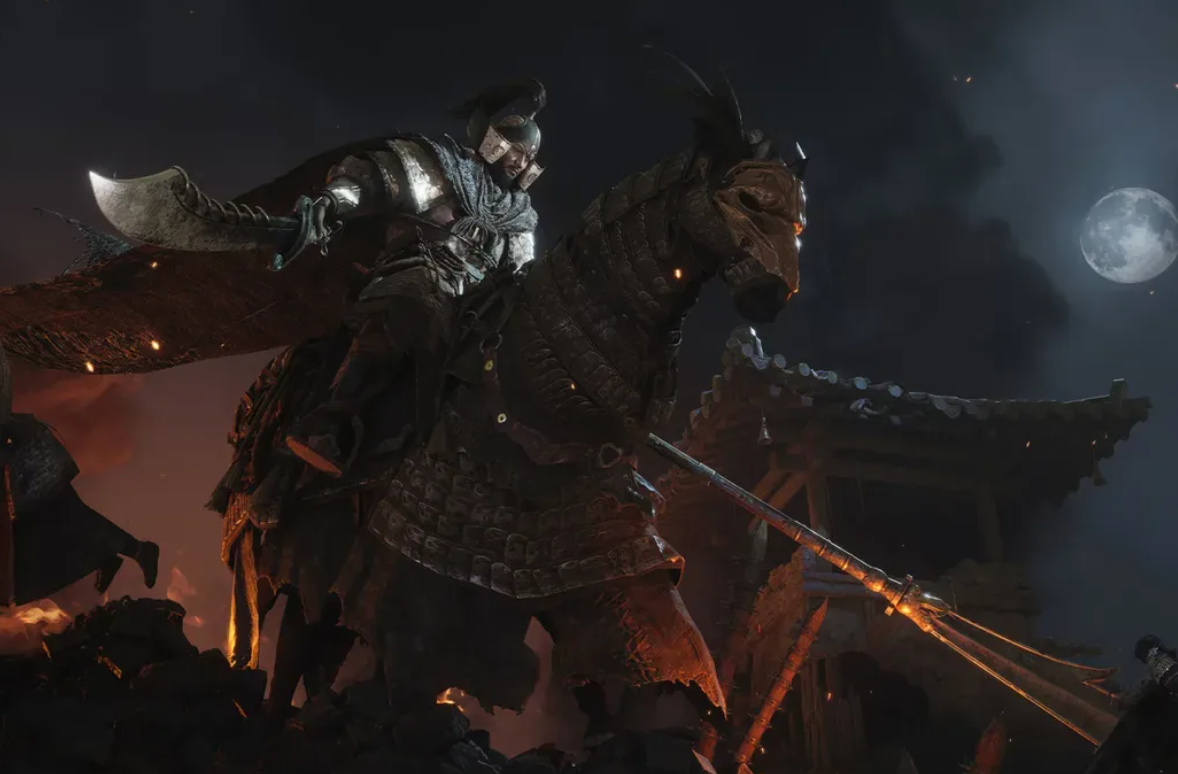
How to Unlock the Soaring Spin Mystic Skill in Where Winds Meet
Access the Martial Temple early, reach the hidden statue chest, and understand what Soaring Spin does once you have it.