
Instructional, step-by-step articles.
Content Type: How-To
-
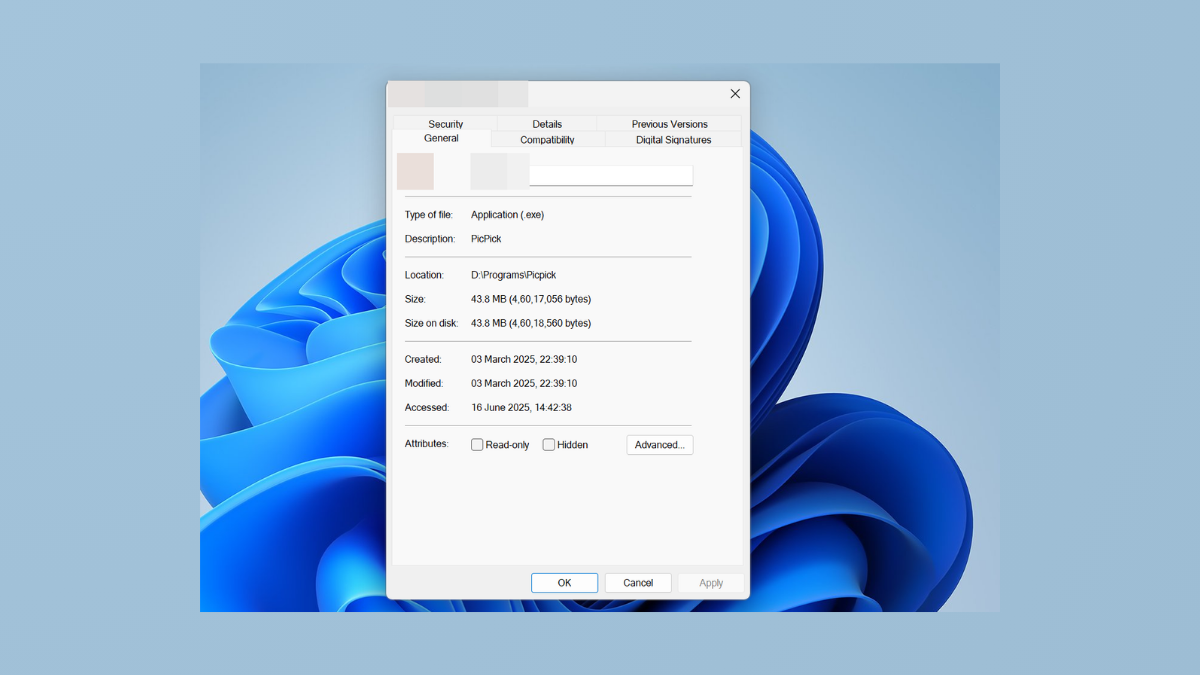
Add or Remove Compatibility Tab from File Properties in Windows 11
Control the visibility of the Compatibility tab in file properties to troubleshoot or restrict legacy app settings in Windows 11.
-

Fix PCI Serial Port Driver Not Installing on Windows 11
Resolve PCI serial port driver installation issues on Windows 11 with effective solutions for missing or failed drivers.
-

Fix Task Manager Not Displaying Processes in Windows 11
Resolve the issue where Task Manager shows a blank or incomplete process list in Windows 11 with clear solutions.
-
Merge Two Different SSDs on Windows 11
Combine multiple SSDs into a single storage volume on Windows 11 using built-in tools or third-party software, while understanding the risks and requirements involved.
-

Hide Files and Folders Using a Shortcut on Windows 11
Quickly conceal and access sensitive files on Windows 11 by combining the hidden attribute with custom keyboard shortcuts for streamlined privacy and workflow.
-

Fix Windows 11 Installation Keeps Restarting After Reboot
Break the Windows 11 installation loop and complete setup with proven troubleshooting steps for persistent reboot cycles.
-

Customize the Menu Bar and Control Center Widgets on macOS 15
Streamline your workflow and access essential controls faster by adjusting menu bar icons and configuring Control Center widgets on your Mac running macOS 15.
-

Use Split View and Stage Manager for Efficient Multitasking in macOS 15
Streamline your workflow by organizing windows with Split View and Stage Manager, optimizing how you manage multiple apps and tasks on your Mac.
-

Create and Use Smart Folders on MacOS 15
Organize files automatically by setting up Smart Folders in macOS 15 to save time and streamline your workflow.
-

Fix Cannot Locate or Install App from Microsoft Store on Windows 11
Resolve issues preventing app downloads or installations from the Microsoft Store on Windows 11 with clear troubleshooting and repair methods.