
Instructional, step-by-step articles.
Content Type: How-To
-
How to Set a Default Printer in Windows 11
Manually set a default printer on your Windows 11 PC, either from the Settings app, Control Panel, or using the Command Prompt.
-

How to Fix Arrow Keys Not Working In Excel Problem
If your arrow keys are not functioning within Excel, you can use the tips in this troubleshooting guide to solve the issue.
-
How to Install PL2303 Driver on a Windows 11 PC
A step-by-step guide to install the PL2303 driver on your Windows 11 PC to use peripherals that use serial ports.
-

How to Download a Picture or Design from Canva
Enjoy the fruits of your labor and share your Canva designs anywhere after downloading them with these simple instructions.
-
How to Print from Canva Using Your Personal Printer
From designing to printing, Canva makes it extremely easy.
-

How to Fix Microsoft Word Spell Check Not Working Issue
If spell check (Spelling and Grammar tool) isn’t working in Microsoft Word, there are several ways to troubleshoot the issue.
-

How to Increase Font Size in Windows 11
Increase the font size using this simple guide to increase the readability of your Windows 11 PC.
-

How to Create a Memory on iPhone
Making memory montages and reminiscing about great times is easy breezy with iPhone.
-
How to Block Websites on iPhone
Don’t want to visit a website? No problem! Block them all on Safari.
-
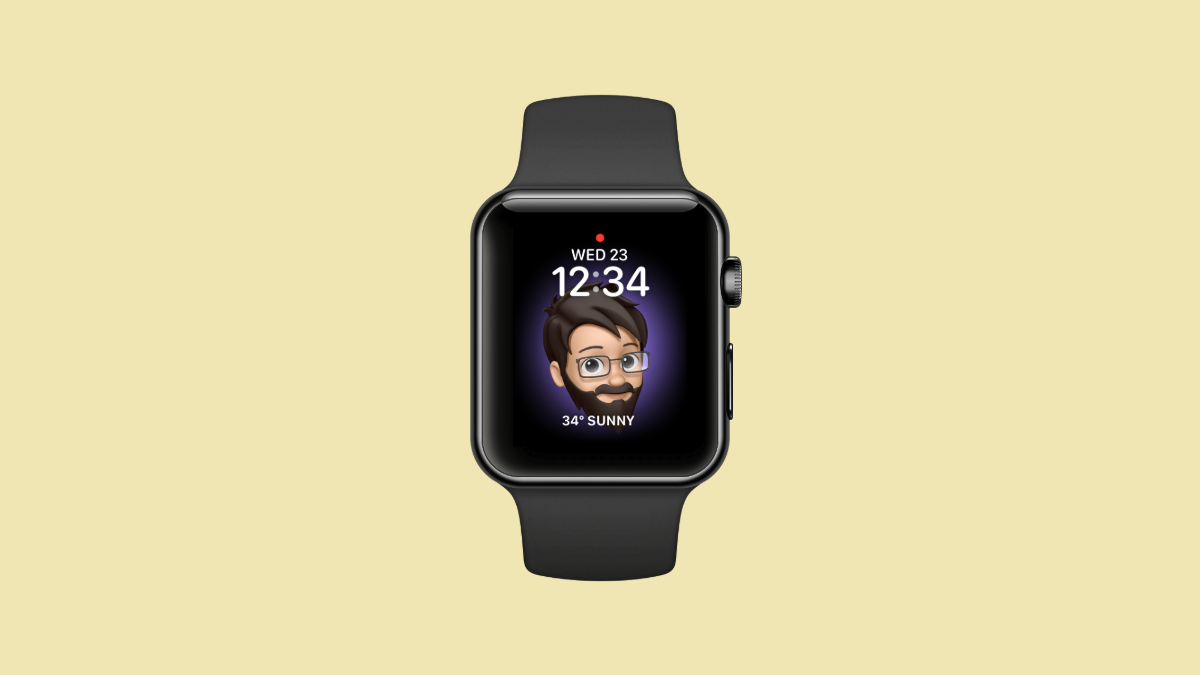
How to Make your Memoji an Apple Watch Face
Love your Memoji? Make it your Apple Watch face and wear it on your wrist.