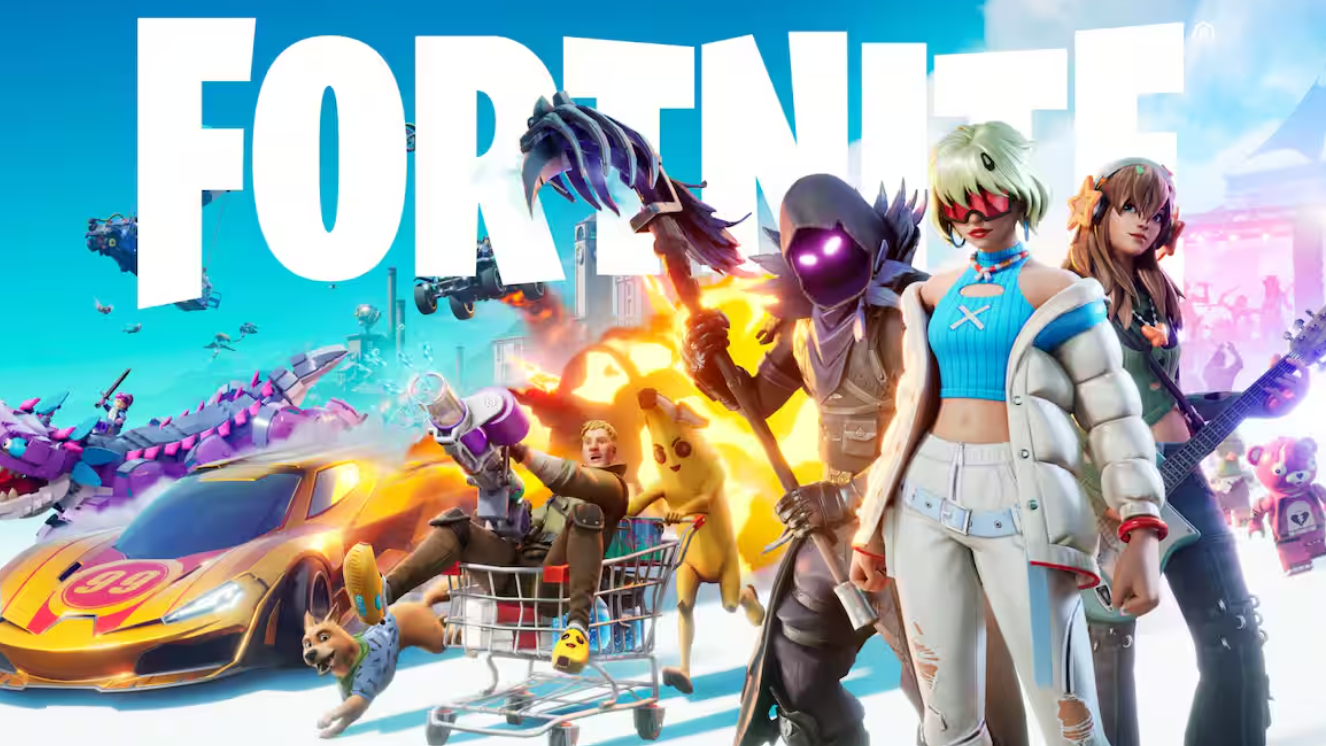
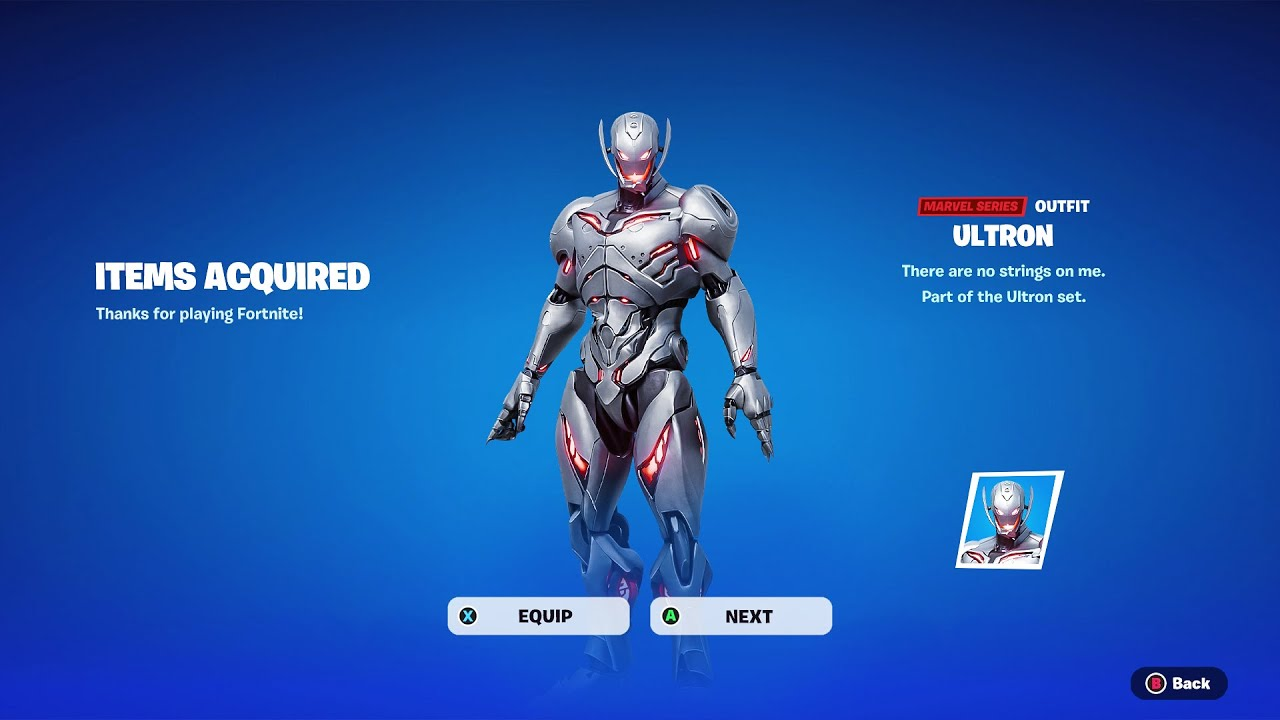
The Ultron outfit in Fortnite is tied to a Marvel-themed promotion that hands out the skin and its LEGO style without charging V-Bucks. The character arrives with both a Battle Royale appearance and a brick-built figure usable inside LEGO Fortnite modes, mirroring how Epic has previously distributed paired outfits like Explorer Emilie and Mr. Dappermint.
What the Ultron promotion includes
The reward bundles a standard Fortnite outfit with a LEGO style variant. The standard skin works across Battle Royale, Zero Build, Reload, OG, and other PvP modes. The LEGO style swaps the character into a minifigure form for LEGO Fortnite Odyssey and Brick Life. Both are added to the same Locker entry on Epic’s account, so any platform you sign into shows the unlock.
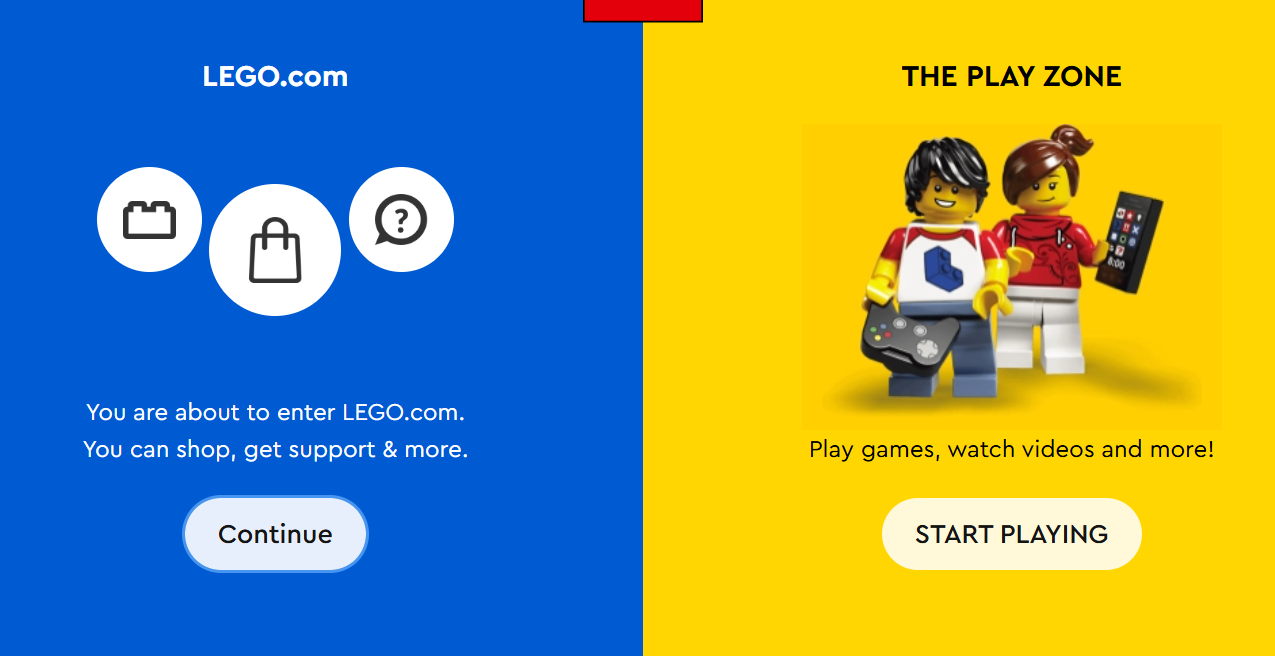
Free outfits in Fortnite are uncommon, and Epic typically delivers them through one of three mechanisms: account linking with a partner program, mobile app sign-ins, or PlayStation Plus pack drops. The Ultron unlock follows the account linking pattern that Epic used for the original LEGO Insiders rollout.
Requirements before you start
| Requirement | Detail |
|---|---|
| Epic Games account | Must be active and able to sign in to Fortnite |
| Partner account | LEGO Insiders membership (free to register) |
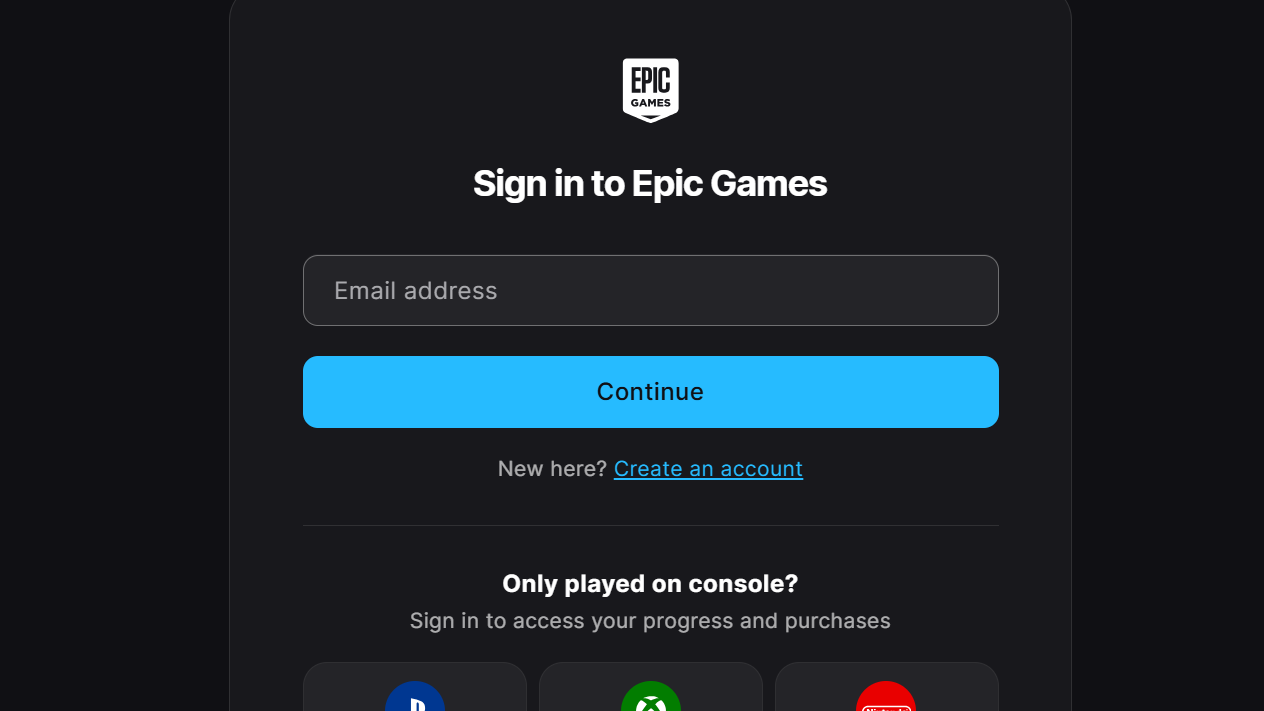
| Email access | Needed for the verification code during registration |
| Platform | Any platform that runs Fortnite, since rewards sync to the Epic account |
| Two-factor auth | Recommended on Epic for account safety during linking |
How to link accounts and claim the skin
How to confirm the unlock worked
Open the Locker tab from the lobby and search for Ultron in the outfit list. Selecting the entry shows the Styles option, where the LEGO variant sits as a separate selectable style. If both the base skin and LEGO style are visible, the link succeeded, and no further action is needed.
The accessory pieces tied to the bundle, such as a back bling or pickaxe when included, populate their own Locker categories. Equip the items once to apply them across modes that share cosmetics with Battle Royale.
Why the skin might not appear
| Reason | Fix |
|---|---|
| Accounts not actually linked | Return to Apps and Accounts and verify the LEGO row shows Connected |
| Email verification skipped | Complete the LEGO Insiders email confirmation step |
| Promotion window closed | Free outfit promotions run for limited periods; check the Epic news feed |
| Wrong Epic account linked | Sign out and sign back into the Epic account that owns your Fortnite progress |
| Reward not yet delivered | Close Fortnite fully and relaunch; rewards arrive at session start |
Using the LEGO Ultron style
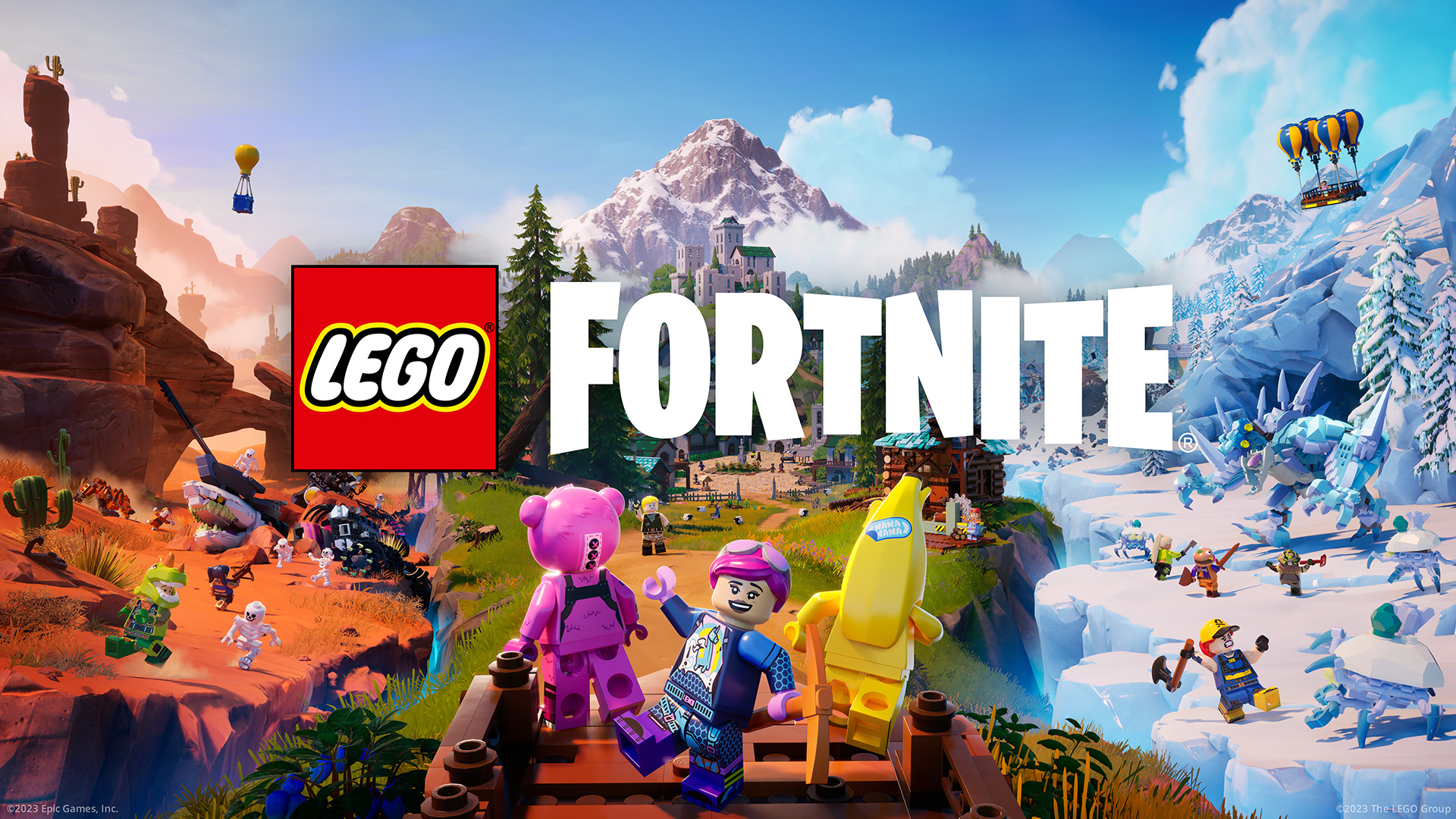
The LEGO style is selectable from the outfit’s Styles menu. Inside LEGO Fortnite Odyssey or Brick Life, the brick-built version automatically applies when you load into a LEGO mode. Switching back to the standard appearance is done from the same Styles panel and persists across sessions.
LEGO styles do not affect gameplay stats, hitboxes, or audio cues. They are visual swaps tied to the same outfit entry, which means owning Ultron once is enough to access both forms wherever Fortnite runs.
Free Marvel-themed outfits rarely return to circulation once their promotional window ends, so completing the account link as soon as the offer is live is the safest path. Once Ultron lands in the Locker, both the Battle Royale skin and the LEGO minifigure stay tied to the Epic account permanently.