Valheim’s 1.0 release added a full achievement list, and with it a rule that catches out a lot of long-time players: if a character has ever used most dev commands, that character and the world it played in are permanently barred from unlocking anything. The flag is not new-behavior-only. It reaches backwards, so a save you cheated on years ago in Early Access arrives at 1.0 already marked.
Quick answer: Open the achievements menu on the character you want to use. If it reads “Achievement progress is permanently disabled for this character due to having cheated,” that character and that world can never unlock achievements, and the only fix is starting a fresh character on a fresh world.
What triggers the Valheim achievement lockout
The system separates commands that give you a gameplay advantage from ones that only change your view. Turning on devcommands by itself is not the trigger. Using a command that hands you something you did not earn is. The moment that happens, the game marks both your character and the world save, and the console spells it out: “Using cheats will permanently disable the ability to unlock achievements for this character and this world.”
| Action | Effect on achievements |
|---|---|
Camera-only commands such as freefly | No lockout, achievements stay eligible |
Advantage commands such as spawn | Permanent lockout on the character and the world |
| Picking up an item someone else spawned | Temporary lockout while the item is in your inventory |
| Hammer Mode (no build cost) world modifier | Counts as a temporary cheat and blocks achievements |
| Any cheating done before the 1.0 update | Already flagged, permanently |
Iron Gate added a guard rail alongside the flag. After 1.0, entering a cheated state needs a confirmation through the confirmcheats command, so you cannot wipe out a long playthrough by mistyping something into the console.
Cheating before the 1.0 update still counts
This is the part that surprises people. The flag is retroactive. A character that spawned in iron during Early Access, or a world that was built out with free materials two years ago, carries that mark into 1.0 and is locked out from the first second you load it. There is no grace period and no reset option, and the confirmation prompt only protects characters that were clean when 1.0 arrived.
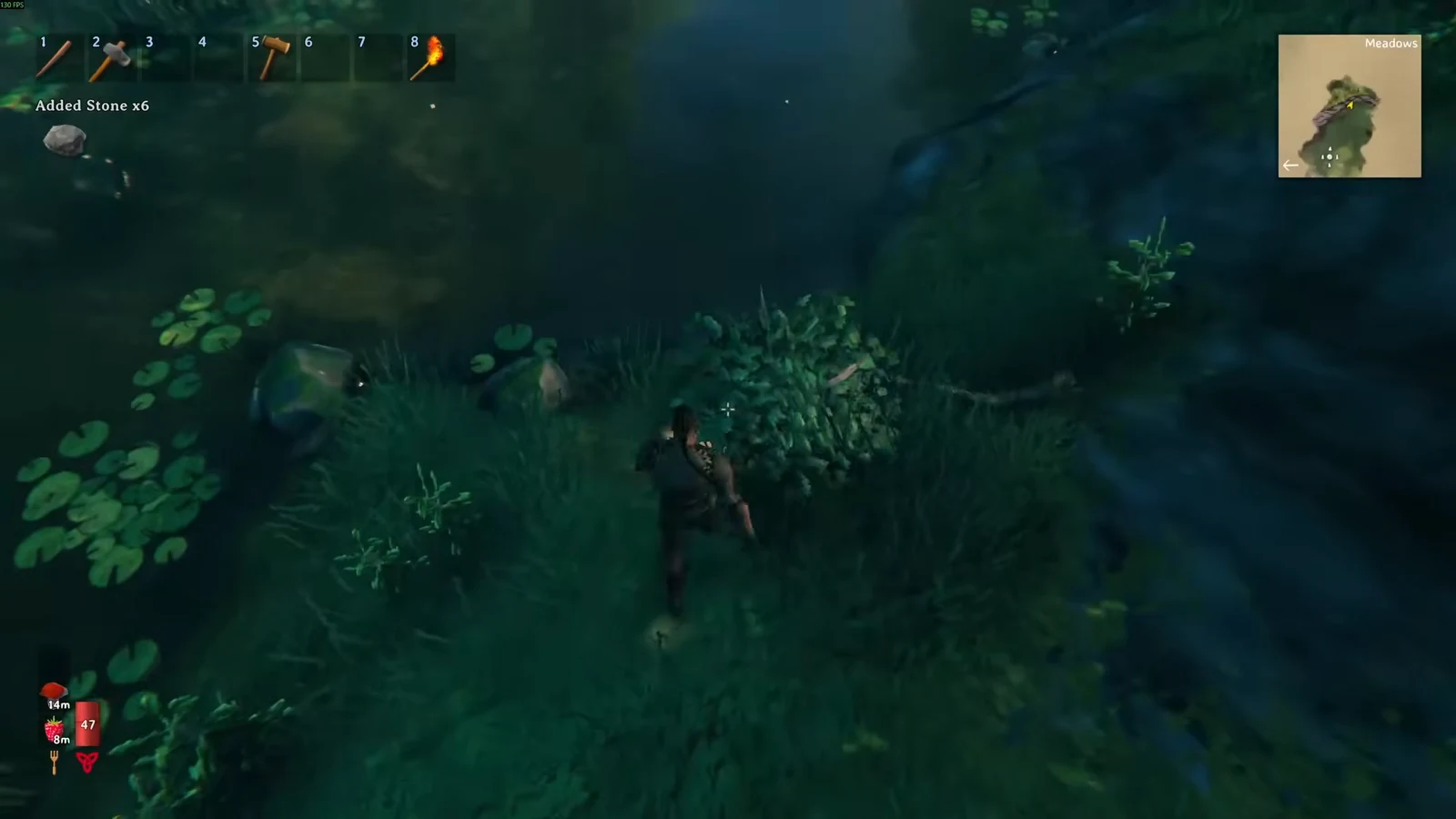
Because the world is flagged too, bringing a brand-new, never-cheated character into an old cheated world does not help. Both halves have to be clean.
How to check if your character or world is flagged
achievements or getstat. These report your eligibility and tracked stats without changing anything./stats in the chat log. A flagged character gets a “Cheater!” label above the stats. When that label does not appear, scroll to the “Cheats” line instead. Any value of 1 or higher means the character has cheated.Note: none of these checks are destructive, and simply opening the console does not flag anything on its own.
Temporary lockouts you can reverse
Not every block is permanent. Items created with commands are visibly tagged as cheated in their tooltip. If a clean character picks one up, that character enters a temporary cheat state and cannot unlock achievements while the item is in their inventory. Throw out every cheated item and eligibility comes back, as long as you were not the one who spawned them.
World modifiers work the same way. Hammer Mode, the setting that removes build costs, is treated as a temporary cheat and blocks achievements while it is active. Turn it off and normal progression resumes, but anything you put down for free during that window was still free.
Achievement tracking starts from zero at 1.0
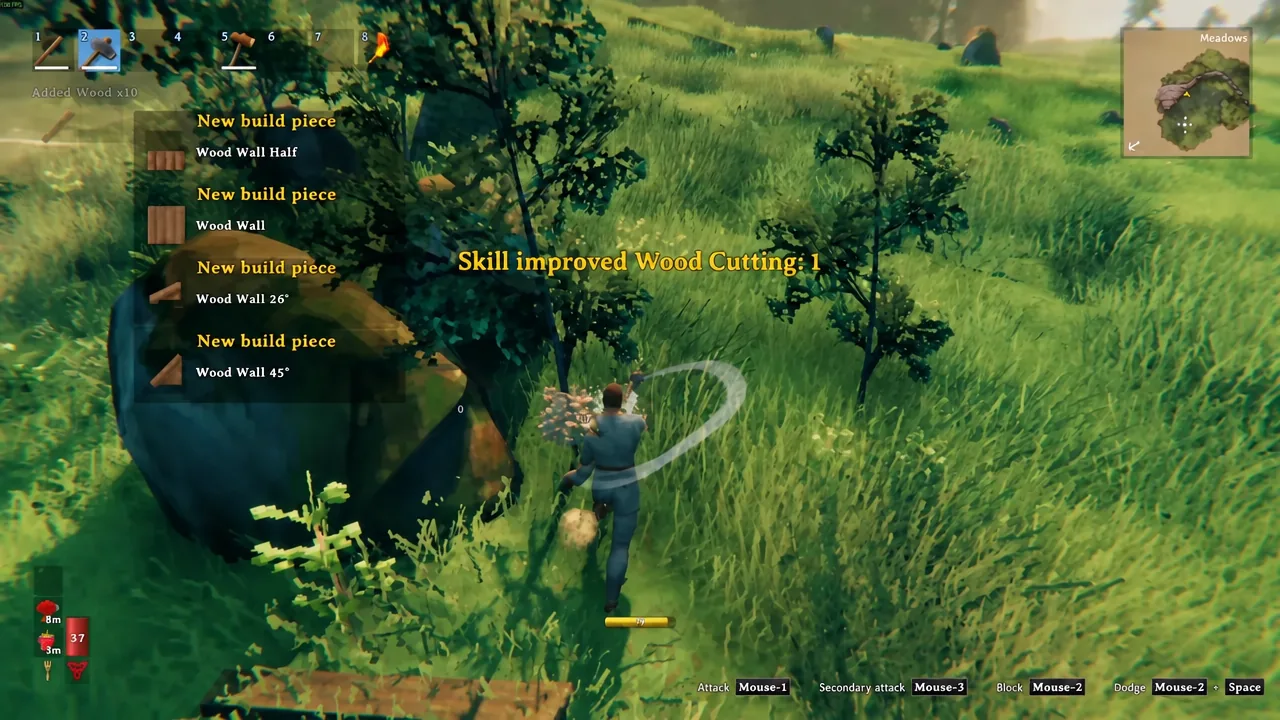
Even a perfectly clean veteran save gets nothing for its history. Stat tracking begins the moment 1.0 is installed, so the 500 trees you already felled, the honey you already harvested, and the bosses you already killed do not count. Killing Eikthyr for the 501st time is what unlocks the Eikthyr achievement, not the 500 kills before the update.
The in-game menu counts progress out of 55 entries, while the Xbox and Steam lists are grouped into 53 unlocks. Several of them stay hidden as “Concealed” until you stumble into them. Old saves do carry over and remain playable, though Iron Gate’s own recommendation is a fresh start for the best 1.0 experience, and a fresh start is also the only route back to achievement eligibility on a flagged save.
Run a clean character and a separate test character
The practical setup is two characters. Keep one entirely clean, never touching commands beyond harmless camera tools, and use it for the world where you intend to earn everything. Make a second character for creative builds, testing, and anything involving spawn, and keep it on its own world so the flag has nowhere to spread.
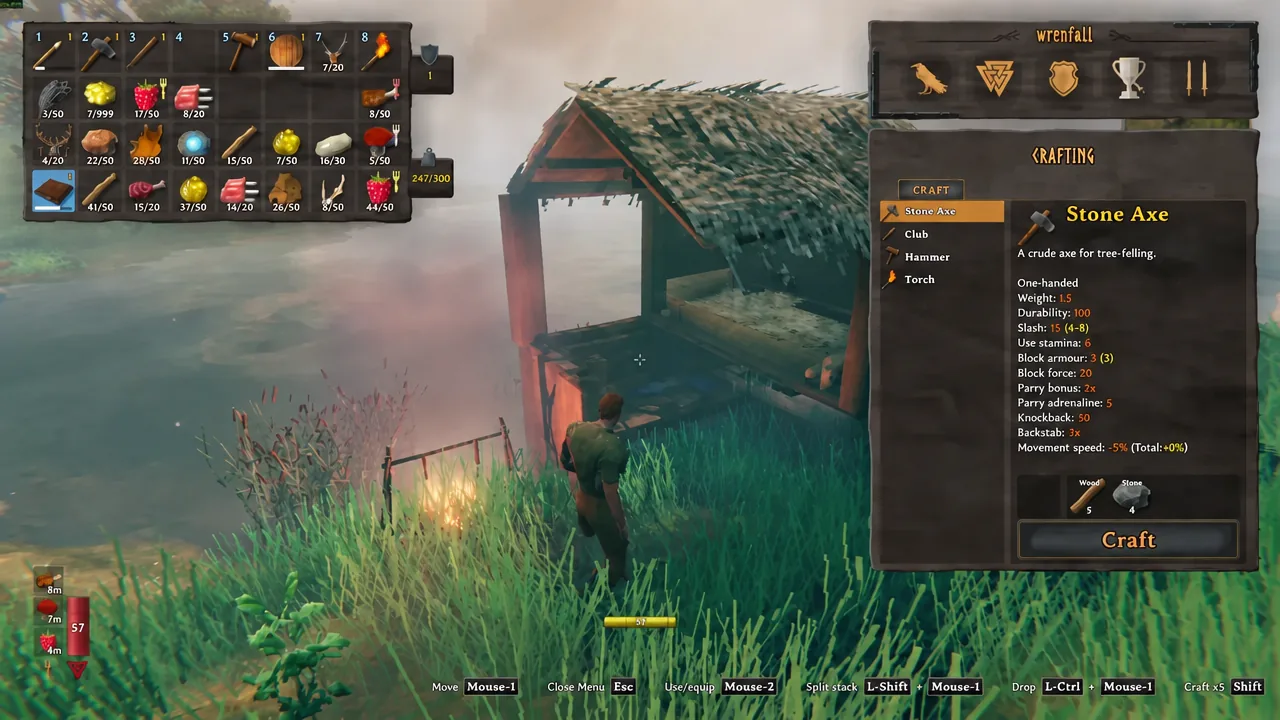
Watch what you carry between them. Loot handed over from the test world arrives with its cheated tag intact and will park your clean character in a temporary lockout until you bin it.
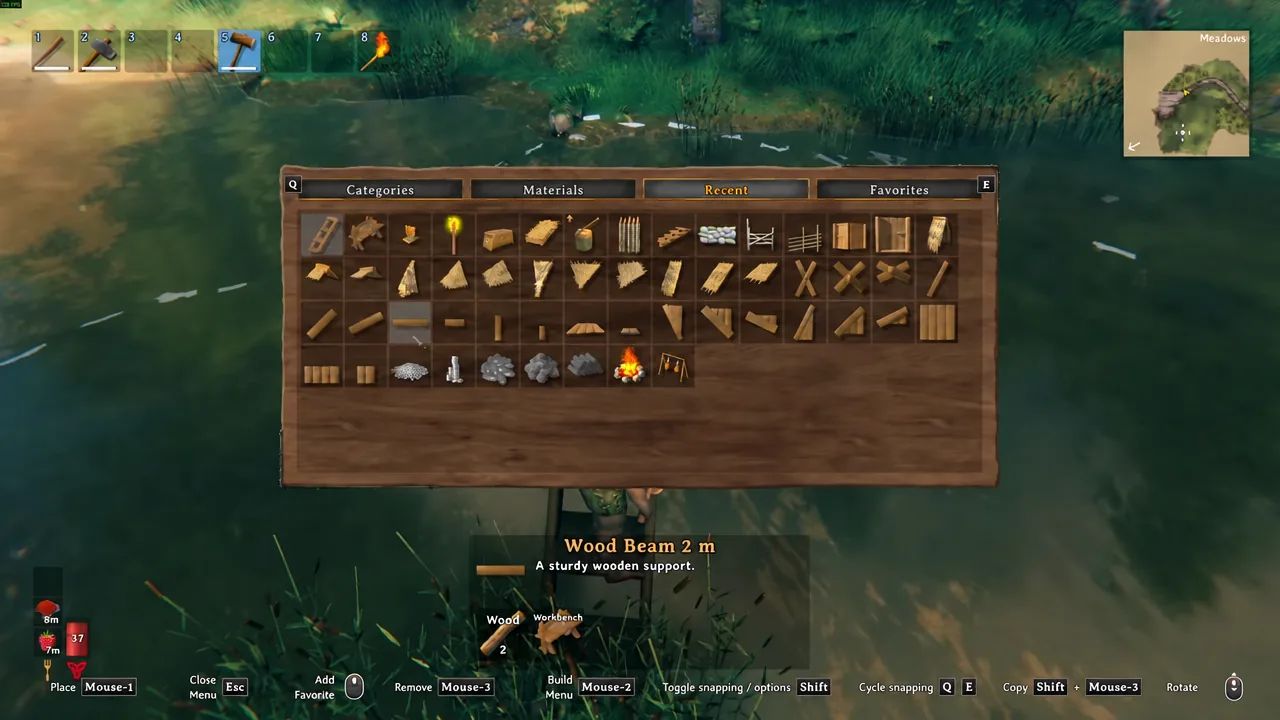
If your main save comes back flagged, nothing about that world breaks. You keep the base, the gear, and the map. What you lose is the counter, and the only way to get it back is a clean character on a clean world, started from scratch after 1.0.