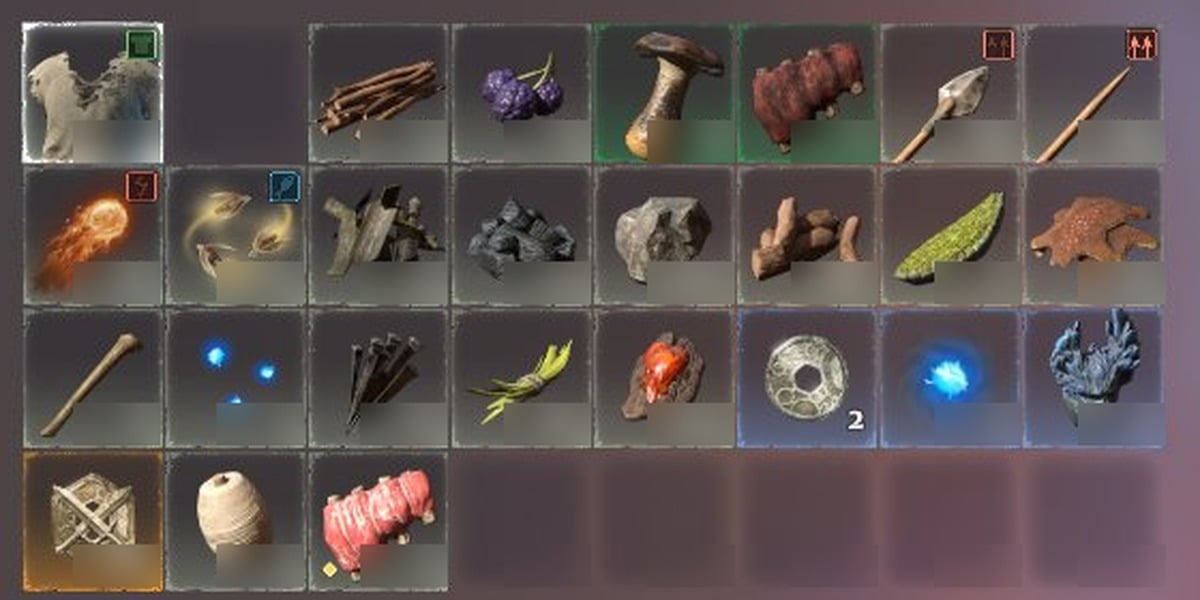
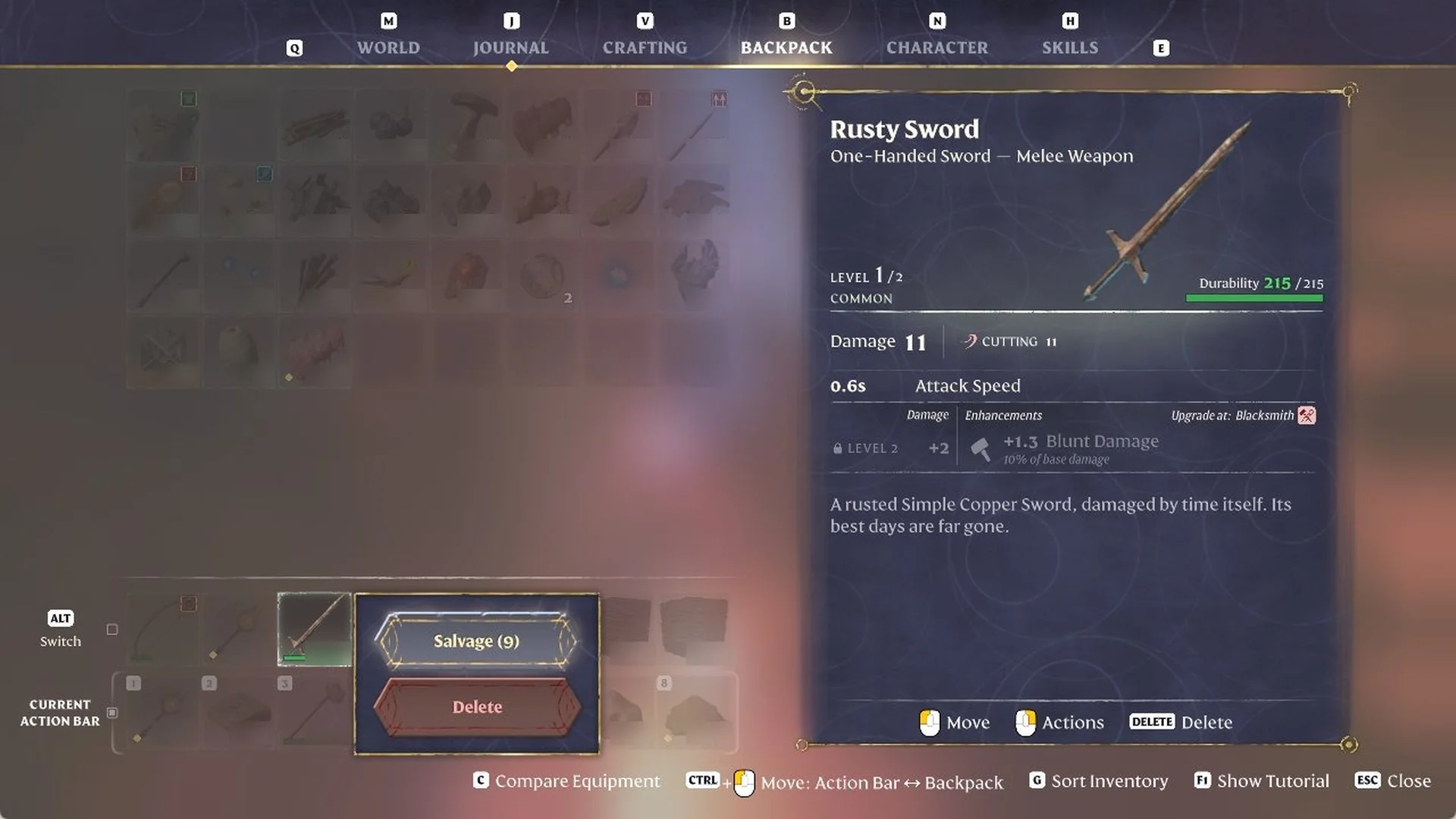
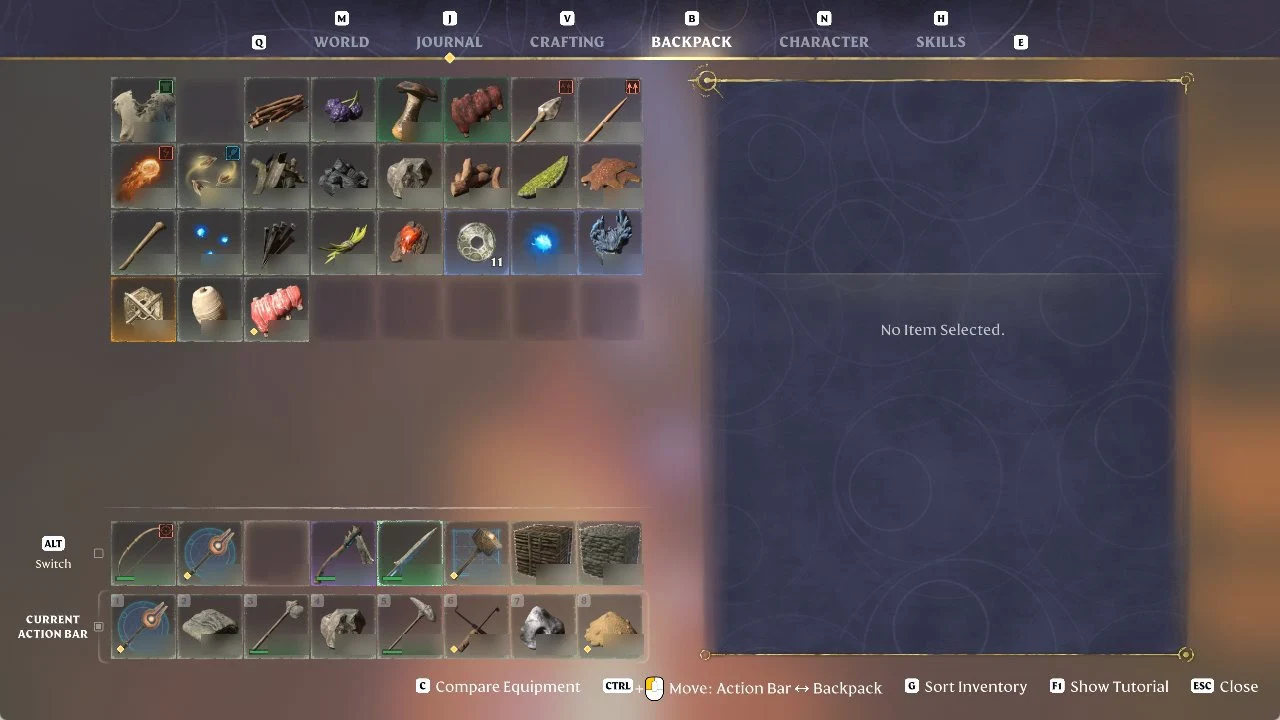
In Enshrouded, you salvage gear from your backpack. Press B, right-click the weapon, and select “Salvage (N)”. The bracketed number shows how many Runes you’ll receive. Salvaging consumes the item.
Salvage a weapon for Runes in the Backpack tab
We salvaged a Rusty Sword that sat in our ALT (Switch) action bar row. Its card reads “Rusty Sword”, “One-Handed Sword – Melee Weapon“, COMMON, with “Upgrade at: Blacksmith” and the line “A rusted Simple Copper Sword, damaged by time itself. Its best days are far gone.”
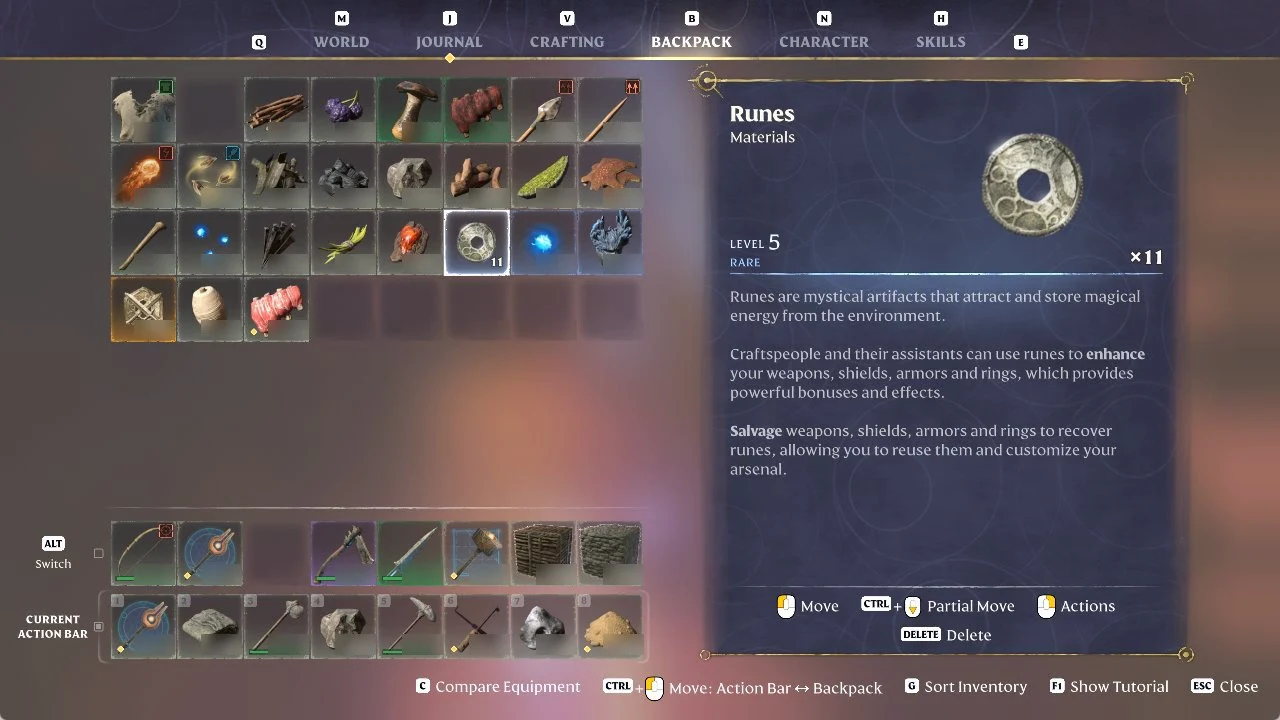
The same Runes card explains what they are for:
“Craftspeople and their assistants can use runes to enhance your weapons, shields, armors and rings, which provides powerful bonuses and effects.”
“Salvage weapons, shields, armors and rings to recover runes, allowing you to reuse them and customize your arsenal.”
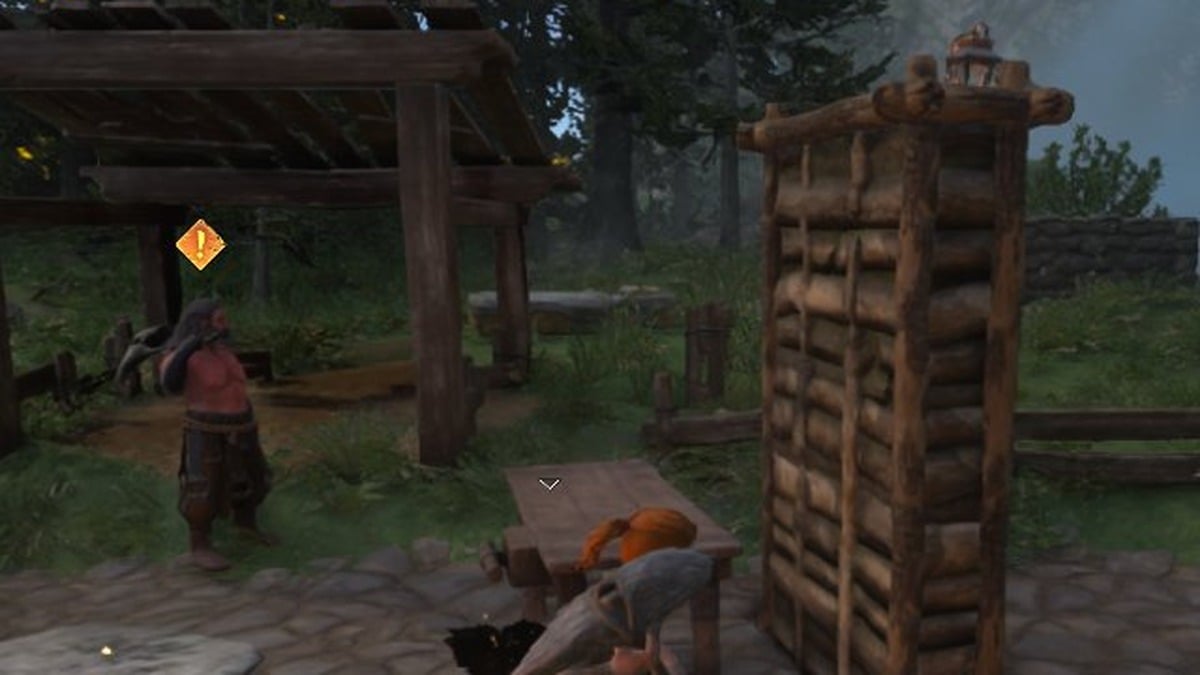
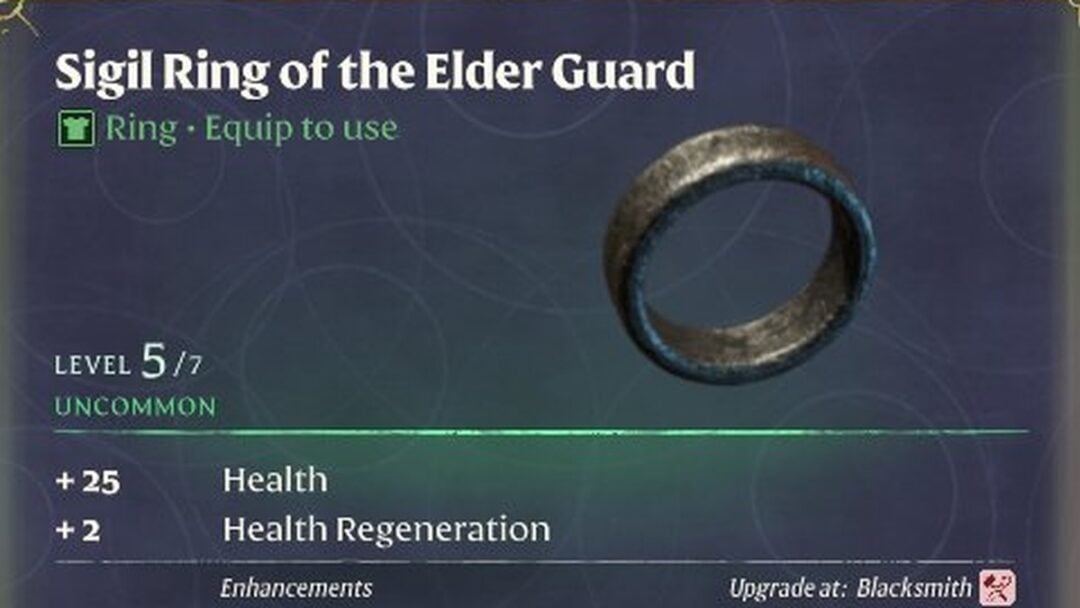
Runes are what the Blacksmith uses for item upgrades, including when upgrading your weapons at the Blacksmith. When you right-click a ring, the menu also lists “Salvage” next to the Equip options, the same menu used for equipping rings in Enshrouded.
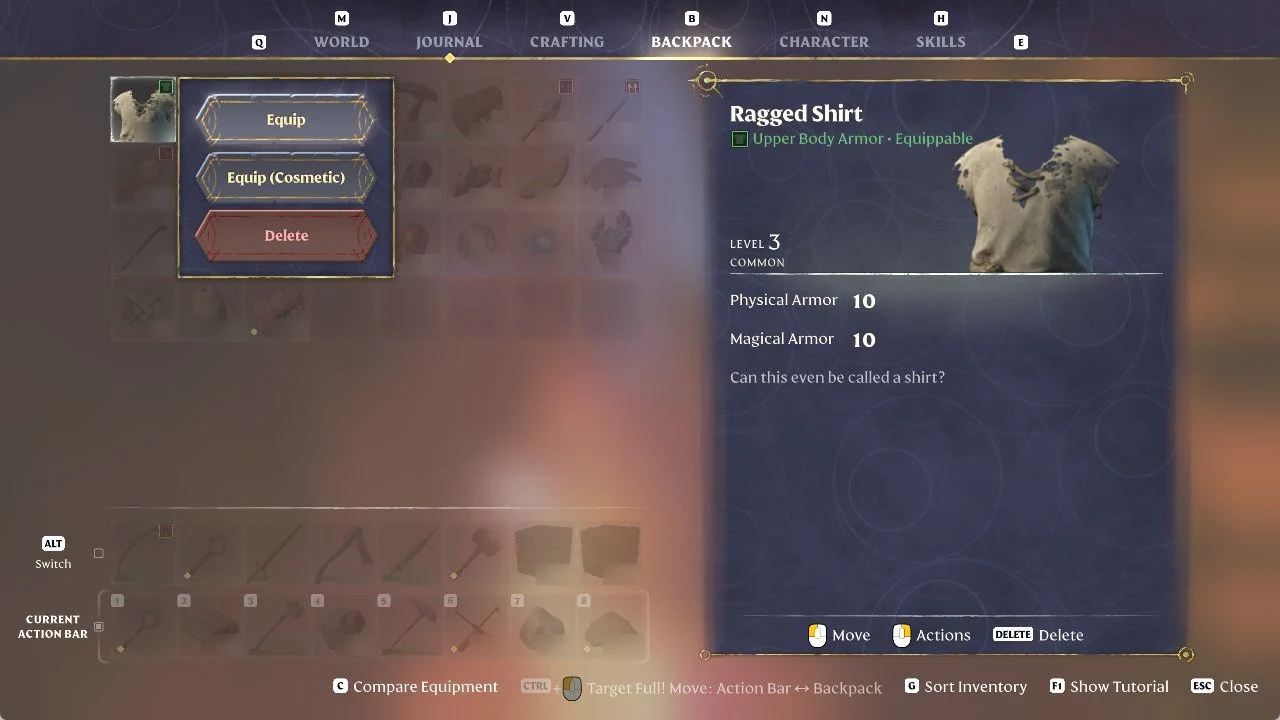
Enshrouded items with no Salvage option
Not every item showed a Salvage option for us when right-clicked in Enshrouded. A Ragged Shirt we had just crafted by hand showed only “Equip”, “Equip (Cosmetic)” and “Delete” when right-clicked.