Gaming How-To

Enshrouded: How to Equip Rings (Both Ring Slots)

Equip one ring from the Backpack tab with Equip (1) and a second with Equip (2), then check both on the Character tab.

Equip one ring from the Backpack tab with Equip (1) and a second with Equip (2), then check both on the Character tab.

Enshrouded lets you wear two rings at once. Each ring goes into one of two numbered ring slots, and you choose which slot from the ring’s right-click menu.

Quick answer: Use B to open BACKPACK, right-click the ring, then select “Equip (1)” or “Equip (2)”. The CHARACTER tab (N) shows both ring slots in its lower-left corner.


How to equip two rings in Enshrouded

You need two rings in your backpack. The example below uses two copies of the Sigil Ring of the Elder Guard.
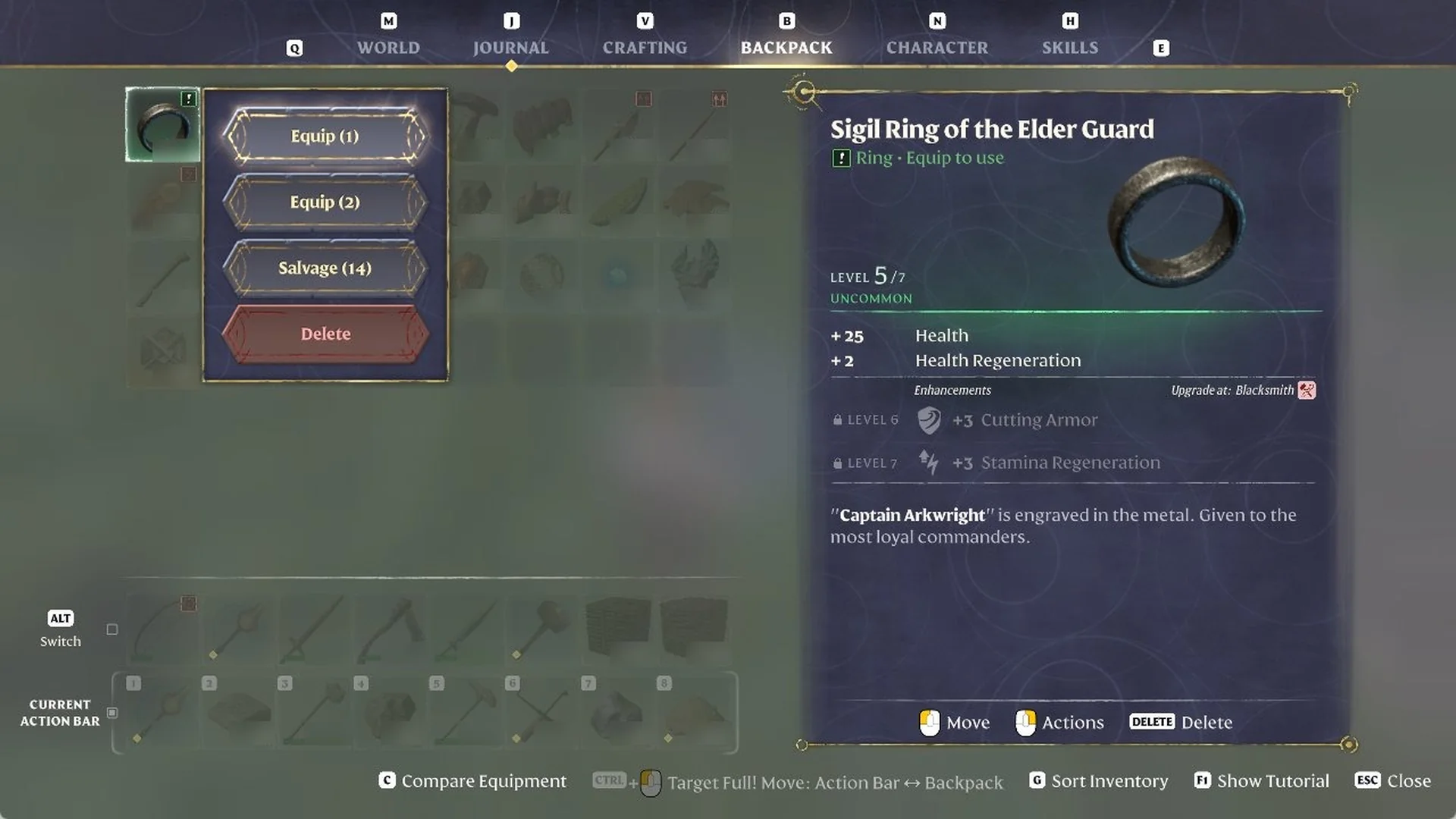
Press B to open the BACKPACK tab, then right-click the first ring. The footer lists “Actions” on the right mouse button. A menu opens with “Equip (1)”, “Equip (2)”, “Salvage” and “Delete”, and the ring’s card appears on the right.
BACKPACK tab with a ring's right-click menu offering Equip, Salvage and Delete beside the Sigil Ring of the Elder Guard card.
Right-click a ring in your BACKPACK to see Equip, Salvage and Delete options.

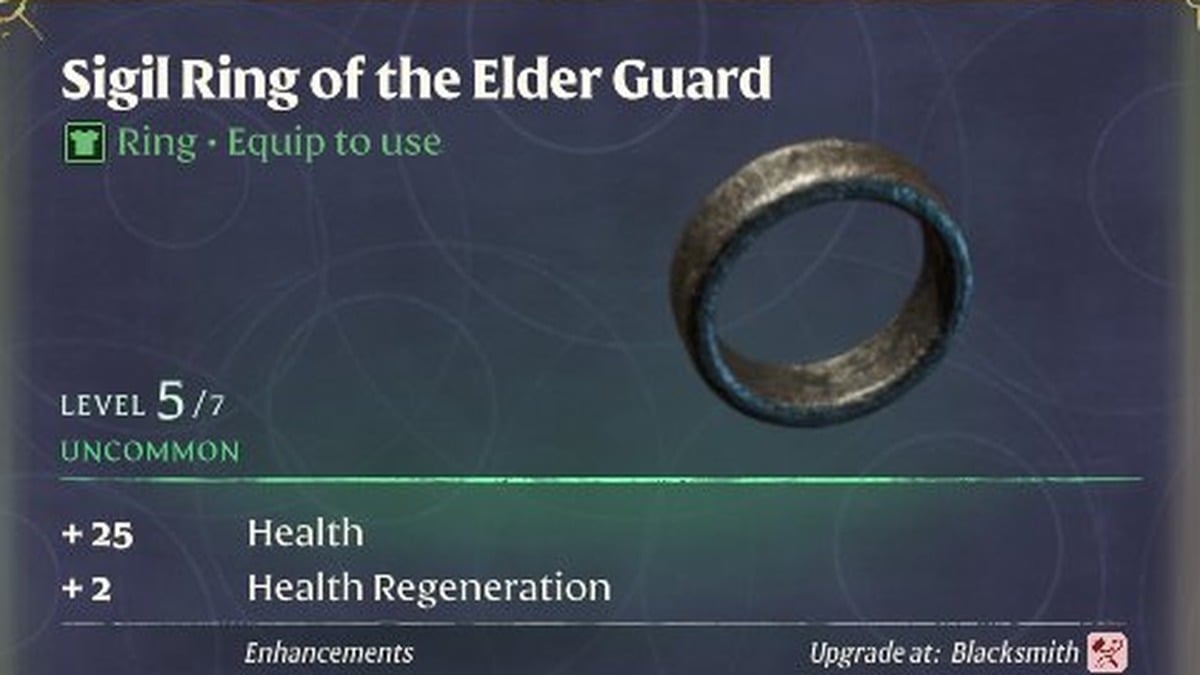
The card for the Sigil Ring of the Elder Guard shows these details:

  • Type line “Ring – Equip to use”, at LEVEL 5 / 7 and UNCOMMON rarity
  • Active stats “+25 Health” and “+2 Health Regeneration”
  • Locked Enhancements: “+3 Cutting Armor” at LEVEL 6 and “+3 Stamina Regeneration” at LEVEL 7
  • “Upgrade at: Blacksmith”
  • Its flavor text says the metal is engraved with “Captain Arkwright”.

The card’s “Upgrade at: Blacksmith” line means you upgrade the ring at the Blacksmith, and the ring’s spot is in our unique weapon and ring locations. For every ring with its stats and where to get it, see the full Enshrouded rings list.

The “Salvage” option in that menu turns an item into Runes (a Rusty Sword shows “Salvage (9)”), and you can read more on how to salvage items for Runes.
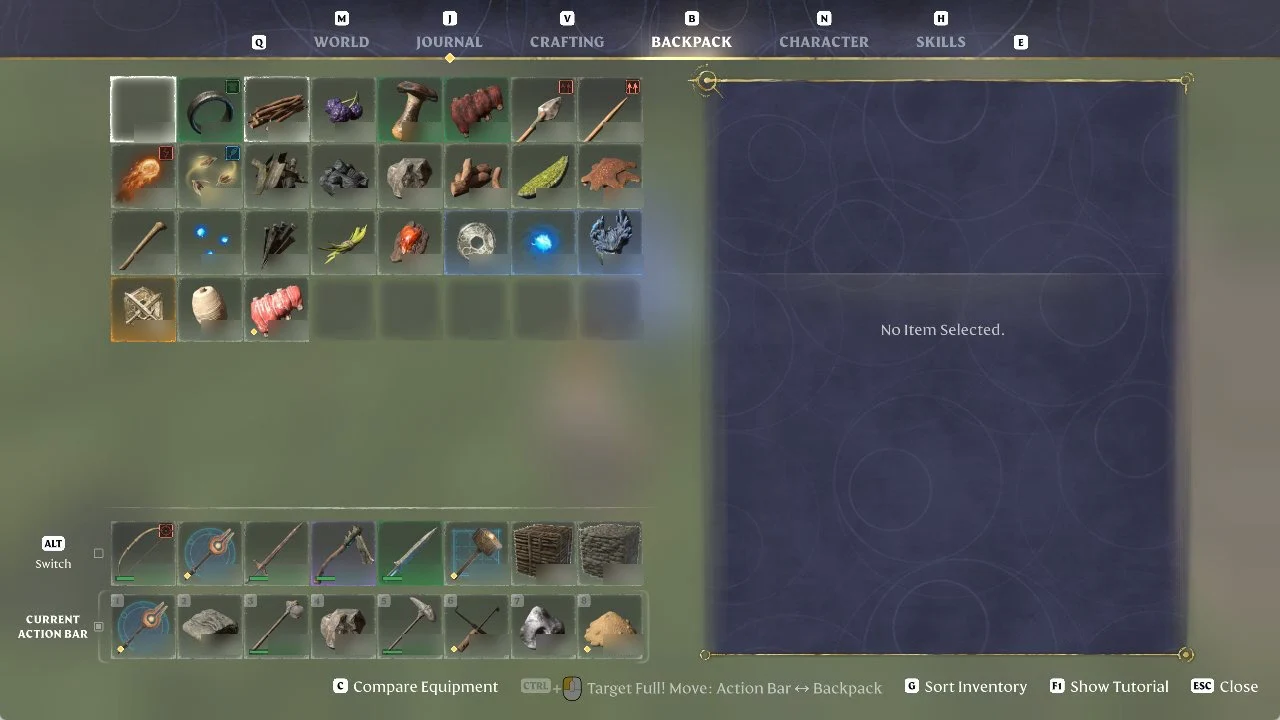
Choose “Equip (1)”. The ring moves into the first ring slot, and the backpack slot it occupied is now empty.
Enshrouded Backpack tab with an empty inventory slot where the equipped ring used to be
The Backpack tab after choosing Equip (1), with the ring’s former slot now empty.
Right-click the second ring and select “Equip (2)”; it occupies the remaining ring slot, leaving the first ring in place.
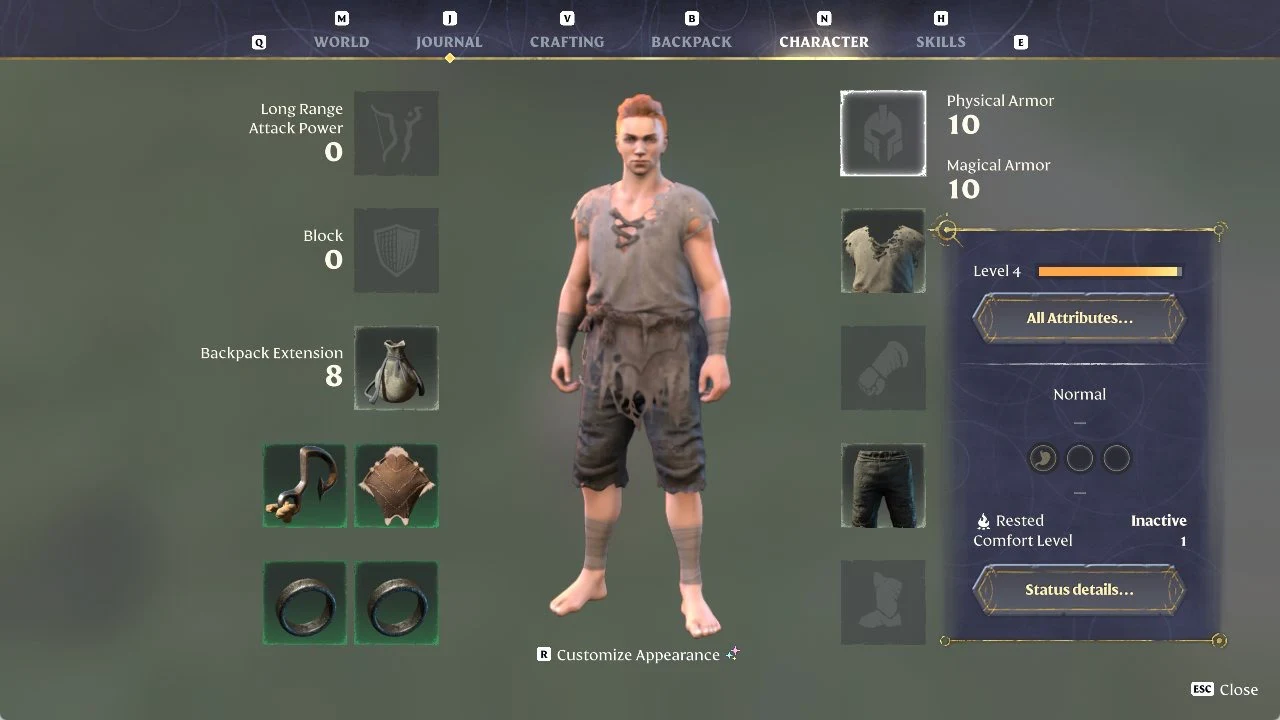
Press N to view the CHARACTER tab, then inspect its lower-left area. Each of the ring slots beneath Grappling Hook and Glider is occupied, confirming both rings are equipped.
Enshrouded CHARACTER tab showing equipped gear, with two filled ring slots at the bottom left
The CHARACTER tab with both ring slots filled, below the Grappling Hook and Glider slots.