Valheim’s 1.0 Deep North update finally does something about the game’s cramped 8×4 grid. Two permanent upgrades sold by the trader Haldor each add a full row of slots, and there’s a developer console command that resizes the grid directly on PC, PlayStation 5, and Xbox. No mods involved in either route.
Quick answer: Kill Moder to unlock Wider Pockets (1,000 gold) at Haldor, then kill The Queen to unlock Deep Pockets (2,000 gold), taking you from 32 slots to 48. To skip the grind, open the console and type inventorysize 6 — but that permanently disables achievements for that character.
What Wider Pockets and Deep Pockets actually add
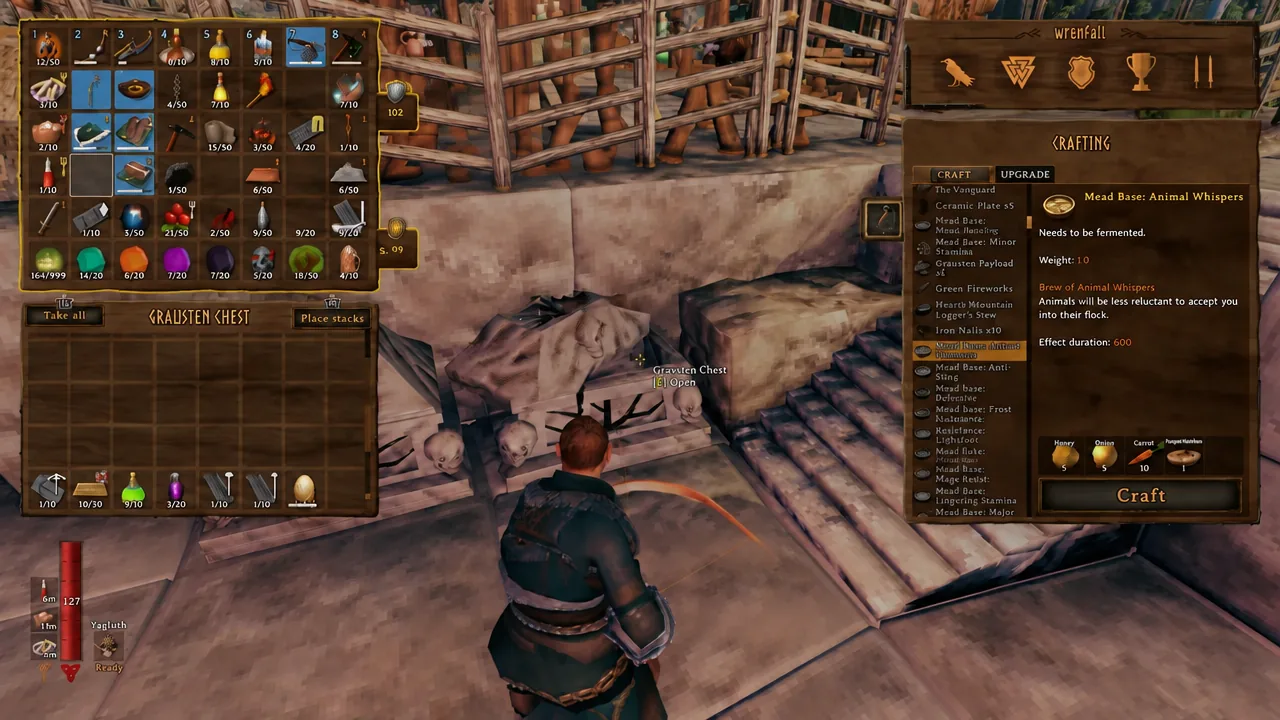
You start with an 8×4 inventory, which is 32 item slots including the hotbar row. Each upgrade permanently bolts on another row of eight. Buy both and you end up at 8×6, or 48 slots — a 50 percent bump in how many different item types you can haul at once.
| Upgrade | Cost | Unlocked by | Result |
|---|---|---|---|
| None (default) | — | — | 8×4, 32 slots |
| Wider Pockets | 1,000 gold | Defeating Moder in the Mountains | 8×5, 40 slots |
| Deep Pockets | 2,000 gold | Defeating The Queen in the Mistlands | 8×6, 48 slots |
Both upgrades stick to your character permanently once purchased. Total outlay is 3,000 gold, which sounds steep until you’ve cleared a few Fuling villages in the Plains and are drowning in coins.
Buying the inventory upgrades from Haldor
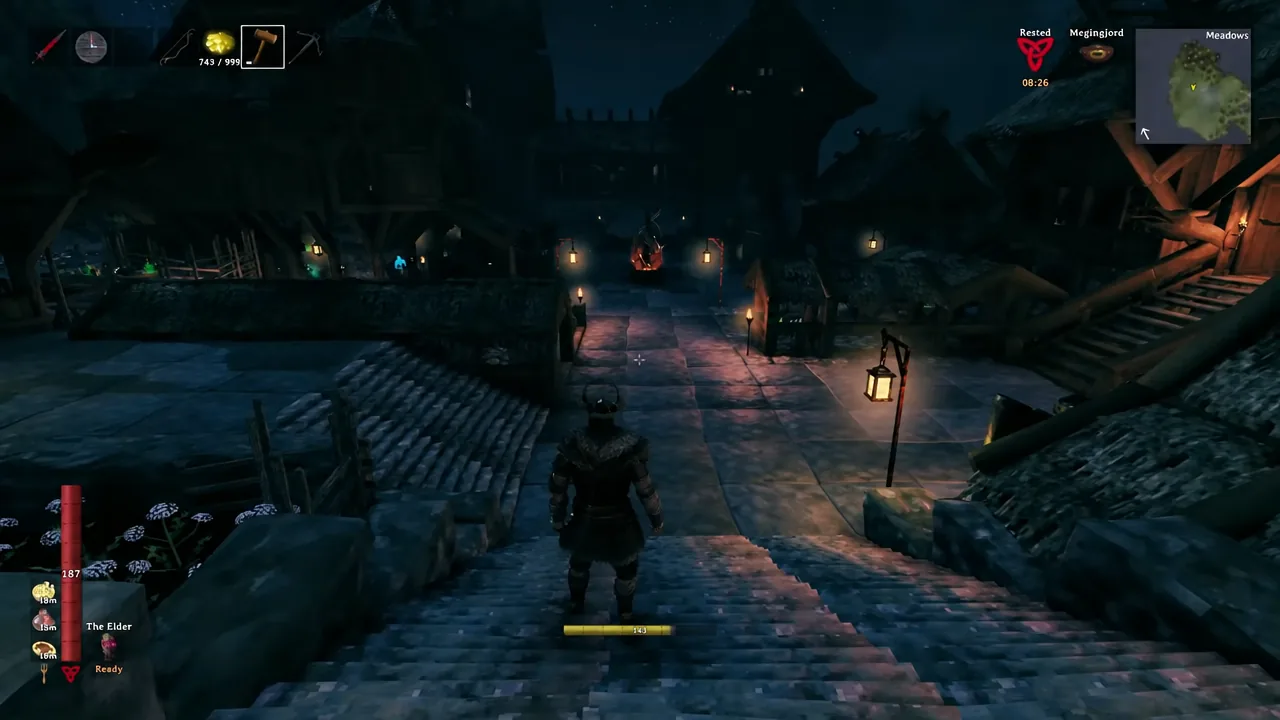
You’ll know each purchase worked the moment you open your inventory: the grid is visibly taller, and the new row is immediately usable. The item disappears from Haldor’s stock after you buy it, since there’s nothing to buy twice.
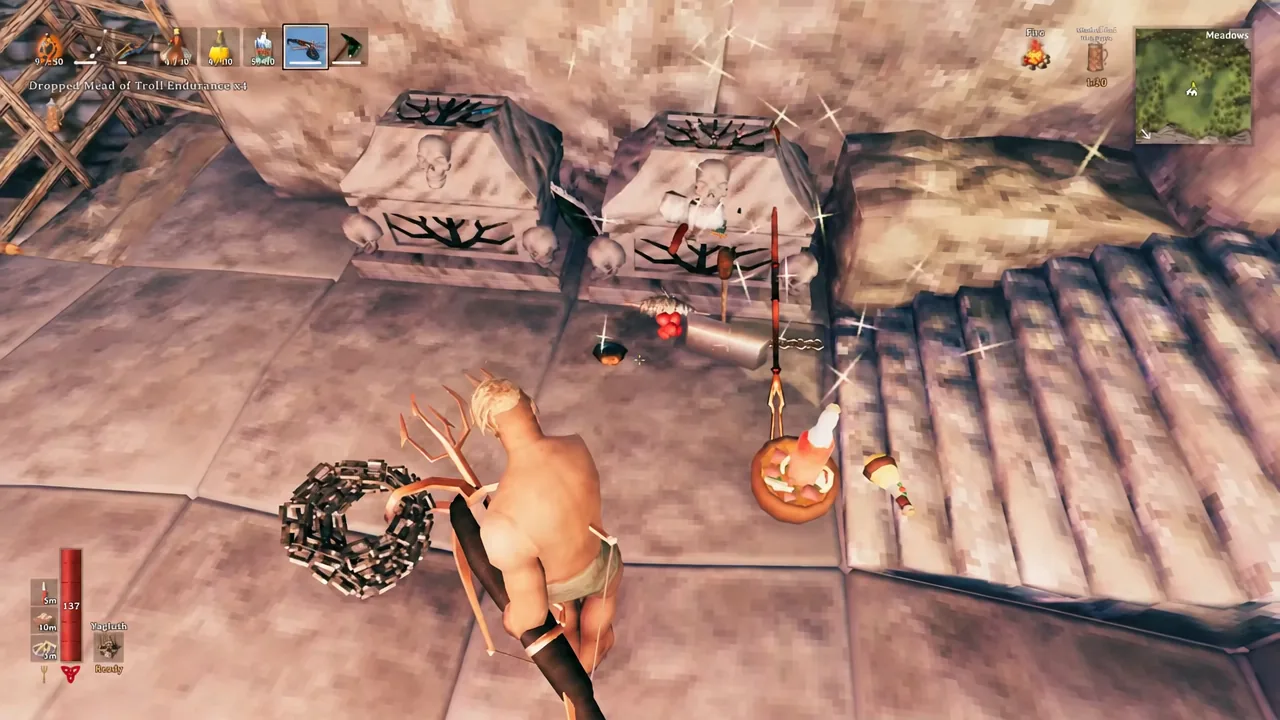
Set inventory rows with the inventorysize console command on PC
The developer console can resize the grid outright, up to nine rows. This is the same tool the game exposes for cheats, so read the achievement warning further down before you commit a character to it.
-console launch argument before starting the game.devcommands
inventorysize 9The grid resizes the instant you open your inventory again. Nine is the ceiling; anything lower shrinks it, and inventorysize 1 strips you back to just the hotbar row.
| Command | Result |
|---|---|
inventorysize 1 | Hotbar only, 8 slots |
inventorysize 4 | Back to the default 32 slots |
inventorysize 6 | Matches both purchased upgrades, 48 slots |
inventorysize 9 | Maximum, 72 slots |
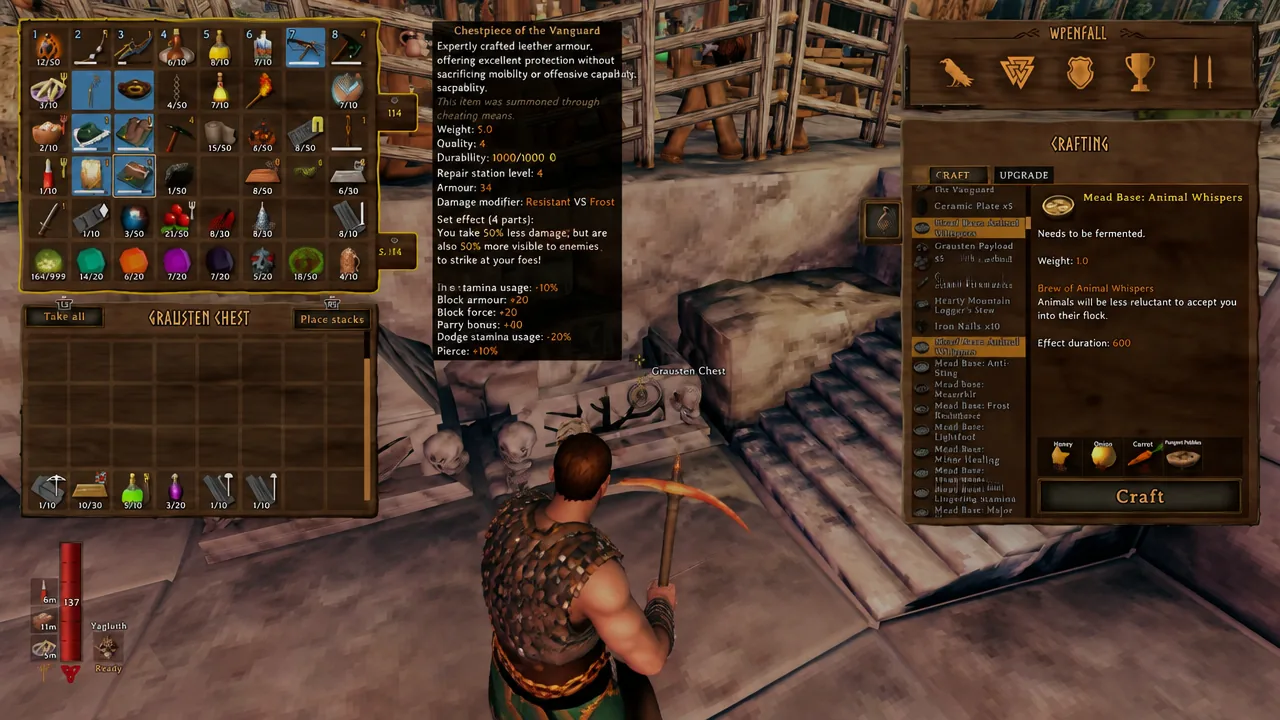
Opening the console on PS5 and Xbox
Console players get the same command line, just behind a controller shortcut and an extra confirmation prompt.
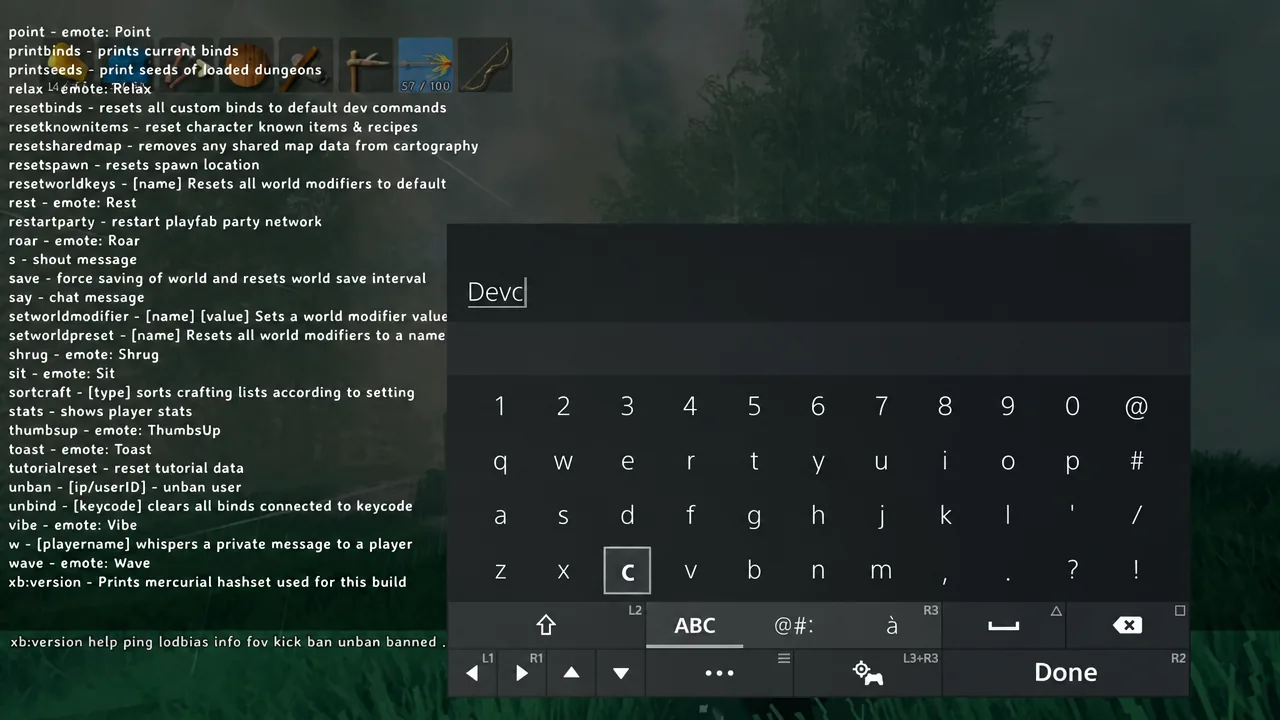
Confirmcheats to accept that warning. Cheats stay off until you do this, so a rejected command usually means this step was skipped.inventorysize plus your row count, exactly as on PC. Close the console and check your inventory to confirm the new grid size.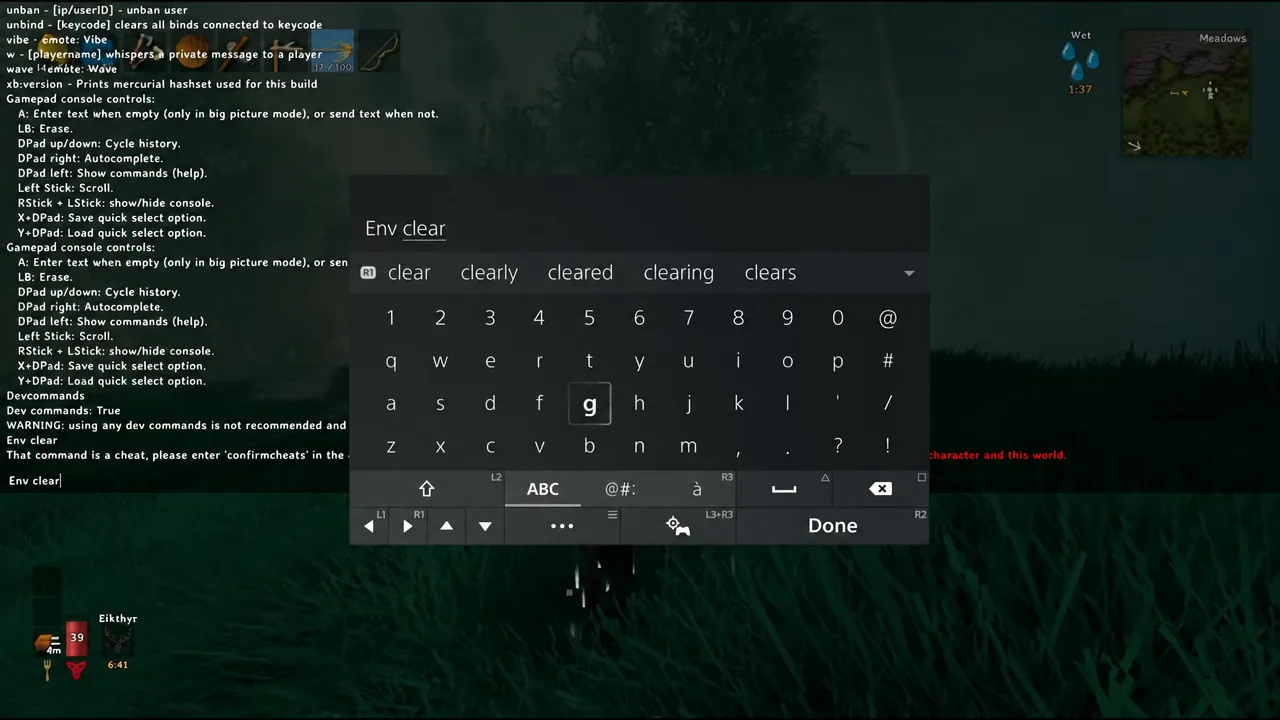
Using devcommands permanently disables achievements
Enabling cheats flags that character and world for good. Achievements and trophies stop unlocking, and turning the console back off does not undo it. If you care about the achievement list, buy the upgrades from Haldor instead and leave inventorysize alone.
A practical middle ground is to test row counts on a throwaway character or a separate world, then run your real save on the Wider Pockets and Deep Pockets purchases only.
Extra slots do not raise carry weight
This is the one thing that trips people up. More rows means more distinct item types, not more kilograms. Your weight limit is still governed by the Megingjord belt and consumables such as Mead of Troll Endurance, and you can still overload yourself with an empty-looking grid.
Where the extra rows pay off hardest is the Deep North’s Winding Tunnels. Item moulds drop constantly in there, they’re the base for the Nordic weapons and new armor sets, and each mould claims its own dedicated slot rather than stacking. Fifty percent more slots is the difference between clearing a tunnel in one run and trudging back to the surface three times.