Voices of the Void has settled into a stable state again with Alpha 0.9.0-n, the cleanup release that follows the enormous 0.9.0 drop. It is not a content overhaul. It is the build that takes the sharp edges off 0.9.0, patching the bugs that were breaking transformers, hooks, tutorials, and saves, while quietly reworking how fuses, the store, and the coordinate towers behave.
Quick answer: Open the main menu and look at the version text. If it reads Alpha 0.9.0 with Build a090n, you are on the current stable build and no further update is needed.
How to confirm you are running build a090n
The build string is printed on the main menu, underneath the version number. Anything ending in a letter earlier than n (for example a090k, a090l, or a090m) is an older 0.9.0 revision and still carries the bugs listed below. Shadow test builds are separate downloads and are not the stable release, so they will not report a090n either.
Download and install Voices of the Void 0.9.0-n
First launch: settings, story mode, and the OMEGA WARNING screen
Before the main menu, the game shows an OMEGA WARNING screen covering bright flashing lights and colors, violence, gore, phobia triggers, disturbing and questionable images, cognito hazards, infohazards, and, as it puts it, a lot of text. That screen is not a bug and it appears on every launch.
If story mode will not open, run the tutorial until an achievement pop-up appears, then go into settings and apply them. If every setting reads zero, the picture is heavily pixelated, or the screen is black or grey, open Settings, go to the Game tab, and use the “Regenerate data.sav” button.
Tutorial text speed, tutorial wording, and the tutorial softlocks tied to drives were all corrected in 0.9.0-n, so a fresh run should no longer strand you in the opening rooms. Signal workstation chairs also no longer block your view of the panel.
Fuses, transformers, and coordinate tower repairs
Fuses got the single most practical change in this build. Inserting a working fuse now automatically repairs the radio tower and the coordinate towers, and once a working fuse is seated you cannot pull it back out. That removes the old routine of fixing a tower and then salvaging the fuse for the next one.
You craft a fuse at a workbench from metal scrap plus other electronic components. Carry the spare with you when you climb a dish tower, because a broken fuse only becomes obvious once you are up at the power box.
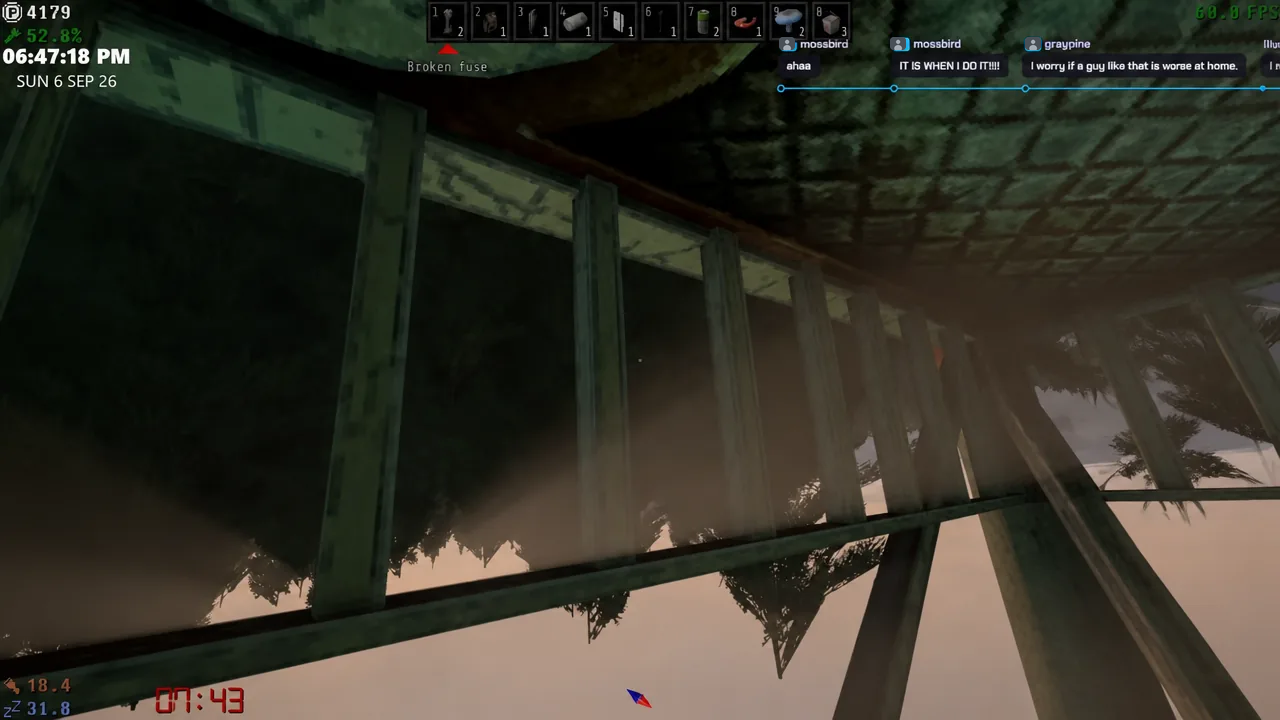
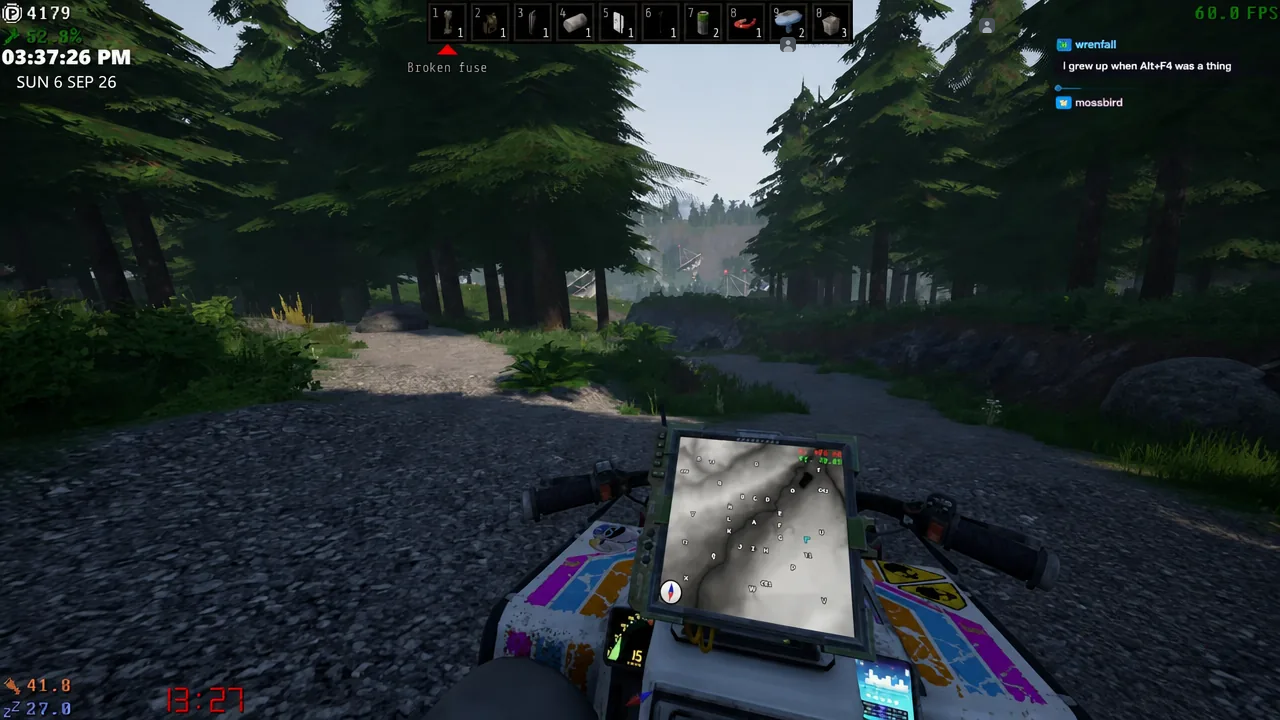
Coordinate towers now appear on the in-game maps, and the decay rate and failure frequency for coordinate towers, transformers, the radio tower, and the servers were all retuned. Lights that correspond to each coordinate tower blink when that tower is down, so you can spot a fault from the base rather than driving out blind.
To check power without leaving the console, run the transformer check command:
tr.checkA healthy readout lists each unit and its power level, for example Transformer "TR_1" is "Active" | Power: 77. Two long-standing faults are also gone in this build: a transformer could not be repaired after KerfurO fixed it, and the navmesh near the emergency shower was broken.
Store, scrap, and crafting changes
The store gained more than ten new objects, a “global search” checkbox, and a separate category for seasonal items. The vending machine list also stopped shuffling its own order between visits, and empty pots can be sold again.
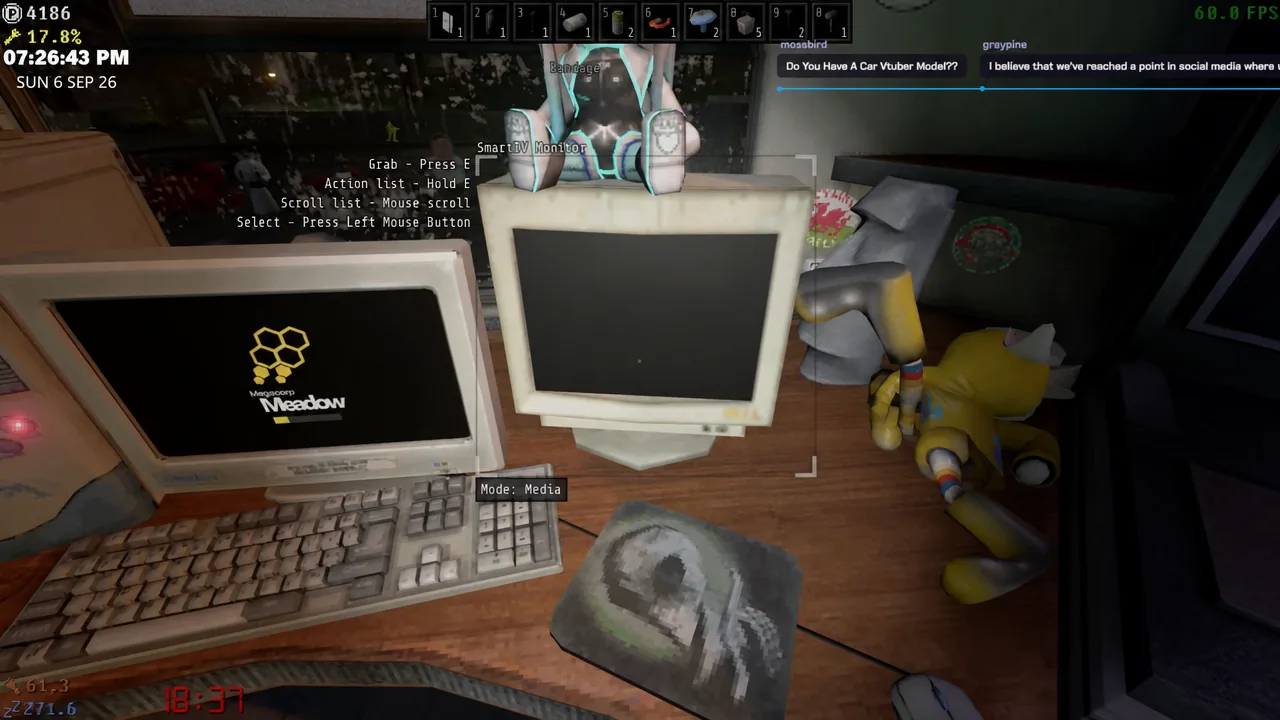
PC monitors and PC cases can now be broken down into electronic scrap, which feeds directly into the crafting economy. Here is how the most common early materials line up.
| Item | How to obtain |
|---|---|
| Copper wire | Buy for 80 points, or craft from 5 electronic scraps |
| Electronic scrap | Scavenge in the field, or break down PC monitors and PC cases |
| Fuse | Craft at the workbench from metal scrap and electronic components |
| Lithium | Found around the base, including on workbenches |
A handful of item-handling annoyances are also fixed. Props no longer reset their size after a save and load, wall-attachable objects no longer become fully static when picked up while frozen, thrown hooks can pick up frozen items again, and picking up a farm pot no longer deletes the plant inside it. The disc box was removed entirely.
ATV behavior in 0.9.0-n
The ATV no longer creeps forward on its own, which was one of the more disruptive 0.9.0 bugs. Its audio volume was rebalanced, its default light brightness and car battery drain were adjusted, and wheel collision against small objects was corrected.
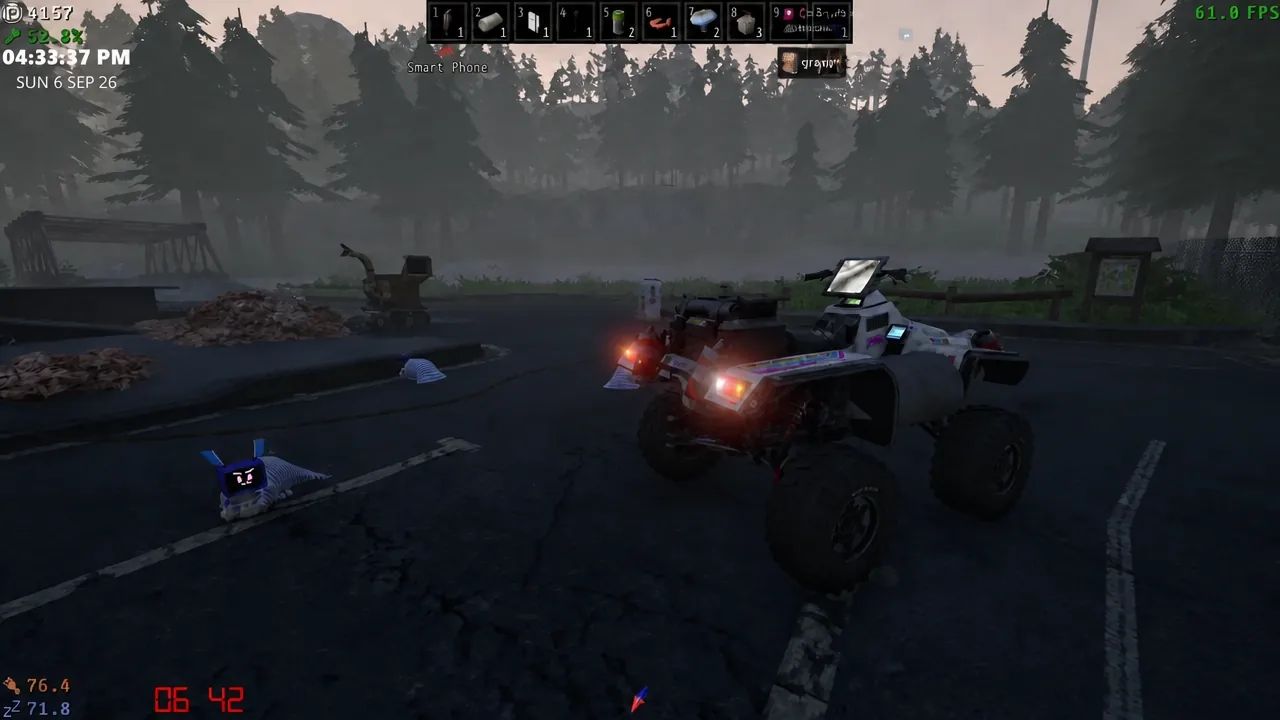
Losing a wheel is not a run-ender. The ATV still drives on three wheels, though handling becomes unpredictable and crashes are easy. The missing wheel stays where it came off, so you can retrieve it and reinstall it rather than buying a replacement.
New content added in 0.9.0-n
The additions list is short and deliberately vague in places, which is normal for this project. One keybind, four settings, one super signal, more than ten objects, and an entry named only The Round One.
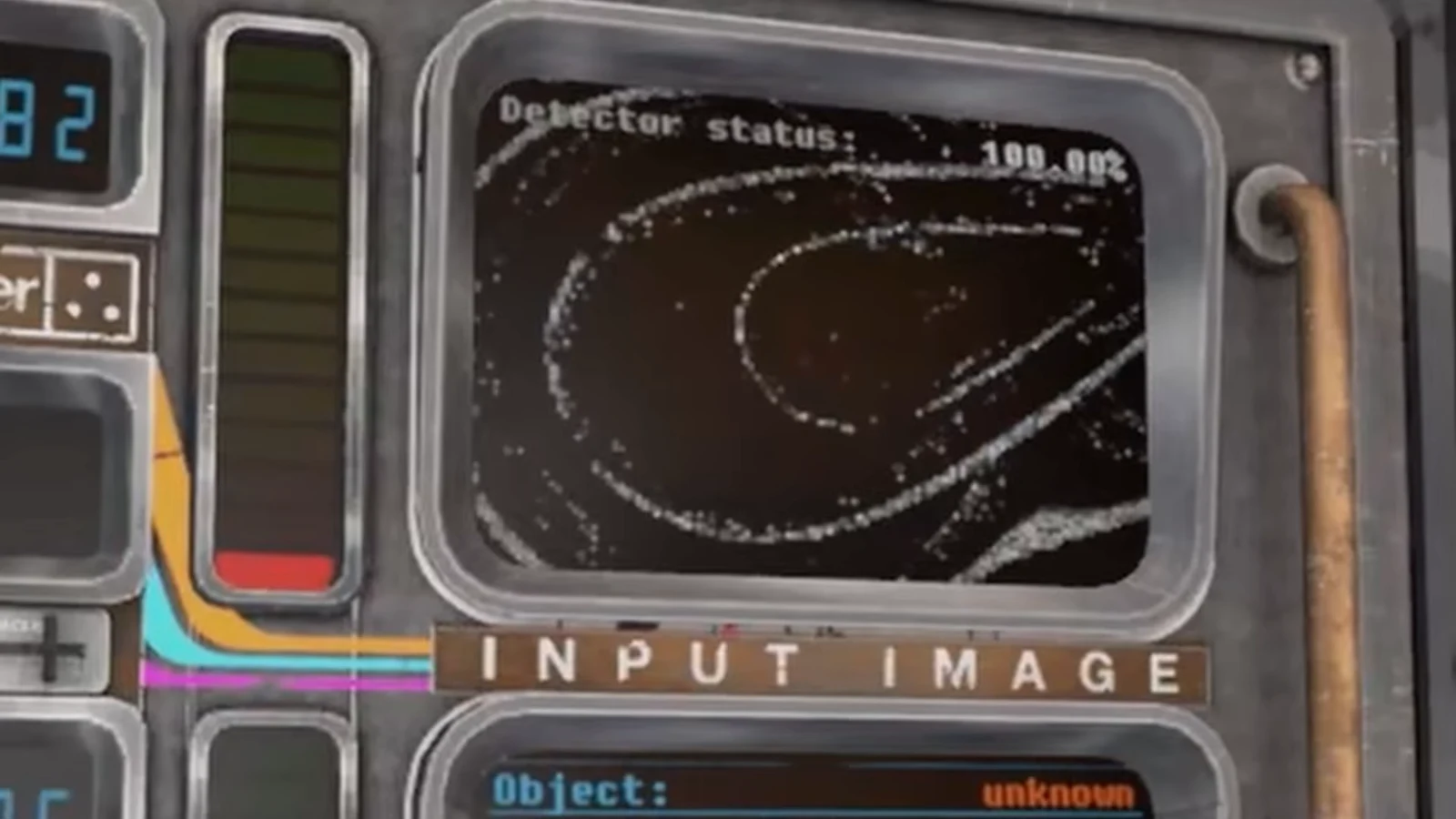
Signal work itself is unchanged in its basics. You pull a signal at the workstation, run it through the detector, and either sell it or delete it. Long signal text messages no longer run off the edge of the glossary, which matters for the wordier entries.
A few environmental and quality-of-life changes round it out. Default bunk beds in the bedroom now start broken and drop gibs when destroyed, explosions produce a distinct underwater effect, physical money coins have new colours, and the 3D printer interface gained a destroy button.
Saves, remaining balance issues, and bug reports
The subsave and backup save system was reworked in this build, and several save-and-load corruption paths were closed. Floppies no longer wipe when inserted into a server slot with a different button, they eject the correct way out of servers, TV channels persist, and rain and wind audio muffling is applied correctly on load.
Balance is still openly unfinished. Prices, decay rates, and progression pacing are expected to shift again in a future update, so treat point income and repair frequency in 0.9.0-n as provisional rather than final.
If you hit something broken, the developer collects issues through a dedicated bug report form rather than through comment threads.
Note: the game remains a Windows-only alpha with no multiplayer planned, and a Steam version is still some way off while the build is polished.
For anyone who bounced off 0.9.0 because of self-driving ATVs, unfixable transformers, or a tutorial that would not let go, a090n is the version worth returning on. The loop is the same as it has always been. Pull signals, keep the power up, drive out to whatever just broke, and try not to fall off the ladder on the way back down.