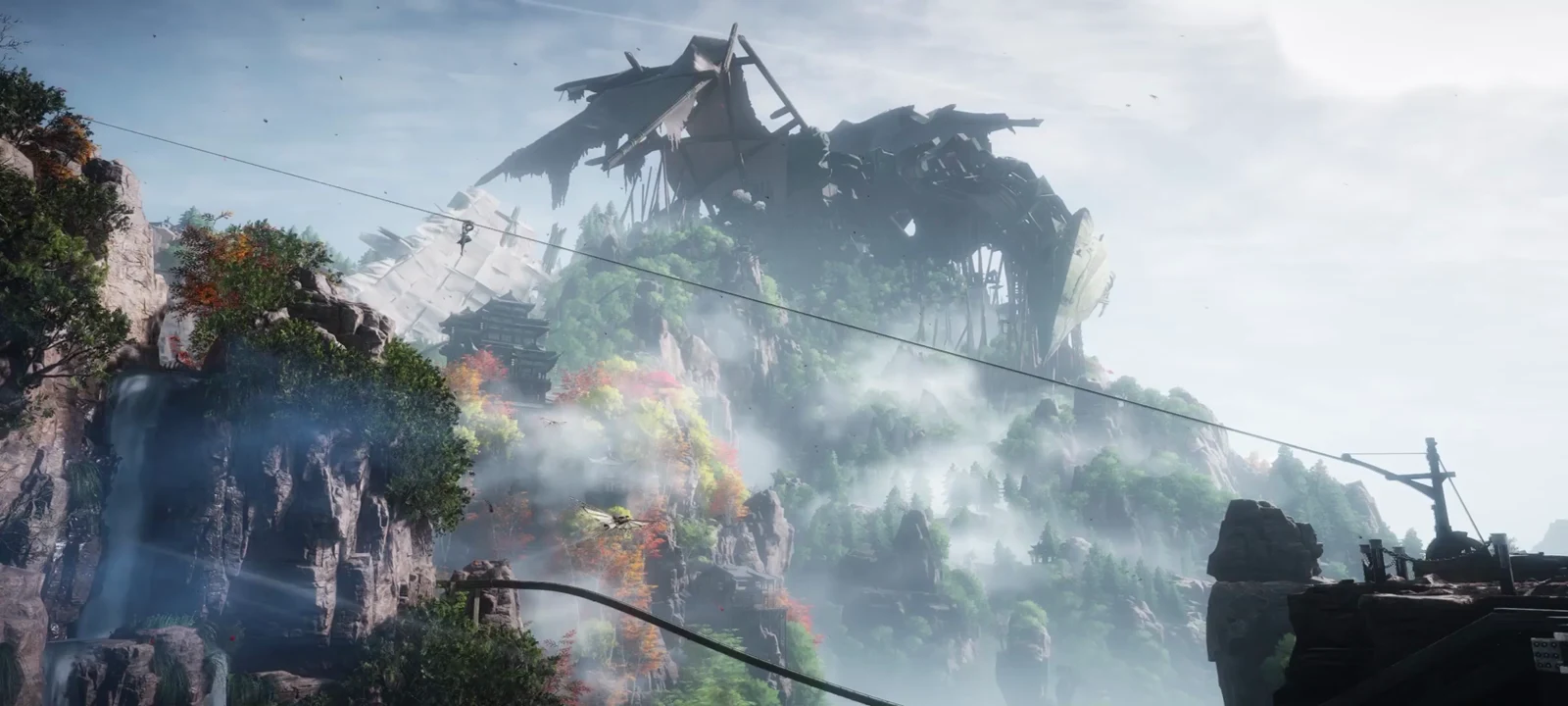
Qinchuan is the only region in Where Winds Meet where you control the weather. The sub-region runs on a four-season system, and instead of waiting for the world to rotate through it, you can force Spring, Summer, Autumn, or Winter whenever you like from the map screen. Switching is instant, costs nothing, and reshapes the terrain around you.
Quick answer: Open the Map while inside Qinchuan, click the season name in the upper-left corner, pick a season under Season Adjustment, and hit Confirm.
Season switching only works in Qinchuan
The Displayed Season button is tied to Qinchuan specifically. Open the map anywhere else and the control simply is not there, because no other region or sub-region uses the four-season ecosystem. If you cannot find the button, check which map you are actually looking at before assuming something is broken.
You reach the region through Hexi, then Qinchuan Path. Xiao Pass Old Road works as the practical entry anchor once the sub-region is open, and the season control becomes available as soon as you are viewing the Qinchuan map.
Change the season from the map menu
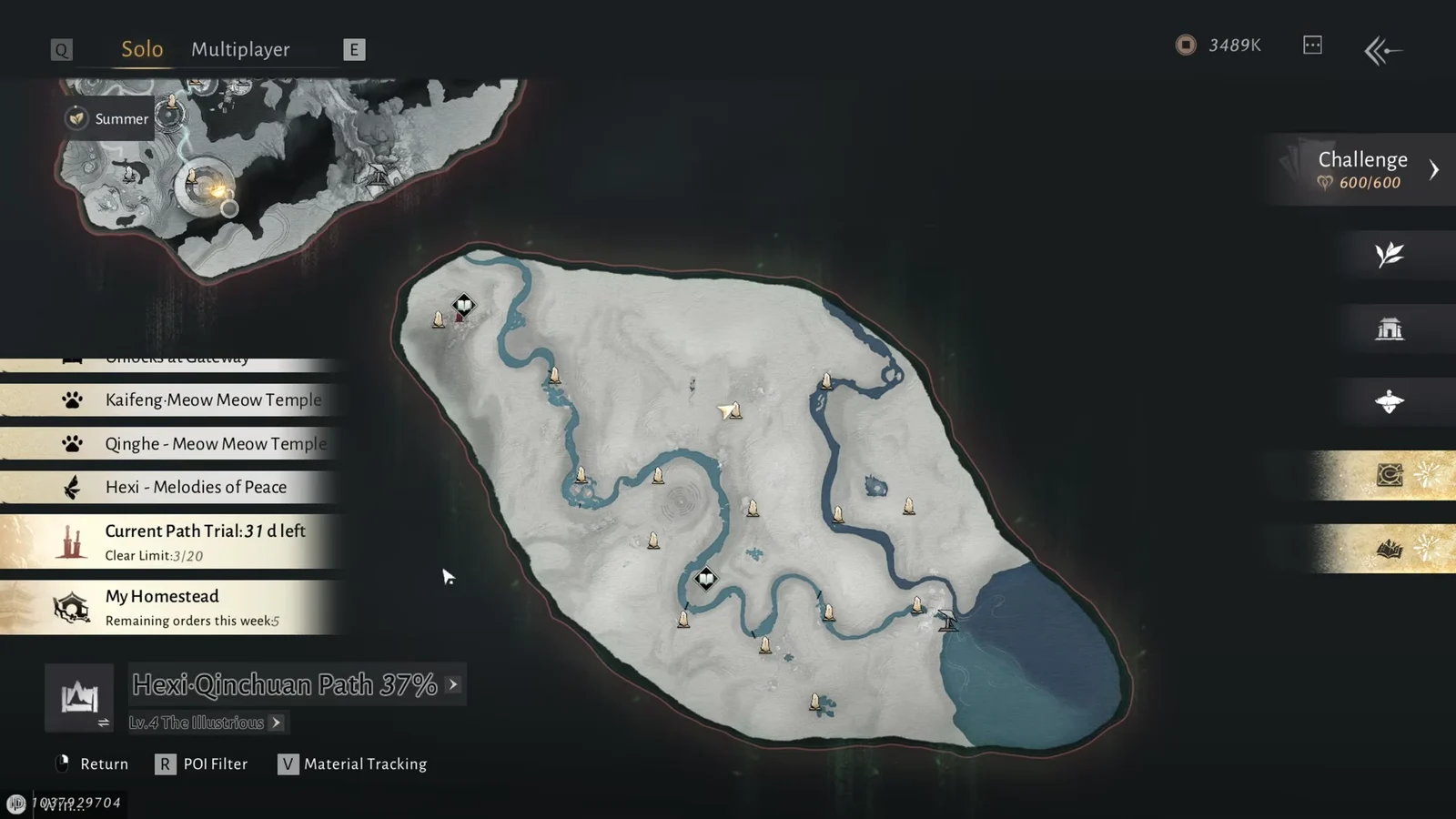
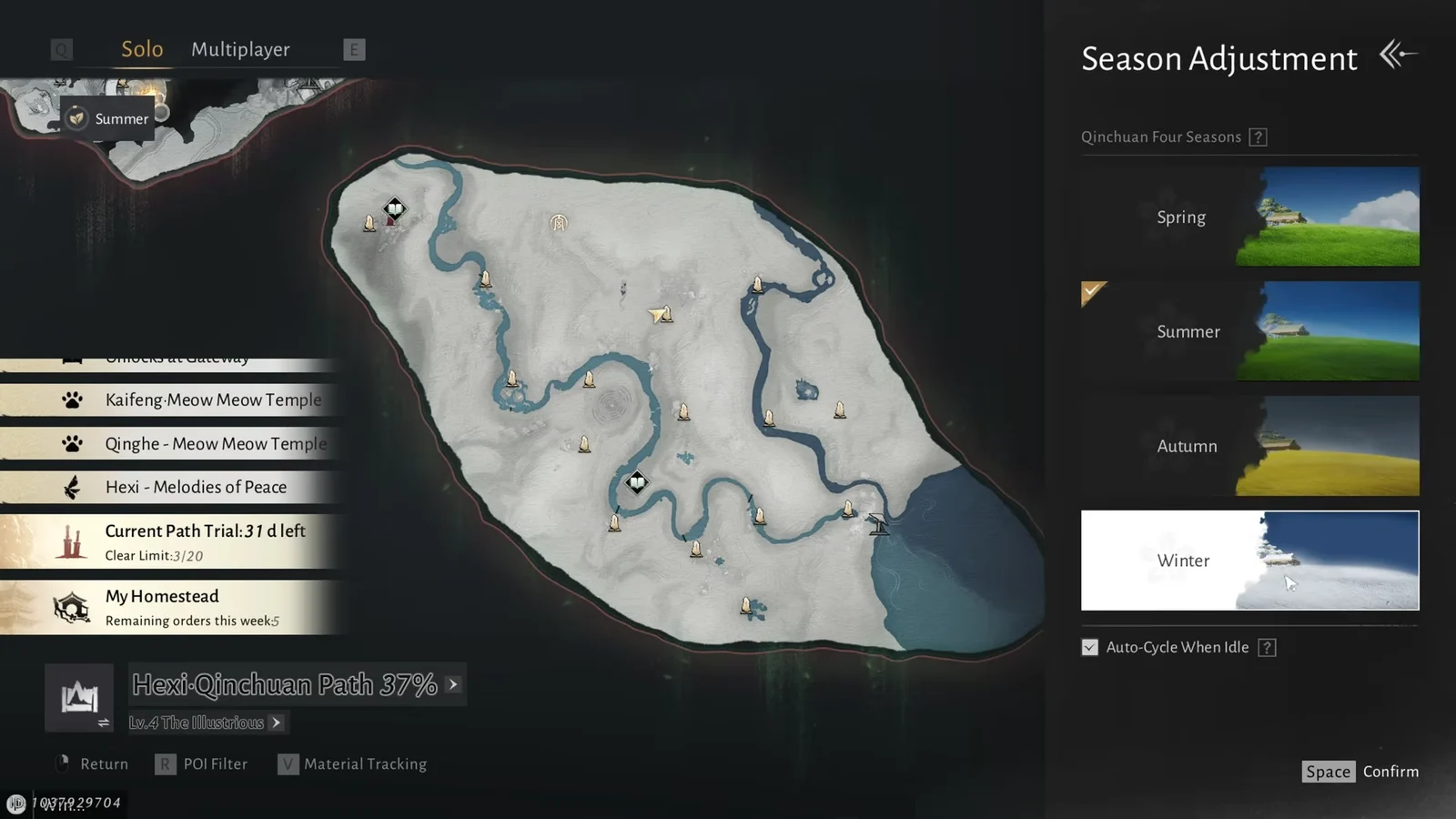
On a controller, you do not click anything. Press the Touchpad on a PS5 controller to jump to the season selection. On other controllers, use the Function Wheel or the Back Button to reach the same panel.
How to confirm the season actually changed
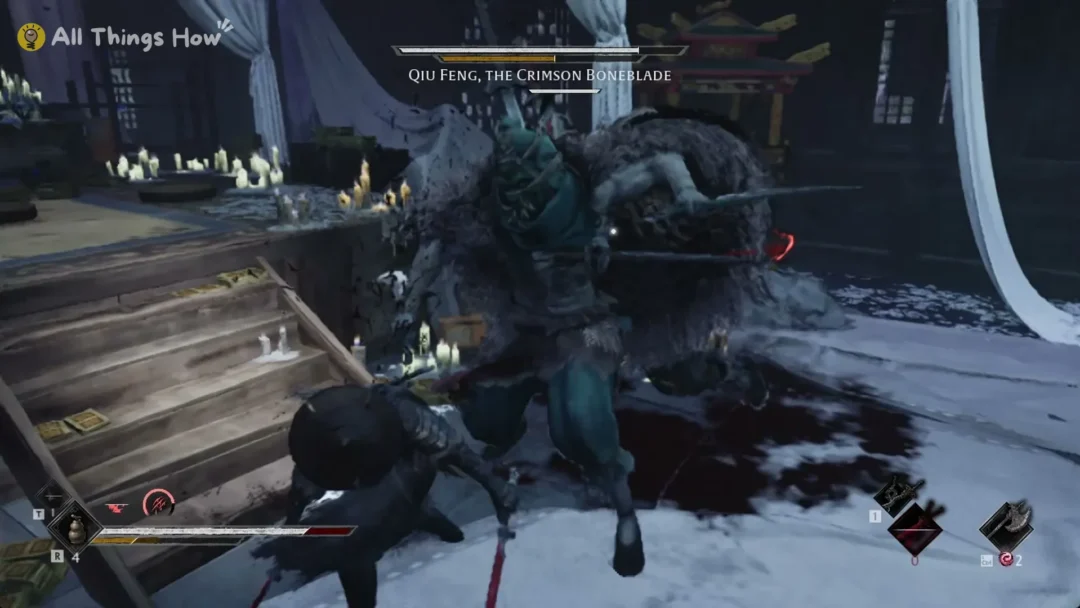
Confirming the selection plays a short transition with the season’s name on screen, and the world loads back in wearing its new state. Winter drops white grass and snow over the ground. Autumn turns the trees golden-yellow and clears the snow away. Summer brings back green hills and bright daylight.
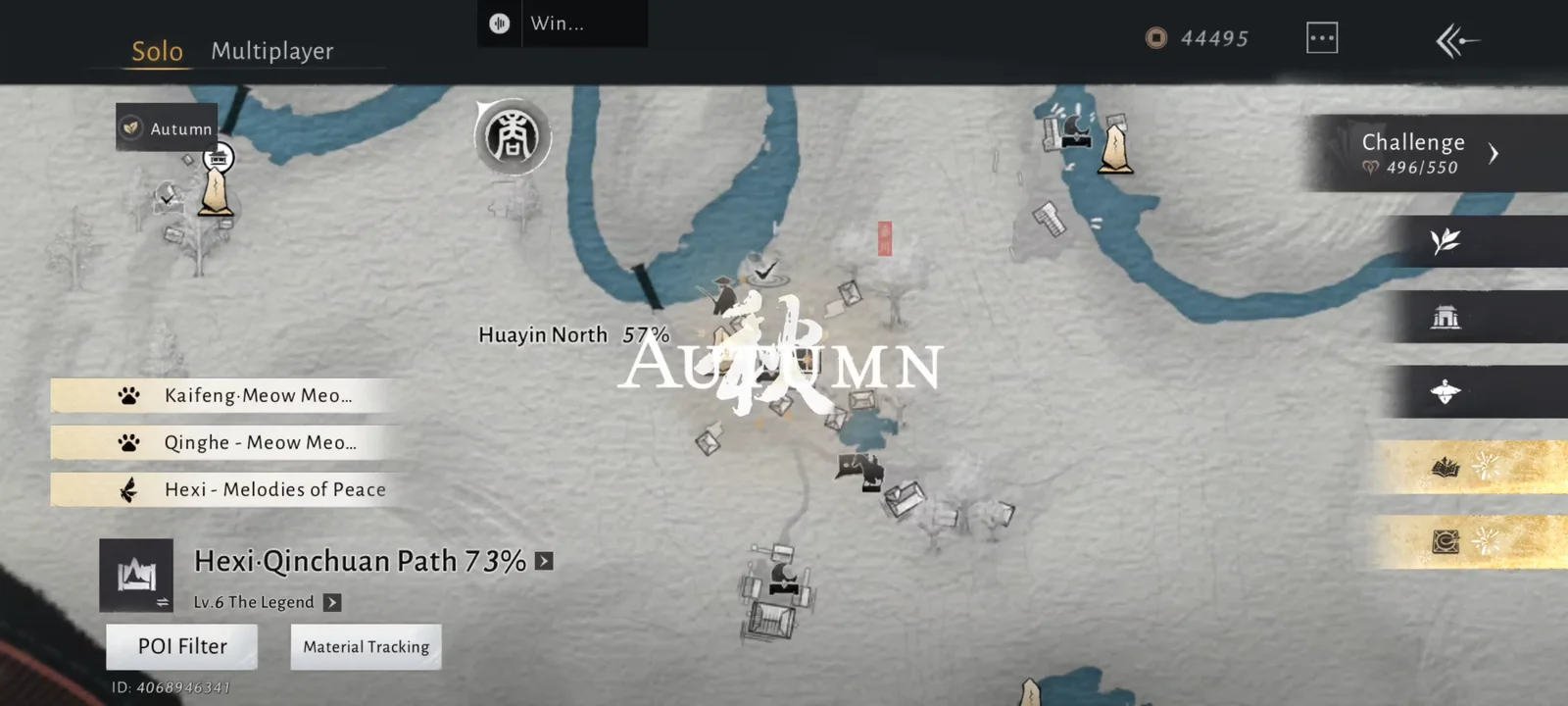
The second check is the map itself. Reopen it and the upper-left corner should now display the season you selected instead of the old one. If it still shows the previous season, the Confirm step did not register.
Auto-Cycle When Idle
Below the four seasons sits an Auto-Cycle When Idle option. Enable it and Qinchuan shifts between seasons on its own as you progress through the sub-region, rather than staying frozen on whichever one you last picked. It is the setting to use if you would rather see the region change naturally than manage it manually.
Turn Auto-Cycle off while you are hunting specific resources, since a season flip mid-route will change which nodes are on the ground.
What each season changes in Qinchuan
The switch is not cosmetic. Each season alters enemy placement and which gathering nodes exist in the same physical space, so one route run twice under two seasons produces two different hauls.
| Season | What changes | Best used for |
|---|---|---|
| Spring | New herb and plant node variants; enemies group more tightly | Herb gathering, fast camp clears |
| Summer | Higher enemy density; summer nodes near water areas | Enemy drops, southern water-adjacent nodes |
| Autumn | More ore nodes in northern terrain; rarer plant variants | Ore runs, high-rarity plants |
| Winter | Enemies shift indoors and into caves; surface nodes thin out | Cave-heavy outposts, boss materials |
Because the change applies instantly and carries no cost, the efficient habit is to set the season before you start moving, clear the route, then switch and sweep the same ground again for the other season’s nodes.
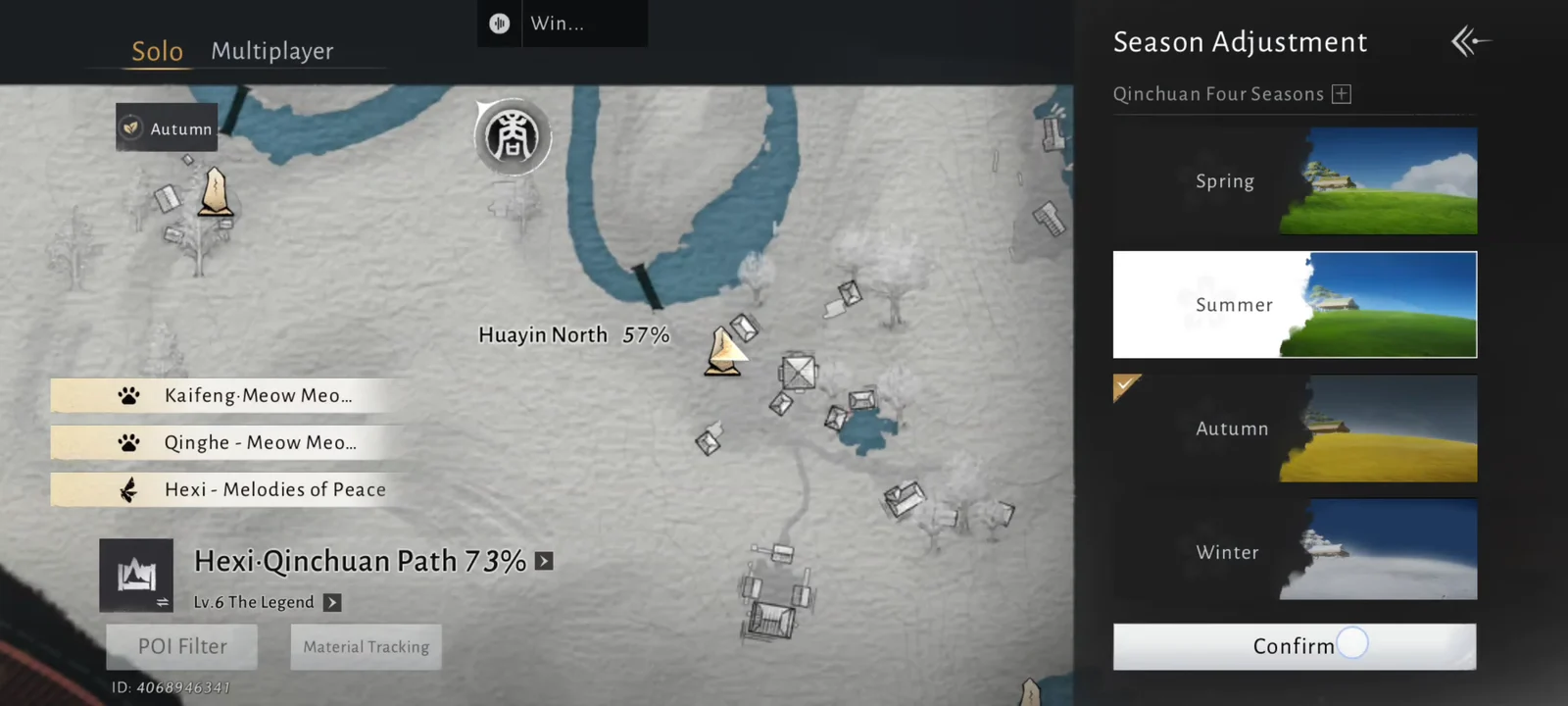
There is no limit on how often you can flip between the four, and nothing locks you out of a season once you have moved on from it. Treat the upper-left corner of the Qinchuan map as a toggle you check before every session, and the region stops being one map and starts being four.