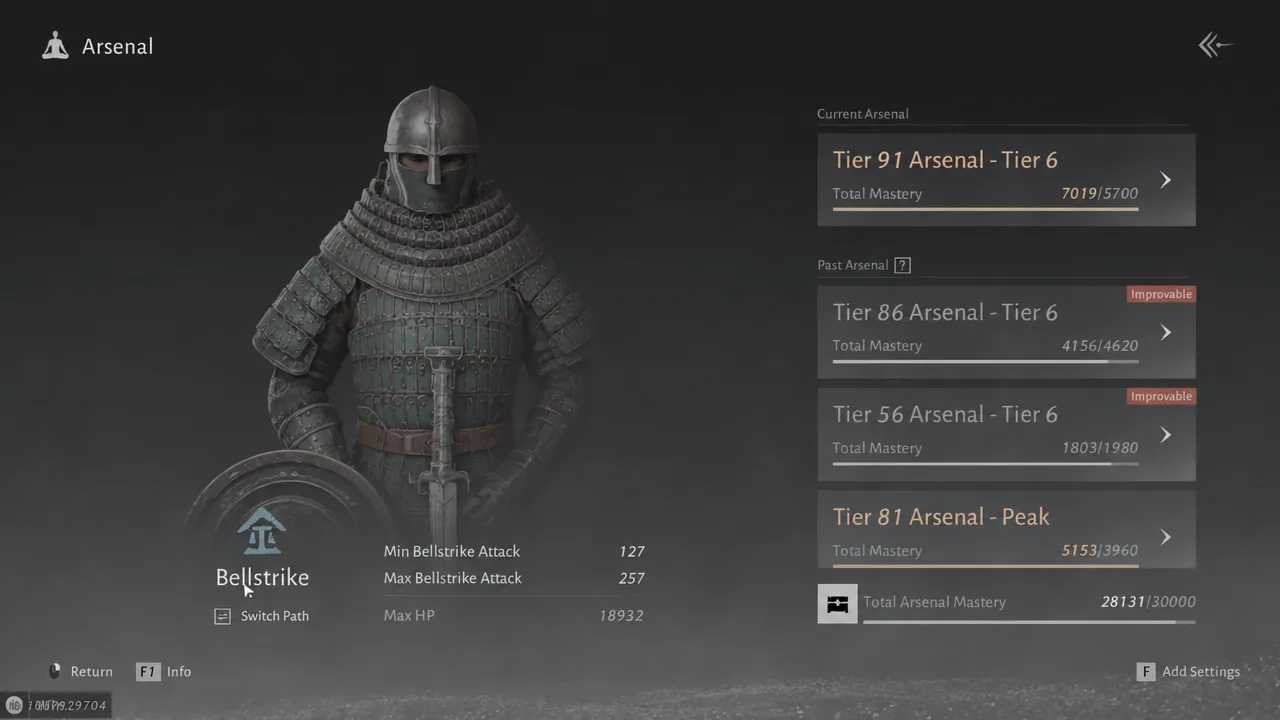
The Arsenal Path decides how much extra attack your stored gear feeds into your weapons in Where Winds Meet. Every path shows the same base numbers on its card, but those numbers scale differently once they reach an actual weapon, so picking the wrong one quietly costs you damage. The rule is simple. Pick the path that matches the martial art style your weapons use.
Quick answer: If both equipped weapons share one style (for example two Bellstrike weapons), set the Arsenal Path to that style. If you run two weapons of different styles, choose General so both keep a physical attack boost.
The five Arsenal Paths and what each one boosts
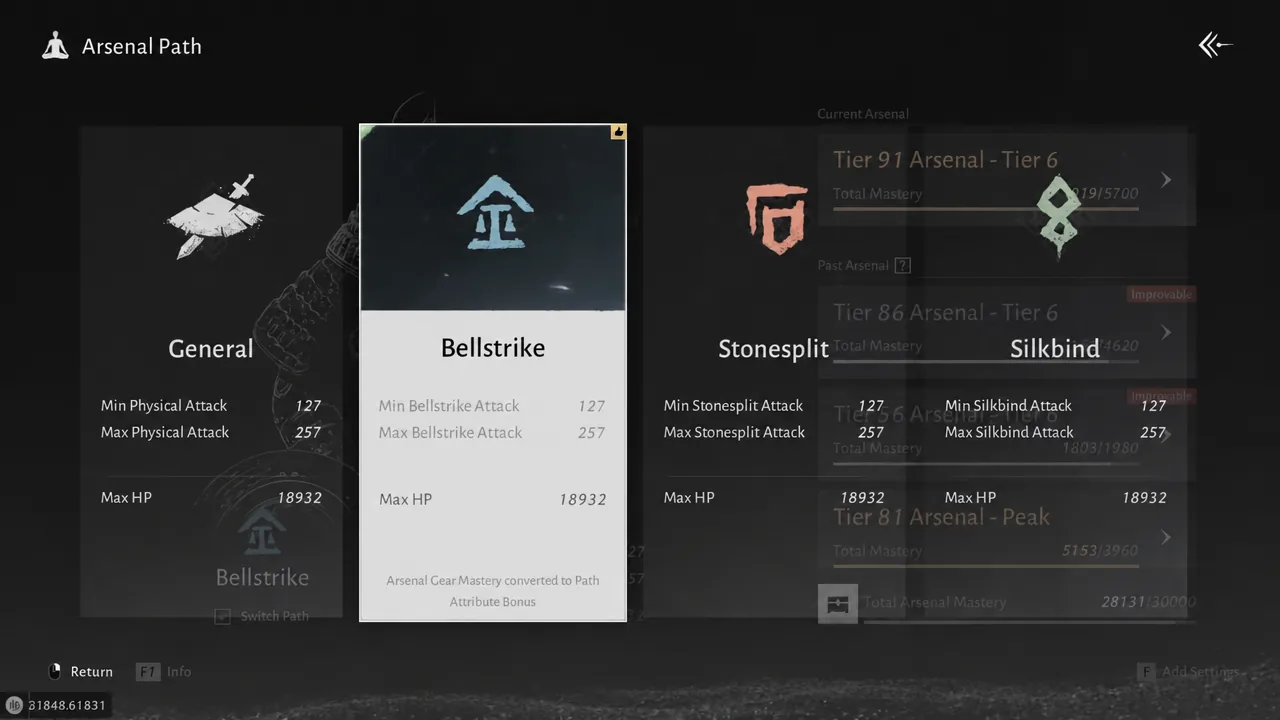
There are five paths to switch between. General raises Minimum and Maximum Physical Attack, while the other four raise the specific attack type tied to certain martial arts. Each weapon’s martial art belongs to one style, so only the matching path amplifies that weapon’s damage at full strength.
| Path | Boosts | Best for |
|---|---|---|
| General | Min/Max Physical Attack | Two weapons of different styles |
| Bellstrike | Min/Max Bellstrike Attack | Bellstrike weapons (e.g. Nameless Sword, Nameless Spear) |
| Stonesplit | Min/Max Stonesplit Attack | Stonesplit weapons |
| Silkbind | Min/Max Silkbind Attack | Silk Binding weapons |
| Bamboocut | Min/Max Bamboocut Attack | Bamboocut weapons (e.g. Infernal Twinblades, Mortal Rope Dart) |
Every path also gives the same Max HP bonus, so survivability does not change with your choice. Only the attack scaling does.
Why the path cards all look identical
Switching between paths shows the same figures, such as Min Physical Attack 127, Max Physical Attack 257, and Max HP 18932. Those are base values, not the final result. When a matching path reaches a weapon of its style, it applies a stronger multiplier than General would. Stacking two matching sources multiplies together, which beats a single flat boost, so a specialized path on a matching build comes out ahead.
To see the difference, swap the path and then open your weapon’s martial art page. The listed damage moves up or down by a few points depending on whether the path matches. Switching a specialized build to General lowers Martial Mastery by roughly 500 points.
Match the path to your weapons’ martial art
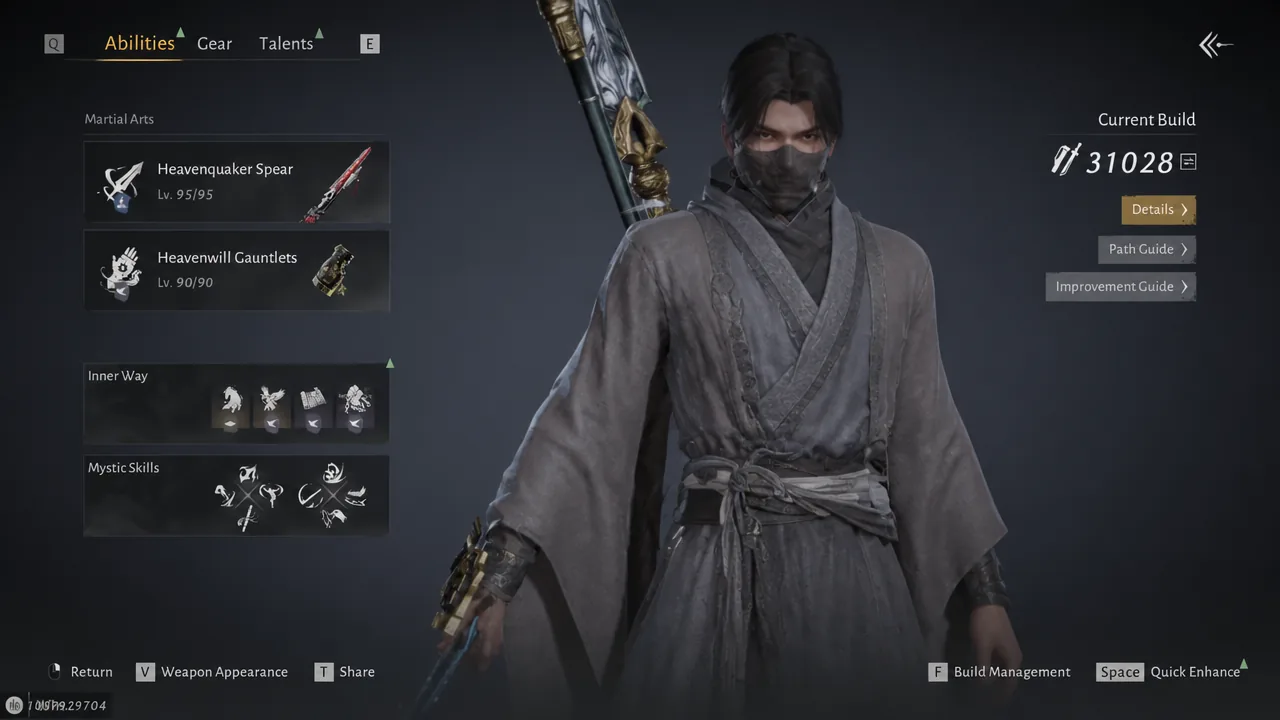
Each martial art style follows one path. The Nameless Sword and Nameless Spear are Bellstrike, while the Infernal Twinblades and Mortal Rope Dart are Bamboocut. A Bellstrike path raises the first pair’s damage but does nothing extra for the second.
Some weapon talents only fire when the path matches. The Heavenwell Gauntlets carry a Bamboocut Attribute UP talent where Bamboocut Attack deals 50% bonus damage. That bonus needs the Bamboocut path to activate, which is a large payoff you lose entirely on the wrong path.
Note: The path is set for the whole Arsenal, not per weapon. It is all or nothing, so if your two weapons use different styles you cannot cover both at full strength. In that case General keeps a physical attack boost on both, just at a lower level than a matching specialized path.
How to change your Arsenal Path
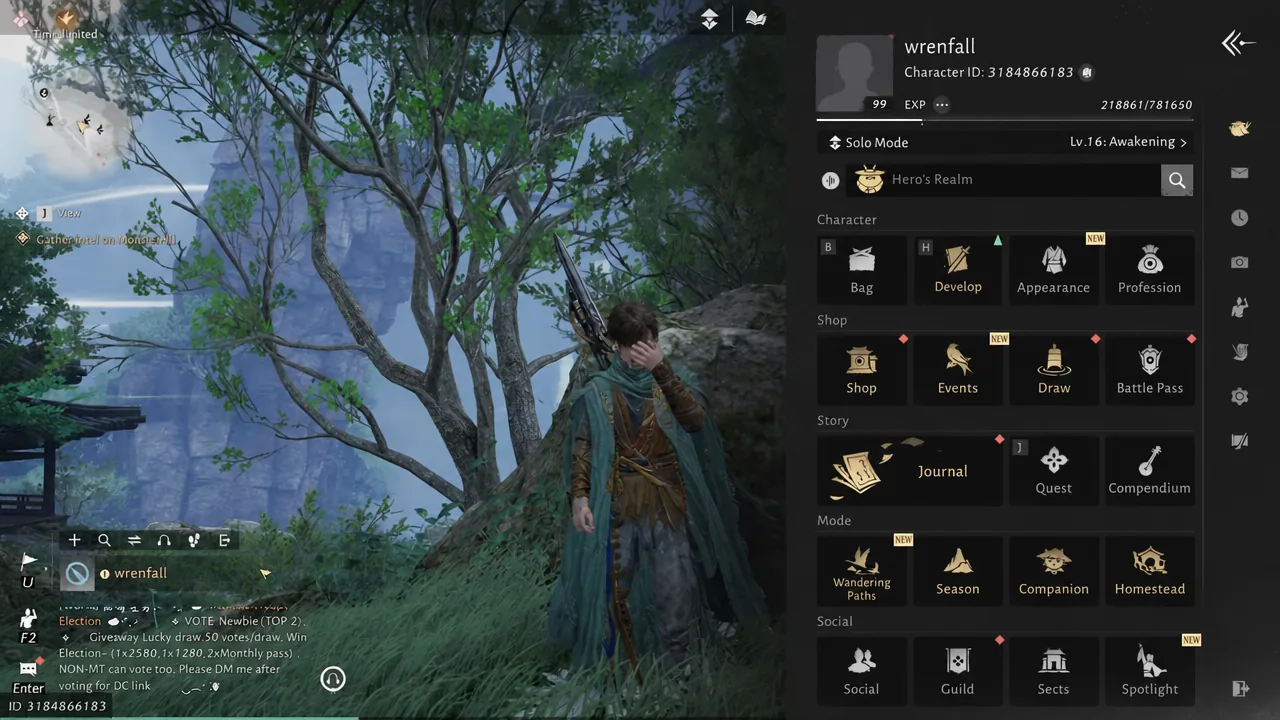
You will know it worked when the chosen path is set as active and your weapon’s martial art page shows the adjusted damage number.
Deposit old gear to raise Total Arsenal Mastery
Storing old, unused gear in the Arsenal raises your Total Arsenal Mastery. Each item adds a Mastery value based on its level and quality, and higher Mastery pieces push the score up faster. Hitting Mastery milestones unlocks rewards, including Lingering Melodies used for cosmetic draws.
Deposited gear is not destroyed. It leaves your bag to free up space and returns exactly as it was if you pull it back out, so you can still use it later for Tuning or recycling. To raise a stalled Arsenal score, replace a low-Mastery slot with a better piece rather than adding more of the same.
Set the path once your final weapon pair is locked in, then feed the Arsenal your best leftover gear. A matching specialized path plus a stocked Arsenal gives the highest Martial Mastery a given build can reach.