A full bag in Where Winds Meet stops being an annoyance and starts being a problem fast, because loot keeps arriving whether you have room for it or not. The fix is recycling, and it lives inside the Bag rather than in a separate settings menu. Better still, most of what you throw away comes back as currency you can actually spend.
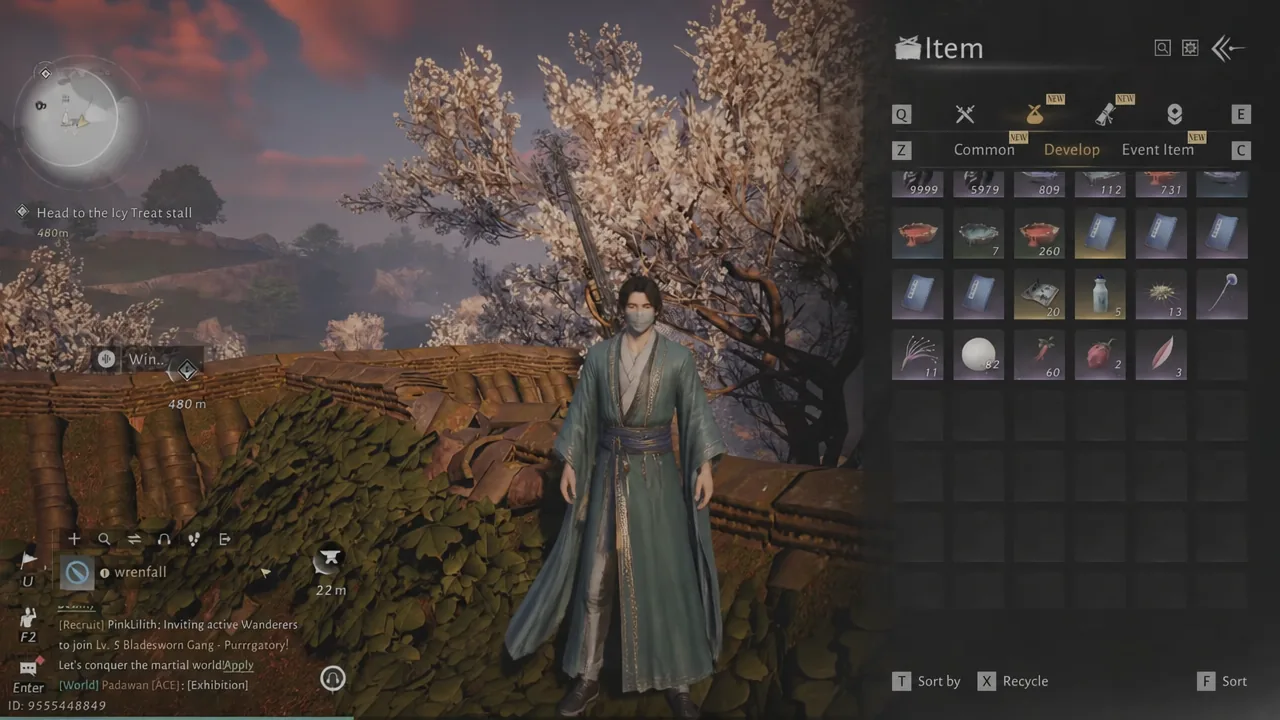
Quick answer: Open the character menu, select Bag, go to the Develop or Item tab, click Recycle at the bottom of the screen, unlock anything showing a lock icon, then select the items and confirm.
How to recycle items and free up bag space
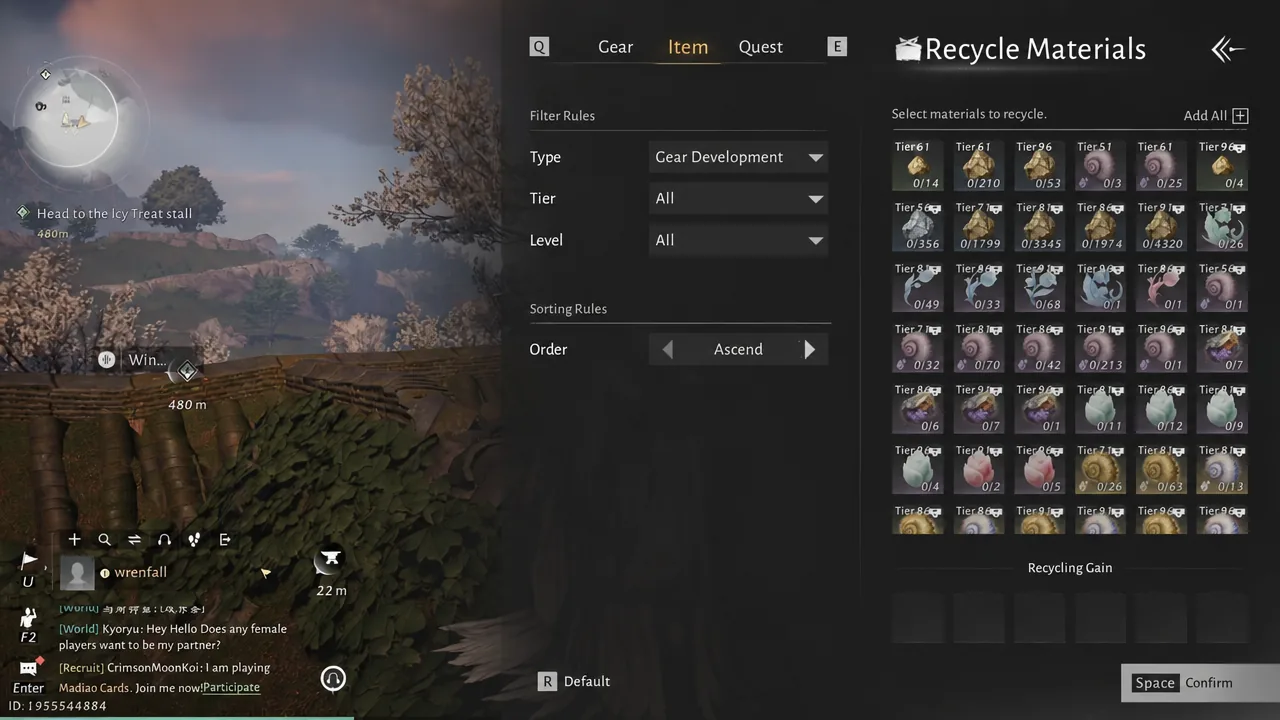
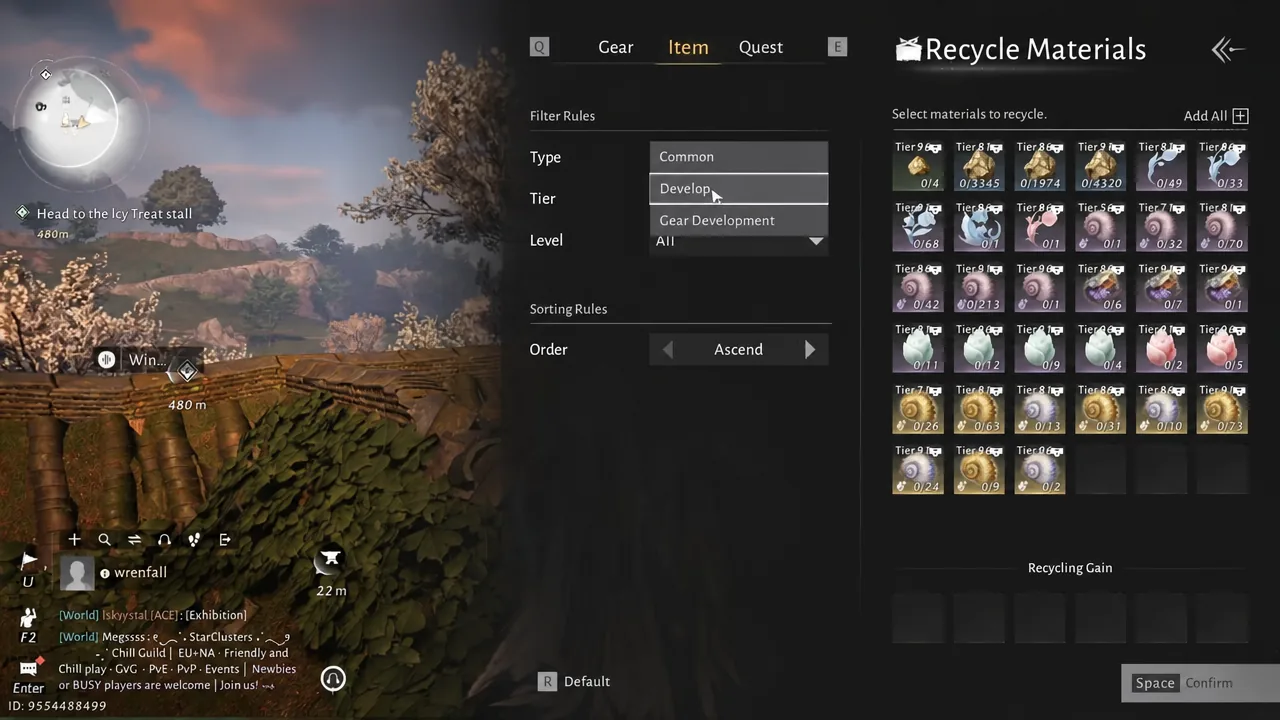
Unlock locked items before they can be recycled
Locked items are the single most common reason a bag stays full after a recycling pass. The game protects a lot of gear and materials by default, and locked entries simply will not be picked up by a bulk selection no matter how many times you click them.
To unlock one, click the item to open its detail card, then click the lock icon in the top-right corner of that card. The icon flips state, and the item becomes selectable on the recycling screen. Lower-tier tuning stones such as Small Tuning Stone: Mirage or Small Tuning Stone: Cold Inlay are usually the ones sitting locked and forgotten.
Note: unlocking is deliberate friction, not a bug. Work through the low-rarity leftovers first and leave anything you might still slot into a build locked.
What each recycle category clears
The cleanup screens are split by what the clutter actually is, and knowing which filter does what saves you from scrolling through hundreds of entries. Here is how the categories break down.
| Category | What it clears out |
|---|---|
| Item — Develop | Gear development materials such as tuning stones and attunement stones, plus Notes |
| Item — Common | Expired consumables, including old Sweep Talismans and pills |
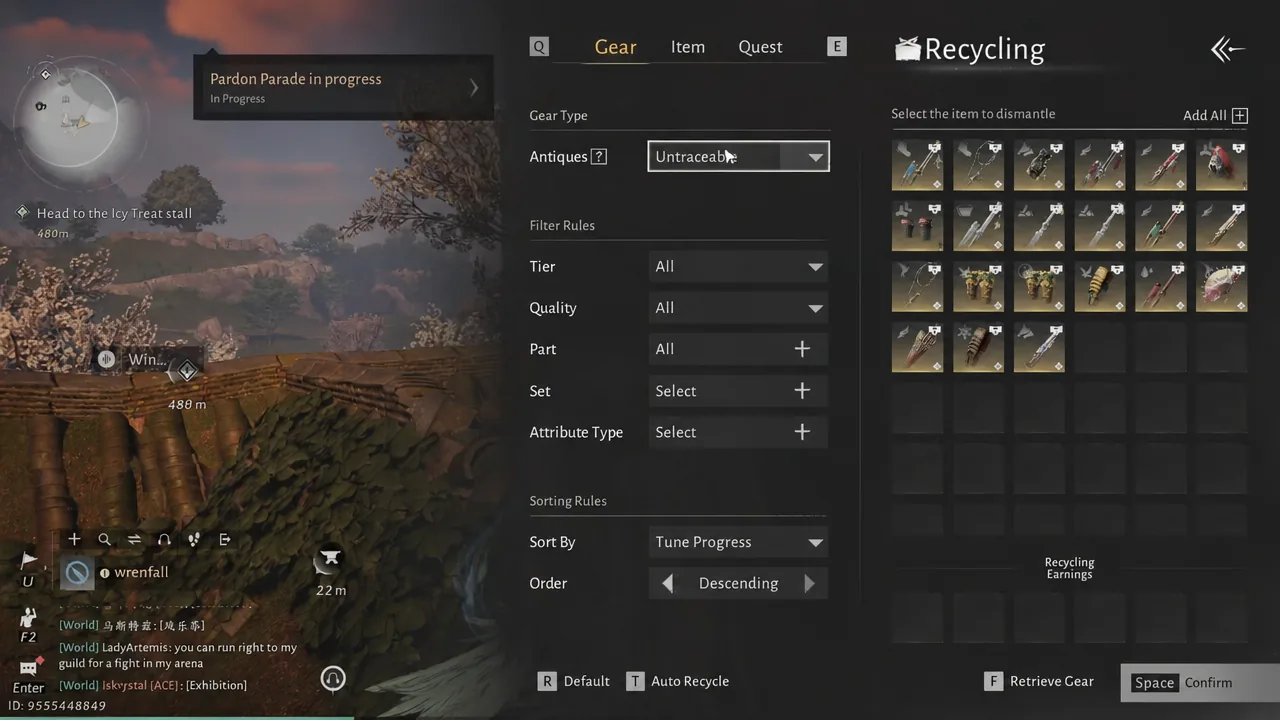
| Gear | Untraceable and traceable gear pieces you have outgrown |
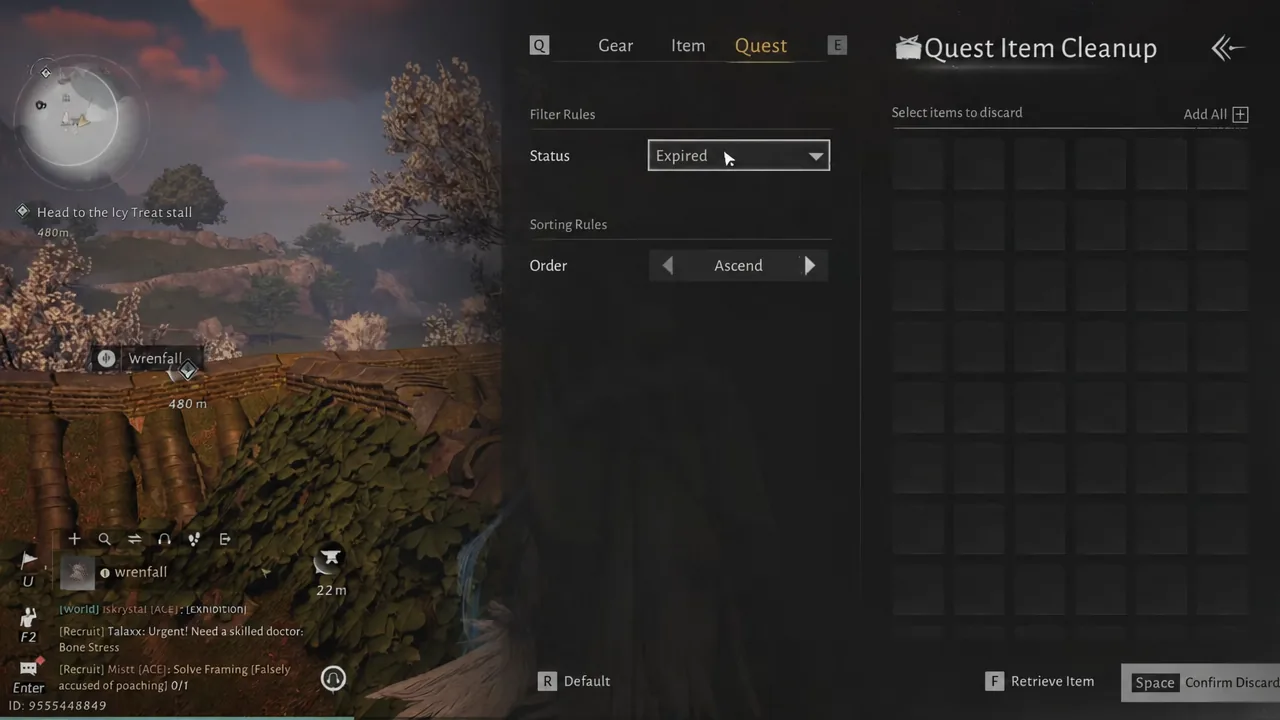
| Quest | Expired quest items and books that can be moved to Book Collection |
On the Gear tab, the Gear Type field decides which pool you are looking at. Set it to Untraceable to strip out pieces you cannot recover, or switch to traceable gear when you want to clear equipment that still has development history attached.
Quest Item Cleanup works the same way, except the useful control is the Status dropdown. Set it to Expired and you get a list of quest items that can no longer be used for anything, which is the safest batch to remove. This menu can be inconsistent, so if a selection does not register, back out and open the tab again before assuming the items are stuck.
Some items should be used, not recycled
Not every stack in a bloated bag deserves the recycle bin. Medicine arts and similar consumables can be used straight from the Bag, which clears the slot and gives you the actual benefit instead of a fraction of it back in currency. Exuberance Pills are a typical example of something worth burning through rather than dumping.
Gear Echoes are the other case. You can spend them directly from the bag, so a pile of Gear Echo: Vanguard is better converted into rewards than deleted. Check the Develop tab for anything sitting on a large quantity before you start selecting.
Where to spend Trace Jade and Gear Echoes
Recycling gear development materials pays out in Trace Jade, and that currency is the reason a cleanup pass is worth doing even when you are not desperate for space. Both of the main currencies you accumulate have a dedicated storefront.
| Currency | Where to spend it | What it buys |
|---|---|---|
| Trace Jade | Season Catch-up shop | Coins, gear catch-up chests, general resources |
| Gear Echoes | Legendary Store | High-tier gear chests and tuning stones |
Both shops are reachable from the Shop menu. Because the Season Catch-up shop is aimed at pulling your gear level up, spending Trace Jade there tends to be more useful than hoarding it.
If your bag is still full after recycling
There are only a few reasons a cleanup pass leaves you no better off, and all of them are checkable in under a minute.
- Items are still locked, so bulk selection skipped them entirely.
- The Type or Status filter is hiding the bulk of the clutter on another category.
- You cleared one tab but never checked Gear, Common, or Quest Item Cleanup.
- Books were left in place rather than moved into Book Collection.
Once the confirmation goes through, the item counter on the Bag screen drops and the cleared entries no longer appear in their tab. Run the pass across all four categories every few play sessions and storage stops being something you think about, especially during periods when strongholds and world activities are dropping gear faster than you can equip it.