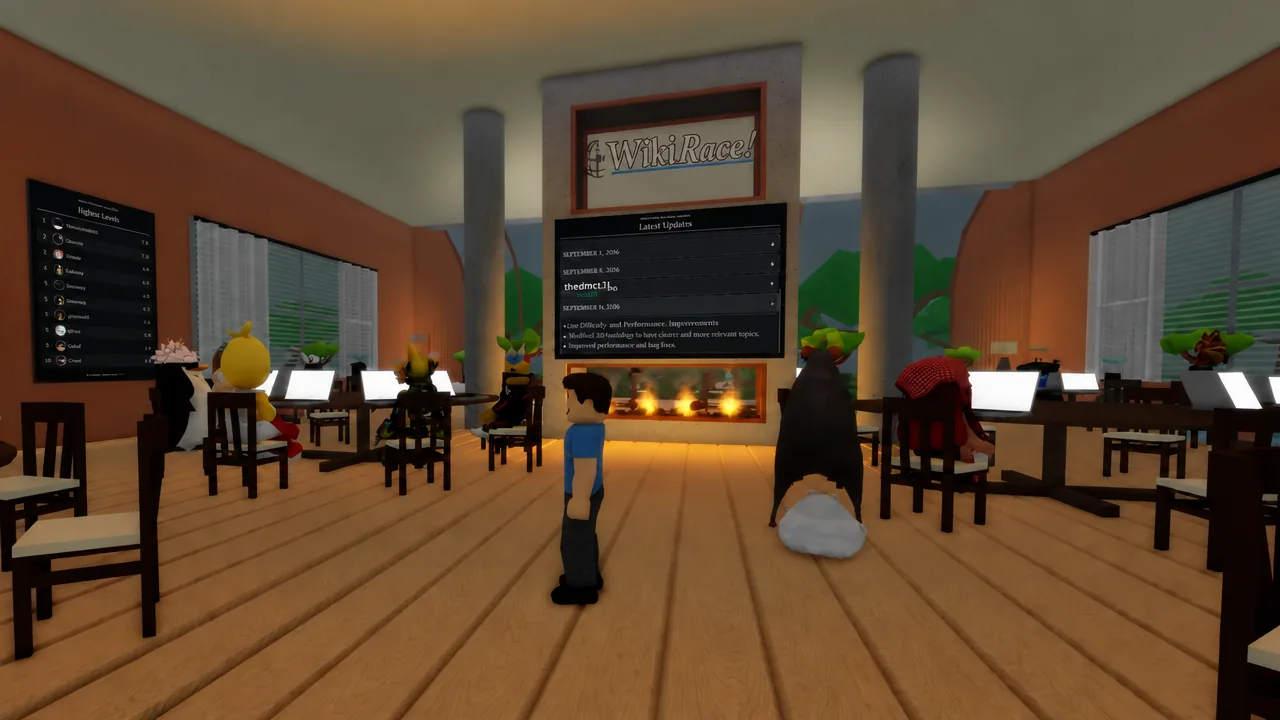
WikiRace drops you into a server of up to 70 players, hands everyone the same two article titles, and starts the clock. You sit at a desk, open the in-game laptop, and click blue links until you land on the target. There is no search bar and no shortcut. Winning comes down to picking the right link, noticing fast when you picked the wrong one, and reversing before the timer eats your lead.
Quick answer: Click toward broad hub articles (a country, a continent, an industry, a field of study) rather than niche ones, check the three-dot warmth meter after every click, and hit the back arrows in the top left the instant the dots drop instead of clicking deeper.
How a WikiRace round starts and what a win pays
Movement uses WASD, jumping is the spacebar, and E interacts. Walk to any empty seat in the cafe lobby, press E, and the laptop screen takes over. From there the mouse is the only control that matters.
Each round assigns a starting article and a target article. The links inside each page are in-game recreations of real encyclopedia articles, so they behave like the real thing without touching the internet. Reach the target and you earn Coins and XP. Fall short and you still earn XP scaled to how close you got, which means a dead run is worth finishing rather than idling.
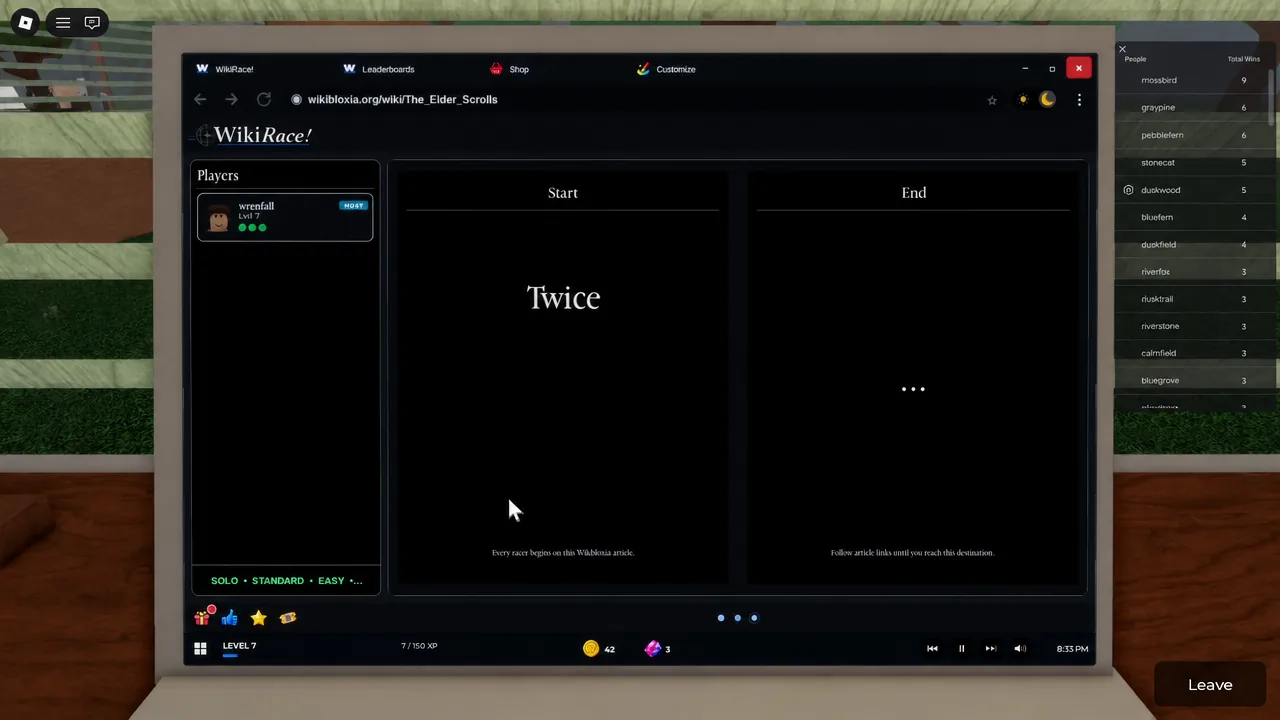
Read the warmth meter after every single click
The warmth meter is the only feedback the game gives you mid-race. It sits in the top right corner and on the left-hand panel, and it uses three dots to show how close the current article is to the target.
| Dots filled | State | What to do |
|---|---|---|
| 1 | Cold | You are off-route. Go back rather than clicking further. |
| 2 | Warm | Reasonable direction. Look for a link that narrows the topic. |
| 3 | Hot | The target is likely one or two clicks away. Scan the page body carefully. |
Treat the meter as a yes/no check on your last decision, not a score. Beginners lose most of their time by clicking three or four pages deep while cold, because every extra click makes the way back longer.
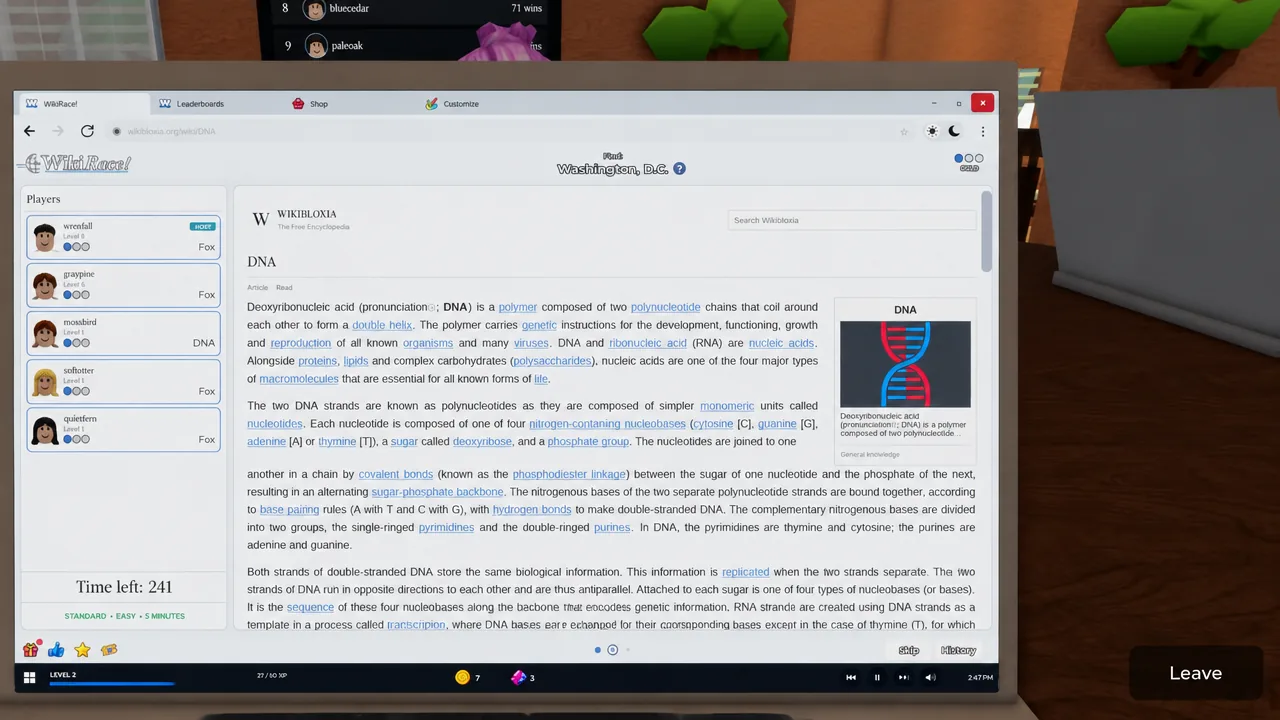
Backtrack early using the arrow buttons
The arrows in the top left of the laptop step you back through pages you already visited. If the warmth drops after a click, the correct move is almost always one press of back, then a different link from the same page.
Backtracking costs seconds. Digging further into a cold branch costs the round. When a start article genuinely shares nothing with the target, skipping is the honest call rather than burning the full timer.
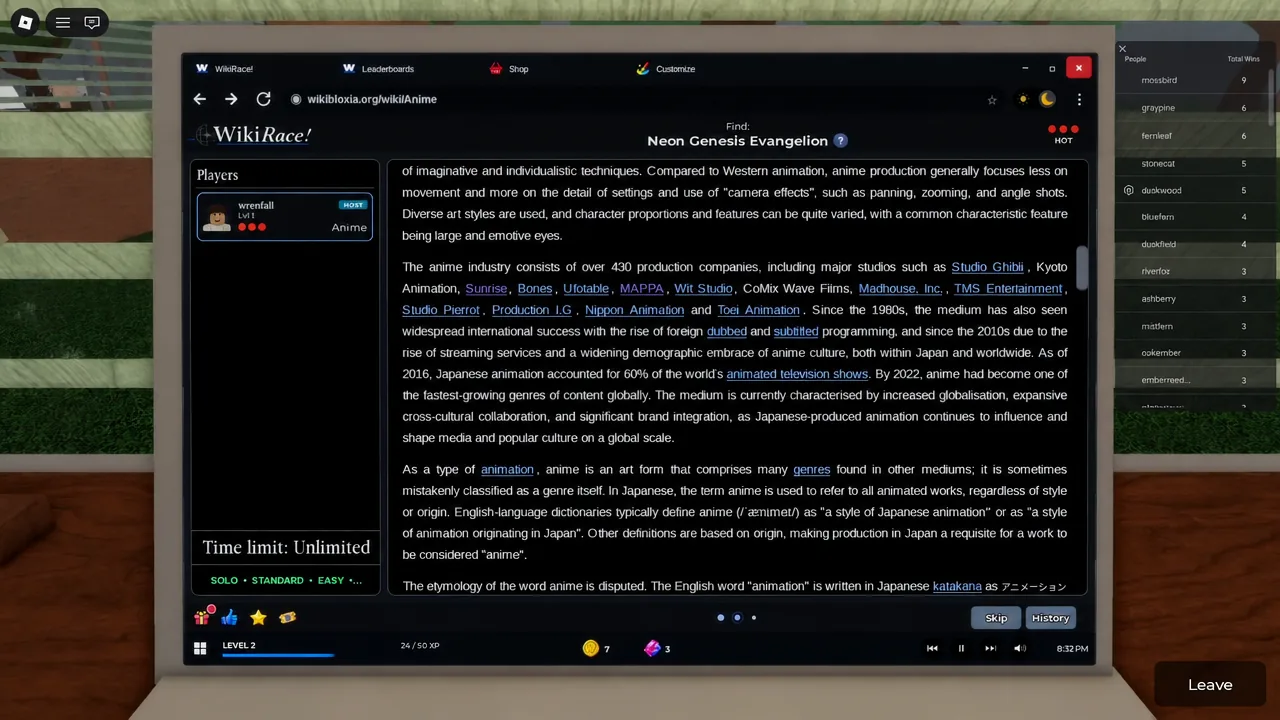
Route through hub articles instead of niche ones
You do not need deep trivia knowledge. You need to spot the category that both articles belong to. The tutorial run makes this explicit by sending you from Cat to Solar System, where the clean answer is to reach Earth first and click through from there.
The same pattern carries into real rounds. A run from Fox toward Washington, D.C. goes through geography, not zoology. A run from North America toward an anime series goes through continent, then country, then the medium itself. Broad pages carry far more outbound links, so they act as junctions.
The optimal path in a round is usually about five clicks. Finding that exact chain live is rare, so aim for the general direction and accept a slightly longer route that keeps the warmth rising.
Tip: read the first paragraph of each article before scrolling. Opening lines are dense with category links like country, genre, company, or era, and one of them is often the junction you want.
Study the best route on the post-round screen
When a round ends, the leaderboard appears alongside the game’s own best route for that pairing. Comparing it to your own click history is the fastest way to improve, because it shows exactly which junction article you walked past.
Over a few sessions you start recognising repeat junctions. Large countries, major cities, broad genres, and well-known companies show up again and again as the hinge between unrelated topics.
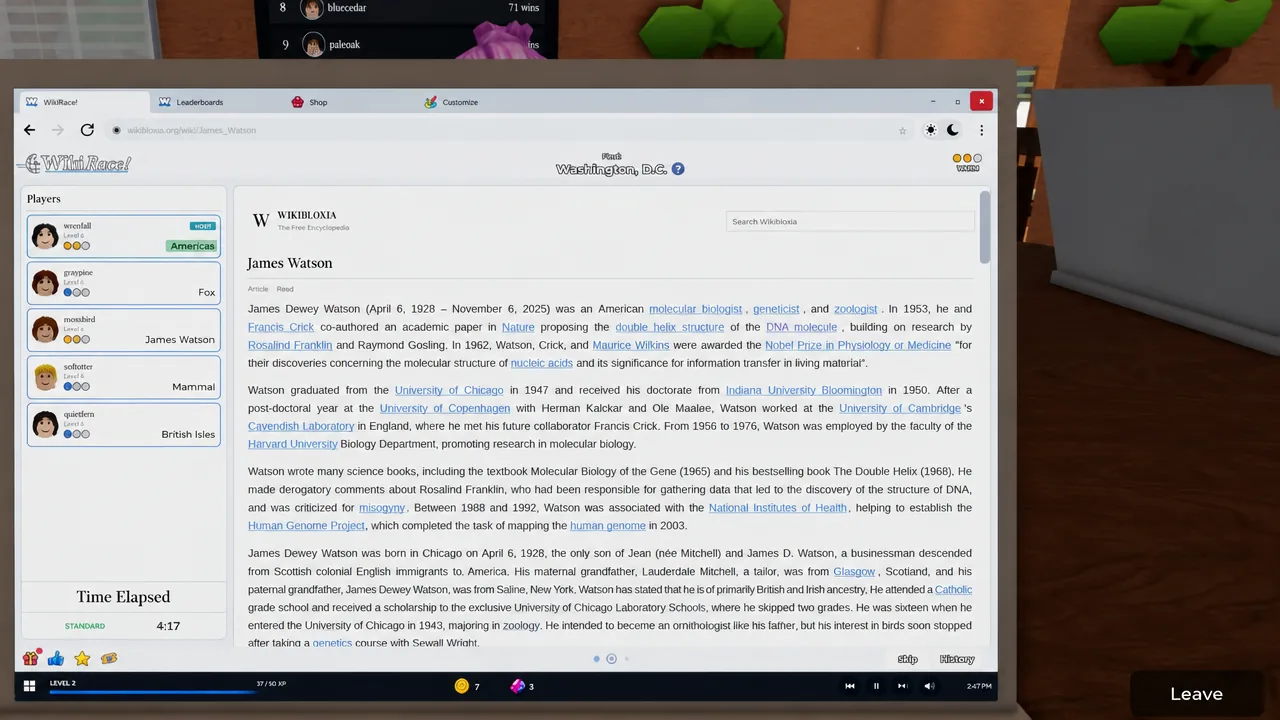
Difficulty and timer settings that favour new players
The host controls both difficulty and the clock. Difficulty is set to Easy, Medium, or Hard, and it decides how obscure the connection between the two articles is. The timer runs from three minutes up to unlimited.
If you are learning, host your own lobby on Easy with a long or unlimited timer. That removes clock panic and lets you practise reading the warmth meter properly. Tighten the timer once your routes stop wandering.
Which mode to race in
| Mode | How it works | Best for |
|---|---|---|
| Standard | A three-round race against the lobby. | Learning routes at a normal pace. |
| Last Man Standing | Elimination rounds; the win goes to the last player seated. | Players comfortable under pressure. |
| Topic Toss | Two random players pick the start and target articles. | Unpredictable pairings and wider practice. |
| Chaos | Three rounds with sabotage between players enabled. | Group sessions, not skill building. |
Standard is the mode to spend your first hours in. Chaos is fun, but interference makes it a poor place to judge whether your routing is actually improving.
Practise alone in the quiet room
The lobby includes a quiet room with individual computer stations. Sit at one and you can start Solo Mode, set Easy difficulty and an unlimited timer, and work through pairings without anyone racing you.
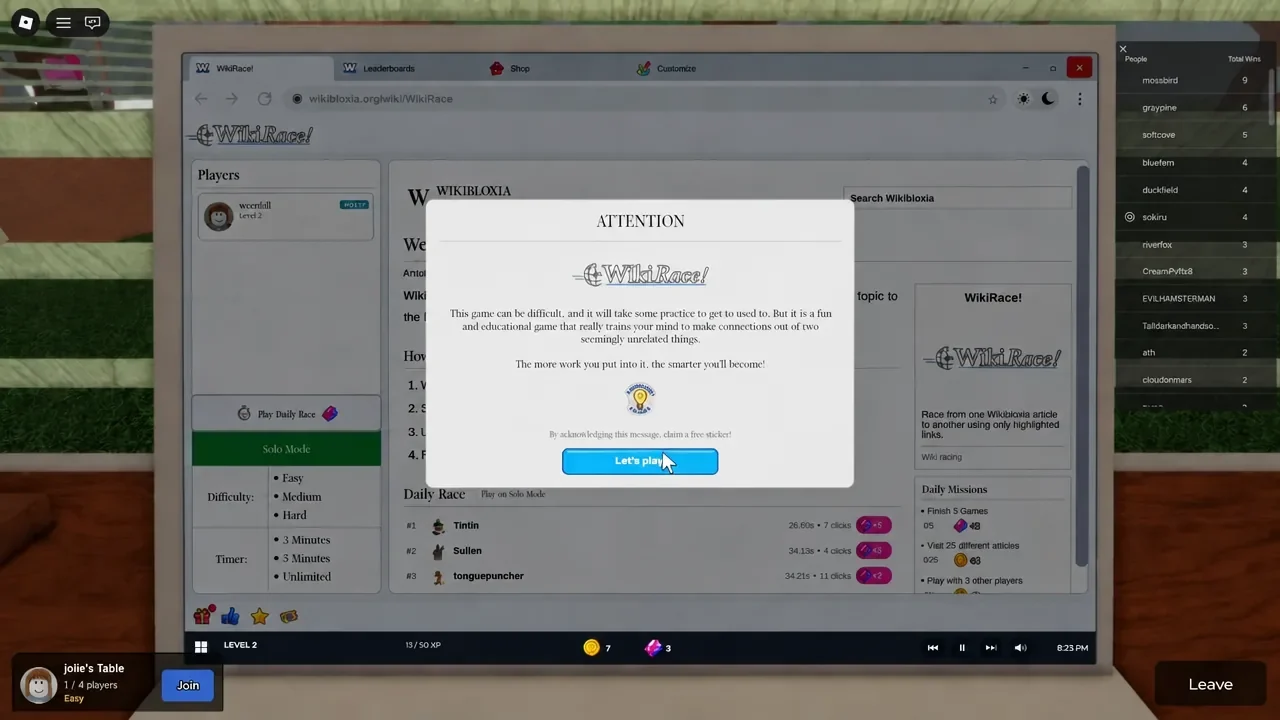
You will know a route is landing when the third dot fills and the target link appears in the body text of the page you are on. Coins earned from rounds and Gems earned from daily missions go toward laptops, cursors, themes, and other cosmetics, none of which change how fast you navigate.
Speed in WikiRace is mostly discipline. Zoom out to a hub article, confirm the meter, back out the moment it cools, and check the best route afterwards. Do that consistently and five-click runs stop feeling like luck.