Update: We found 1 new Zombie: HyperLoot code on May 03, 2026 and added it to the list. We also removed expired codes.
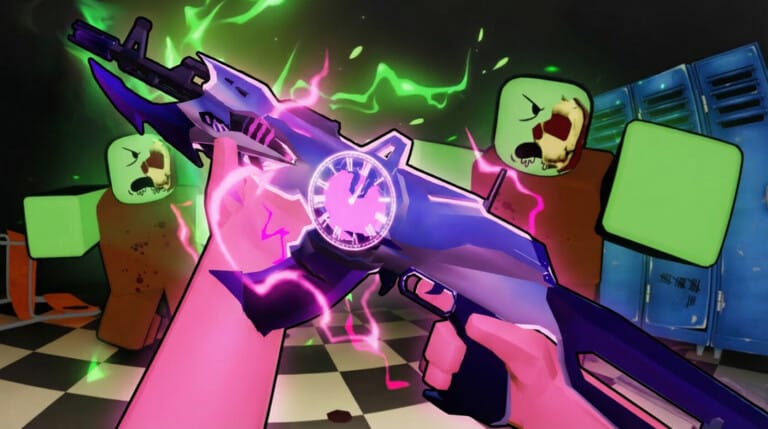
Zombie: HyperLoot codes give free Gems, currency, and seasonal gift items through the in-game Code menu. The list below focuses only on codes that are currently working.
Zombie: HyperLoot working codes
HALLOWEENNEW — 1,000 GemsDAY7— 5,000 GemsDAY6— 5,000 GemsDAY5— 5,000 GemsDAY4— 5,000 GemsDAY3— 5,000 GemsDAY2— 5,000 GemsDAY1— 5,000 GemsNEXTUPD124— 5,000 Gems and 5,000 CoinsNEWYEAR— 10 Santa Claus Gifts and 30 Christmas Gift BoxesUPD1212— 1,000 GemsCHRISTMAS— 10,000 GoldRAID1212— 1,000 GemsUAV— 1,000 GemsALPHA— 10,000 Gold
No expired codes are currently listed.
How to redeem Zombie: HyperLoot codes
What Zombie: HyperLoot codes unlock
Most of the current codes pay out Gems, which are used for higher-value upgrades and summons. The biggest immediate Gem boost comes from the DAY1 through DAY7 set, along with NEXTUPD124.
Some codes also add regular currency for steady progression, while seasonal codes can drop gift items such as Santa Claus Gifts and Christmas Gift Boxes. New codes usually appear around updates, events, and milestone drops, so the active list can change quickly.