+1 TNT Mining is a Roblox mining simulator built around one satisfying cycle: charge up your TNT, blow apart a chunk of the mine, scoop up the debris, and cash it in. The blocks you collect sell for Cash, and that Cash buys stronger TNT and stat upgrades so every explosion clears more ground than the last.
Quick answer: Raise your Damage by clicking or standing in the Training area, place and ignite a TNT block in the mine, walk over the shattered blocks to collect them, sell them at the Sell station for Cash, then spend that Cash on better TNT and upgrades. Perform Rebirths for permanent multipliers.
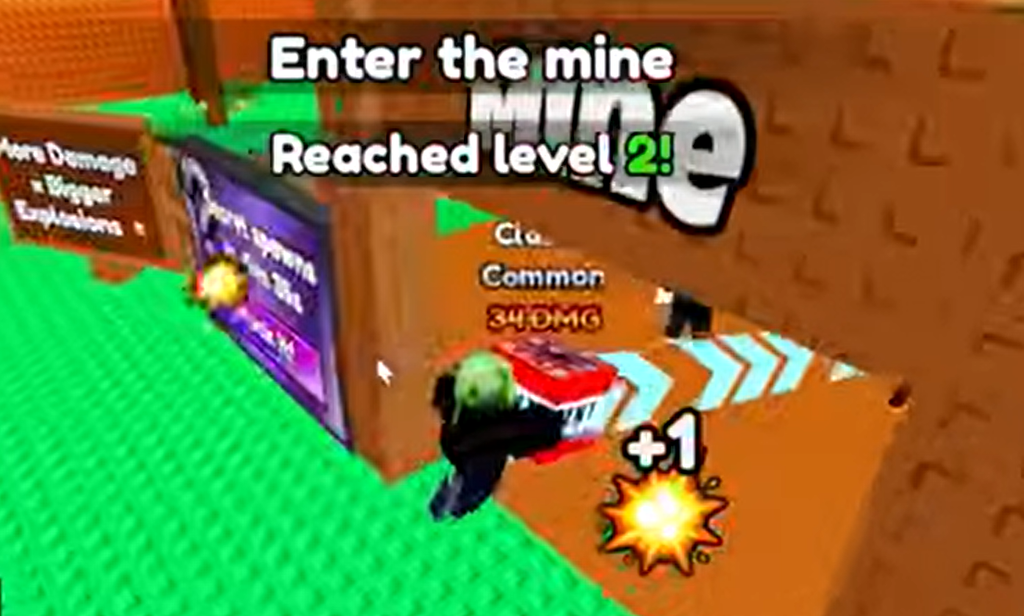
The core loop in +1 TNT Mining
The whole game runs on a training, mining, and upgrading rhythm. Damage is the stat that matters most because a higher Damage value means a larger explosion, and a larger explosion means more blocks per detonation. Any Damage you build up stays with you even if you switch to a different TNT block, so training is never wasted.
You will know a run paid off when your Cash total climbs at the Sell station. From there, the goal is simple: keep raising Damage, keep buying stronger TNT, and keep clearing larger sections of the mine per blast.
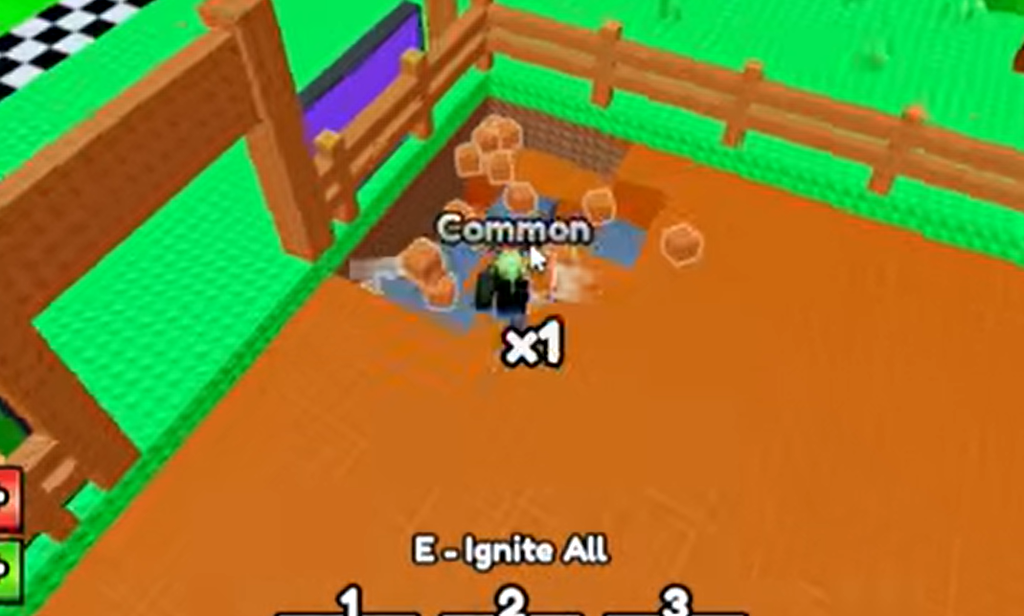
+1 TNT Mining controls
| Action | Input |
|---|---|
| Movement | W, S, A, D |
| Jump | Spacebar |
| Interact | E |
| Equip tool | Number keys (1-0) |
| Use tool | Left Mouse Button |
How to train Damage faster
There are two ways to raise Damage, and they work well together. Manual clicking is the faster of the two, but tapping the Left Mouse Button for minutes at a time gets tiring. The Training area solves that: stand near a highlighted spot and your Damage climbs on its own, no clicking required.
Pets push both methods further. Once equipped, a pet applies a passive multiplier to your training gain rate, so you earn more Damage per click. That multiplier also applies while you are parked in the automated Training area, so pets are useful no matter how you prefer to train.
Performing Rebirths unlocks additional training spots that carry higher multipliers, so your training speed keeps improving as you progress.
Buying stronger TNT blocks
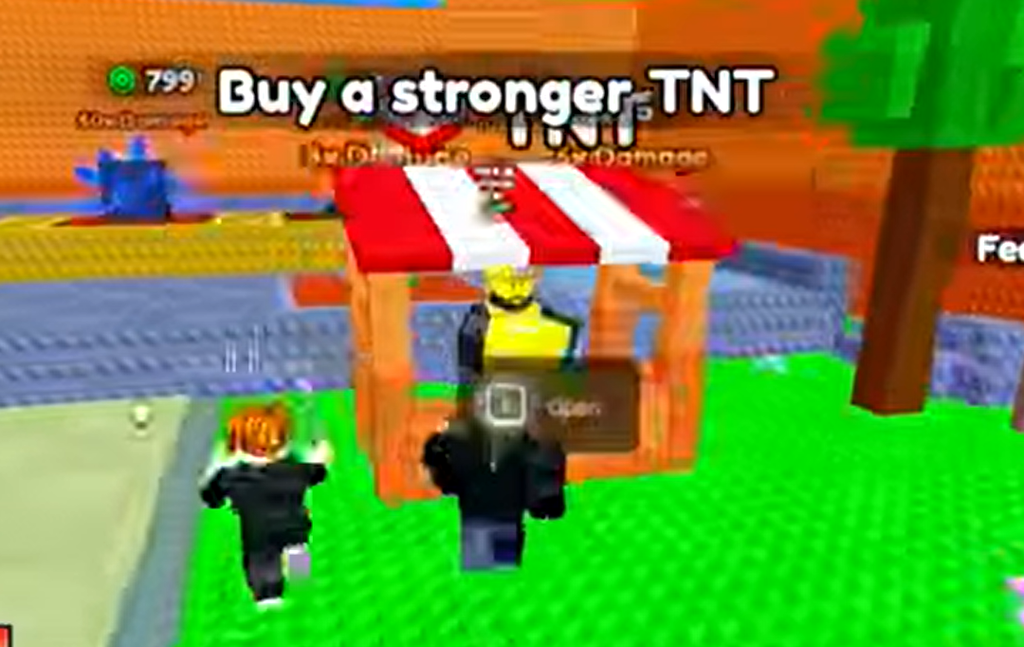
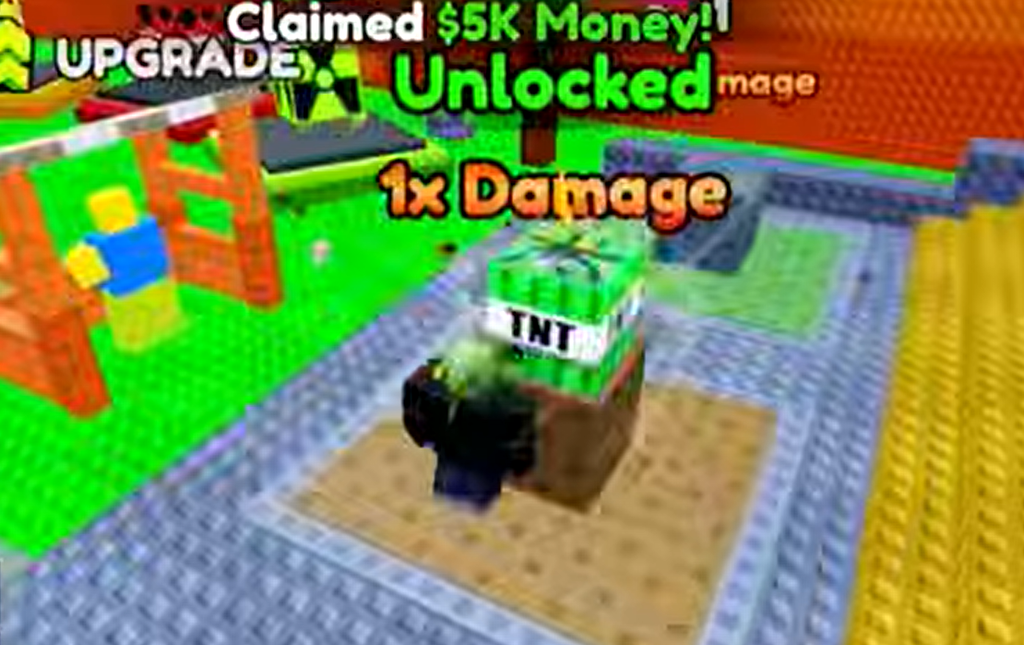
New TNT blocks come from the TNT shop, and each one has its own baseline Damage that stacks on top of whatever you have trained. The pricing creates a clear ladder: the more expensive blocks out-mine the cheaper ones by a wide margin, sometimes by orders of magnitude. As your Cash grows, you work your way up to the best TNT in the game.
Upgrades worth spending Cash on
The Upgrades station lets you spend Cash to sharpen the parts of mining that slow you down. Each upgrade targets a specific stat:
- TNT carry capacity, so you hold more blocks at once
- TNT placement limit, so you set off more per trip into the mine
- Movement speed, so you cover the mine and collect faster
- Block collection range, so you sweep up debris from farther away
Using Rebirth to keep progressing
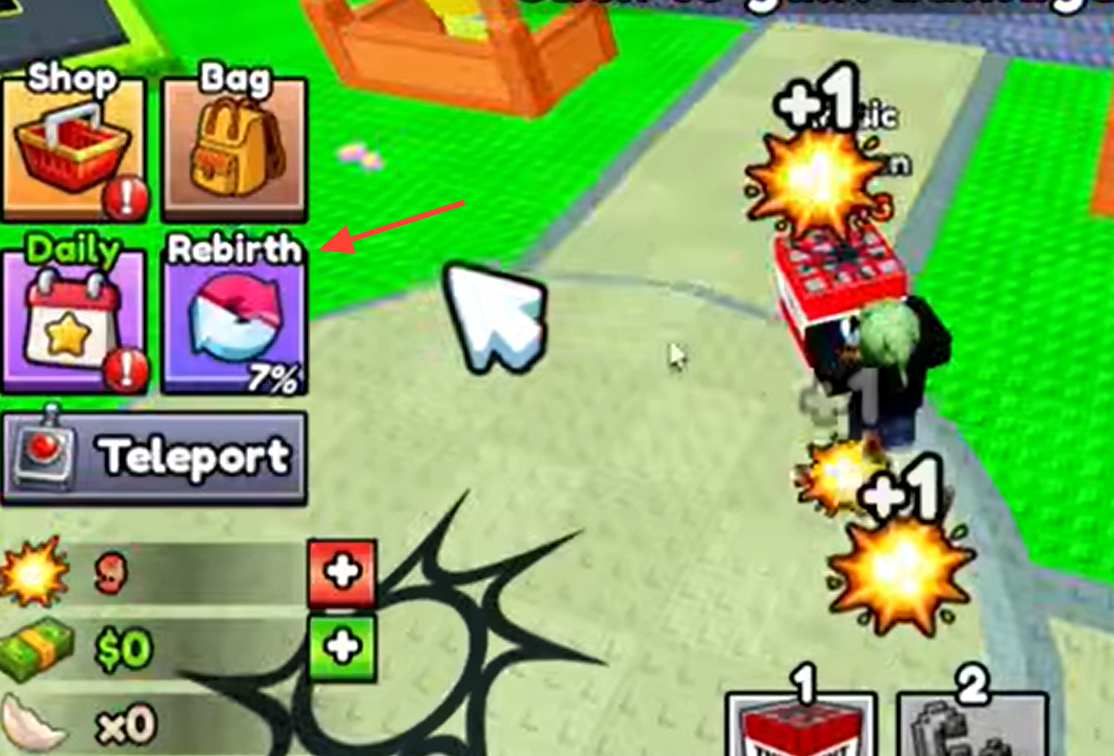
Rebirth is the long-term progression mechanic. Each Rebirth grants permanent multipliers to your Damage and your Cash earning rate, which is what keeps your growth from stalling. The trade-off is a reset: your Damage stat and levels drop back to 1. Because the multipliers are permanent and stack with everything else, rebuilding is faster each time, so the mechanic pushes your pace forward rather than holding it back.
Unlocking new mining areas
The game holds several additional areas behind Cash thresholds, and reaching each one opens up a fresh mine to blast through.
+1 TNT Mining is free to play from start to finish, so none of this progression depends on premium purchases. Keep the loop turning, train between runs, and let each Rebirth compound your power, and the mine will fall apart faster and faster the longer you play.