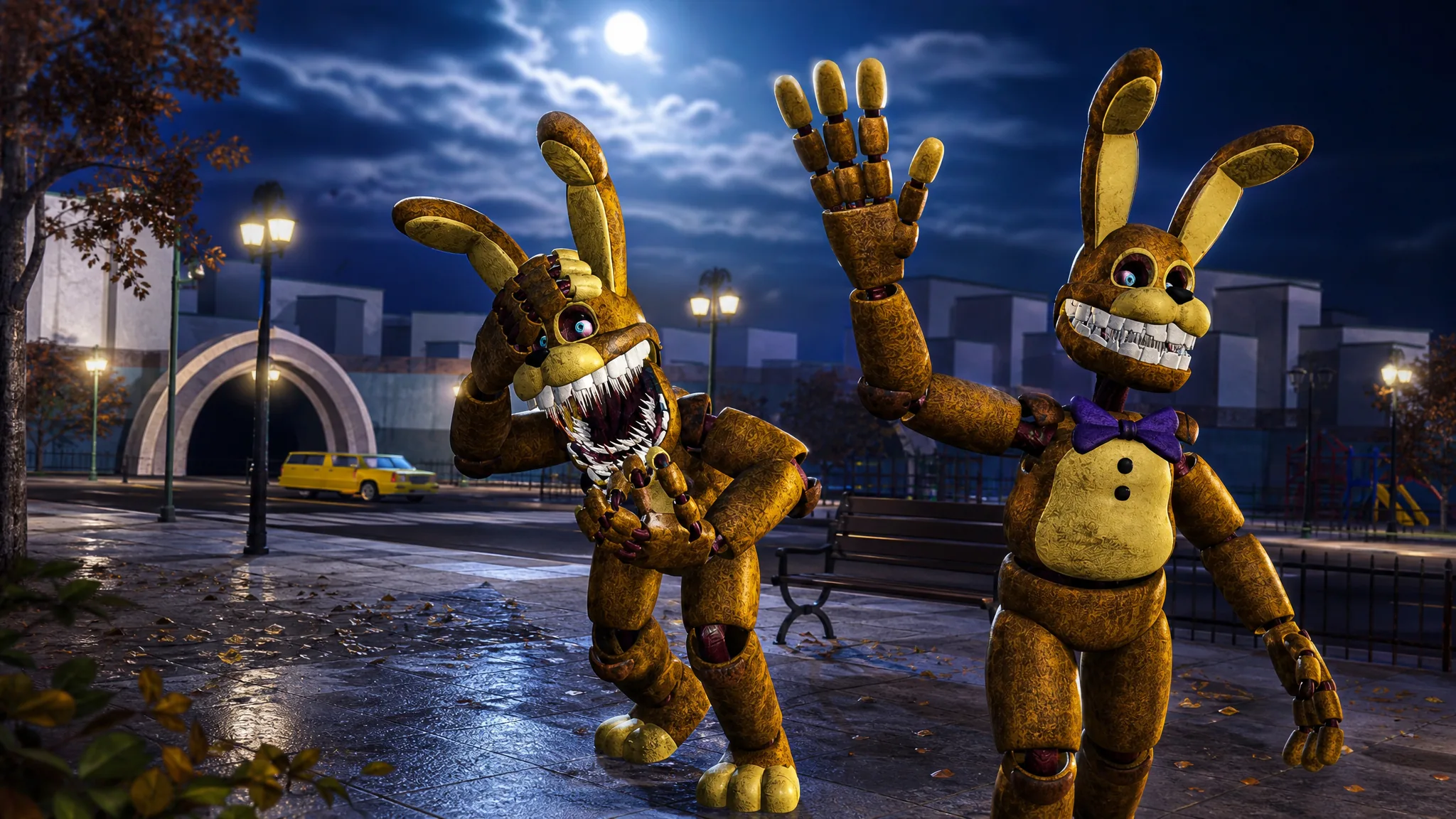
The Into the Pit Bonnie badge is a hidden reward in FNaF: Universe RP 2 that turns a normal pizzeria run into a short scavenger hunt. You start as a human, solve a button puzzle to reach a ball pit, teleport into a darker version of the map, enter a keypad code, and track down five colored balls to hand over to Pit Bonnie. Finishing the sequence awards the badge and adds Pit Bonnie to your playable roster.
Quick answer: Enter the pizzeria as a Human, open the gate with the wall buttons, use the ball pit to teleport, enter 1985 on the keypad, collect the pink, red, green, blue, and yellow balls, drop through the broken floor, and select Submit Balls on Pit Bonnie to earn the badge.
Before you start: pick the Human role
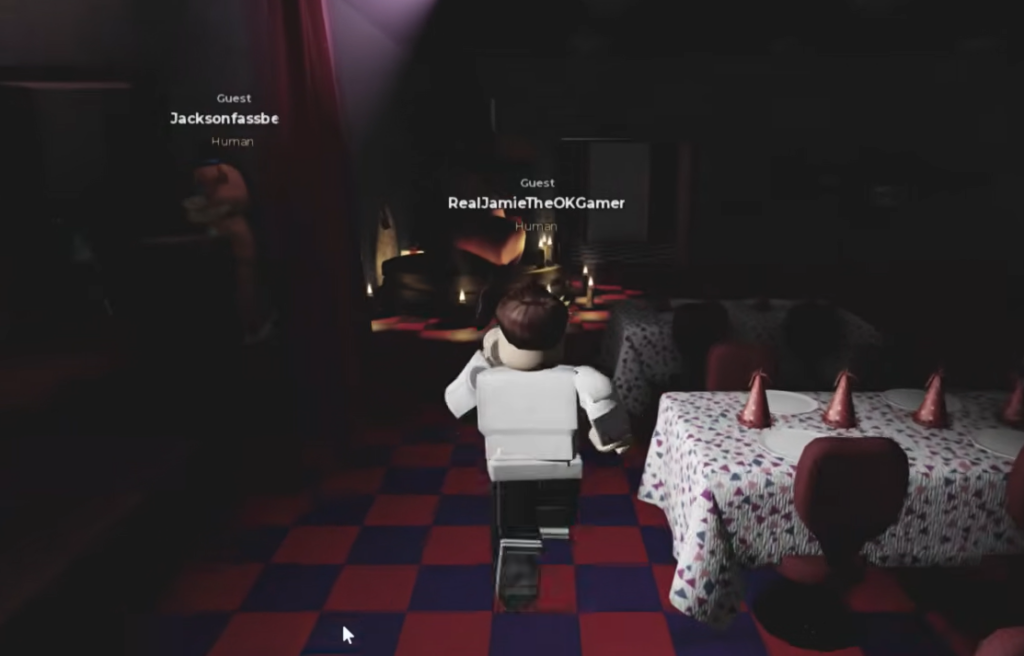
Launch FNaF: Universe RP 2 and choose Human at the role screen instead of Animatronic. The badge sequence begins outside the pizzeria as a human, so selecting the wrong role means you will not be able to trigger the puzzle. You do not need any tokens, codes, or purchases to complete the run.
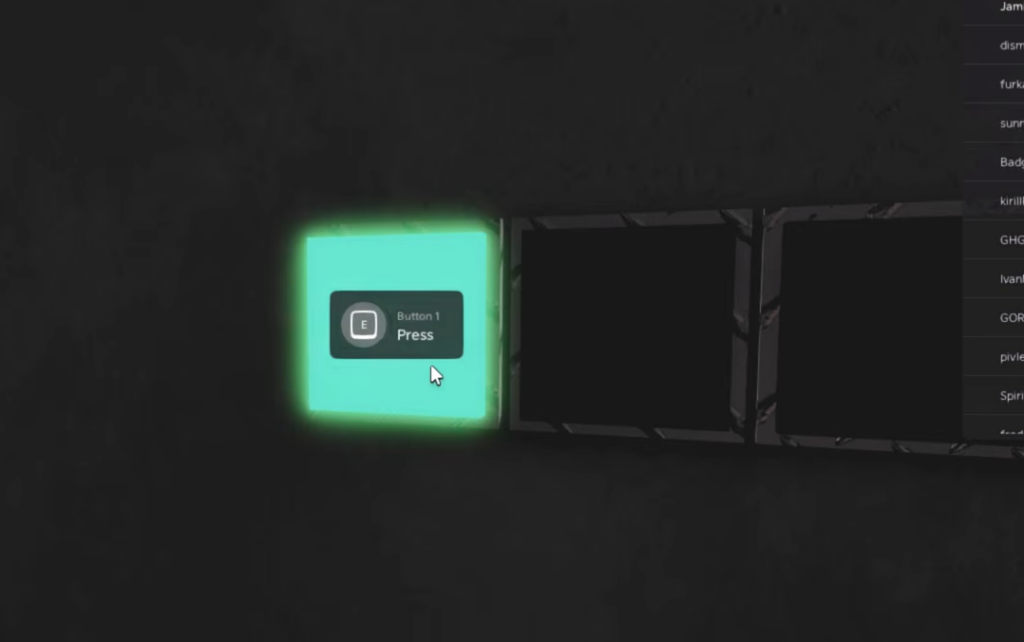
Open the gate to the ball pit
Enter the keypad code 1985
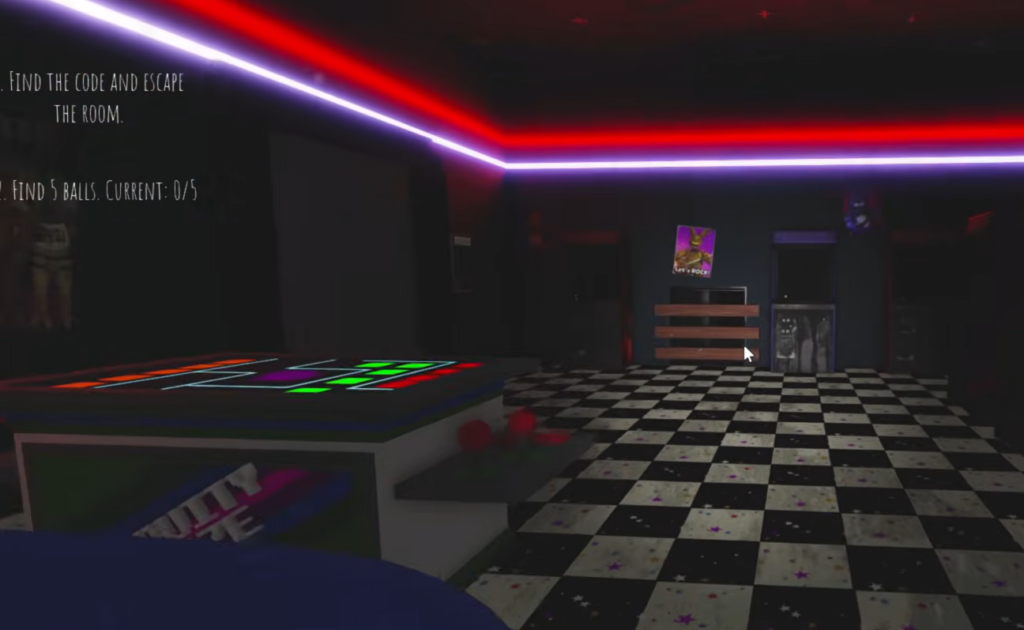
Once you arrive in the secret area, the on-screen objectives read FIND THE CODE AND ESCAPE THE ROOM, FIND 5 BALLS, and BRING THE BALLS TO “HIM”. The first room is locked, and the code you need is printed in plain sight.
1985. This unlocks the door and opens up the rest of the map so you can begin searching for the balls.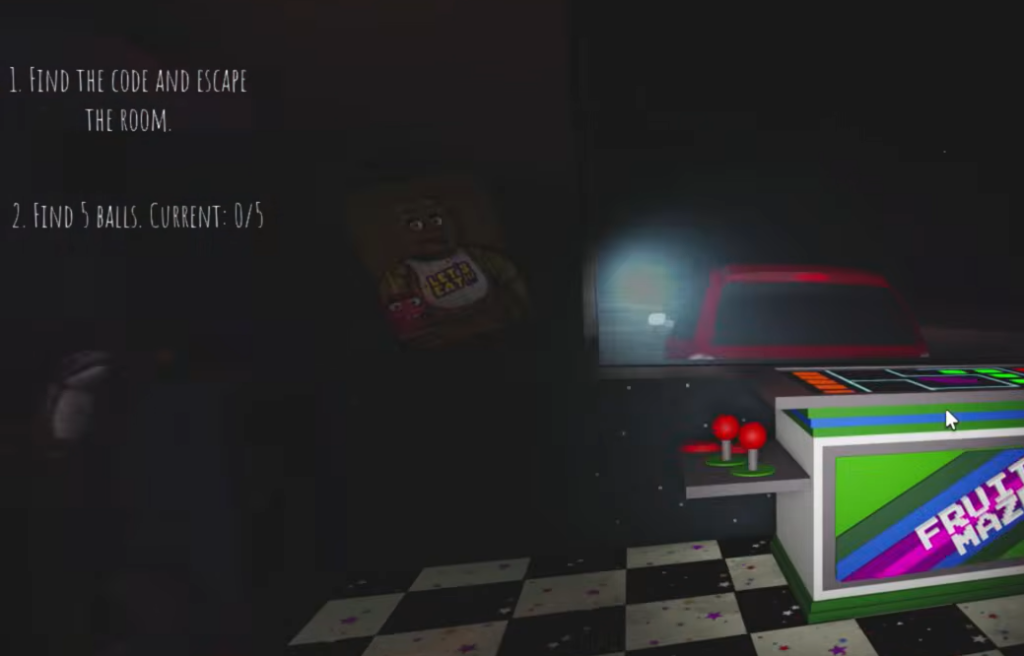
All five ball locations
Five colored balls are scattered across the secret map. Your counter shows CURRENT: 0/5 and ticks up each time you grab one. You need all five before Pit Bonnie will accept them.
| Ball | Where to find it |
|---|---|
| Pink | On the office floor |
| Red | Near the carousel |
| Green | On a nightstand in the cat room |
| Blue | Between two arcade cabinets |
| Yellow | Behind a stage speaker |
Submit the balls to Pit Bonnie
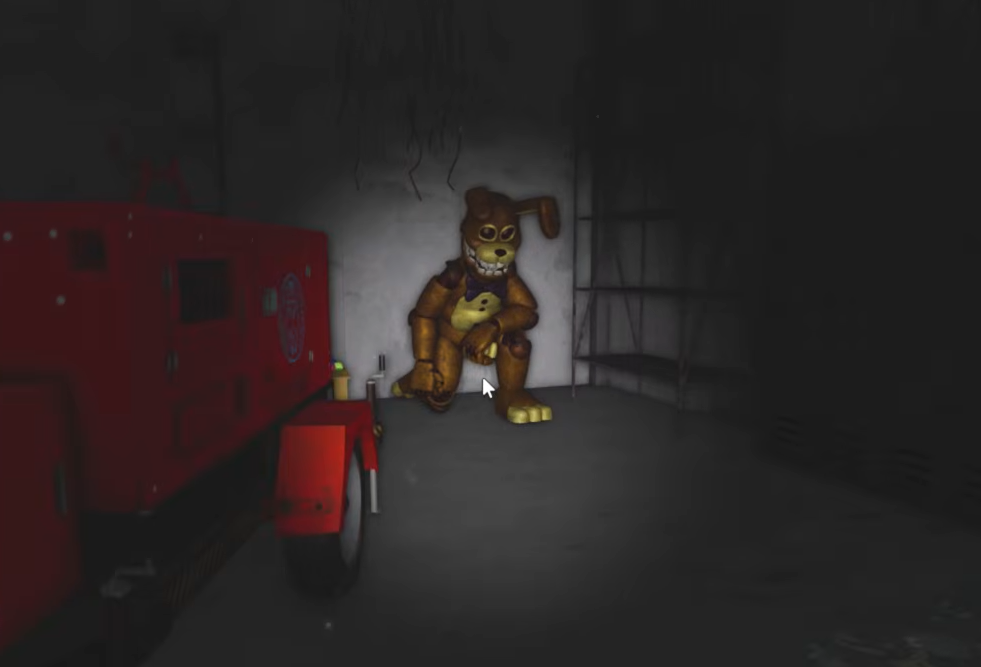
How to confirm the badge unlocked
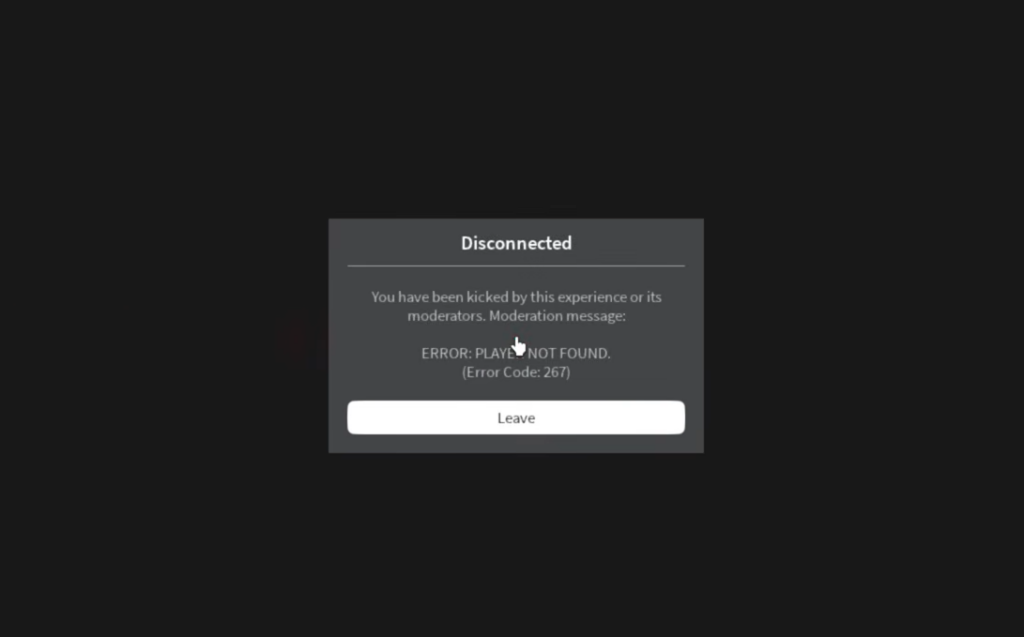
You know it worked when the Badge Awarded notification for Into the Pit Bonnie appears right after you submit the balls. The game then kicks you back to the disconnect screen. When you rejoin, Pit Bonnie becomes selectable under the Event Characters menu.
The disconnect can show an ERROR: PLAY LIMIT FOUND. (Error Code: 267) message. That is part of the badge sequence here, so simply rejoin the game to load in as Pit Bonnie.
What you unlock with Pit Bonnie
Earning the badge grants the playable Pit Bonnie character, found in the Event Characters menu. The morph comes with its own set of controls and animations, including custom stances, voice lines, and a jumpscare.
- Five stances (STANCE 1 through STANCE 5)
- Five voice lines (VOICE 1 through VOICE 5)
- Day and night animation sets
- Stand, sit, and lay toggles, plus perform, run, and a jumpscare
- A music option
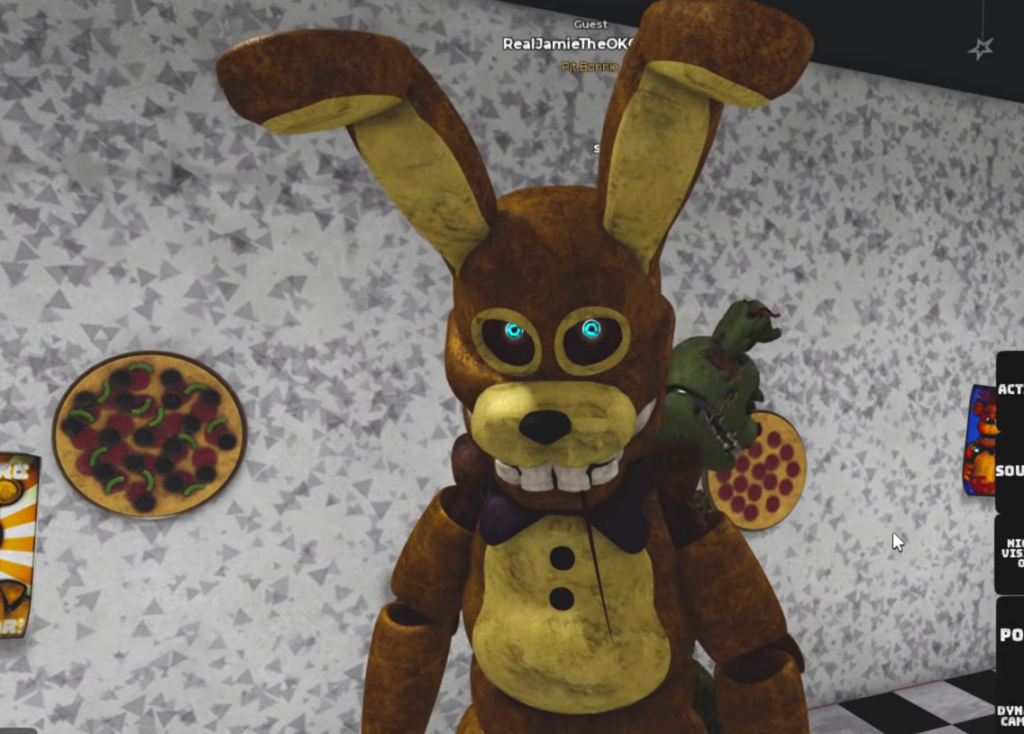
Once Pit Bonnie is in your Event Characters list, the badge is permanently tied to your account, so you can spawn as the character on any future visit without repeating the ball pit run.