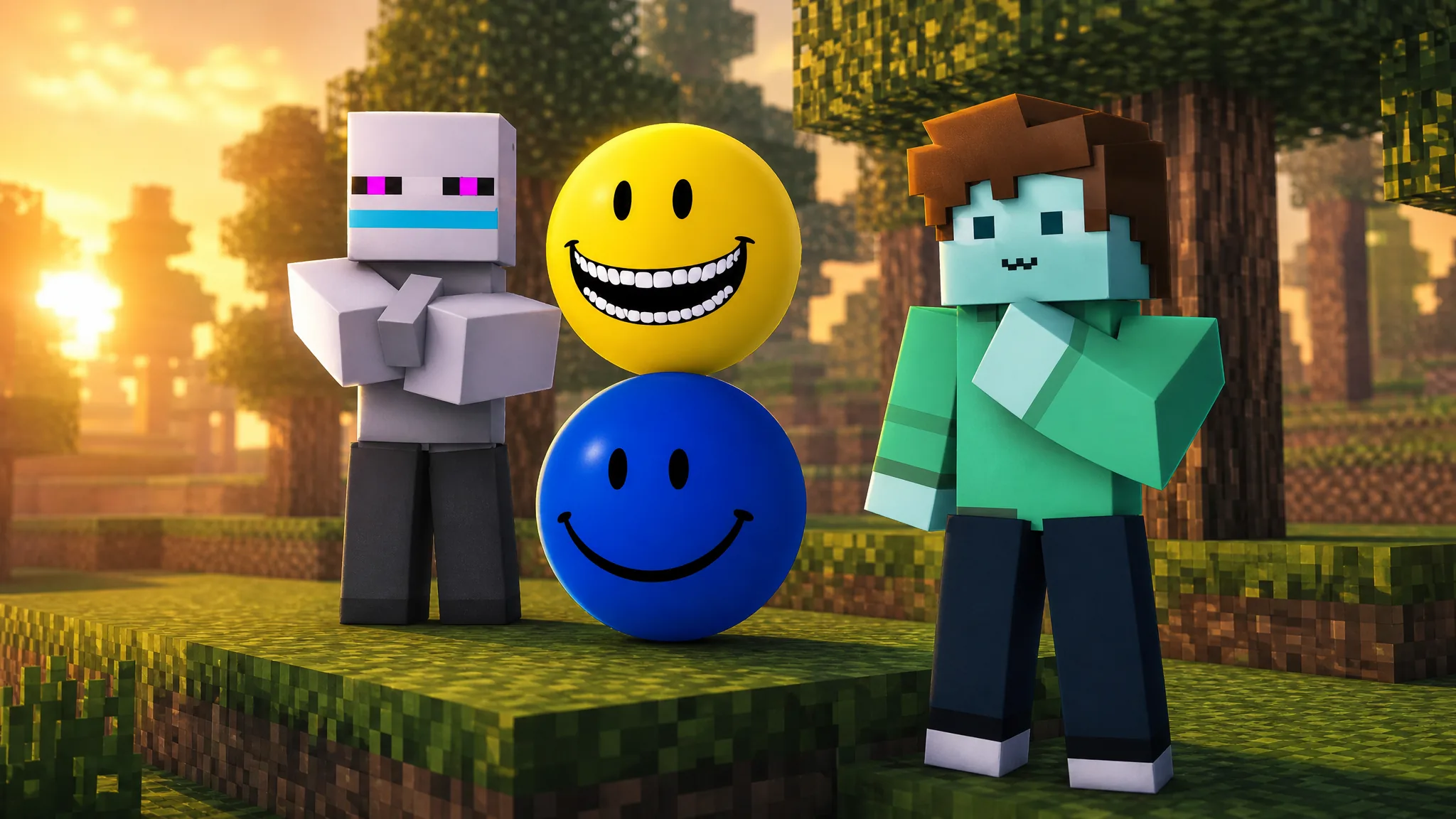
3D Verity RP hands out a morph for every badge you collect, and four badges cover the full set. Two of them require finding hidden objects on the map, while the other two unlock through simple conditions tied to joining and playing. Once a badge lands in your inventory, its matching morph becomes usable from the game’s morph area.
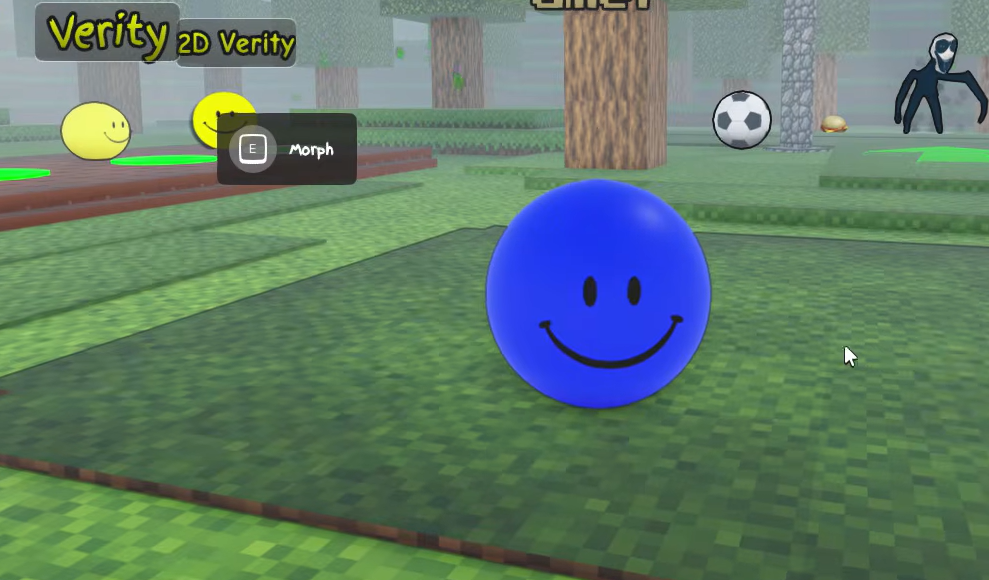
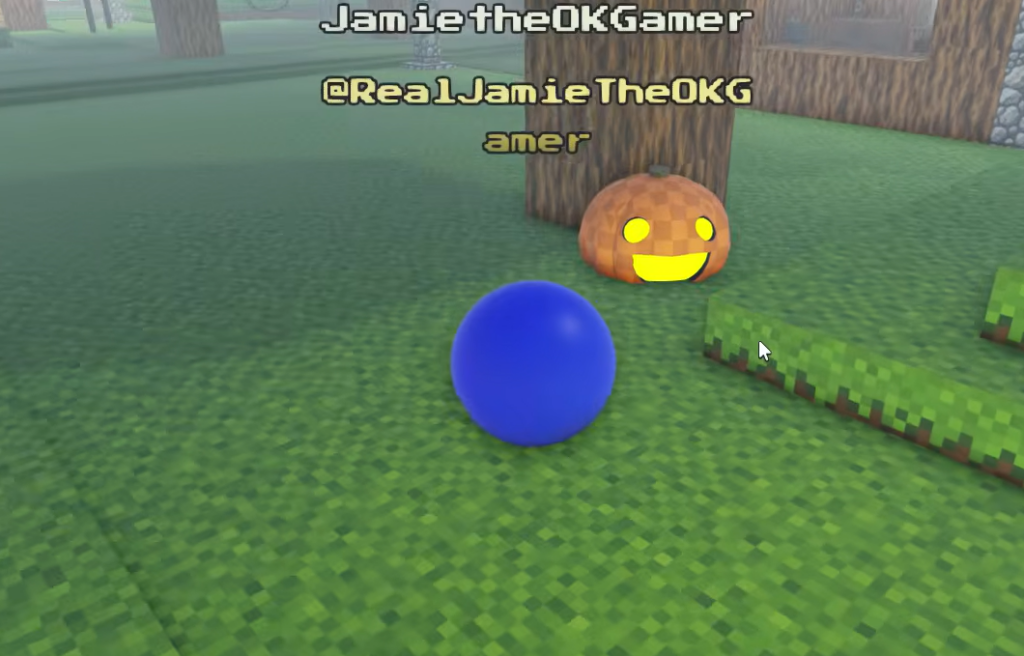
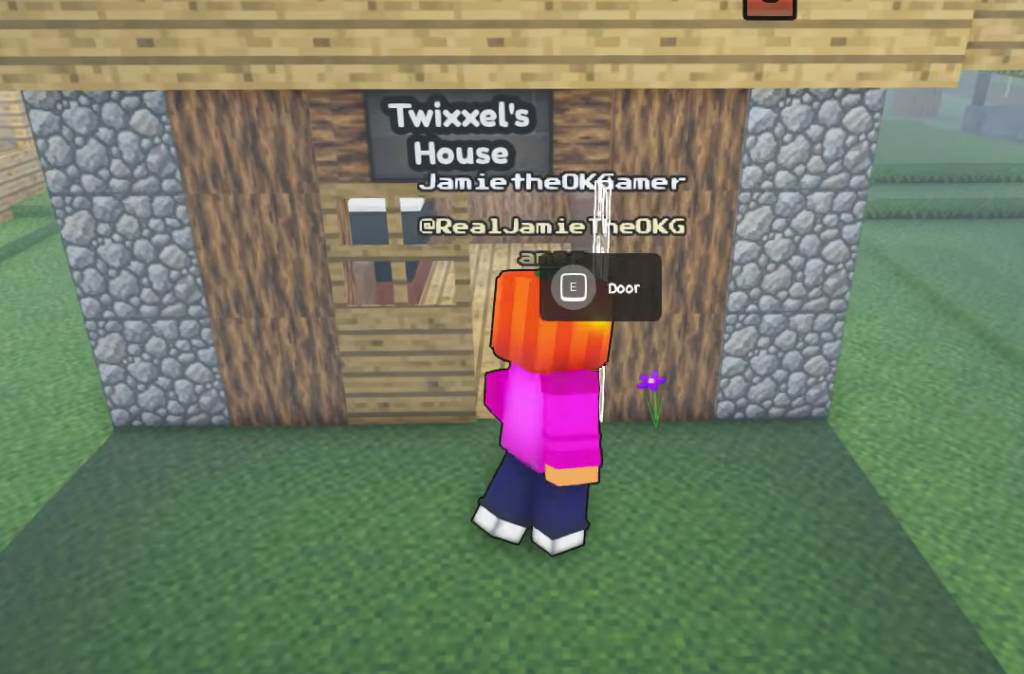
Quick answer: Touch the orange pumpkin head under the tree by the stone well to get Whispy, hold the interaction at the brown block inside Twixxel’s House to get Upside Down, join the game to earn Welcome automatically, and share a server with the creator to earn Meet The Owner.
Every badge and how it unlocks
| Badge | Unlock condition |
|---|---|
| Welcome! | Awarded automatically the moment you join the game. |
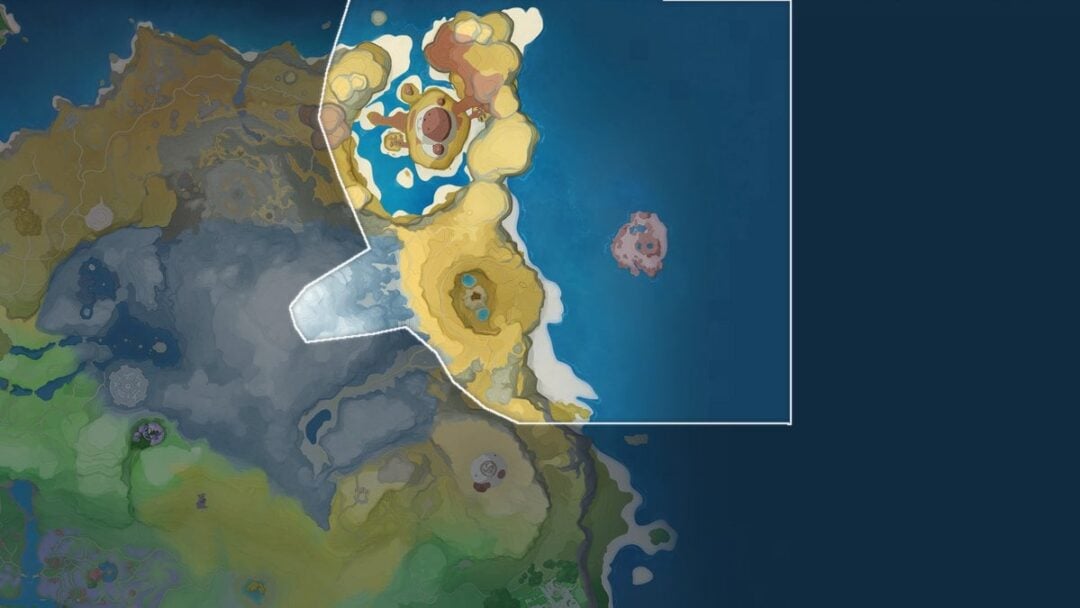
| Whispy | Touch the orange pumpkin head under a tree near the stone well. |
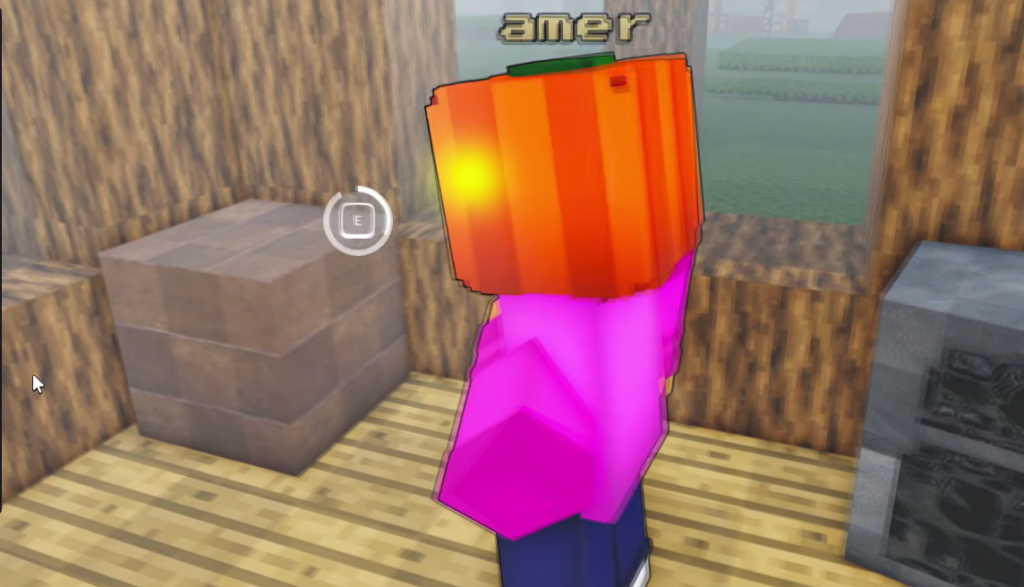
| Upside Down | Hold the interaction at the brown block inside Twixxel’s House until the circle fills. |
| Meet The Owner | Play in the same server as the game’s creator. |
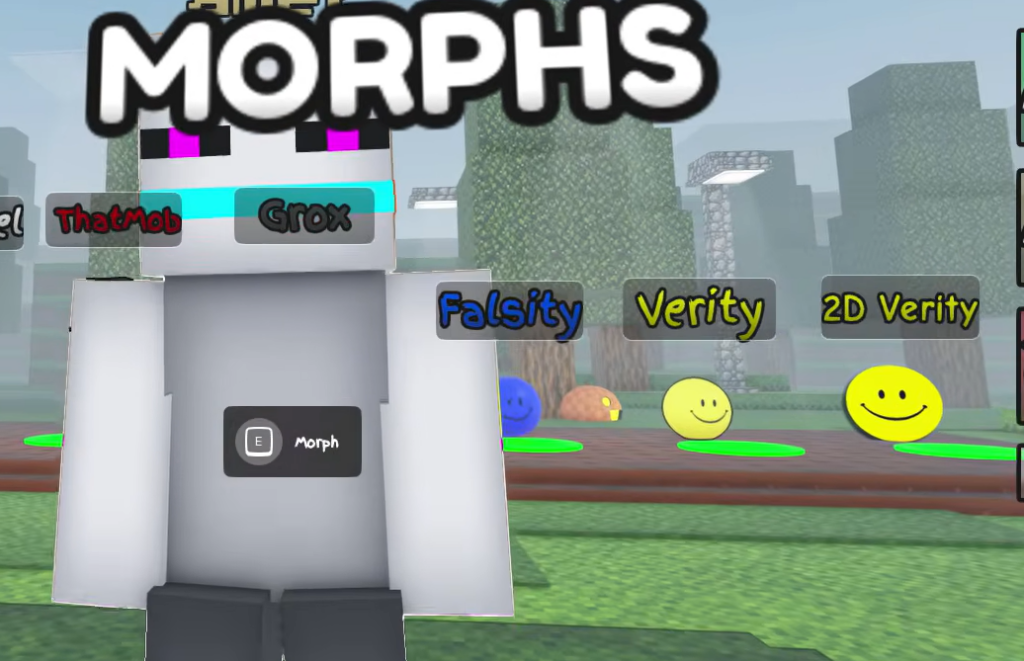
The Falsity morph is also available in the same lineup. It is a blue ball character with swappable faces and its own voice lines, and it appears alongside the badge morphs in the showcase area.
Get the Whispy badge
Get the Upside Down badge
Welcome! and Meet The Owner badges
The Welcome! badge needs no effort. It is granted automatically as soon as you load into the game, so you should see it the first time you play.
Meet The Owner is a presence-based badge. You earn it by being on the same server as the game’s creator at the same time. Because it depends on the owner being online and in your session, it can only be picked up when your paths cross in a live server.
What each morph looks like and does
| Morph | Appearance and features |
|---|---|
| Falsity | Blue ball character with customizable faces and custom voice lines. |
| Whispy | Pumpkin head, a fast run animation, and a custom laugh sound. |
| Upside Down | White skin with purple eyes, a gun prop animation, and a custom laugh sound. |
Confirm the badge unlocked
A badge counts as earned when it appears in your inventory and its morph shows up in the game’s morph selection. For Whispy, contact with the pumpkin head is the trigger. For Upside Down, the completed interaction circle is the trigger.
Note: If the Upside Down badge does not register, you likely moved away from the brown block before the circle filled. Return to the corner and hold your position until it completes without interruption.
With Welcome! banked on your first join, Whispy and Upside Down collected from the map, and Meet The Owner earned by sharing a server with the creator, you will have the full set of badge morphs ready to wear in 3D Verity RP.