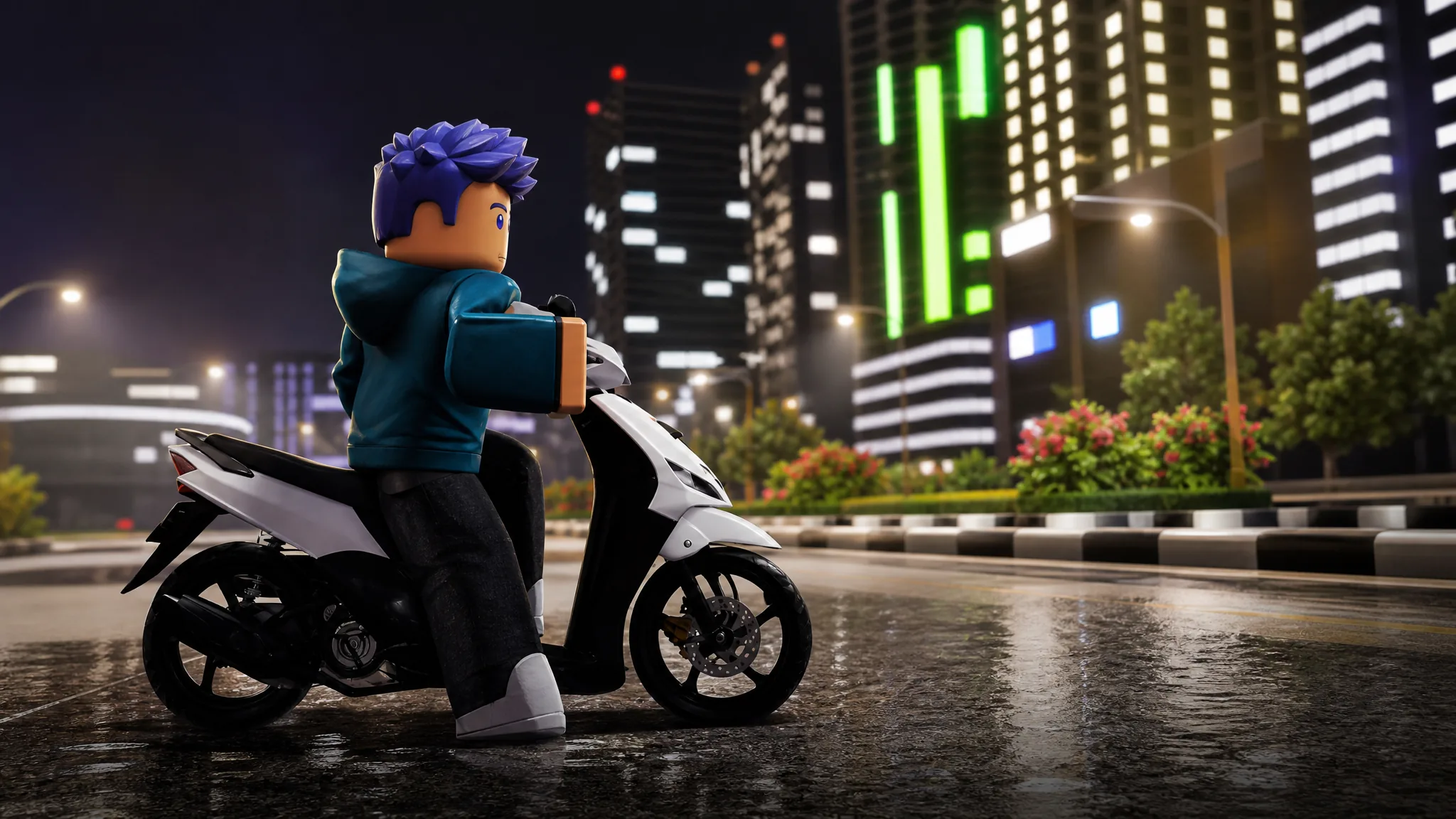
Drag Drive Simulator hands every player a free starter motorbike, the Yahamax – Mio Sporty (2006), which you claim from the Promo Dealership before spawning and riding it. You do not need RP to get it, and the whole process takes under a minute once you know where the tent is.
Quick answer: Walk to the MOTORBIKE TENT Promo Dealership, select the FREE Yahamax – Mio Sporty (2006), open the Vehicle Spawner from the car icon on the bottom-left HUD, click the bike to spawn it, then hold E to mount, press P to start, and drive with W, A, S, and D.
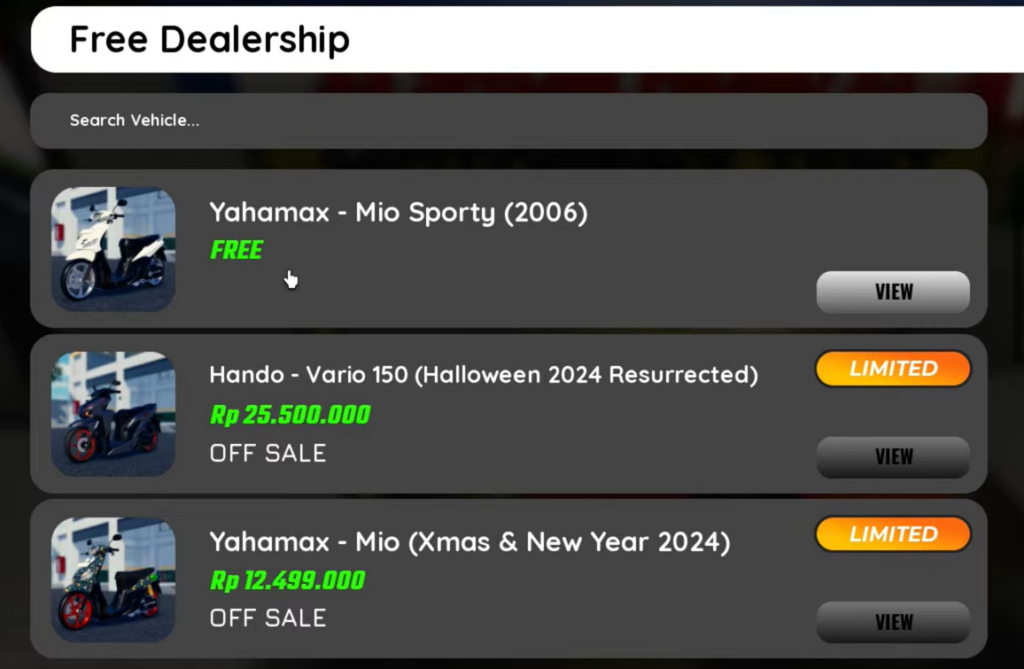
Claim the free Yahamax – Mio Sporty (2006)
The free bike lives at the Promo Dealership, marked in the main area by a banner reading $$ SPECIAL PROMO $$ MOTORBIKE TENT FREE!. Inside the same menu you will also see paid options like the Hando – Vario 150 and the Yahamax – Mio, but only the Mio Sporty carries the FREE tag.
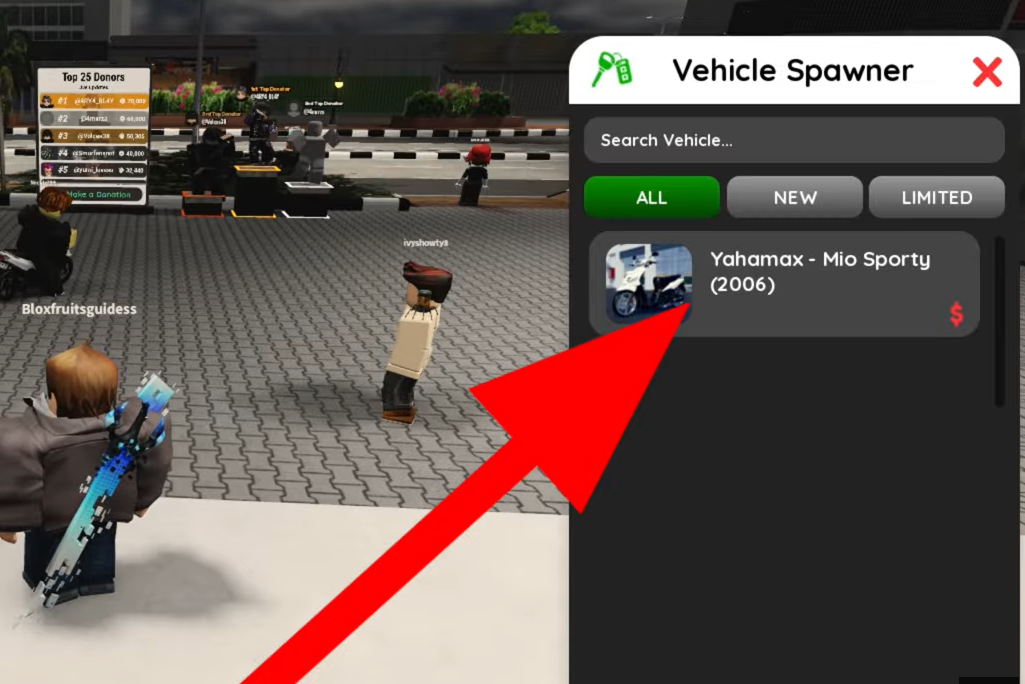
Spawn the motorcycle
Claiming the bike does not place it in the world. You spawn it yourself through the Vehicle Spawner menu, which lives on the game HUD.
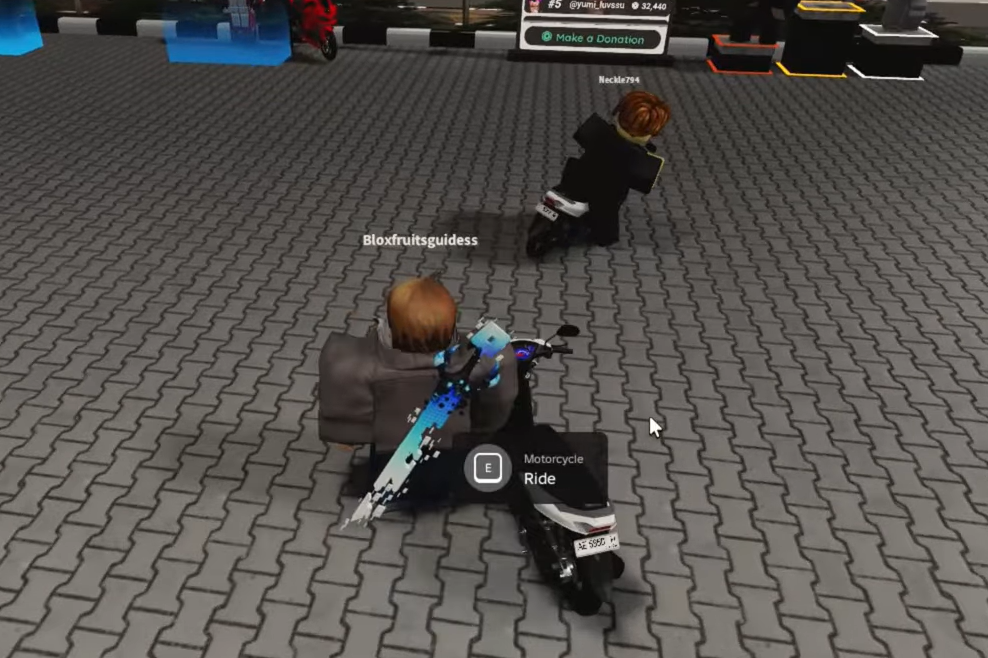
Mount and ride the motorcycle
Once the bike is spawned, walk up to it and hold the E key to climb on. After you are seated, press P to start the bike, then use the standard movement keys to ride.
| Key | Action |
|---|---|
E (hold) | Mount the motorcycle |
P | Start / park toggle |
W | Move forward |
A | Turn left |
D | Turn right |
S | Stop |
If your rider falls off the bike, tap the Jump button to get back on. If the vehicle gets stuck, press the on-screen exit or respawn icon to reset it.
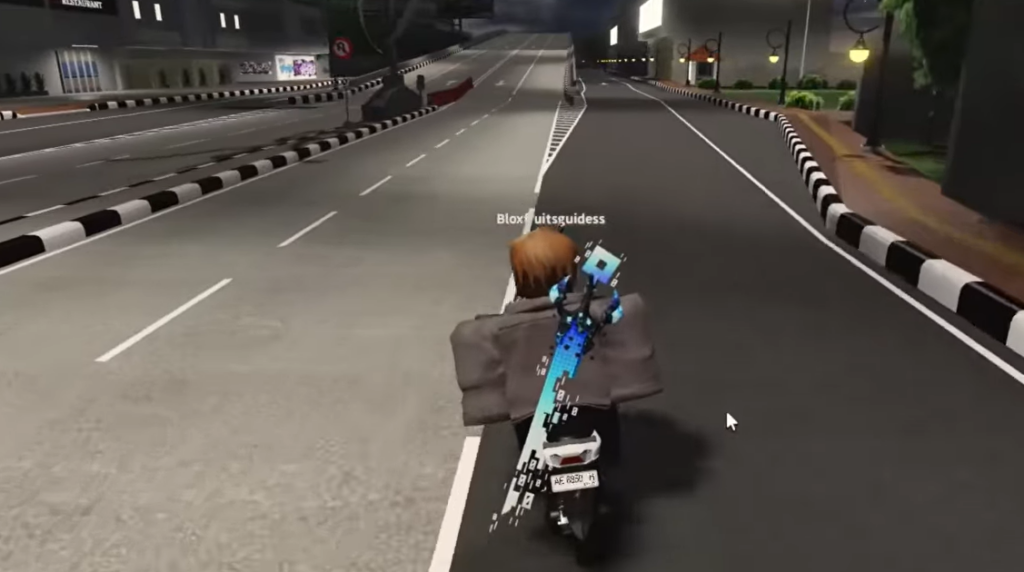
How to confirm it worked
You know the claim succeeded when the Yahamax – Mio Sporty (2006) appears as a selectable entry inside the Vehicle Spawner. If it is missing, you never confirmed the claim in the Promo Dealership menu, so return to the MOTORBIKE TENT and select the FREE option again.
The bike is ready to ride once it spawns beside you and responds to the P start toggle. If pressing W does nothing, you are likely still parked, so press P first, then accelerate. You can launch the game and grab the bike directly from the official Drag Drive Simulator experience page.