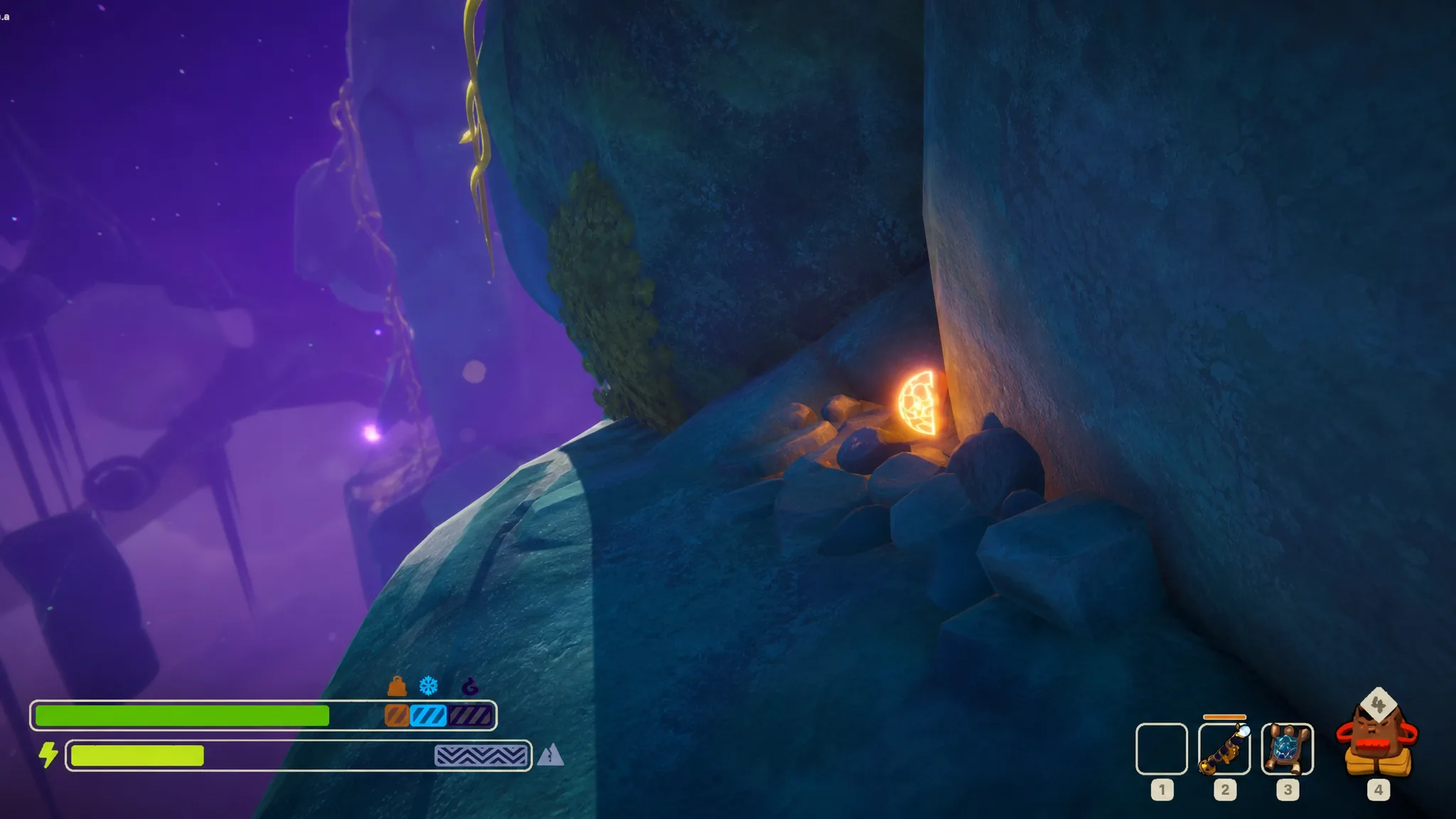
The Warp Fungus is a new item introduced to PEAK in the 2.0.a update, The Final Ascent. It is a throwable fungus that teleports you to wherever it lands, and it only grows in one place on the mountain. Because it is rare and vanishes after a single use, knowing exactly where to look and when to throw it makes the difference between a wasted pickup and a saved run.
Quick answer: Find the Warp Fungus stuck to the ice walls in the ALPINE biome, hold Left-Click to charge your throw, and release it toward a higher spot. You instantly teleport to where it lands, and the item is consumed.
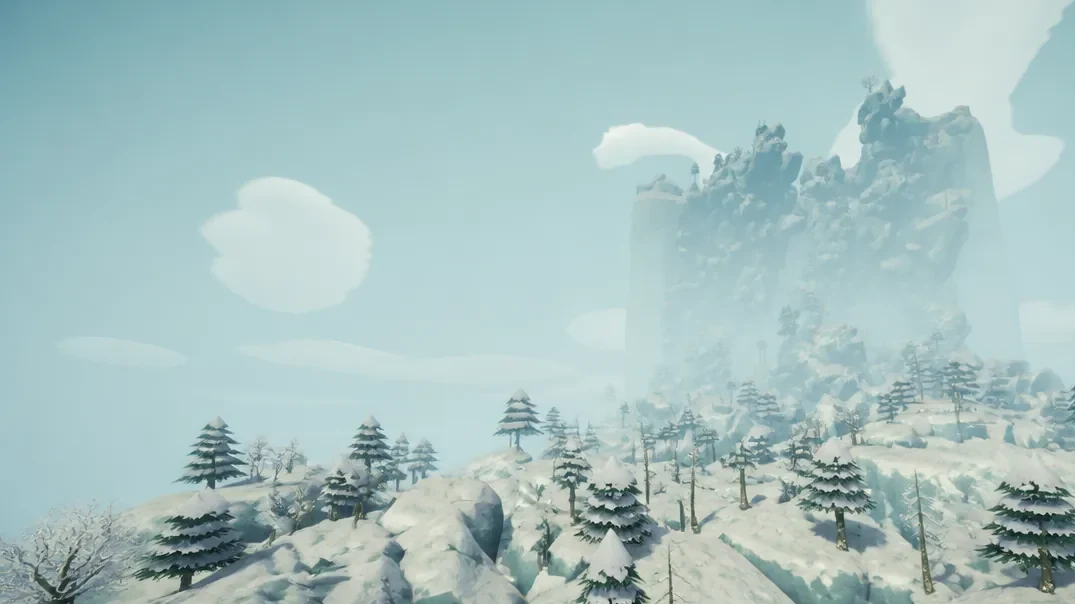
Where the Warp Fungus spawns in ALPINE
The Warp Fungus only appears in the ALPINE biome, the icy region that comes after ROOTS. To reach it, you climb through the earlier biomes and light the campfire in the Tropics, then push up into the frozen mountain area and begin scaling the main ice wall.
The fungus grows directly on the mountain walls and inside the cracks of the ice. It looks like a small ball with a net-like, webbed surface. Spotting it is the hard part, because its texture blends into the ice you are already climbing, and the frozen plants scattered on the walls can easily be mistaken for it.
ALPINE’s weather makes the search worse. Blizzards roll through, apply the cold effect, and cut down your visibility while you are trying to pick the fungus out from the surrounding rock and ice. Expect it to be scarce. It is common to find only one Warp Fungus across an entire ALPINE stretch.
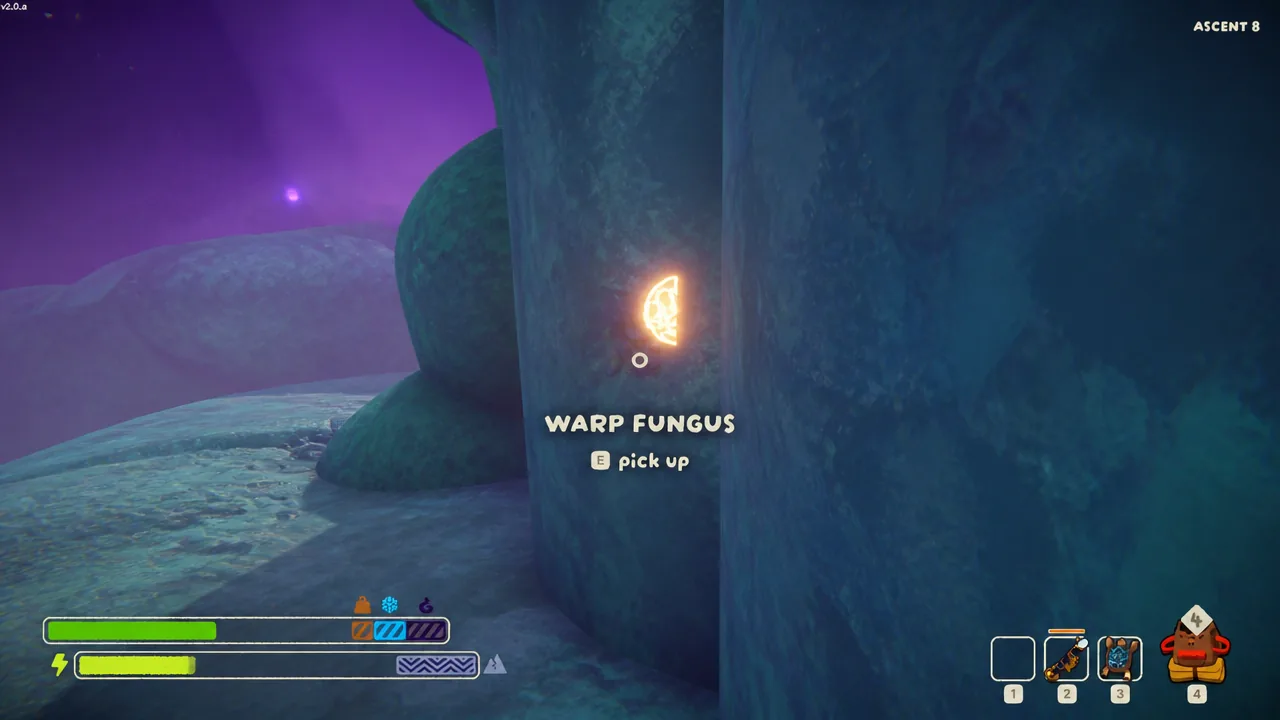
When you get close enough, the game shows a “WARP FUNGUS” prompt on screen. Look at the fungus and press E to collect it, then store it in your backpack until you actually need it.
How the Warp Fungus teleport works
The Warp Fungus is a one-time-use throwable. Wherever it lands after you throw it becomes your new position, so the item works as a short-range teleport. If you have played Minecraft, it behaves much like an Ender Pearl.
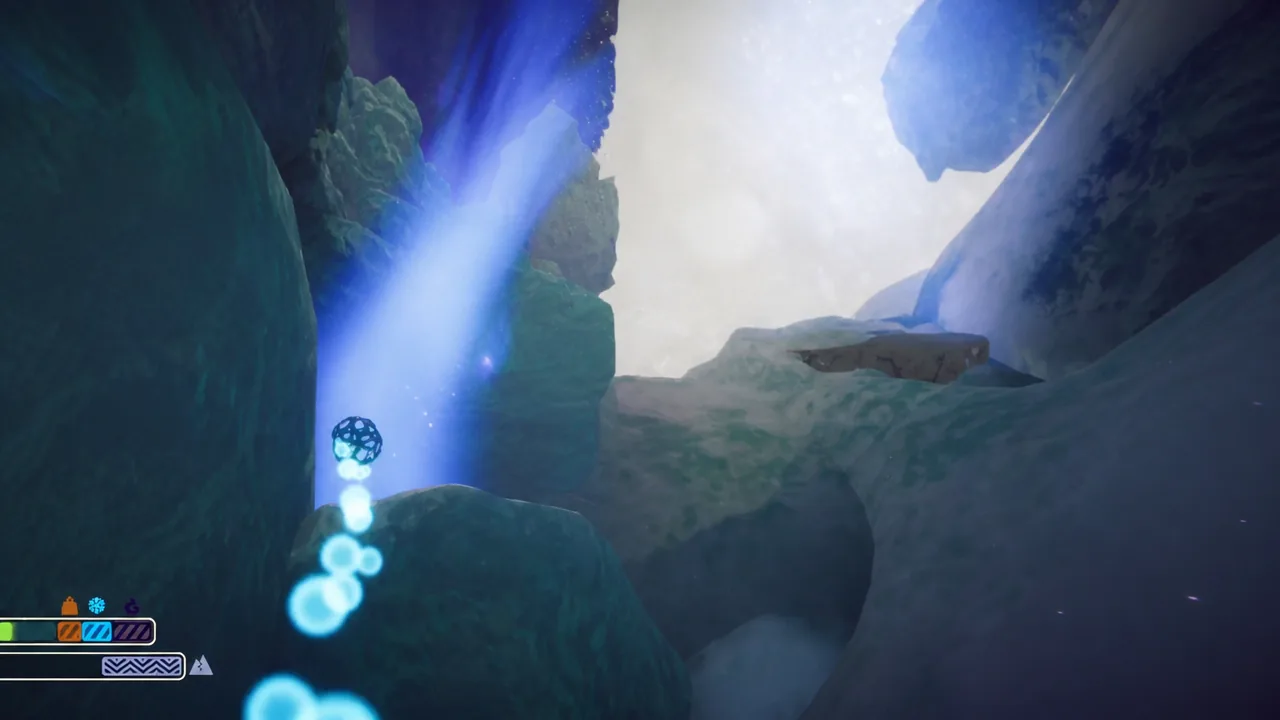
Aim carefully before you release. The teleport puts you exactly where the fungus lands, so throwing it off a cliff edge or into a hazard drops you into that danger. Because it only fires once and cannot be recovered, a bad throw wastes the whole item.
When to save it
Given how rare it is, the Warp Fungus is best held for a clutch moment rather than spent casually. The strongest use is a big vertical jump through a technical stretch of wall, or a bailout when you are out of stamina from hunger or injuries and cannot climb any higher on your own.
| Property | Detail |
|---|---|
| Biome | ALPINE only (after ROOTS) |
| Location | Stuck to ice walls and in cracks |
| Appearance | Ball with a net-like surface |
| Collect | Press E on the pickup prompt |
| Effect | Teleport to where it lands |
| Uses | Single use, consumed on throw |
| Throw control | Hold Left-Click to charge distance |
You will know it worked the moment your view snaps to the landing point and the item leaves your inventory. If you plan to reach the PEAK biome at the summit, holding a single Warp Fungus in reserve gives you one guaranteed shot at gaining height when your climb stalls.