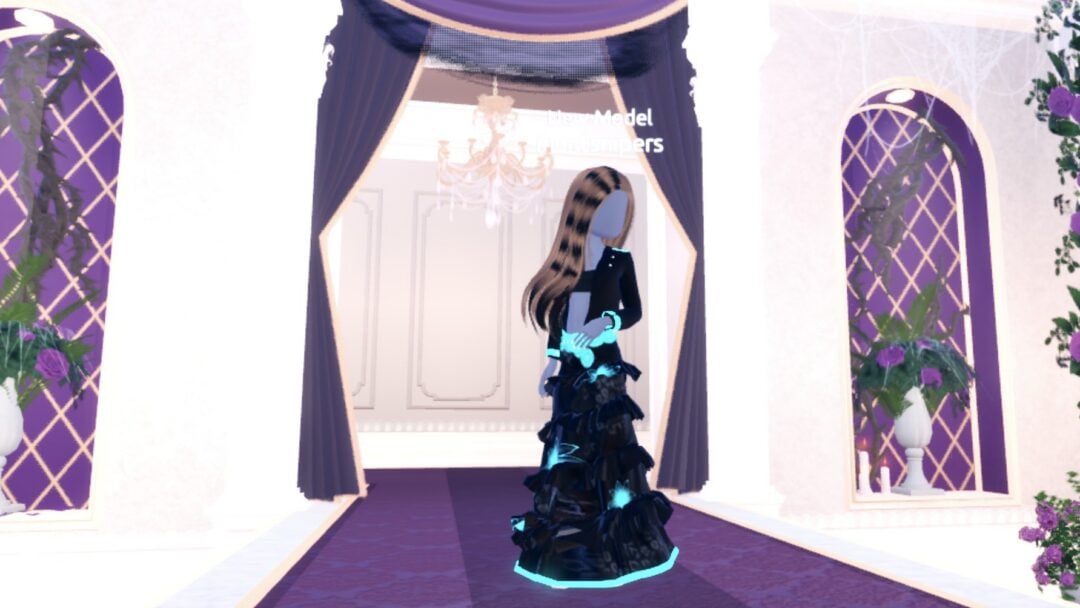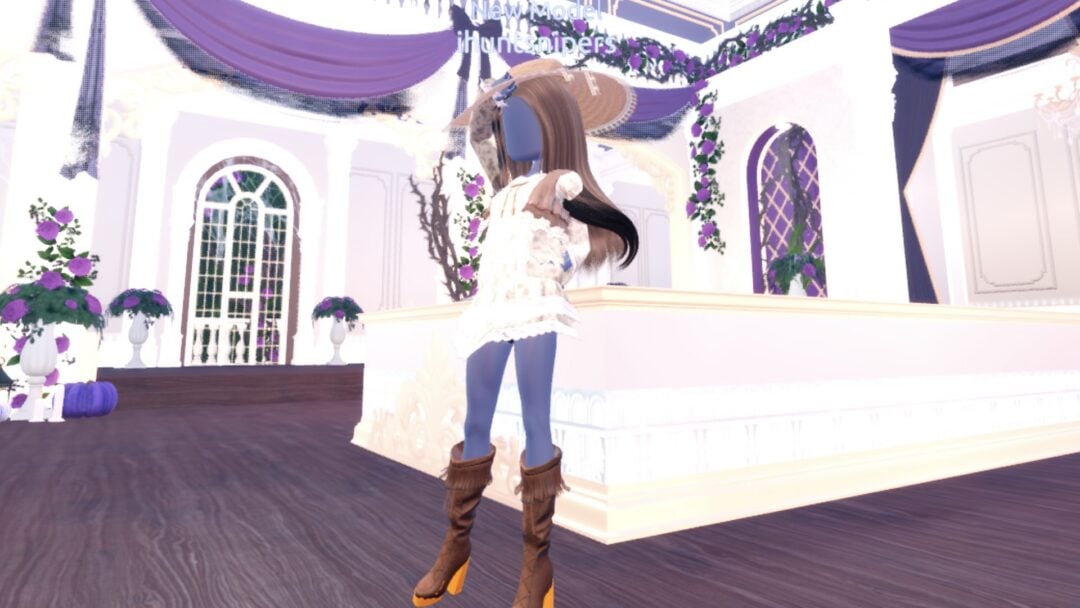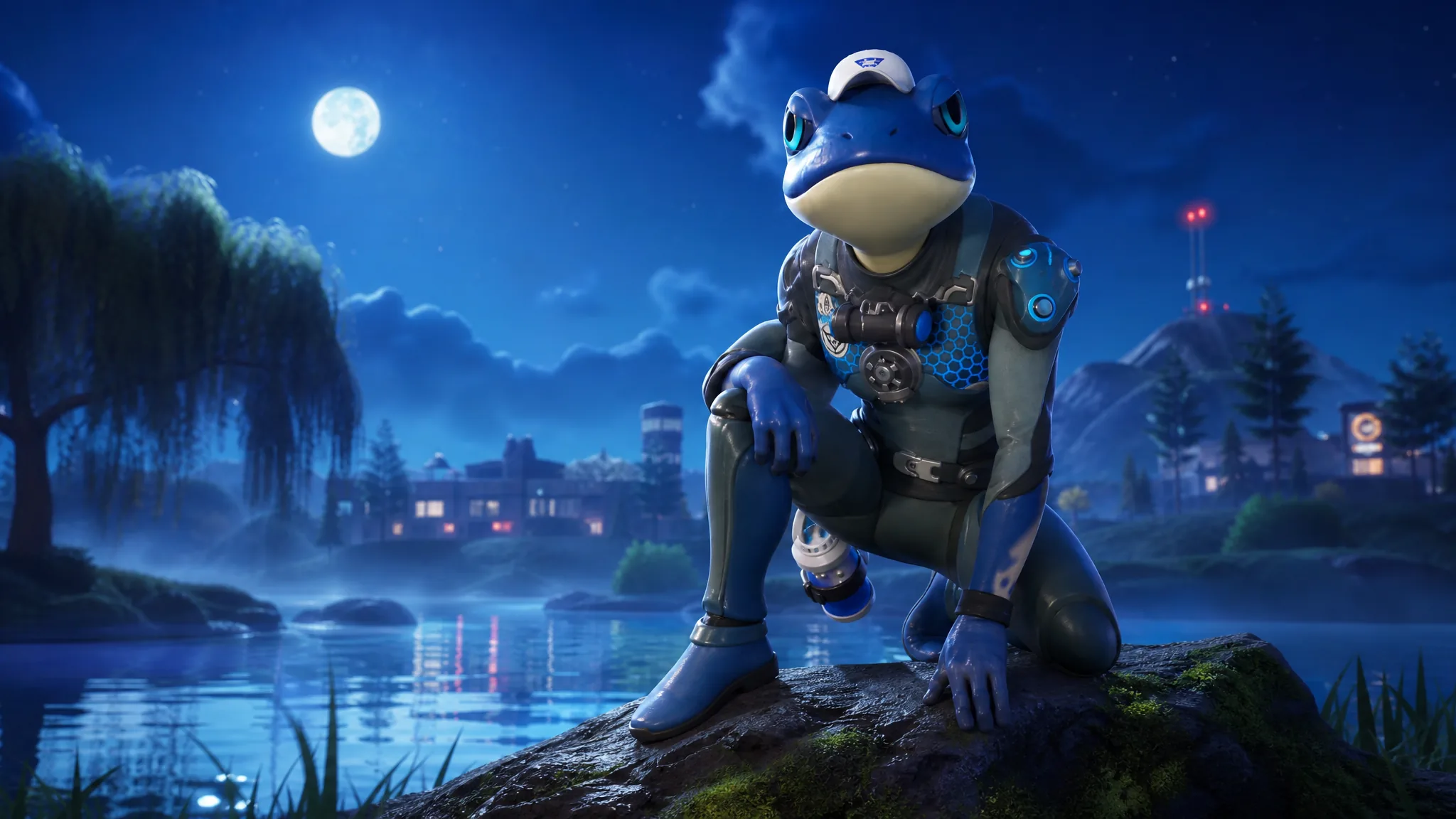
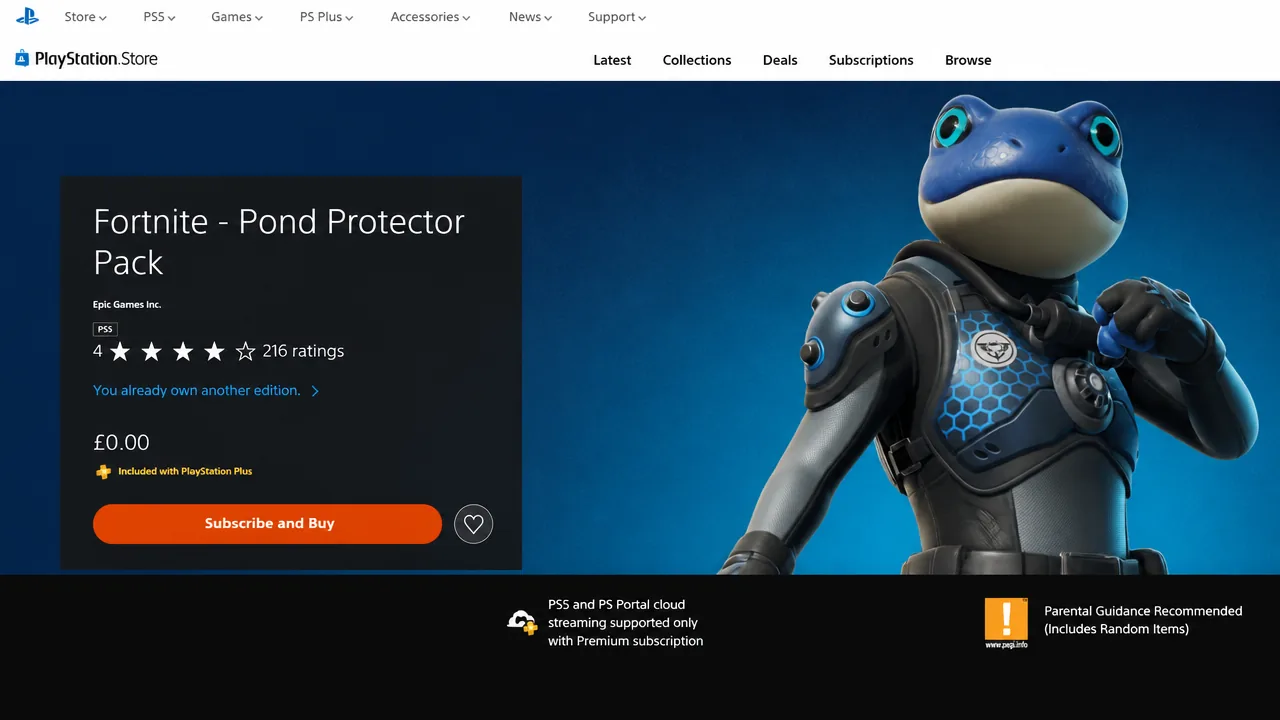
The Pond Guardian Froggory outfit is a free reward tied to a PlayStation Plus membership, bundled inside the Pond Protector Pack alongside a matching pickaxe and back bling. It is an Epic-rarity skin from the Pond Protector set, and it comes with a LEGO style for the LEGO Fortnite modes. The catch is that it only lives on the PlayStation Store, so you claim it as a subscription bonus rather than buying it with V-Bucks.
Quick answer: Be an active PlayStation Plus Essential subscriber, open the Fortnite – Pond Protector Pack page on the PlayStation Store, redeem it, then launch Fortnite on your PlayStation to receive the cosmetics.
What the Pond Protector Pack includes
Redeeming the pack drops three cosmetic items into your Fortnite locker. Everything is purely visual and does not change how you play.
| Item | Type |
|---|---|
| Pond Guardian Froggory (+ LEGO style) | Outfit |
| Pond Guardian Shield | Pickaxe |
| Pond Jet | Back Bling |
What you need before you claim
The reward is gated behind a PlayStation Plus membership. A PlayStation Plus Essential subscription is enough to unlock it, and higher tiers work too since they include Essential. If you are already subscribed, the pack costs nothing extra. If you are not, the lowest entry point is PlayStation Plus Essential at $10.99 for one month.
You also need Fortnite installed on your PlayStation console and an internet connection to download the offer. If you want the skin to show up on another platform, your PlayStation account has to be linked to your Epic Games account.
How to claim the Pond Guardian Froggory skin
How to confirm it worked
Open the Locker in Fortnite and search for the item names. The Pond Guardian Froggory outfit, the Pond Guardian Shield pickaxe, and the Pond Jet back bling should all appear once the redemption goes through. If they are missing, close and reopen the game after signing in on PlayStation, and double-check that your membership is active and your accounts are linked.
How long the pack is available
The full bundle became claimable on Sunday, August 16. No official end date has been confirmed, but it is a limited-time offer, so it is worth grabbing sooner rather than later. Rewards like this are usually PlayStation exclusives, though the contents can refresh over time and may resurface in the Fortnite Item Shop or elsewhere in the future.