The Phantom Blade Zero pre-order campaign comes with a quick freebie that has nothing to do with buying the game itself. A short Discord Quest hands you the Mó Yuan Avatar Decoration for watching a single promotional clip, and the whole thing takes just over a minute. The reward lands the moment the video finishes.
Quick answer: Open Discord, go to Direct Messages, click Quests at the top of the left panel, scroll to All Quests, select the Phantom Blade Zero quest, and watch the full 1 minute 8 second video without skipping. The decoration becomes claimable on the completion screen.
What the reward is and how long it lasts
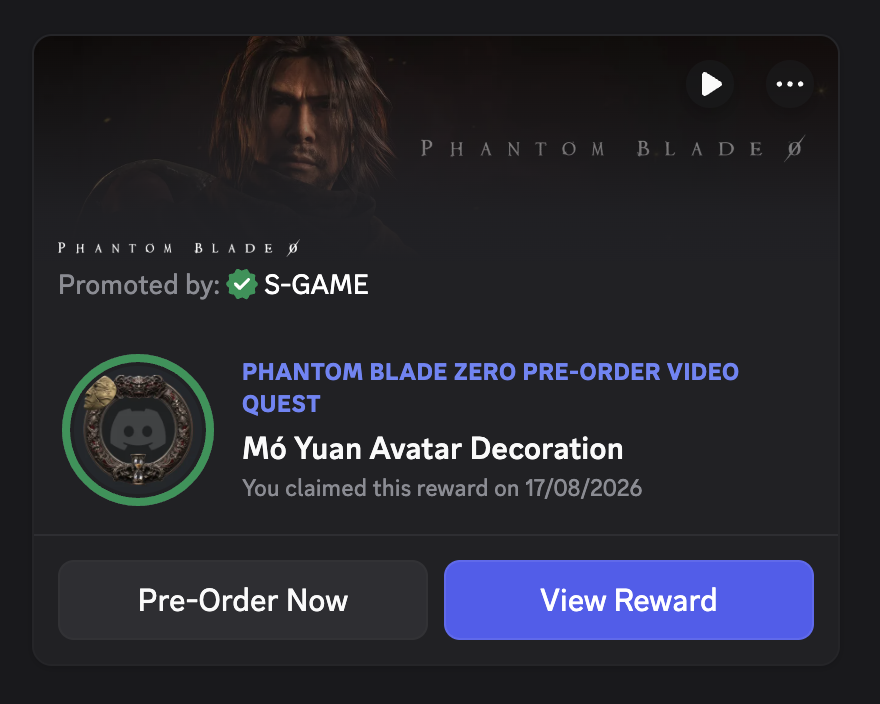
The quest gives you the Mó Yuan Avatar Decoration, a cosmetic frame you can apply to your Discord profile. It is not permanent. The decoration is yours for two months after you claim it, then it expires. The character it references, Mó Yuan, is the role Donnie Yen performs through facial and motion capture in the game.
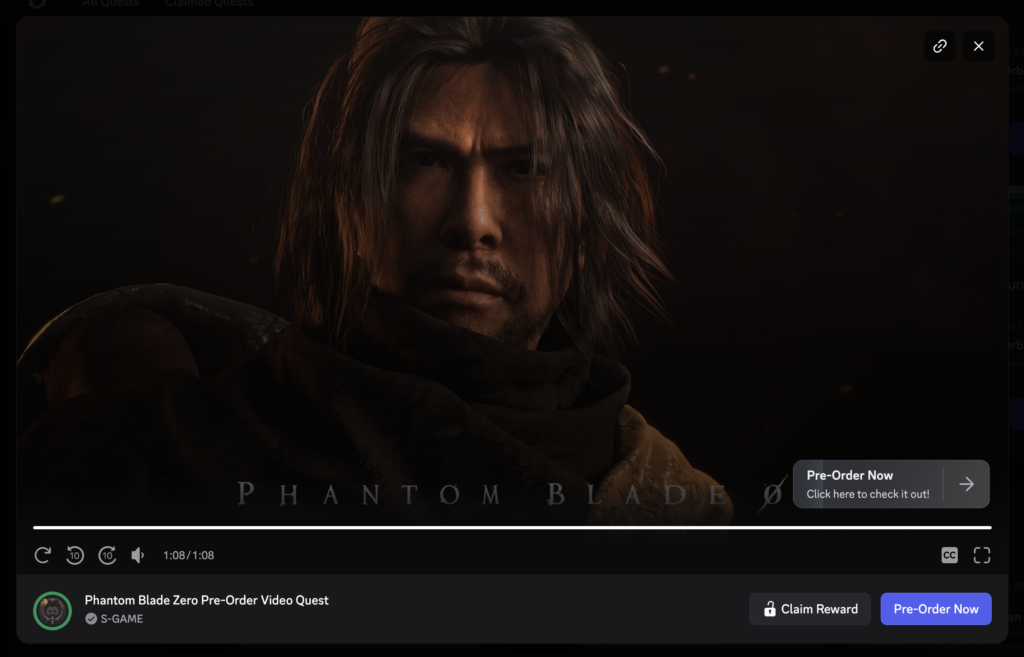
There is only one requirement to earn it. You have to watch the entire 1:08 video through to the end. Skipping ahead or closing the window early stops the quest from registering as complete.
| Detail | Value |
|---|---|
| Reward | Mó Yuan Avatar Decoration |
| Where | Discord Quests system |
| Requirement | Watch the full 1:08 video |
| Duration | Two months after claiming |
| Cost | Free |
Finding the quest inside Discord
The quest does not appear on any store page or through an outside link. It lives entirely inside Discord’s Quests menu, so you need the app or web client open and signed in.
Claiming the decoration and confirming it worked
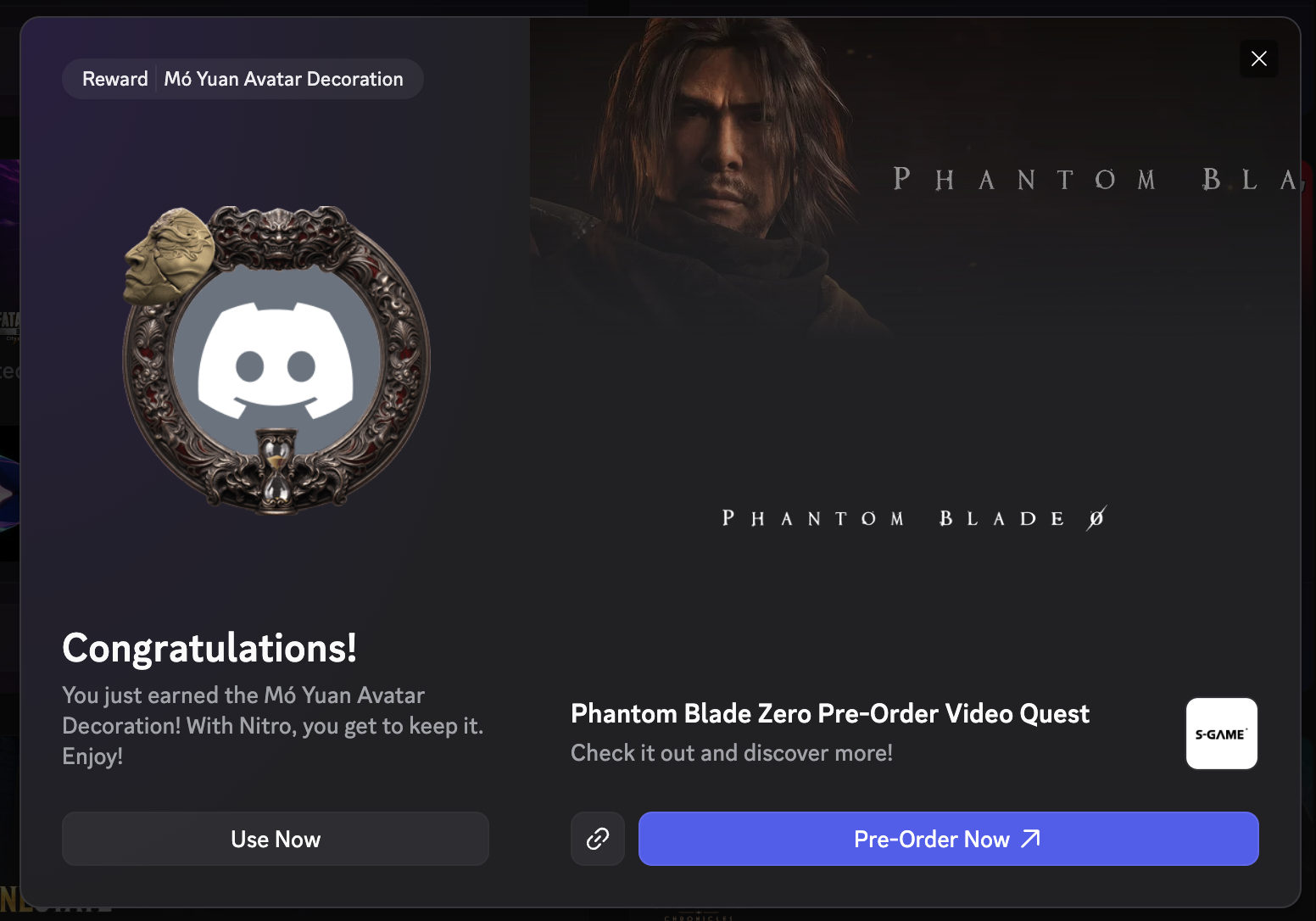
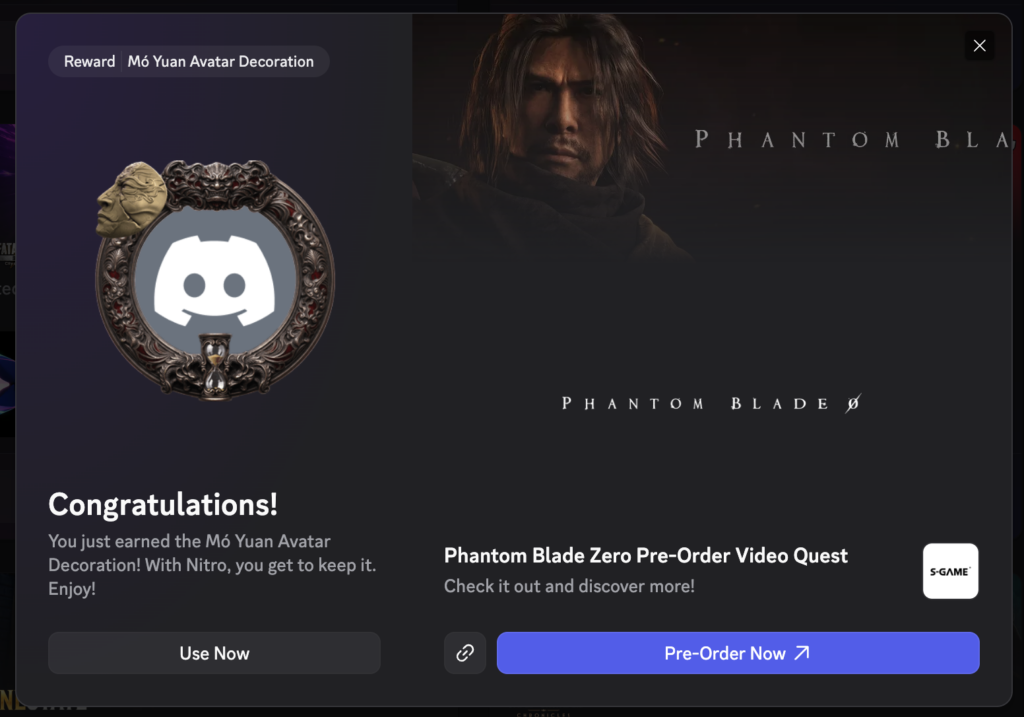
Once the video ends, a completion screen appears with the Mó Yuan Avatar Decoration ready to grab. Select the claim option there, then use the button to apply it straight to your profile. A congratulations message with a “Use Now” prompt is your confirmation that the quest registered and the reward is active.
If the quest refuses to complete, the cause is almost always the video. Discord only credits the reward when the clip plays in full, so a skipped section or an early close will leave it unfinished. There is also a hard deadline. The decoration is tied to the pre-order promotion, and once that window closes the quest disappears, so finishing it sooner is the safer move.
Where the pre-order sits alongside the quest
The Discord decoration is separate from actually buying the game, and you do not need to pre-order to complete the quest. Phantom Blade Zero launches on October 29, 2026 for PS5 and PC, with the PC version available on both Steam and the Epic Games Store. Pre-orders are live across all three storefronts.
Pre-ordering any edition unlocks the Treasure Basin accessory and the Legacy outfit early. Treasure Basin raises the Remnant Dust drop rate by 10 percent, and both items can also be earned later through normal progression, so nothing is permanently locked behind buying early.
The quest and the decoration are the low-effort part of the whole promotion. A minute of watching, one claim, and you have a profile frame for the next two months, whether or not you ever add the game to your cart.