Anime Expeditions includes an Auto Play feature that clears repeatable stages on its own, which turns Gem, Gold, and Sprite farming into a hands-off routine. Paired with a cloud phone that runs Roblox nonstop and a looping auto-clicker, you can keep a stage grinding 24/7 without leaving your own PC or phone powered on.
Quick answer: Build a team that clears an easy stage without manual positioning, turn on Auto Play and Auto Start in the stage settings, run the game on a UgPhone cloud device, and loop an auto-clicker macro (jump or chat) so Roblox never triggers its 20-minute idle disconnect.
Build a team the AI can place for you
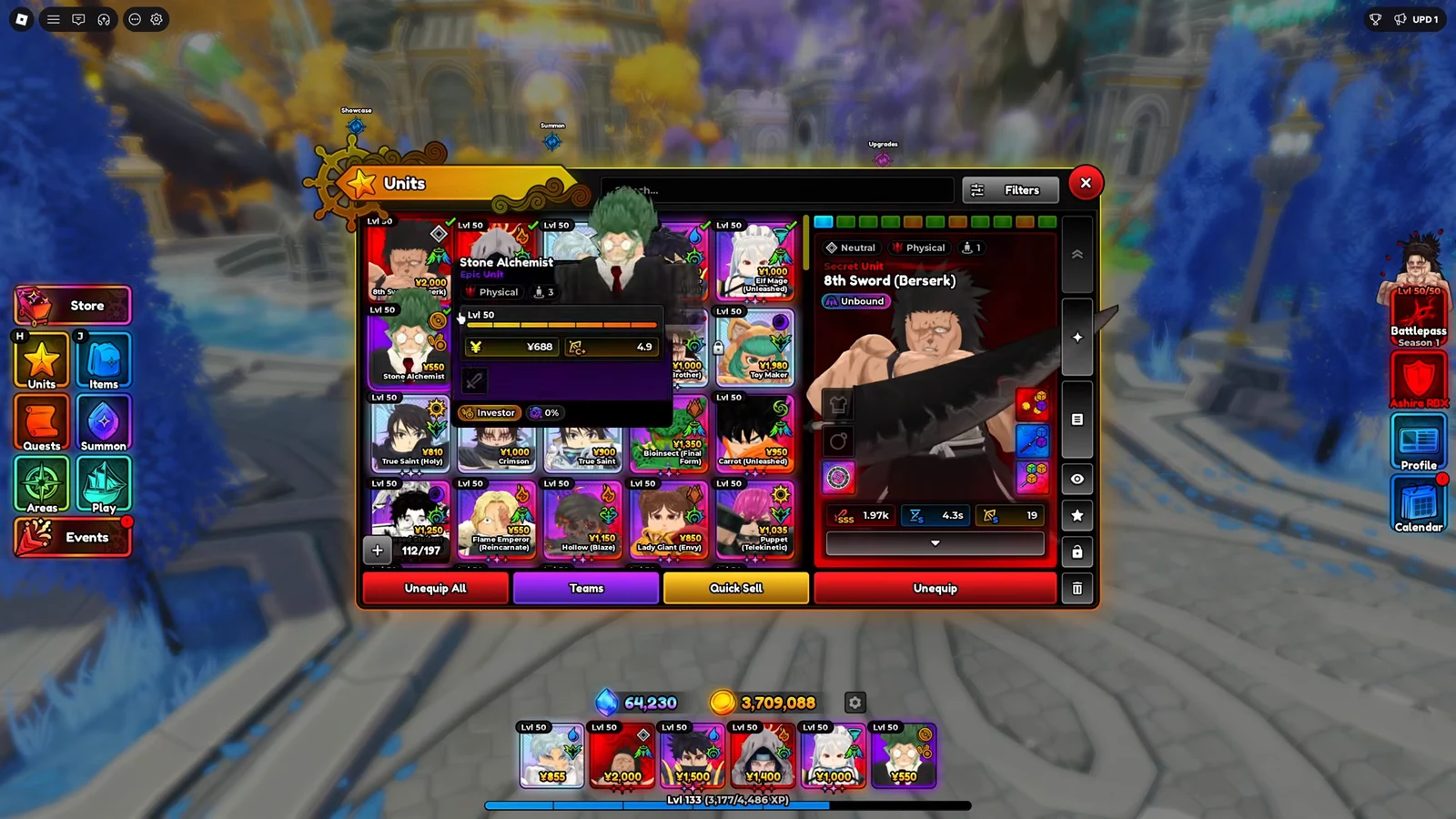
Auto Play drops and upgrades units automatically, so it works best with a balanced roster that does not depend on exact positioning. Skip units that need to sit in a specific spot to work, like Cursed Student and Bioinsect, because the AI tends to place them poorly and your clears become inconsistent.
A dependable AFK team covers four jobs. One farm unit for economy, one support unit, one crowd-control unit, and strong damage dealers such as Stone Alchemist, Hero, and Samon Sourcerer.
| Role | Purpose | Example |
|---|---|---|
| Farm | Generates in-match cash for upgrades | Any farm unit |
| Damage | Clears waves before they leak | Stone Alchemist, Hero |
| Crowd control | Slows or groups enemies | Samon Sourcerer |
| Support | Buffs the rest of the team | Any support unit |
Pick a stage your team clears every time
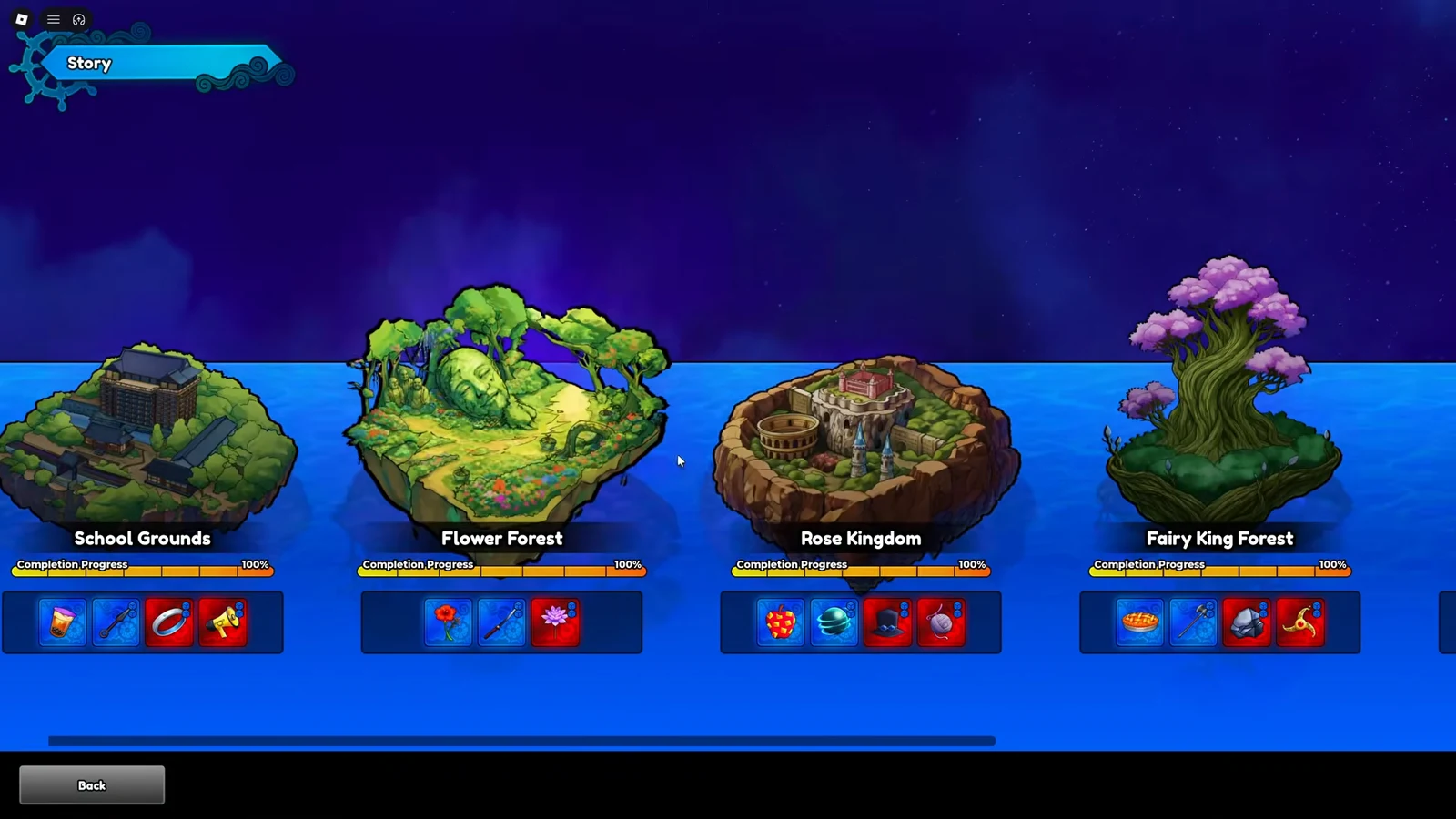
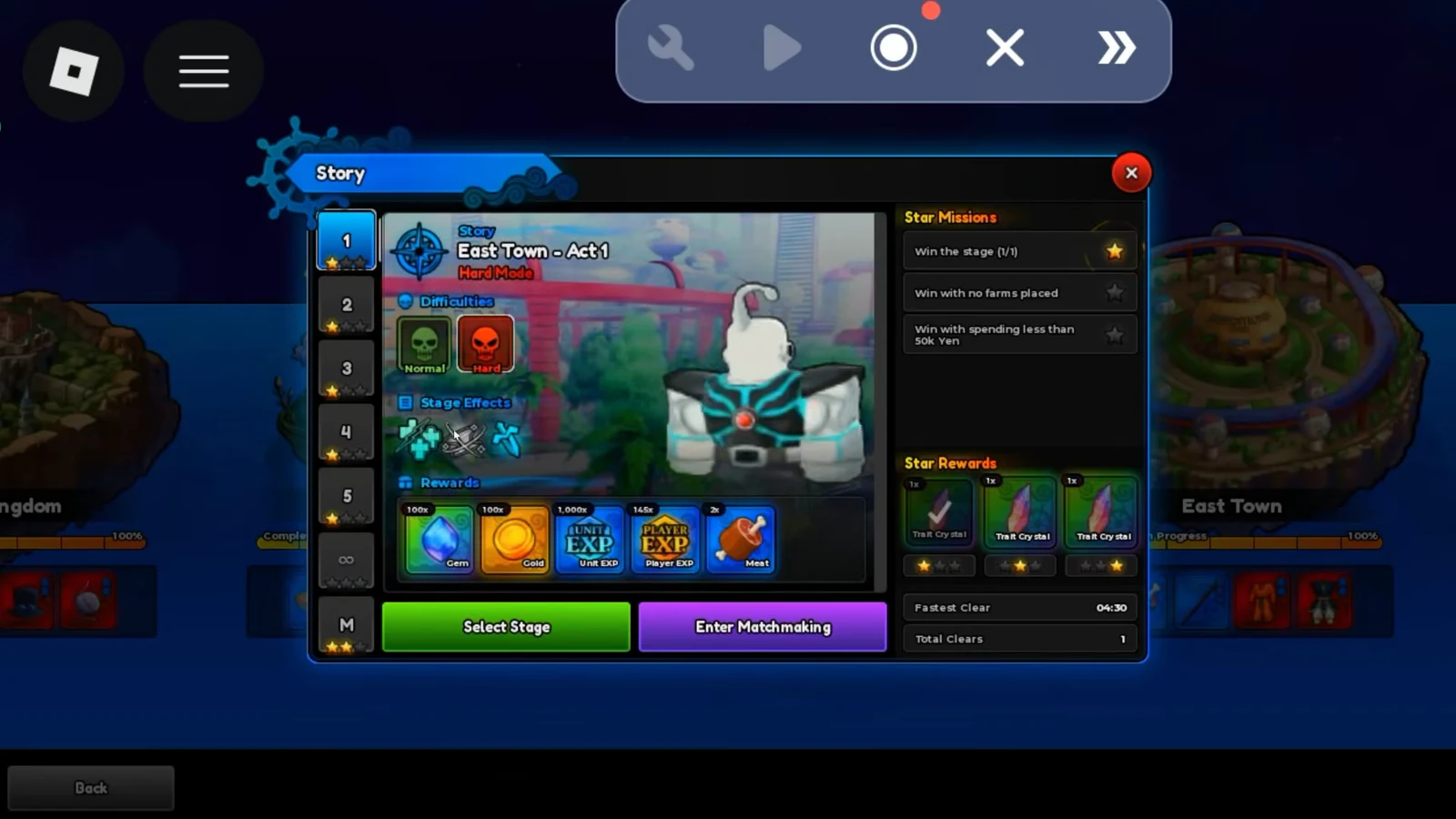
Stability matters more than speed for an overnight farm. Choose a stage your team can beat consistently without leaks, since a single failed run stops the whole loop. Easier maps such as School Grounds are safer for weaker teams, while a stronger roster can farm East Town for higher returns.
Set up the UgPhone cloud device and apps
UgPhone is a cloud-based Android device that runs remotely, so Roblox keeps playing even after you close the app and turn off your own hardware. This is what makes true 24/7 farming possible without draining your battery or leaving a PC running.
ash1ra during sign-up, and one of the trial codes below to test the service before paying.| Code type | Value |
|---|---|
| Registration | ash1ra |
| Trial | AshiraRBX3PERps |
| Trial | AshiraRBXN2FedN |
| Trial | AshiraRBXAtZvTy |
| Trial | AshiraRBXyvi5WM |
| Plan length | Price |
|---|---|
| 7 Days | $1.19 |
| 14 Days | $2.69 |
| 34 Days | $4.79 |
| 37 Days | $5.29 |
| 186 Days | $22.99 |
| 280 Days | $31.99 |
| 365 Days | $34.99 |
Lower graphics to prevent lag
Cloud devices have limited resources, and stutter can cause missed placements or crashes mid-run. Drop the graphics quality to the minimum in both Roblox settings and inside Anime Expeditions, and reduce unit effects for long sessions. A smooth low-detail run that survives all night beats a pretty one that freezes.
Configure Auto Play settings
Open the stage you chose and enter its Auto Play Settings before starting. These values control where units go, how far they reach, and what the AI upgrades first.
| Setting | Recommended value |
|---|---|
| Normal Unit Range | ~30 |
| Farm Unit Range | ~60 |
| Farm unit upgrade priority | 1 (highest) |
| Other units upgrade priority | 2 or lower |
Turn on Auto Start and launch the match
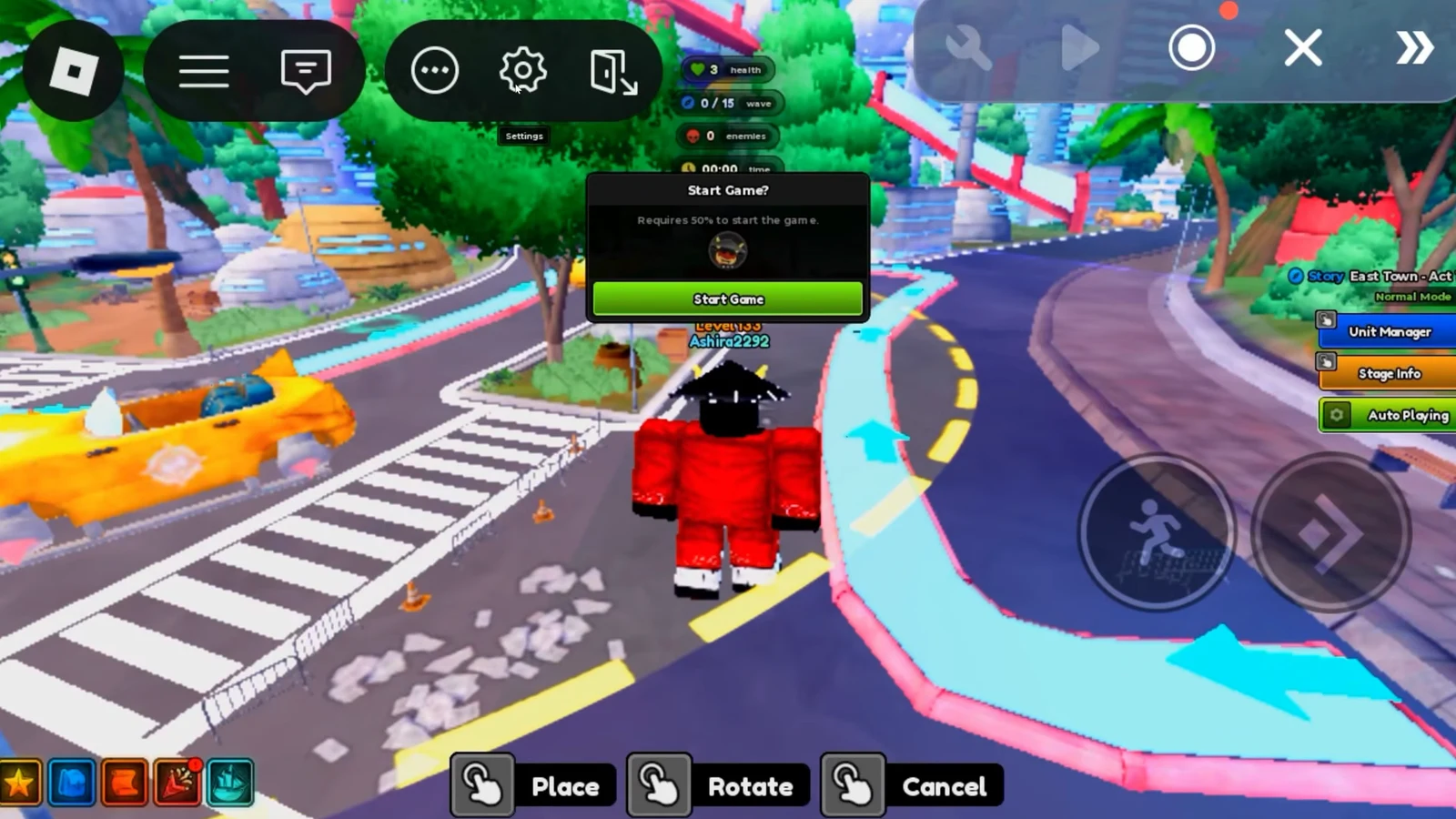
The last in-game piece is the automatic loop. With Auto Start on, the game queues and begins new matches for you, and Auto Retry or Auto Next chains one clear into the next without input.
Loop an auto-clicker to beat the idle kick
Roblox disconnects players after 20 minutes of no input, which would end the farm on its own. The Auto Play AI counts as game activity, but Roblox still needs a physical input signal, so a looping macro keeps the session alive.
Confirm the loop works before leaving
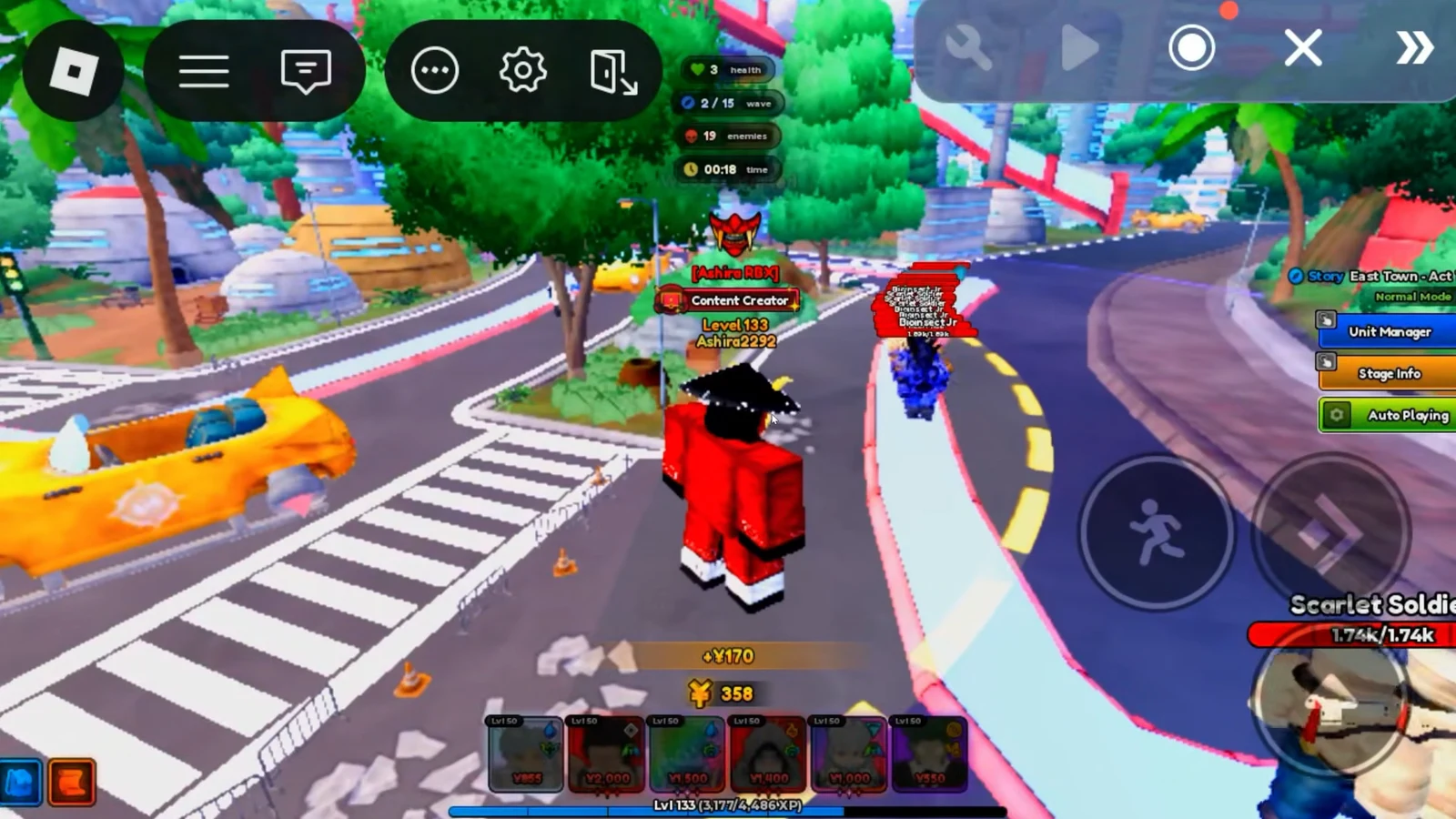
Watch at least one full match before you walk away. You know the setup is running correctly when the Auto Playing button stays green, units place and upgrade on their own, the stage completes without leaks, and the next match starts automatically. Once you have seen a clean end-to-end cycle, you can safely close the UgPhone app and the cloud device keeps farming.
If the farm stalls overnight, the cause is almost always one of a few fixable things. The table below lists the common failure points and what to change.
| Problem | Fix |
|---|---|
| Disconnected after 20 minutes | Auto-clicker macro not looping, restart the macro |
| Runs failing with leaks | Switch to an easier map or raise damage upgrade priority |
| Units placed badly | Remove position-dependent units like Cursed Student or Bioinsect |
| Freezing or crashing | Lower graphics and unit effects further |
Once the loop is stable, the same King’s Tomb Mastery or East Town run keeps pulling in Gems, Gold, and Gray Sprites while you are away, and those Gray Sprites convert into any colored Sprite you need for evolutions later. Check on the device periodically to reload your preset after game updates, since patches can reset Auto Play settings.