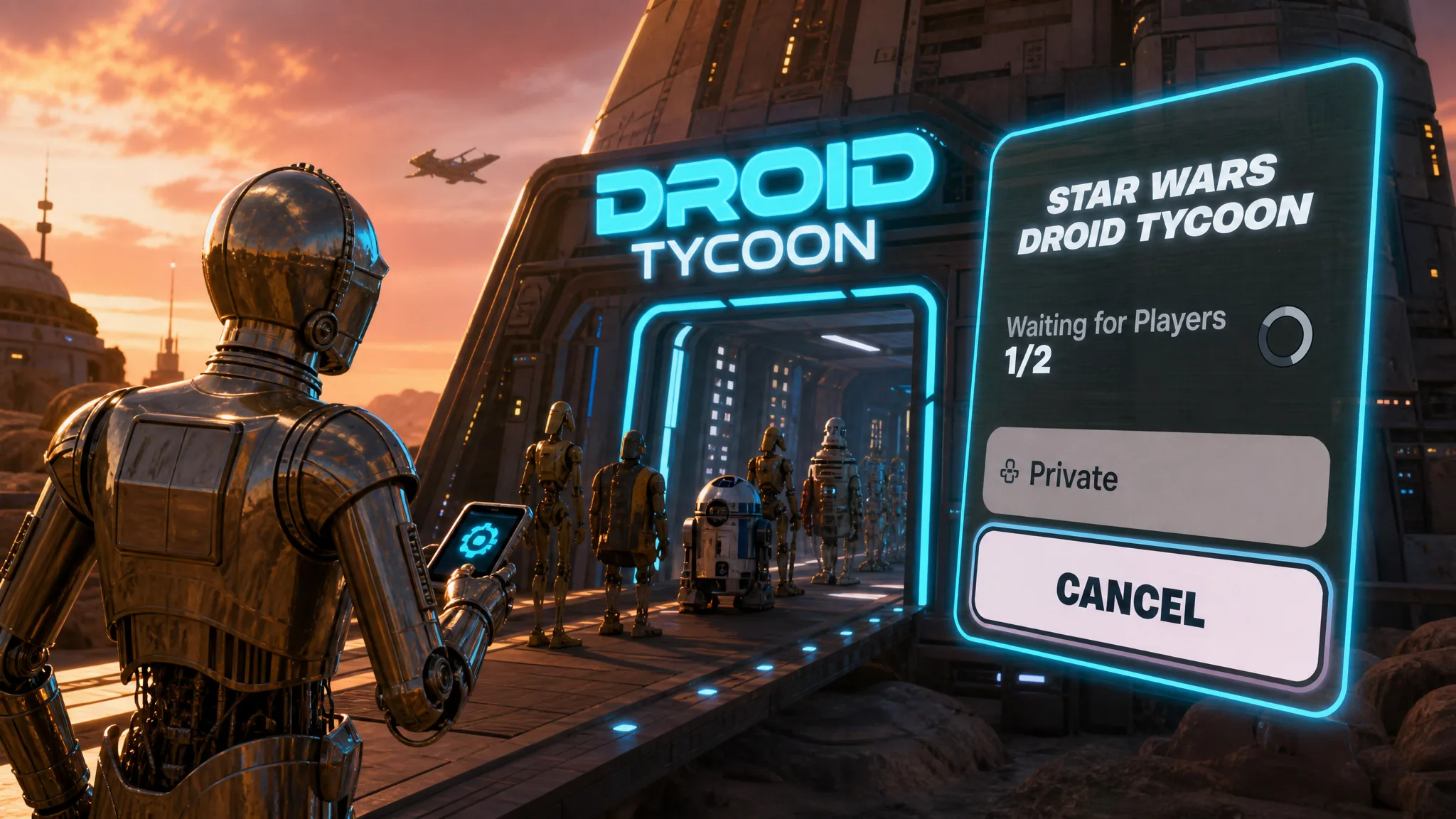
Trying to drop into a friend’s Star Wars Droid Tycoon session and getting stuck on “Waiting for Players 1/2” is a matchmaking hang, not a full crash. Your party is connected, but the lobby never registers that a second player is ready, so the match never starts. The fix is to force the lobby to refresh by cycling your participation status and briefly switching game modes.
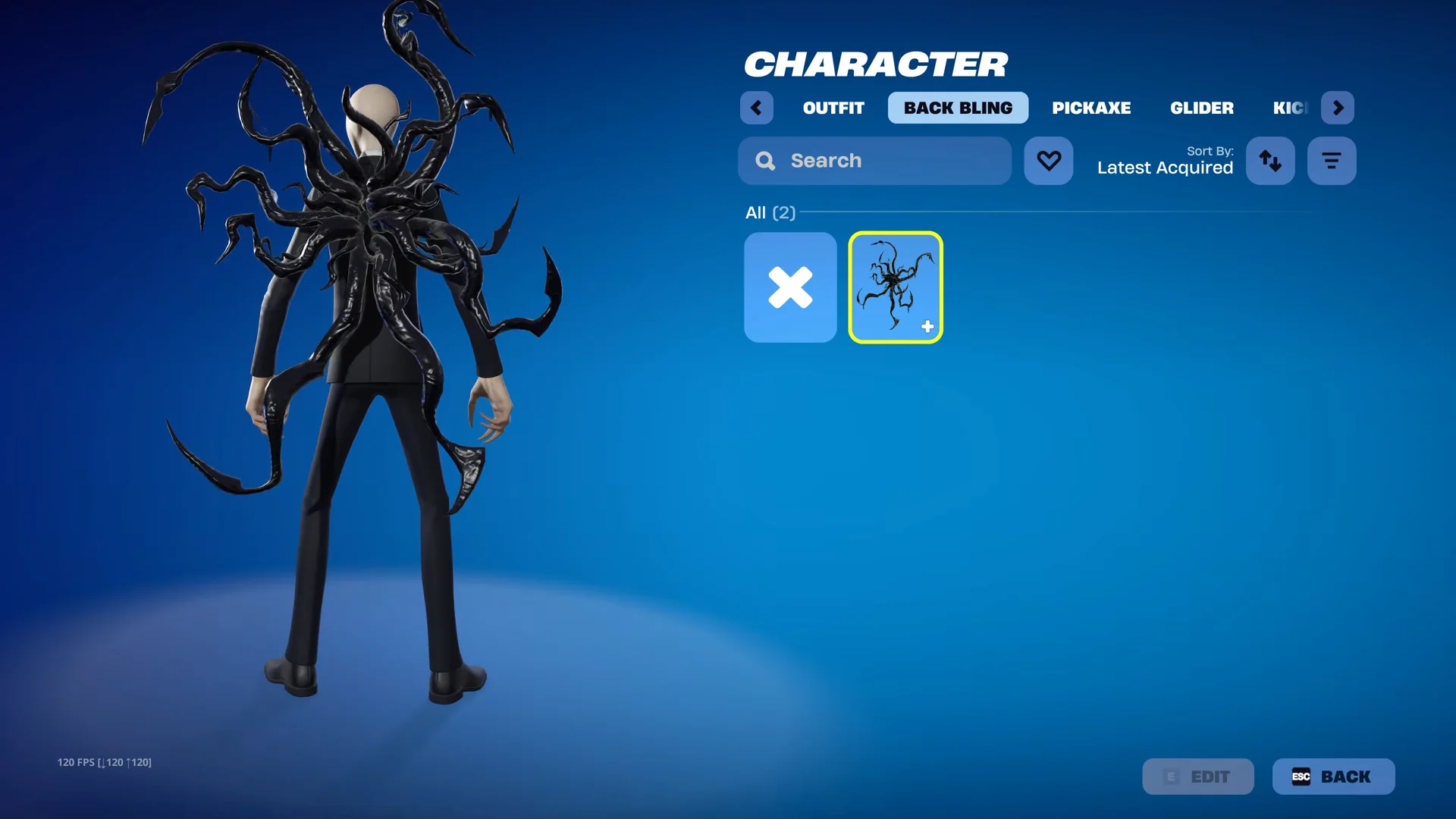
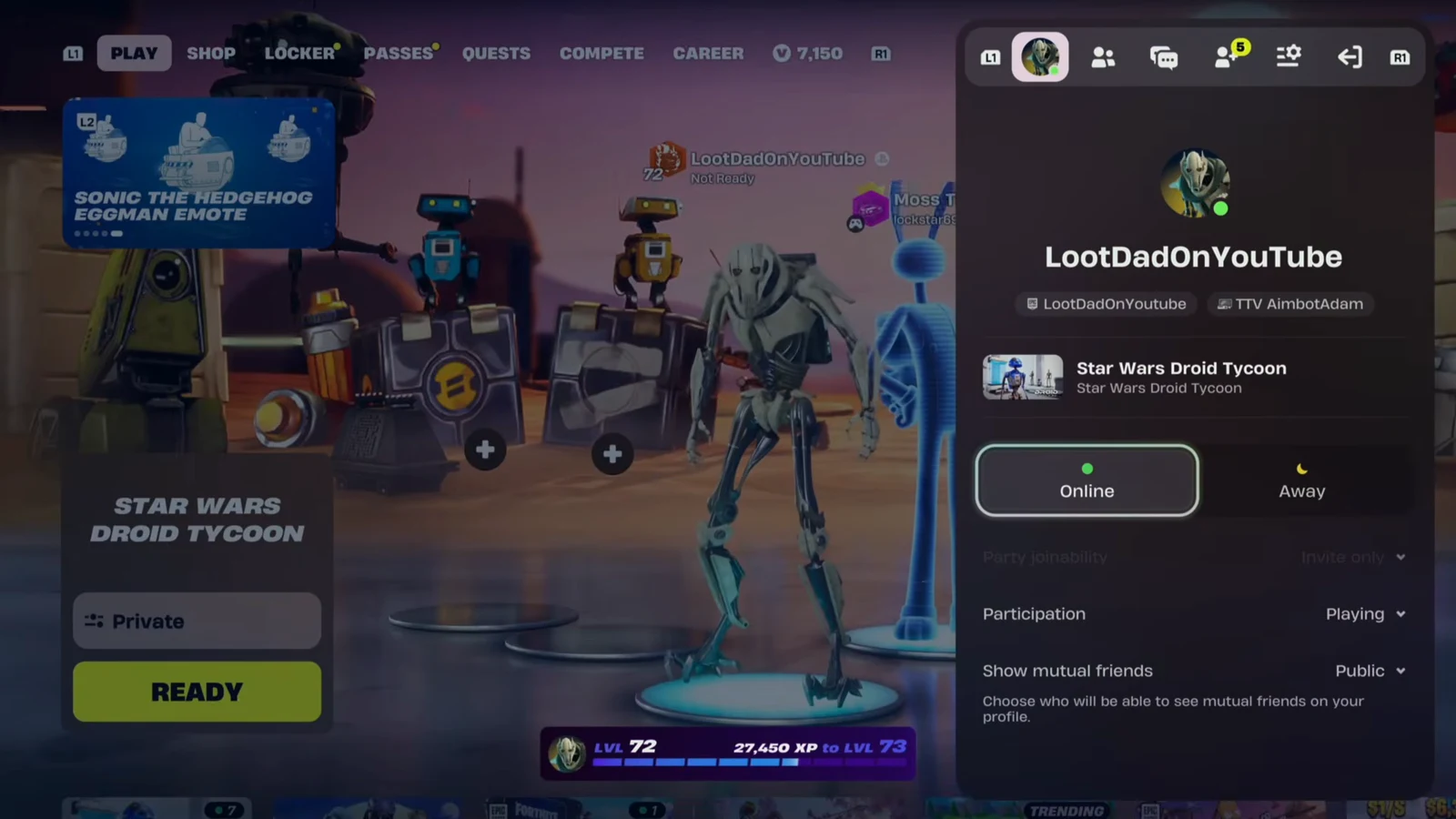
Quick answer: In the social menu, set Participation to “Sitting Out,” switch to Battle Royale, then set Participation back to “Playing” and switch back to Star Wars Droid Tycoon. Ready up and select Join.
What the “Waiting for Players 1/2” glitch is
When you join a friend’s party and ready up for Star Wars Droid Tycoon, the matchmaking screen should count both players and launch the island. The bug leaves the counter frozen at 1/2, even after you cancel and ready up several times. It shows up most often in this island (map code 7865-8305-9184), but the same lobby-sync problem can hit other Creative and UEFN experiences.
The cause is a stale lobby state. Your party connection is fine, but the mode’s ready-check does not update to include you. Toggling participation and mode tells Fortnite to rebuild that ready-check from scratch.
Fix the join glitch with the participation toggle
Do this while you are already in your friend’s party and back at the lobby. Follow the steps in order.
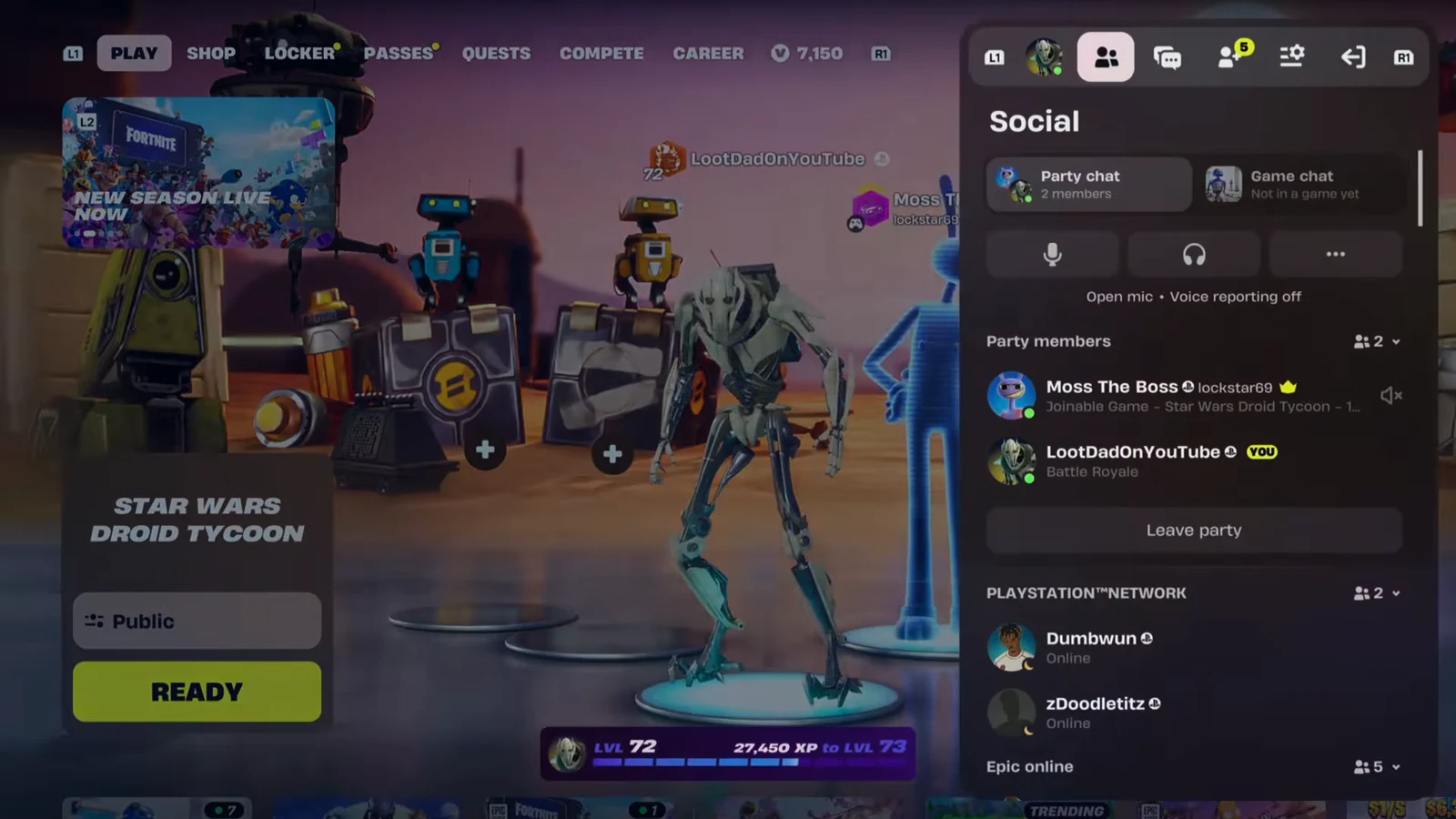
How to confirm the fix worked
You know it worked when the “Waiting for Players 1/2” text advances instead of sitting frozen, and the island begins loading you and your friend together. If the counter still refuses to move, leave and rejoin the party first, then repeat the toggle. A stuck party membership is the most common reason the mode switch fails to refresh anything.
Note: This is a workaround for the lobby-sync hang, not for a hard connection error. If you are stuck on “finding server” and cannot load the island at all, even on private, that is a separate server-side issue rather than the ready-check bug this fixes.
Related crashing on Droid Tycoon
Star Wars Droid Tycoon has also seen crashes affecting it and other UEFN islands. A temporary fix is live to reduce those crashes, and work on a full resolution is ongoing. That crashing problem is distinct from the join glitch, so the participation toggle above targets the “Waiting for Players 1/2” hang only, while the crash mitigation comes from the island’s developer updates.