Spyro the Dragon arrives in Fortnite Chapter 7 Season 4, Override, as a Sidekick rather than a full outfit. That means the purple dragon walks beside your character during a match instead of replacing your skin, which suits his small dragon proportions far better than a standard cosmetic would. He lands alongside the Crash Bandicoot skin, but the two are obtained in completely different ways.
Quick answer: Buy the Spyro the Dragon Sidekick from the Fortnite Item Shop starting Friday, August 28th, 2026, using V-Bucks. There is no free unlock and no tournament requirement, so it becomes yours once you purchase it and equip it from your Locker.

Spyro Sidekick release date and price
The Spyro Sidekick appears in the featured collaboration section of the Item Shop, not in the Battle Pass. It is a direct V-Bucks purchase with no announced free route. The exact price has not been confirmed, so treat the figure below as an expected range and check the live listing before you spend.
| Detail | What to expect |
|---|---|
| Release date | Friday, August 28th, 2026 |
| Where to get it | Fortnite Item Shop (featured collaboration section) |
| Expected price | Around 1,200–1,500 V-Bucks |
| Free method | None announced |
Some Fortnite Sidekicks have listed for as much as 1,800 V-Bucks, so it is worth waiting for the official price to appear before buying.
How to buy the Spyro Sidekick in Fortnite
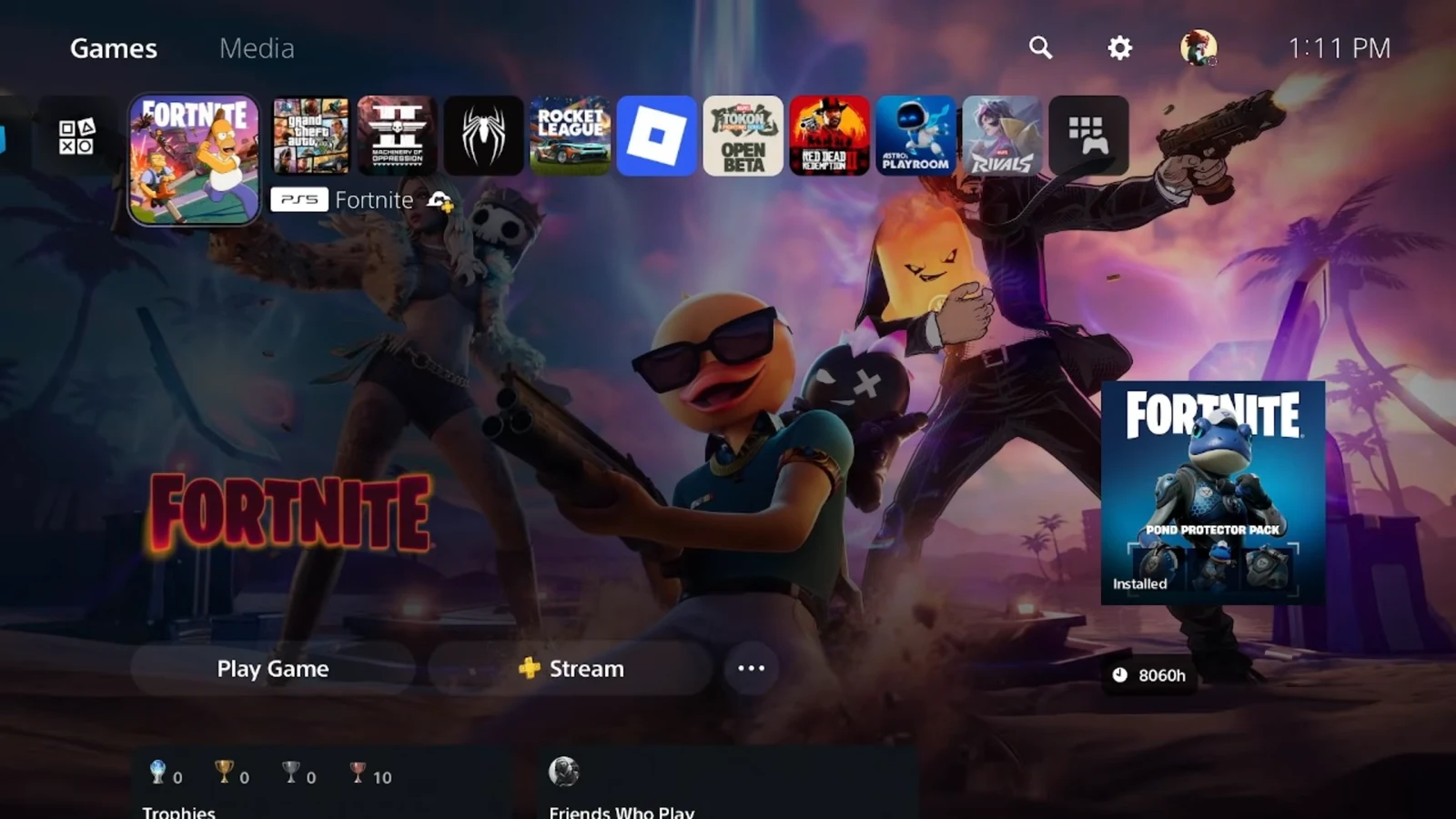
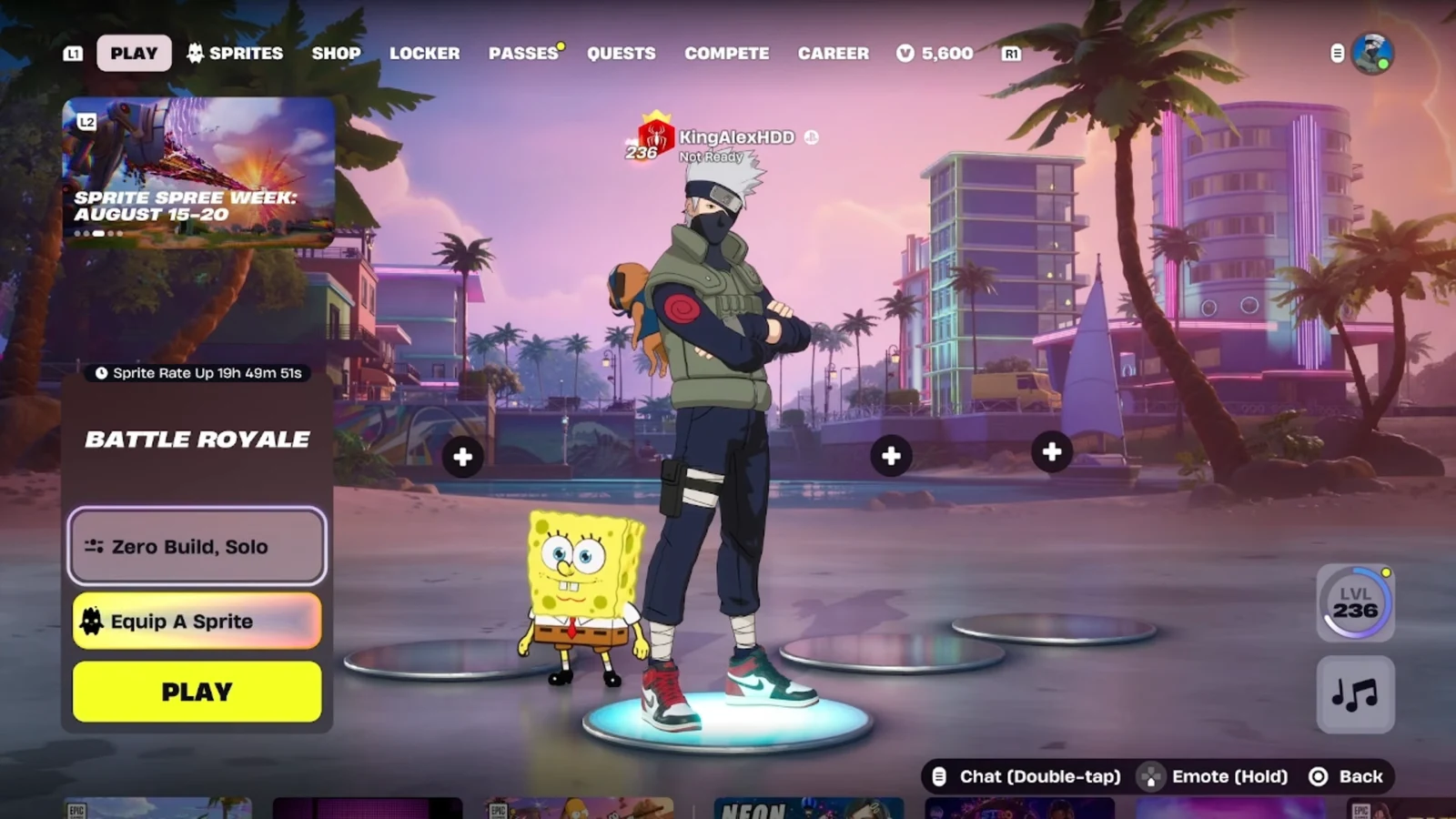
You will know it worked when Spyro shows up in your Locker after purchase and appears next to your character once equipped. If you were expecting a free version, there isn’t one. Spyro is a paid Item Shop companion, unlike the free Sidekicks tied to seasonal quests.
What the Spyro Sidekick does in a match
A Sidekick is a small companion that stays close to your character as you move around the island. Spyro reacts to what happens around you during play, which is the main thing that sets Sidekicks apart from Back Blings and other static cosmetics.
He is purely cosmetic and gives no gameplay advantage. Spyro cannot take damage and does not affect your performance. Enemies cannot see your Sidekick during a match, though your teammates can. Sidekicks work in Battle Royale, LEGO Fortnite, and Fortnite Festival.
Unlocking extra Spyro styles
Spyro is not limited to a single look. The collaboration includes additional unlockable styles, including a version based on his A Realm Beyond appearance and a blue color scheme edit style. The base design draws from his modern Spyro Reignited Trilogy remaster look.
Extra Sidekick styles and cosmetics are tied to Sidekick Quests, which you find at the bottom of the Quests tab under the Sidekicks section. Completing them unlocks more customization for your companion and your Locker.
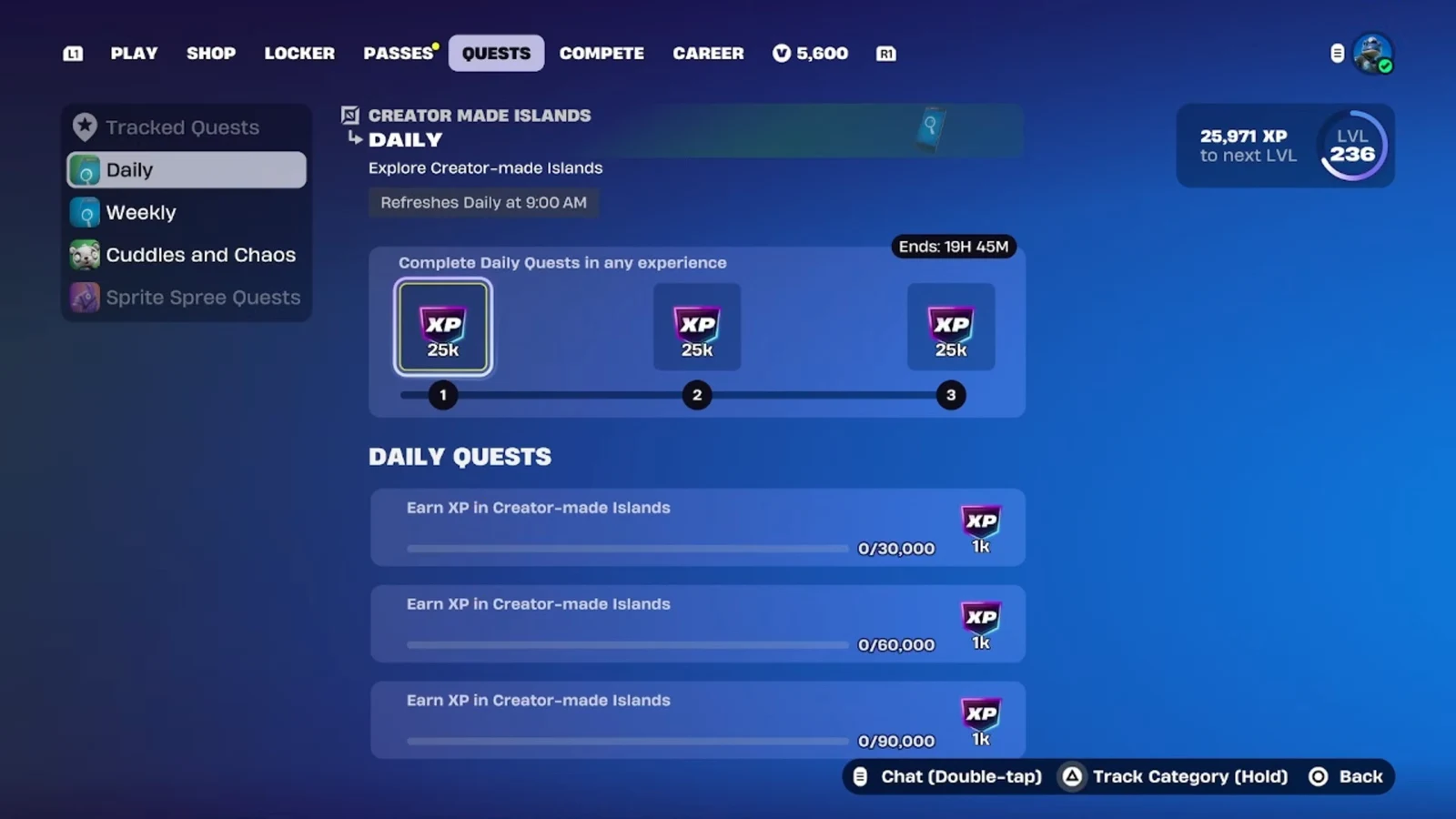
Many of these goals ask you to earn XP with your Sidekick beside you. You gain that XP by surviving storm circles, completing accolades, and getting eliminations in Battle Royale, or by playing LEGO Fortnite and Festival. Creator-made islands in the Discover menu are another reliable place to farm XP.
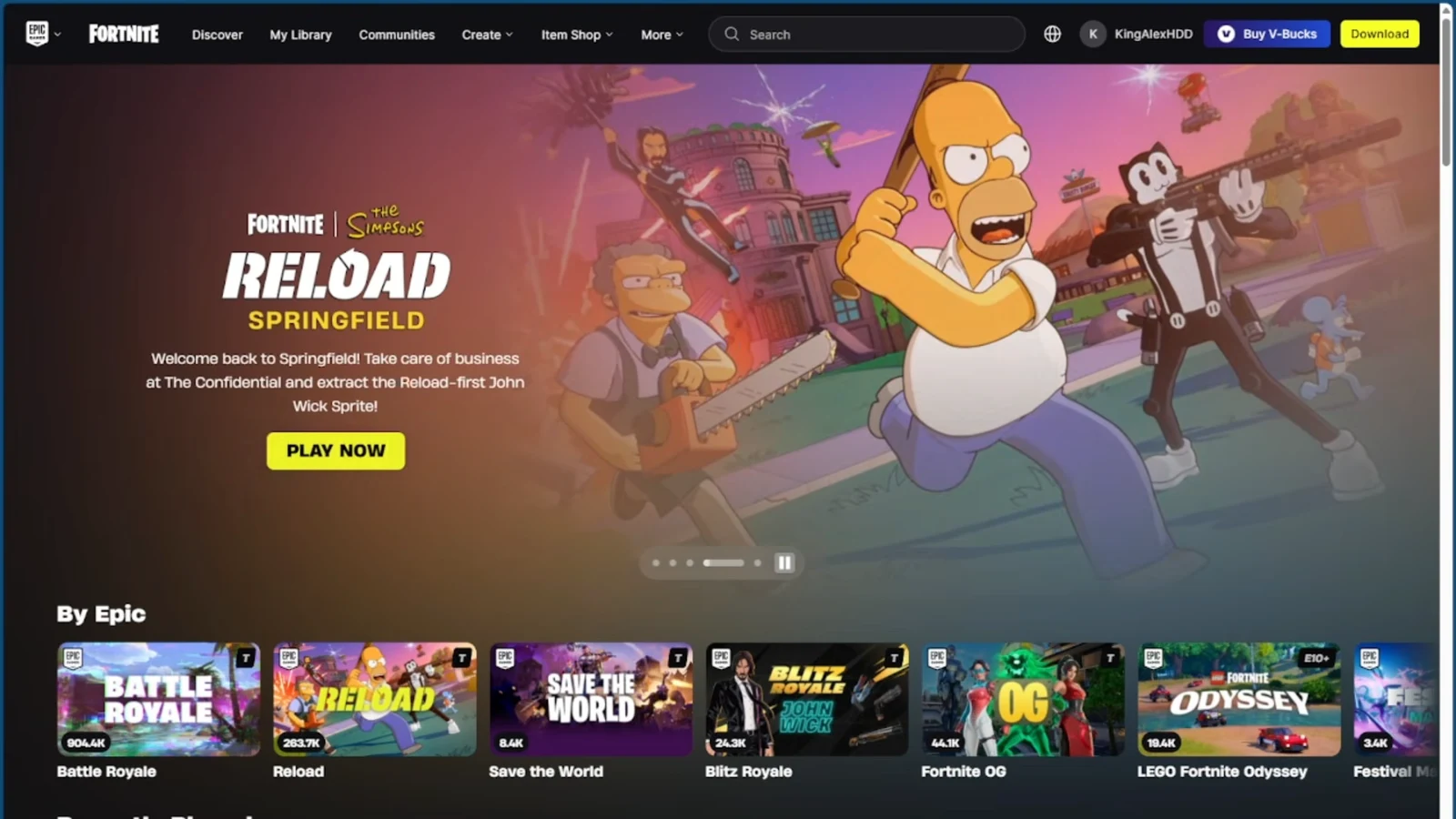
Open Discover, pick an island that grants XP, and load in with Spyro equipped so your progress counts toward the reward goals.
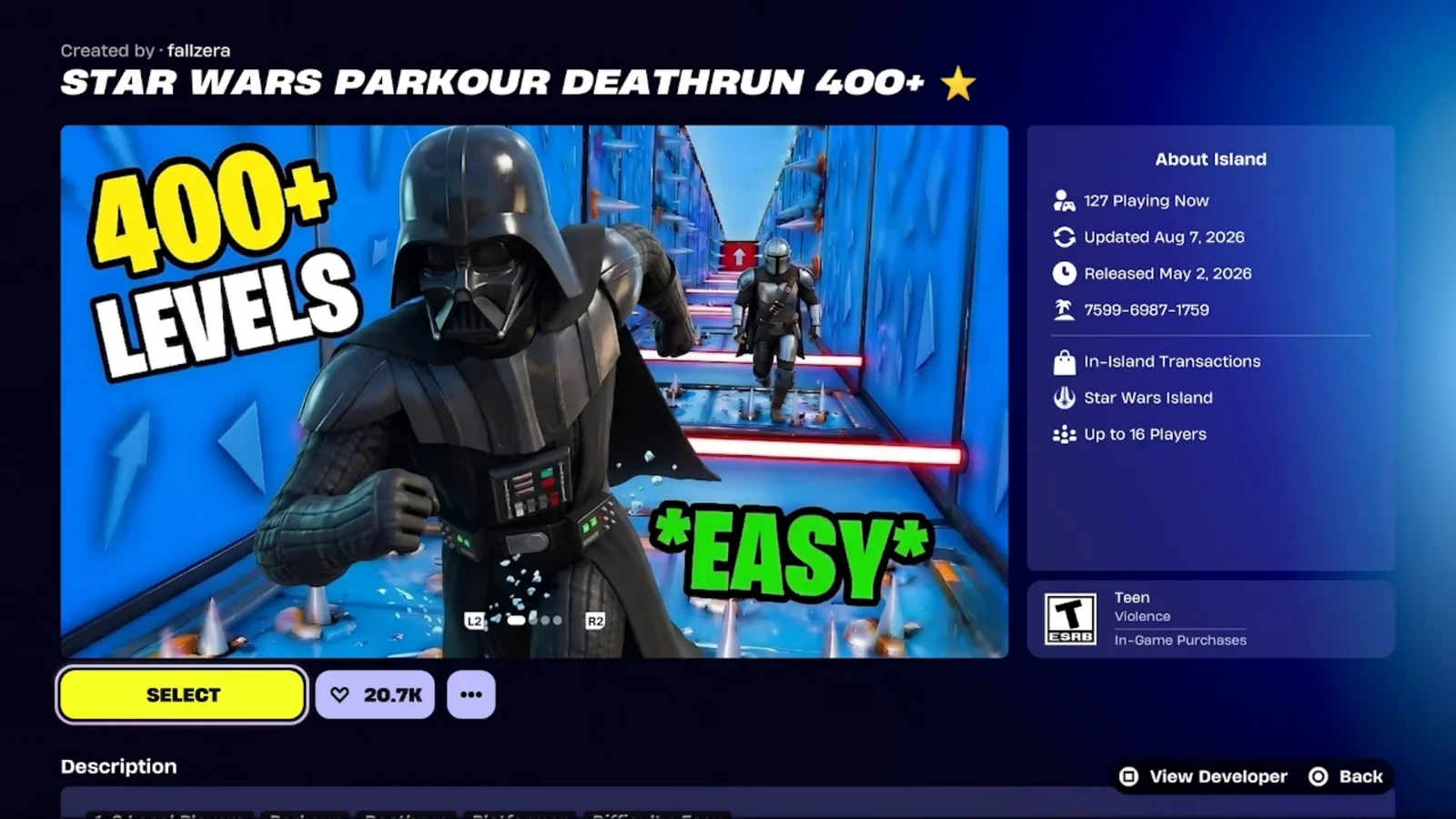
Once the island loads, keep playing to build XP over multiple runs until the quest reward unlocks.
As a Sidekick, Spyro fits Fortnite better than a full outfit would. His smaller frame lets him run alongside you without dominating the screen, and the extra styles give returning fans a reason to keep him equipped long after the Override crossover wraps up.